
UOBDII Official Blog

Auto Diagnosis, Key Programming, OBD Software Download

  • Home
  • Review
    • Top 5 BMW G-Chassis BDC2 Module Key Add Tools Review
    • Top 5 All-in-one Car Key Programming and Diagnostic Tool Review
    • LAUNCH X431 PAD VII Review
    • Launch X-Prog 3 Review
    • Best GM Diagnostic Tool Reviews
    • Autel Key Programmer Review
    • Best Key Programmer Review
    • Best BMW Key Programmer to Buy 2026
    • Best BMW Code Scanner Reviews + Comparison
    • Best Selling Launch X431 OBD2 Diagnsotic Scanners Reviews
    • Best picks of Key cloners and universal remotes
    • Top 5 Chrysler Diagnostic Tool
    • Best Eeprom Programmer Reviews
    • What do you think is the best OBD2 code reader?
    • Autel MaxiDas DS808 or Autel Maxicheck MX808 (Review/Comparsion)
    • VXDIAG VCX NANO GM/Opel Review
    • Launch X431 Pro Mini Review
  • Software
    • ECUDesk Software
    • Magic Motorsport Flex
    • XirDecoder
    • XRemover Software
    • Alientech Kess3
  • Update
    • OBD2 Software Update Info
    • Autel Software Update Subscription Guide
    • Launch X431 Software Update Subscription Instructions
    • Lonsdor Update and License Service Instructions
    • Autel Update Service
    • Launch Update Service
    • Lonsdor K518 Update Service
    • OBDSTAR X300DP PLUS Update Service
  • K518Pro
  • Autel
  • Obdstar
  • Launch
  • Xhorse
  • Shop
  • CGDI BMW BDC2 BDC3 U-Classis/BCP Key Read/Write Fixture
  • EoneBoss NK001
  • keydiy kd-x4

JLR Mangoose Cable

Problem description: When install JLR Mangoose SDD diagnostic software for Jaguar and Land rover on windows XP laptop, the program runs well, but unable to read Jaguar or Land rover vehicle VIN. SDD "Manual VIN read" failed either. The Mangoose cable can be detected by computer because the green indicator light flashes. But when loaded SDD both green and red indicator flashed. Try to install on different clean (none-anti-virus software) XP laptop, all fail to read VIN. Solution (offered by one of the JLR SDD users): 1. Uninstall the previous JLR SDD drivers on the computer. 2. Download the new drivers from the Drewtech website (only fits for 32bit system) and update the firmware on the Mangoose. 3. Install the new downloaded driver and connect the Mangoose cable with vehicle. 4. SDD will be able to recognize vehicle VIN 5. If the method fails, perhaps your vehicle model is not supported by JLR SDD diagnostic software. If you want to know more about this Jaguar and Land rover diagnostic cable & software, you can visit here: http://www.uobdii.com/wholesale/jlr-mongoose-for-jaguar-and-land-rover.html

How to solve JLR Mangoose SDD Problem “cannot read VIN”

October 15, 2016 uobdii 0

When install JLR Mangoose SDD diagnostic software for Jaguar and Land rover on windows XP laptop, the program runs well, but unable to read Jaguar or Land rover…

JLR-SDD-v143 (3)

JLR Mangoose SDD cable can test DDM module?

July 11, 2016 uobdii 0

Today I installed SDD v135 and here it showed a blue bar ( only visible is you clicked beside manual or automatic ).

LR Defender positive terminal gets hot, how to fix it?

April 22, 2016 uobdii 0

The other day, while connecting my dual batteries, I noticed the positive terminal getting hot. I had no idea what could be the problem. I heard that a Land Rover …
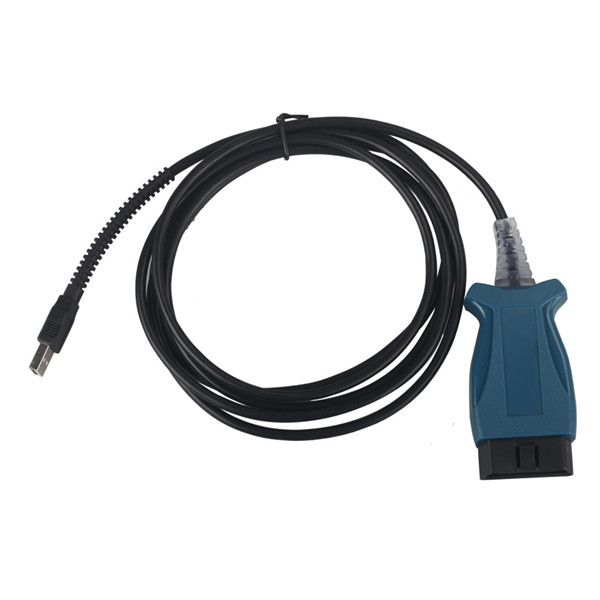
jlr-mangoose-for-jaguar-and-land-rover-1

Customer Experience with JLR Mangoose for Jaguar and Land Rover

March 15, 2016 uobdii 0

An increasing number of people buy and use JLR Mangoose for Jaguar and Land Rover from uobd2.net, why it is so hot? The answer is that many users speak very highly of JLR Mangoose. In the…
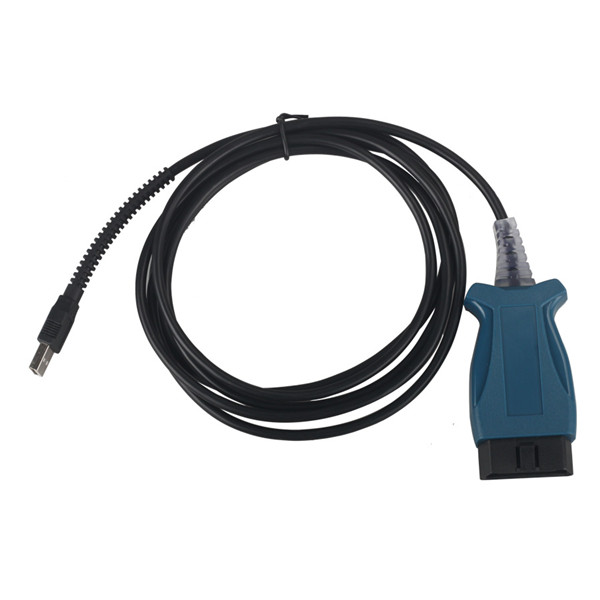
JLR Mangoose SDD V139 download and video tutorial

March 1, 2016 uobdii 0

SDD V139 comes with 3 DVD’s, the CD’s is 99% Executables (.EXE) but the patch was a .RAR file, so just to be ready you should go to http://www.rarlab.com/rar/wrar52b4….
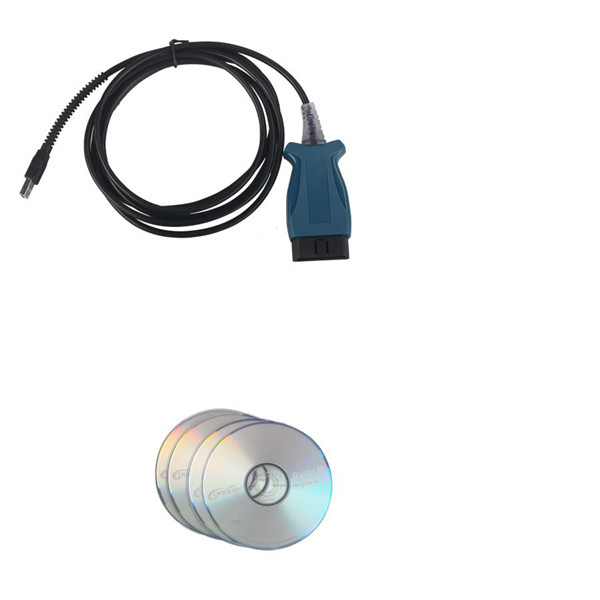
Rumors about JLR Mongoose SDD burned and use tips

December 23, 2015 uobdii 0

Rumor: Be advised these Mongoose clones are very unstable. I personally burned 2 and I’m on my 3rd. Positive comment: I’ve heard a few rumors […]

Search

About US

UOBDII.com is a reliable OBD2 tools Online Shop more than ten years, providing Car/Truck Diagnostic Tool, OBDII EOBD JOBD Scanner, ECU Chip Tunning,Auto Key Programmer/Locksmith Tool, Automotive Electrics and OBD Software Update Service. Authorized Dealer of Various OBD Brands including Autel, Launch, Xhorse, Xtool, OBDSTAR…

UOBD2 Official Youtube

UOBD2 Facebook

keydiy
obdstar
xhorse

Categories

  • Airbag Reset Tool
  • Auto Locksmith Tool
  • Automotive Electrical Testers
  • Car Battery tester
  • Car Diagnostic Software
  • Car Diagnostic Tool
  • Car Key Programmer
  • Car Keys
  • Chrysler diagnostic scanner
  • ECU Programmer/Chip Tuning Tool
  • EV Diagnostic Tools
  • Hot Car Accessories
  • Injector Cleaner & Tester Machine
  • Key Cutting Machine
  • Mileage Programmer
  • Motorcycle Diagnostic Tool
  • Motorcycle Key Programmer
  • OBD2 Cable
  • OBD2 Code Scanner
  • OBD2 Software Update
  • Oil Reset Tool
  • Programming & Coding
  • TPMS Tool
  • Truck Diagnostic Tool
  • Uncategorized
  • uobdii.com on sale
  • USB Inspection Camera

Recent Posts

  • VNCI 6154B vs VNCI 6154A
  • CGDI CG201 V034 Update: One-Click OBD Mileage Correction
  • How to Use CGDI BMW BDC2 BDC3 BCP Key Read/Write Fixture?
  • Toyota GEN3 R7F701216 Read Write Data by OBDSTAR G3/DC706
  • How to Read Nissan RH850 PIN Code via Dump by Autel IM608 with APB131
  • CG FC-200 V1.3.5.5 Update: Advanced DTC OFF Functions & Expanded ECU Coverage
  • CGDI CG100X Repair Audi A6 A7 A8 Rear Tailgate D70F3373 MCU Guide
  • CGDI K2 Unlock Toyota 4A Smart Keys Guide
  • 2026 Tool Comparison for VAG DQ38x_GEN2 2022+ (401 Loader)
  • FC-200 V1.3.5.4 Update: Expanded Support and Smarter Functions

Hot Tag

Keydiy KD-X4 VVDI2 Autel IM608 Pro Lonsdor K518
VVDI Prog Obdstar X300DP Plus
XTool X100 Pad2 Yanhua ACDP
hu66 decoder
micropod 2 vvdi mb tool
vvdi prog cgdi bmw
cgdi benz X431 V 2M2 Magic Tank
SVCI Xhorse Dolphin ODO Master

Contact US

Email: Sales@UOBDII.com
Skype: UOBD2.COM
Website:https://www.uobdii.com/
Whatsapp:+86-13995696053


Copyright © 2026 | WordPress Theme by MH Themes

error: Content is protected !!