




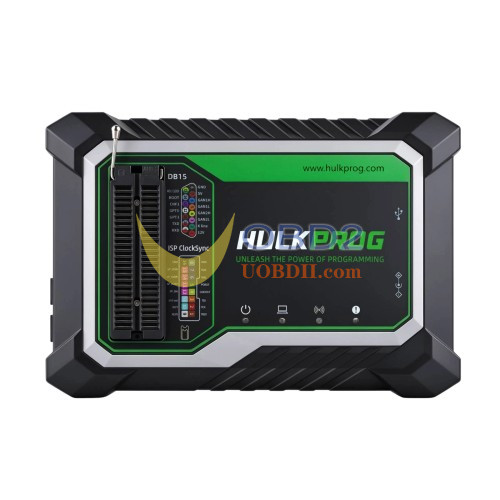
The HULKPROG PC software is free for HULKPROG owners. It lets you browse the chip catalogue, select vehicle modules, open wiring diagrams, and run read, write, and verify operations from your Windows PC. A genuine HULKPROG programmer is required because the hardware runs the programming algorithms while the PC software controls the workflow.
1. Download and extract the HULKPROG software
Download the zip and extract the whole archive to a simple folder, for example C:\HULKPROG. Keep the folder structure: the program needs the bin, connect, device202607, dll and drivers folders next to HulkProg.exe.
2. Install the FTDI USB driver
If the FTDI USB driver is already installed on your PC, skip to Step 3. Otherwise, run driver\CDM212364_Setup.exe from the extracted package and follow the installer prompts. You can also access the driver installation option from the software’s Help menu.
3. Connect the programmer and launch HULKPROG
Connect the box by USB and double-click Start HULKPROG.exe: it fetches the latest chips and modules from hulkprog.com in a few seconds, then opens the software (no internet: it opens right away). Wiring diagrams open on wiring.hulkprog.com.
The software only works with a genuine HULKPROG programmer: every programming algorithm runs inside the box, the PC application is the control panel.
