
EoneBoss ED01 is a specialized key copying tool designed for 2018+ Jaguar Land Rover (JLR) vehicles and selected Toyota 4A smart key systems. It allows auto locksmiths to perform direct NXP chip cloning and generate replacement smart keys with full Ultra-Wideband (UWB) keyless entry functions without disassembling vehicle modules.
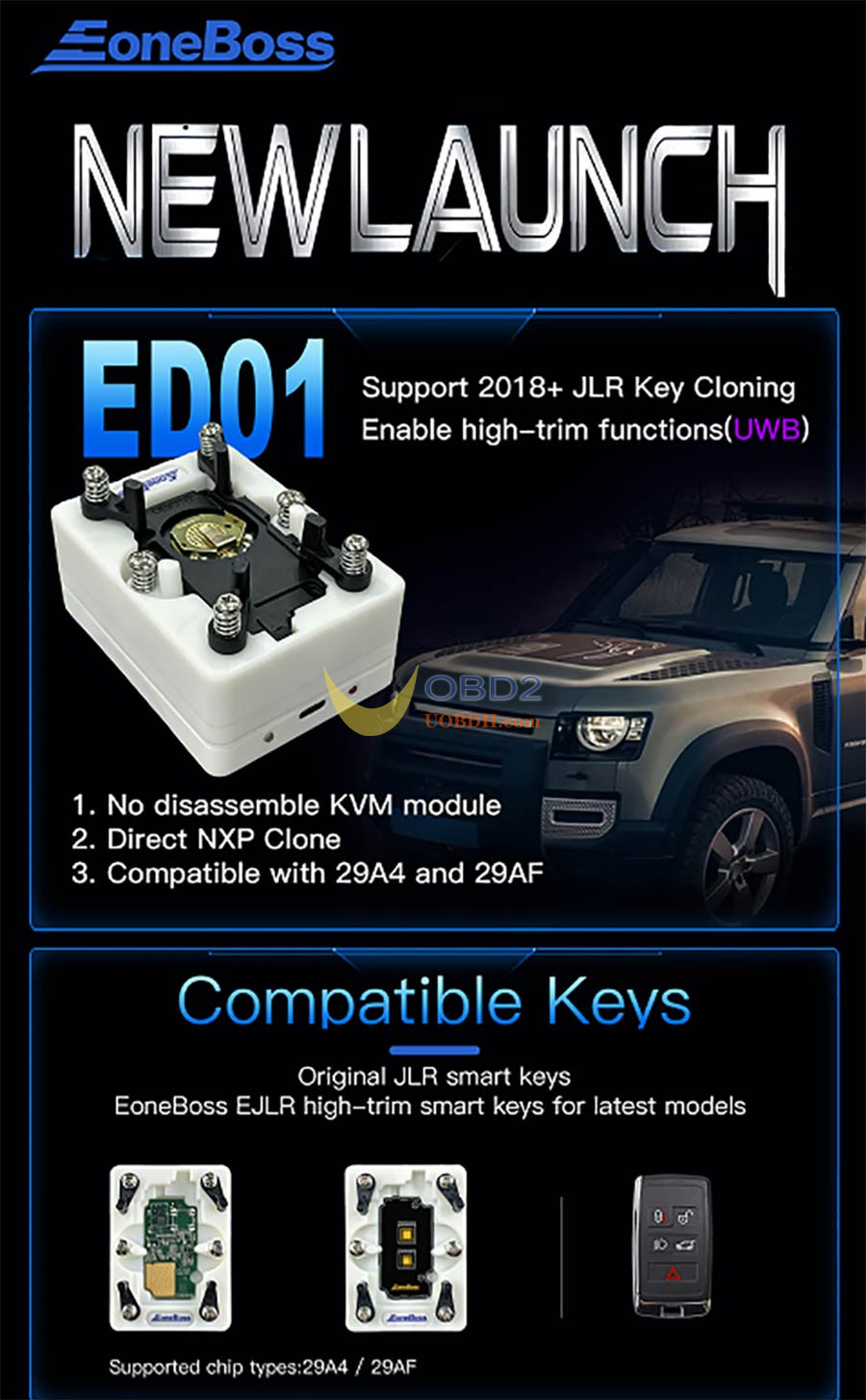
Key Product Features & Core Advantages
- No KVM Disassembly:Clones working keys directly on bench without removing or opening the KVM (RFA) module.
- No Module Replacement or Online Programming:Eliminates the need for dealer online coding or buying new unlocked RFA modules.
- Direct NXP Chip Cloning:Compatible with 29A4 and 29AF chip architectures.
- No Synchronization Issues:Prevents rolling code tracking, out-of-sync remotes, or code-de-synchronization errors.
- Key Position Allocation:Reads data from an existing working key and assigns the new key to a lost key’s position and ID, preventing duplicate ID conflicts.
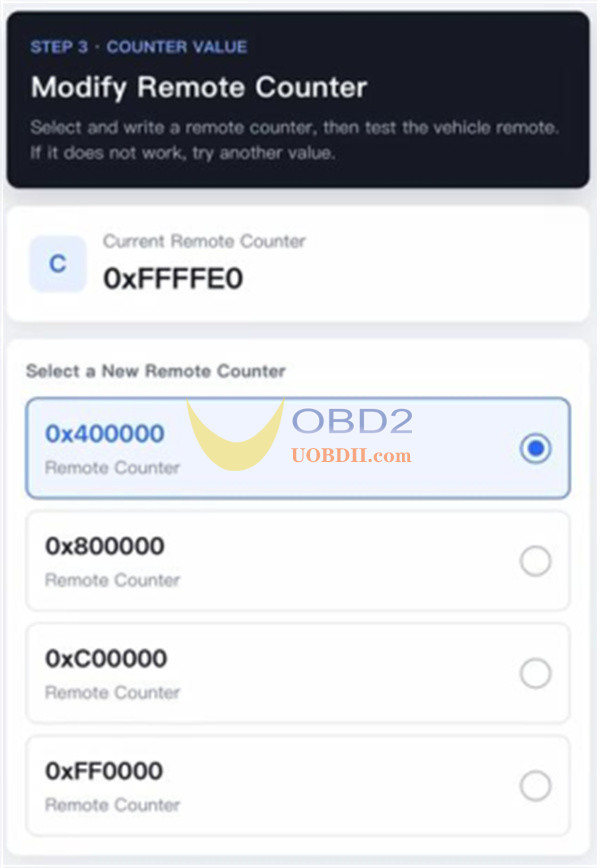
- Remote Counter Adjustment:Allows direct modification of the remote counter to align key frequencies if remote functions fail after cloning (also supports OEM keys post-cloning).
- Magnetic Adapter Design:Ensures fast hardware connection and easy chip alignment during operations.
Compatibility Specifications
Compatible JLR Key Models (All Bluetooth Versions)
- ET-14 (4 Buttons)
- ET-14 (5 Buttons)
- ET-15
Expanded Toyota 4A Compatibility
Supports Toyota models (such as Camry, Avalon, and related platforms) equipped with:
- 4A Chip Variants:4A-AA, 4A-BA, 4A-B6
- Supported Board Numbers:0110, 2561
How to use EoneBoss ED01 JLR Smart Key Data Copying Tool?
1.Power Supply: 5V via USB cable (compatible with PC USB ports, phone chargers, or power banks).
- Power On: Connect the USB power cable
- Power Off: Disconnect the USB power cable
2.LED Status Lights:
- Red Light:Data communication indicator.
- Blue Light:Bluetooth connection status.
Step-by-Step JLR Smart Key Data Copying Guide
Step 1: Download EoneBoss App
Before operation, download EoneBoss App on your mobile by scanning the QR code below.

Step 2: Connect ED-01
- Connect the USB cable directly to power on the device. Ensure your phone’s Bluetooth is enabled.
- Open the EoneBoss App and navigate to the corresponding function interface. Follow the on-screen instructions to complete the setup.
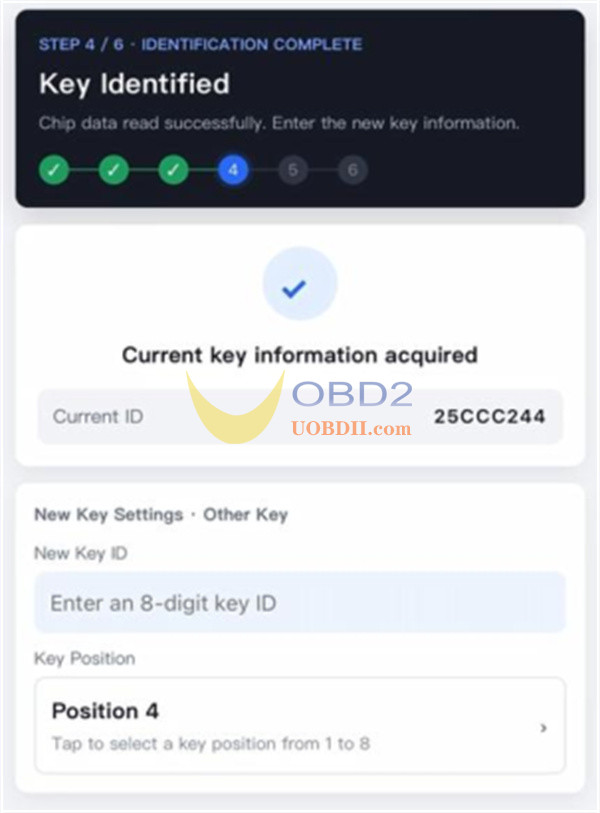
Step 3: Record Key ID & Position
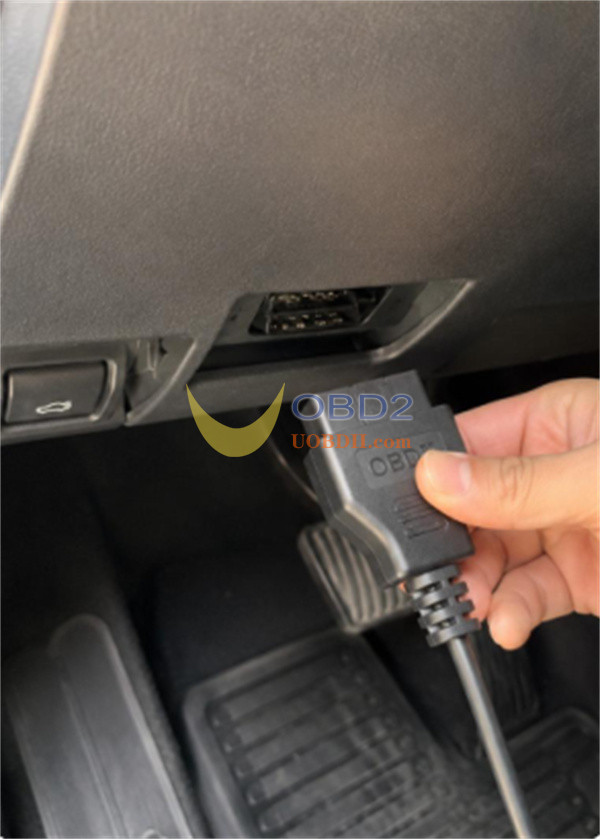
Use an OBD diagnostic tool to read and record the lost or unusable original key’s Key ID and Key Position from the vehicle.
Step 4: Mount the PCB on DP-01 Adapter
Open the working original key shell and place the PCB onto the DP-01 adapter:
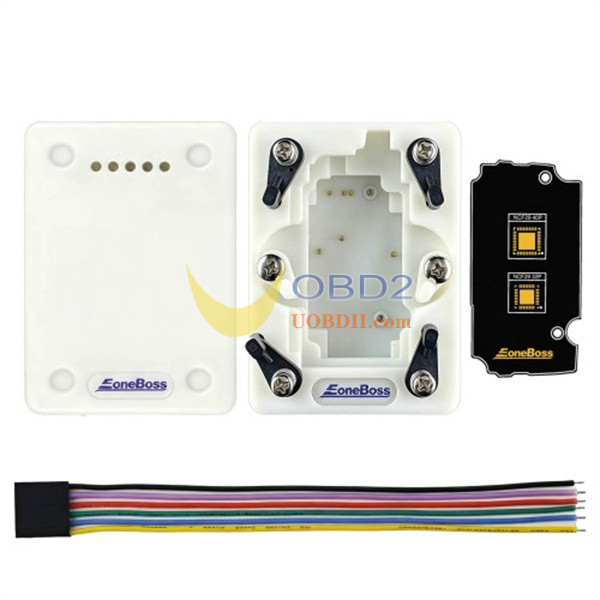
- NCF29A4 Chips:Direct pin-contact reading via the magnetic adapter.
- NCF29AF Chips:Desolder the NCF29AF chip from the key PCB and solder it onto the off-board reading adapter.
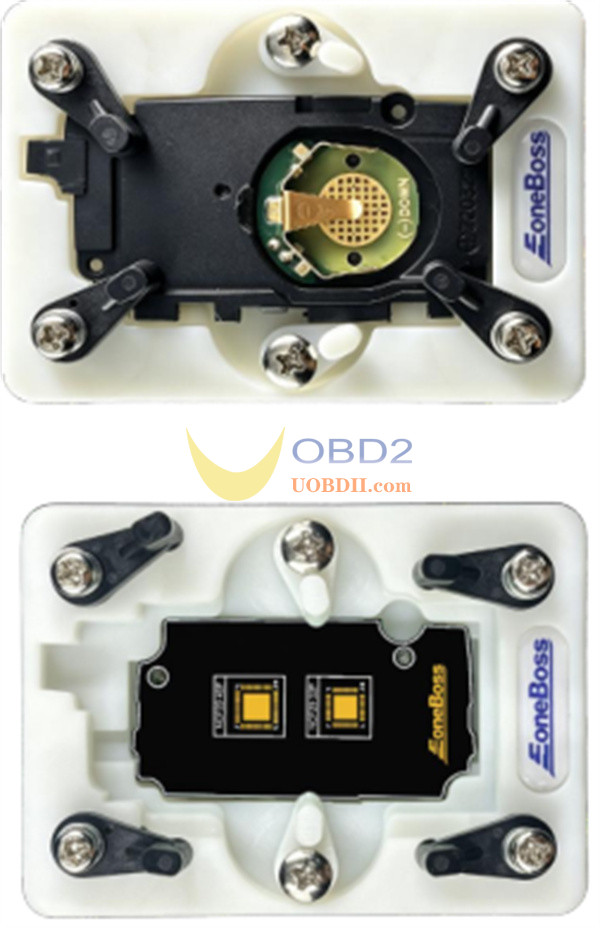
Step 5: Read & Process Key Data
Open the EoneBoss App, connect ED01 Tool via Bluetooth, and execute the NCF29A4/F data read. Input the Key ID and Key Position recorded in Step 1 into the app prompt.
Step 6: Write Data to the New Key
Write the processed original key data into a blank key. Compatible keys include OEM JLR smart keys and EoneBoss EJLR high-trim aftermarket smart keys.
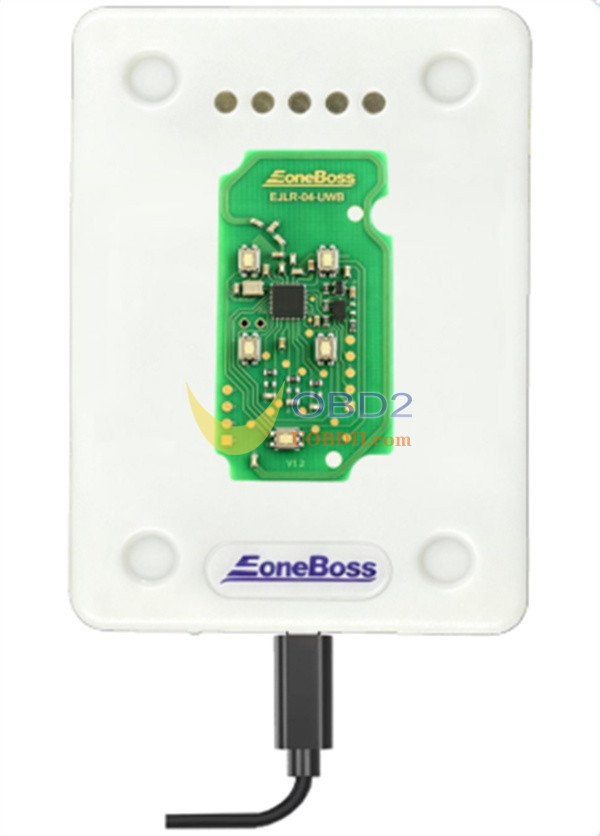
Step 7: Adjust Remote Counter (If Required)
If the remote lock/unlock buttons do not respond after writing, use the app’s Modify Remote Counter function to calibrate the counter with the vehicle.