
Keeping your TOPDON BT600/BT600 Plus battery tester updated helps you work faster and makes sharing battery test reports straightforward. Before getting started, check which cable your unit needs—models made after 2025 use a USB-C port instead of Mini-USB, so pick the matching cord. Also, if your computer does not detect the tool, unplug extra USB devices and leave only the BT600 plugged in to avoid port or driver conflicts.
Set Up the Windows Software First
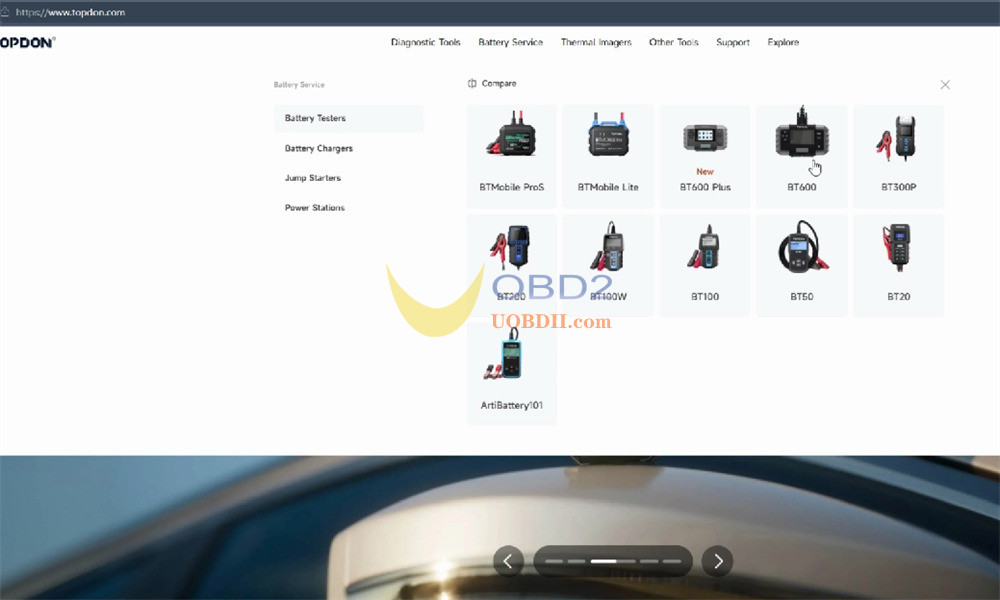
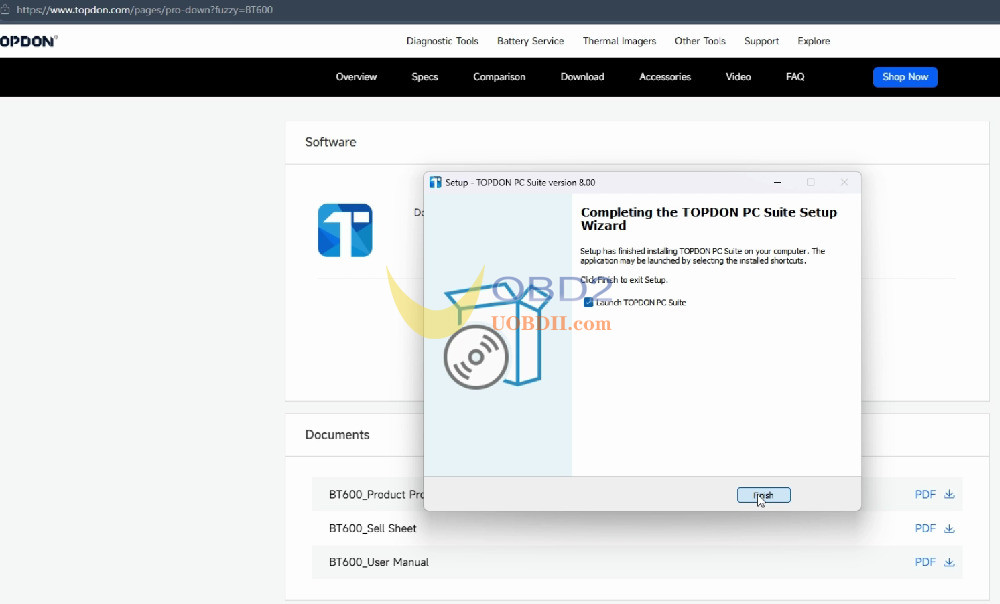
- Get the installer:Go to Topdon.com, open Battery Service > BT600 > Download, and click Download for Windows
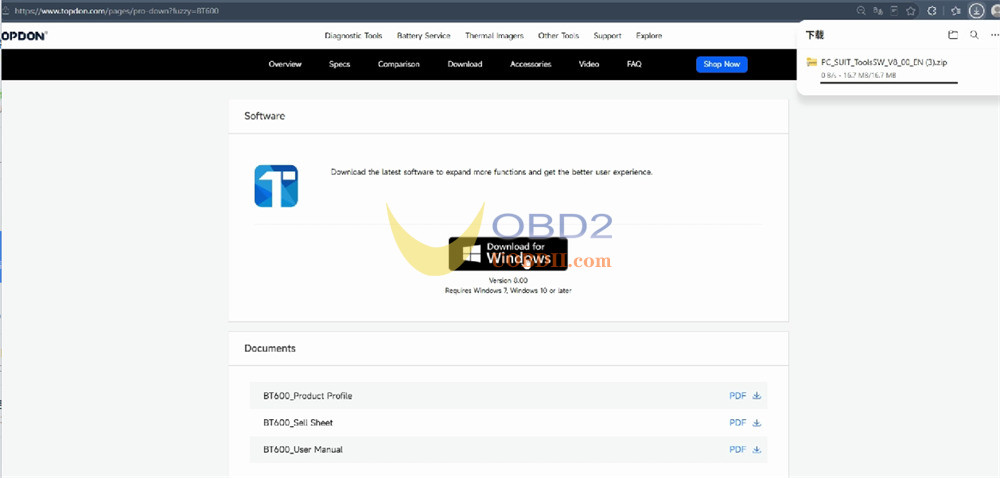
- Install the tool:Open the downloaded file to install the PC software directly
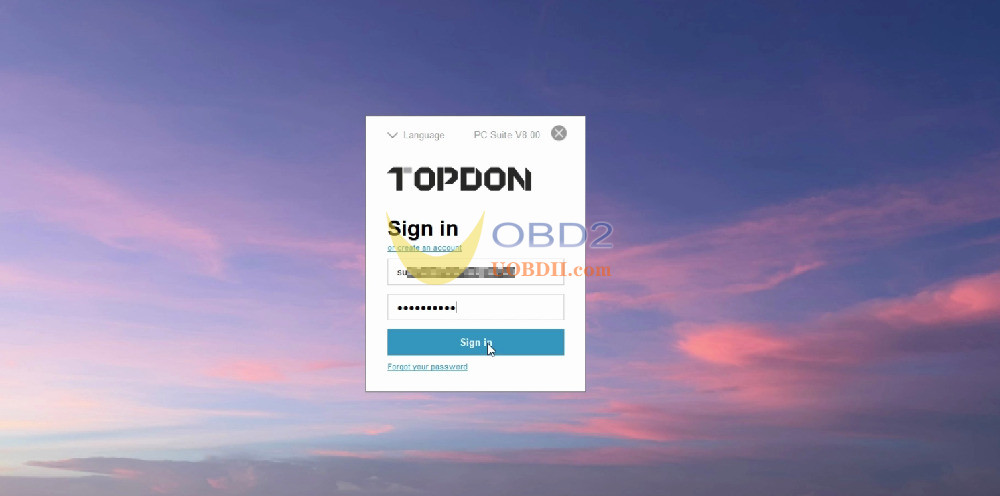
- Sign in:Start the program and log in with your registered official account
Connect, Bind, and Flash the Firmware
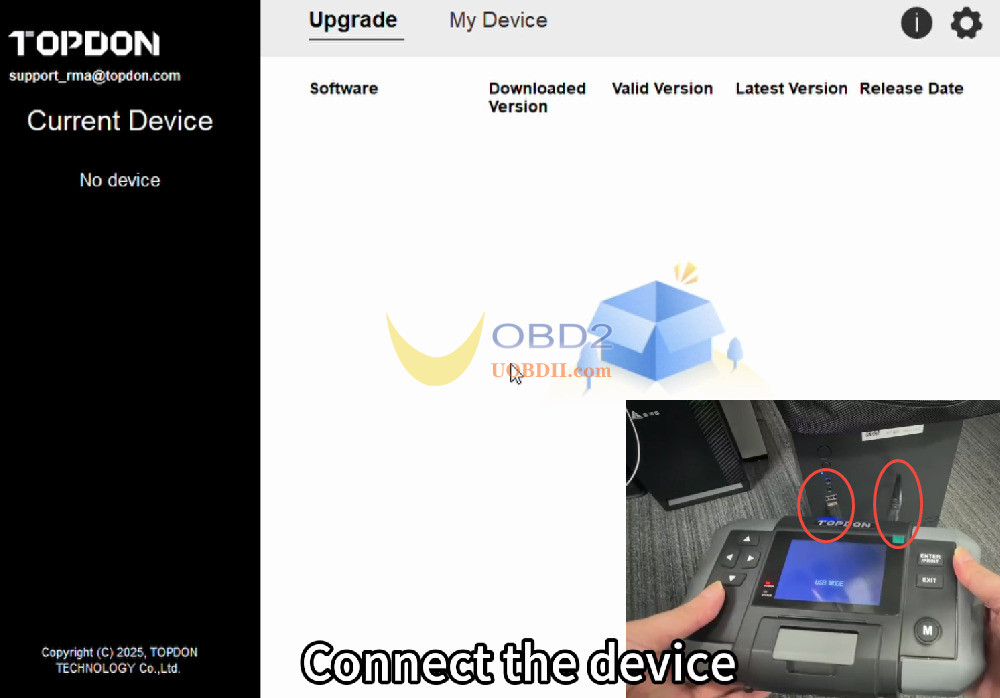
- Plug in the tester:Connect your BT600/BT600 Plus to the PC using a Mini-USB or USB-C data cable
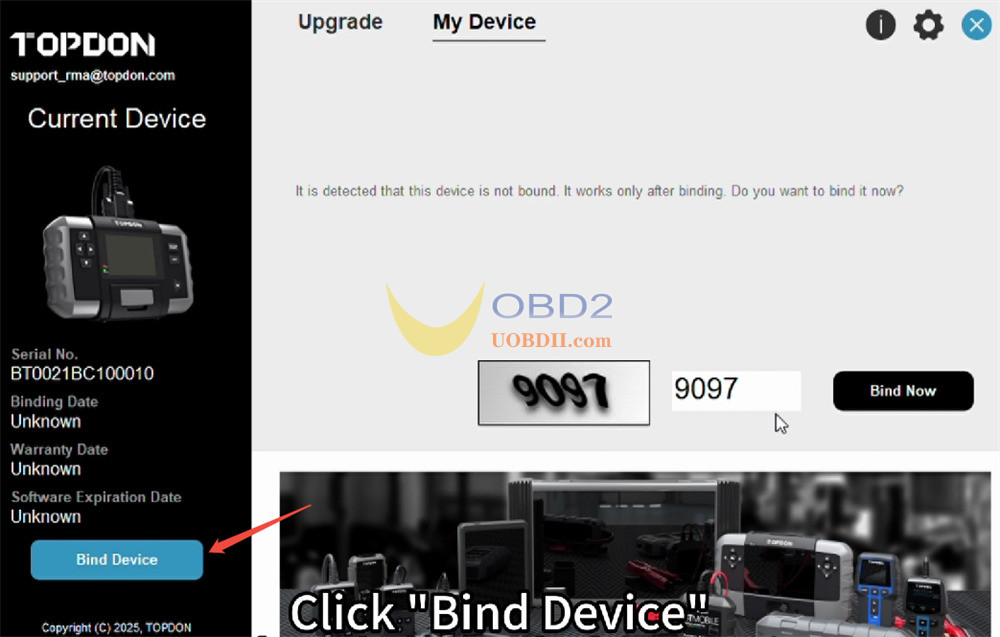
- Bind your device:Click Bind Device and enter the code to link the unit to your account
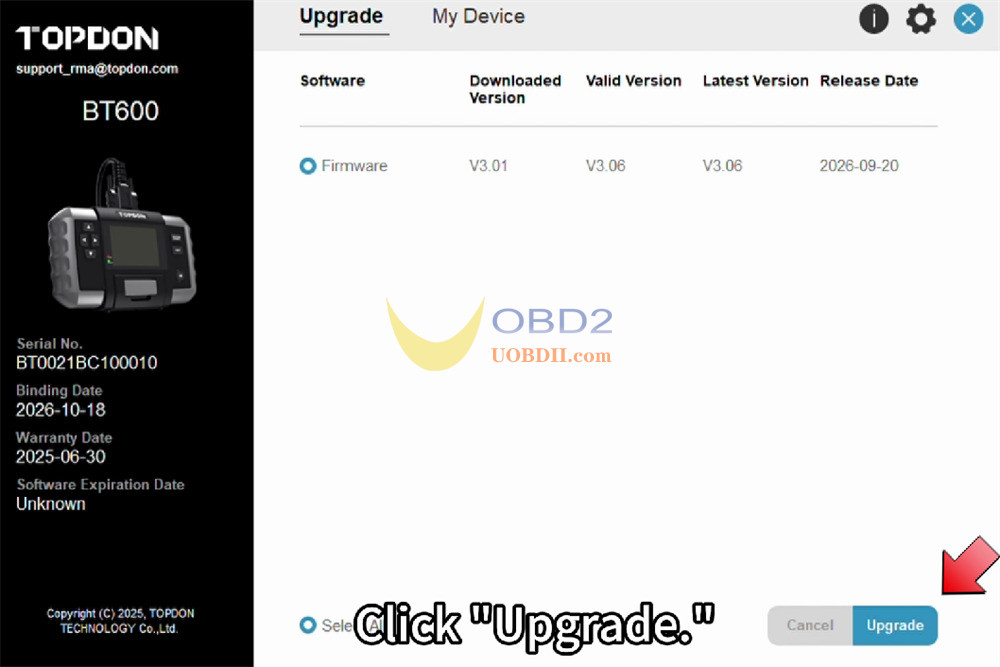
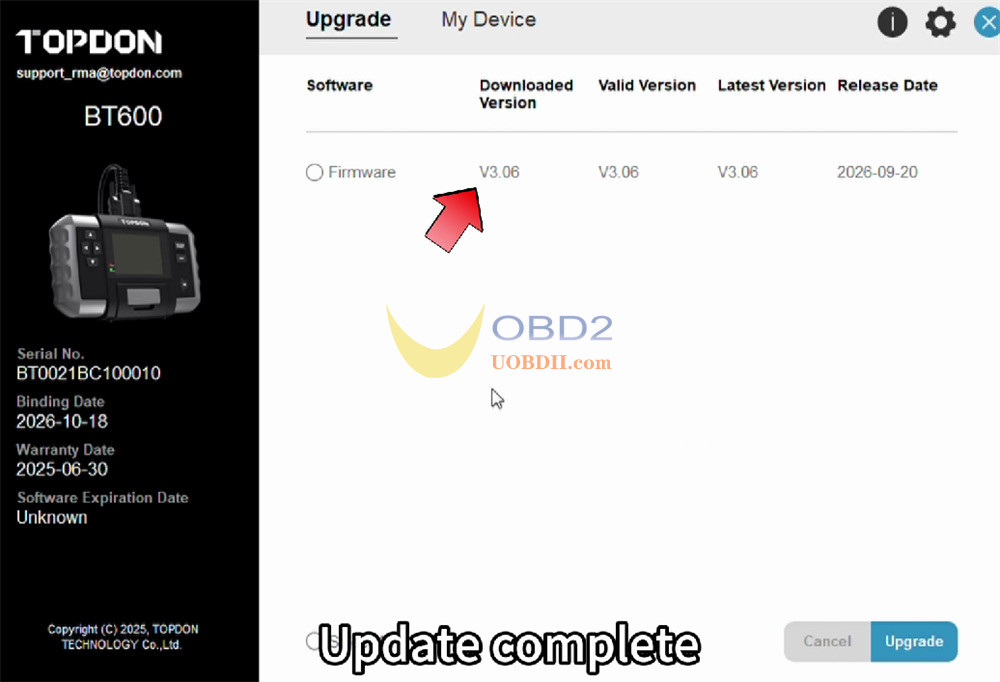
- Update and verify:Run the firmware update, then check the screen to confirm the current software and firmware versions
Run a Battery Check and Try QR Code Sharing
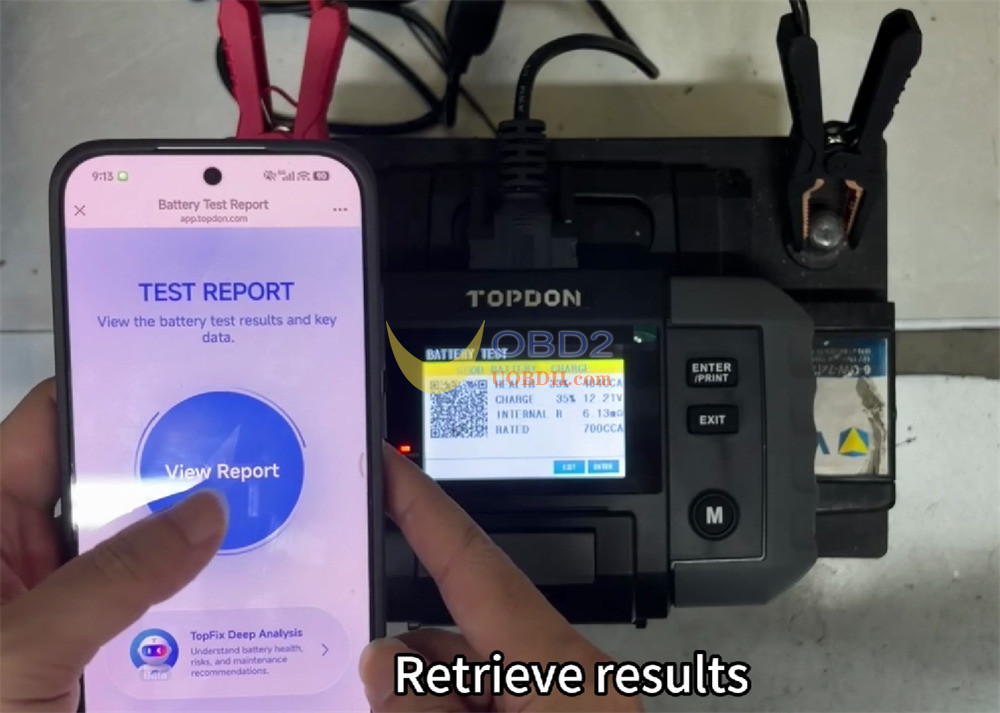
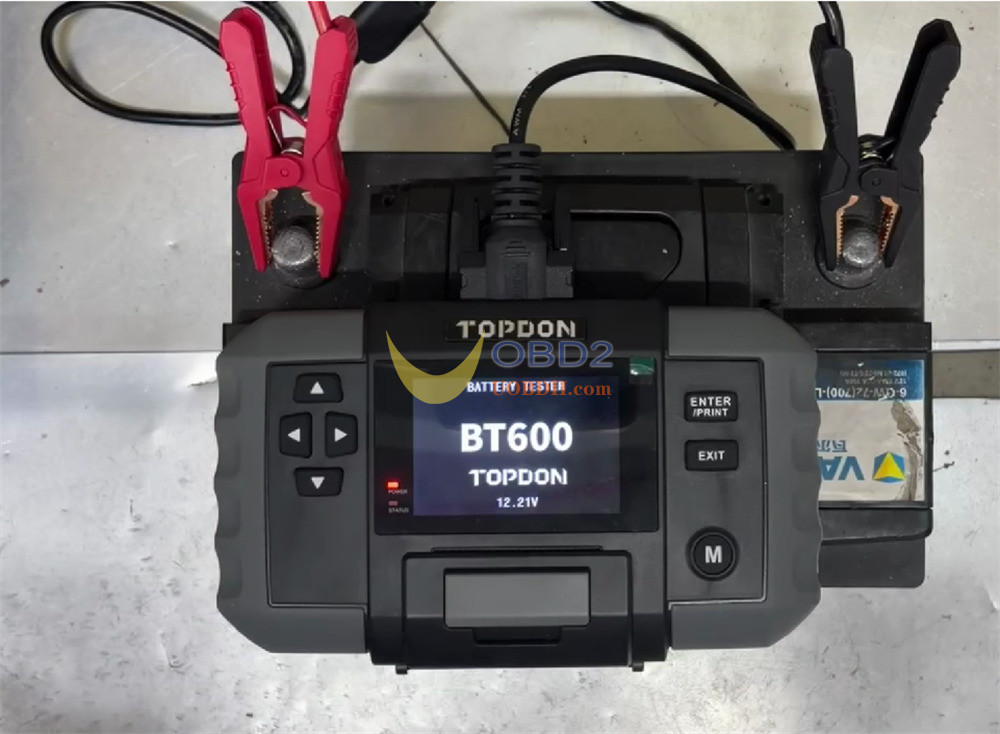
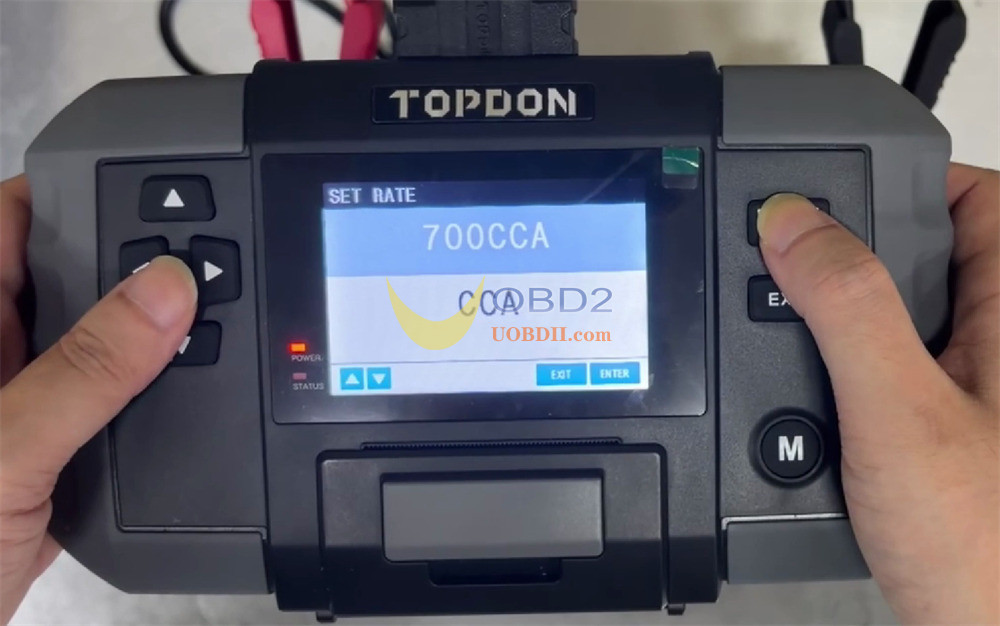
- Battery test demo:Follow the demonstration to perform a battery test
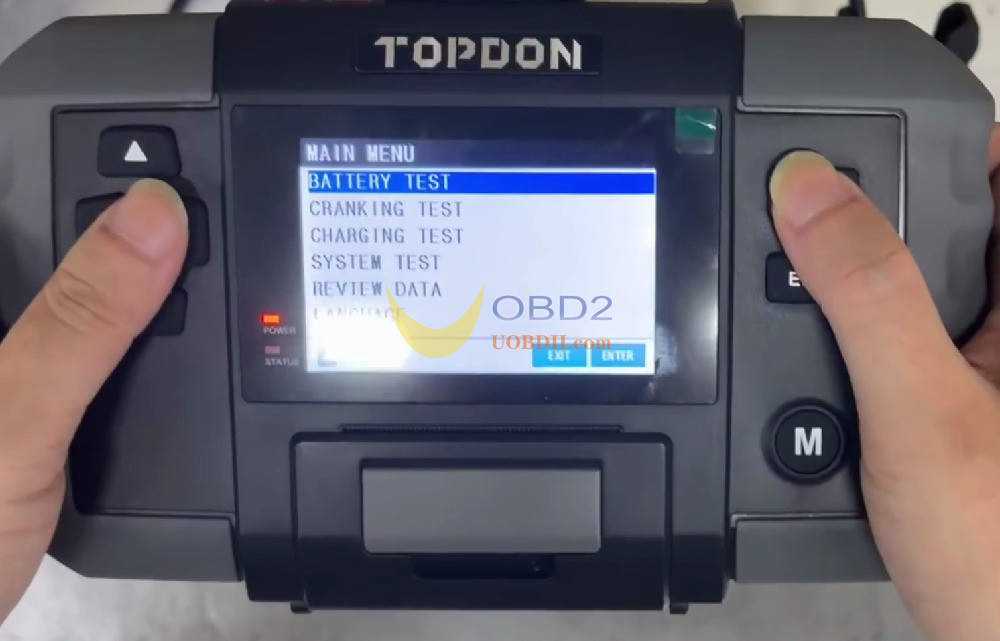
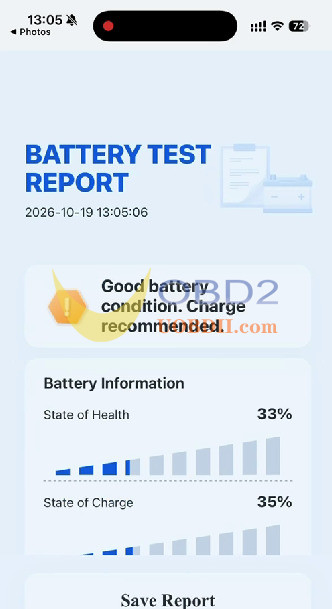
- QR code scan demo:Follow the demonstration to try the QR code scanning feature for report sharing