




CGDI CG201 Mileage Correction Programmer with EUROPE V1.24 now provides free-to-use, non-dismantling OBD mileage correction for 2016–2024 Audi (A3/A4/A5/A6/A7/Q5/Q7) Bosch instrument clusters. Technicians can service these modern vehicles entirely via the OBDII port, avoiding dashboard removal or chip desoldering. This article explains the new coverage and provides a general workflow reference.
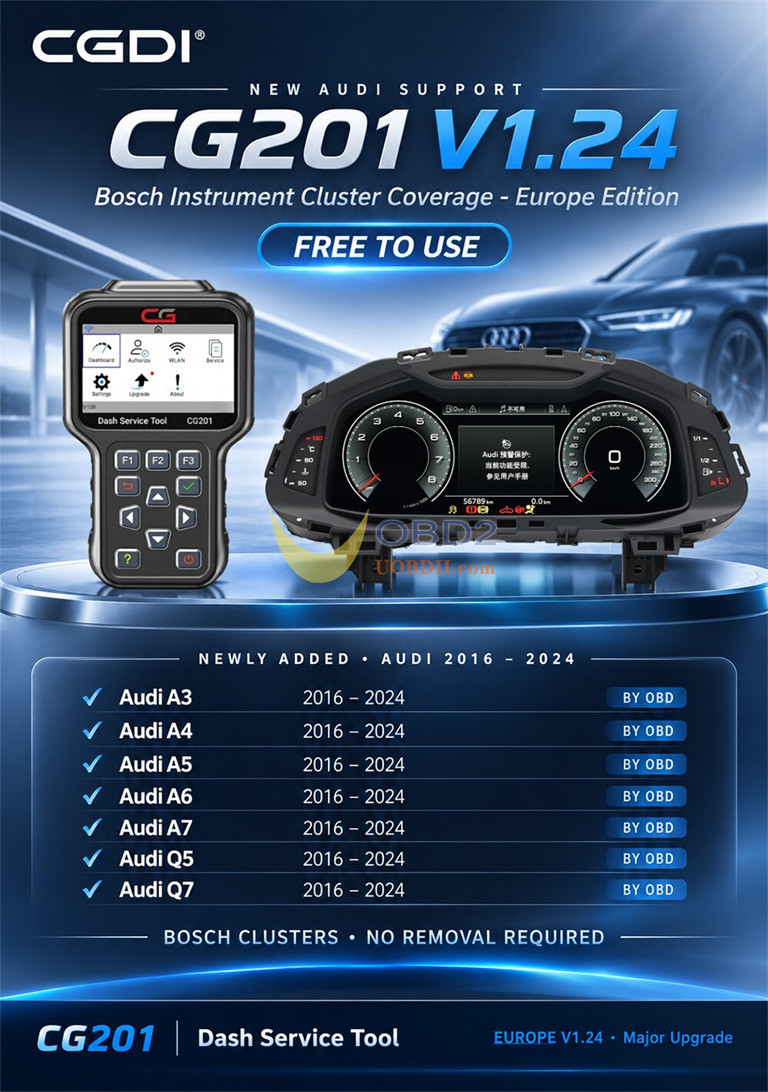
CGDI CG201: Your New Standard for Non-Dismantling Cluster Calibration
CGDI CG201 is a specialized programmer designed for fast and efficient instrument cluster calibration. It covers a vast array of vehicle brands, including German, American, French, and domestic models. The tool prioritizes non-dismantling procedures, allowing technicians to complete complex tasks without risking physical damage to the dashboard or its internal components.

How to Correct 2016–2024 Audi Mileage via OBD
The calibration process for the newly supported 2016–2024 Audi models follows a similar workflow as other VAG vehicles, such as the VW Vento with an NEC+35XX cluster.
The standard three-step procedure involves backing up original data, writing the new mileage, and verifying the result.
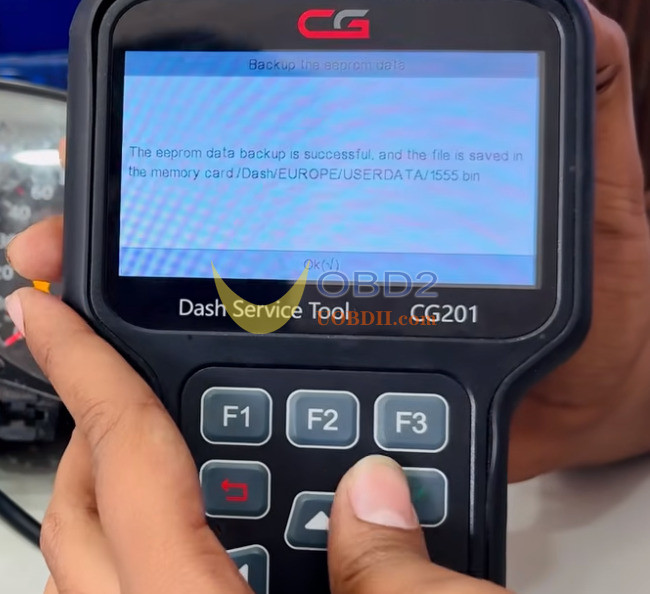
1. EEPROM Data Backup
Before making any changes, you must back up the original data to protect against potential interruptions.
Connect CGDI CG201 Programmer to the vehicle’s OBDII port
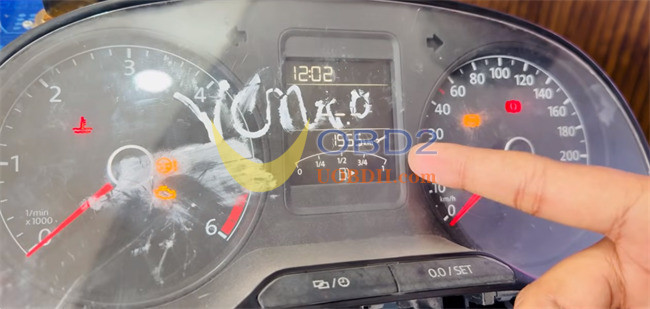
Note the original odometer reading (e.g., 1555 km)
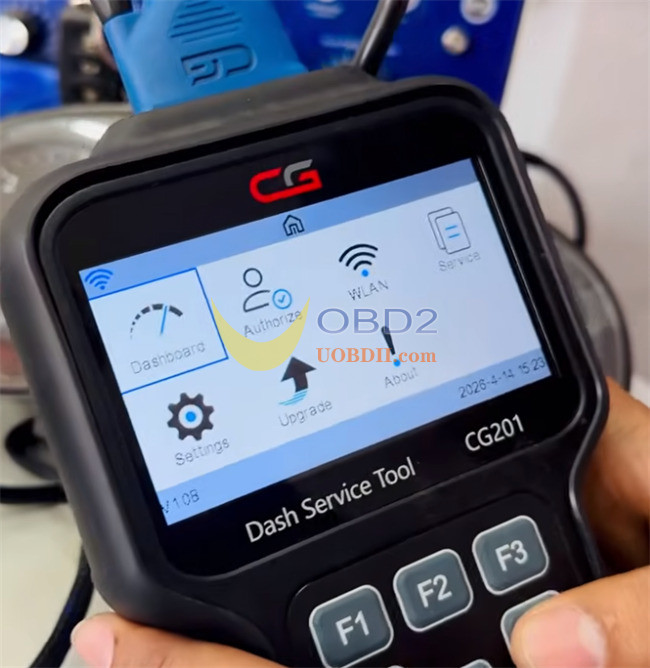
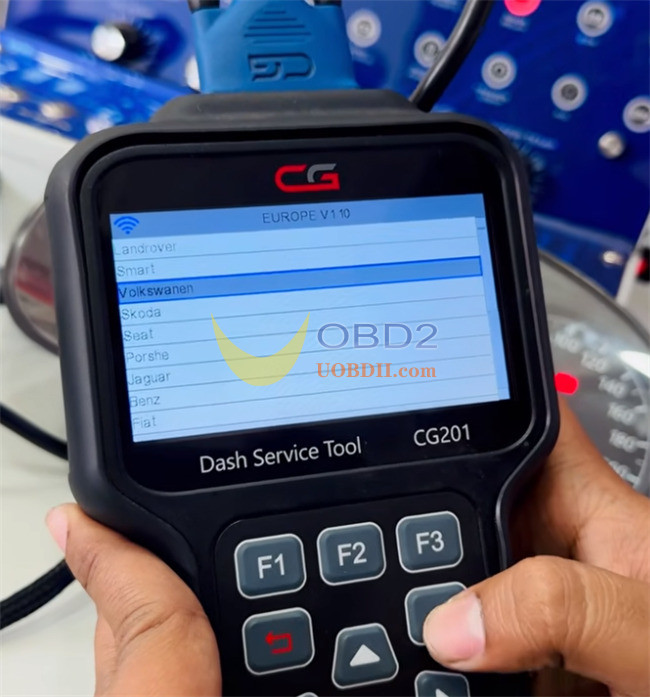
Navigate in the software menu: Dashboard -> EUROPE V1.10 -> Volkswagen -> By Type of instrument -> NEC+35XX -> Backup the eeprom data
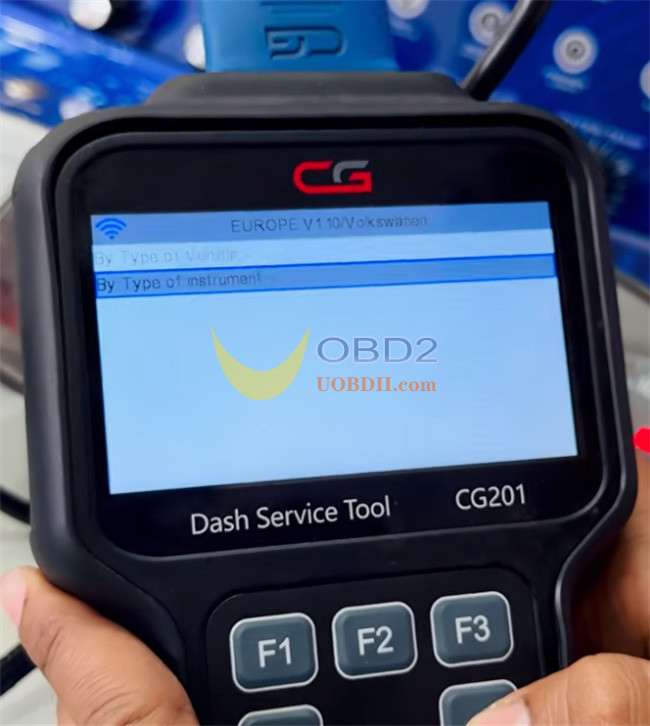
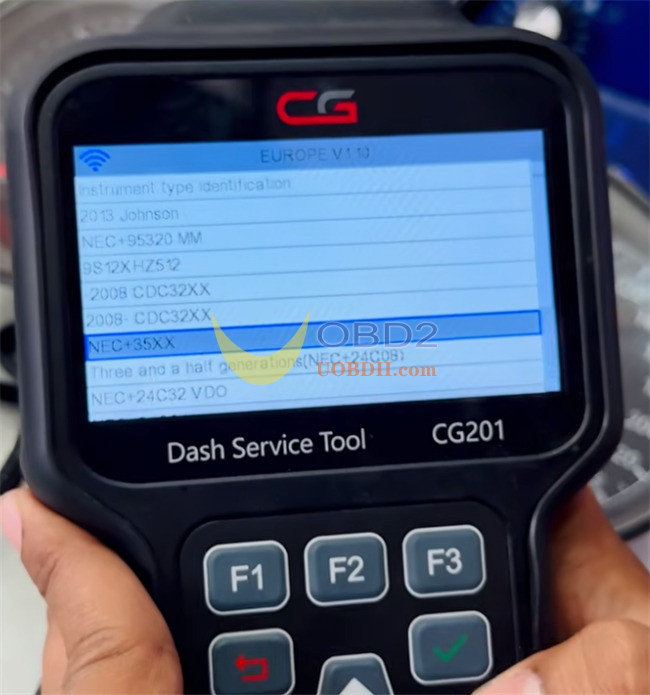
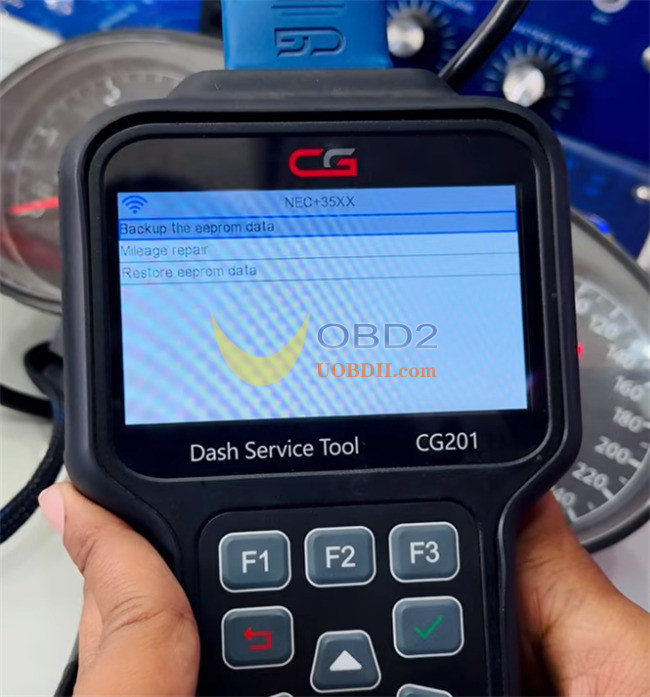
Enter a unique file name to save the backup and wait for the process to complete while the instrument cluster remains in a black screen state
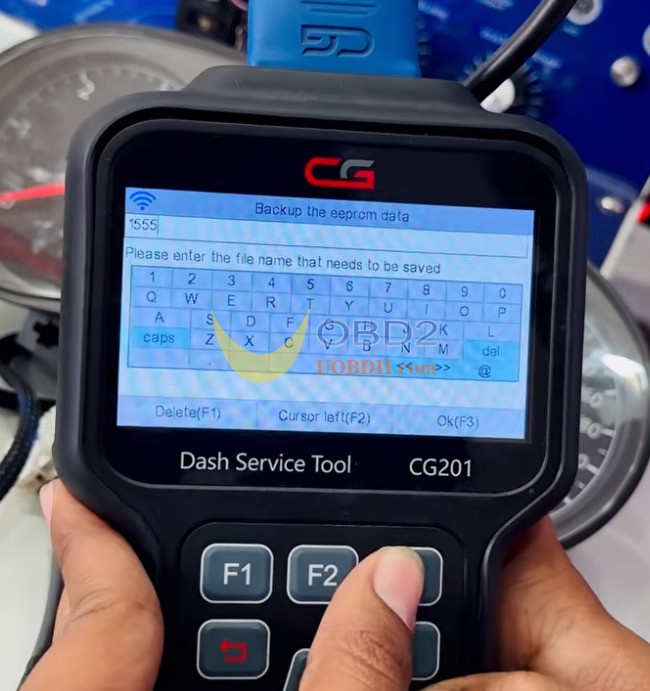
2.Mileage Repair
Once the backup is secure, you can write the desired mileage.
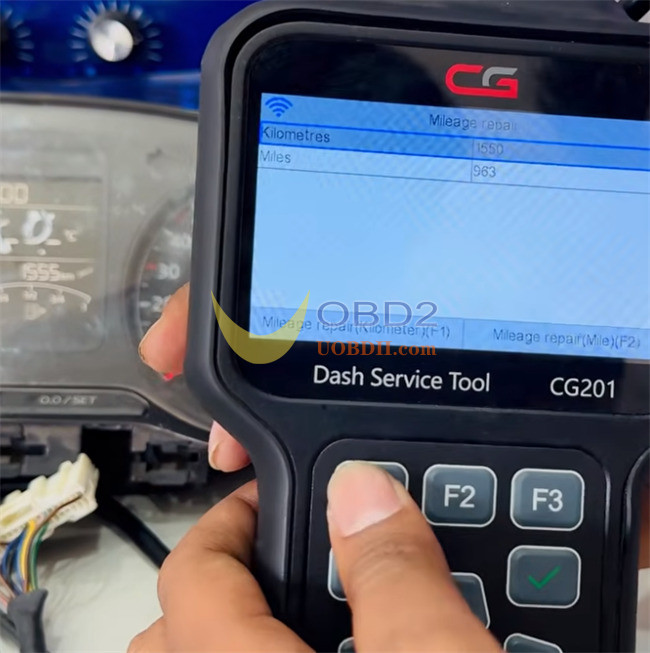
Select the Mileage repair option to read the current value.
Press F1 to enter the mileage repair interface
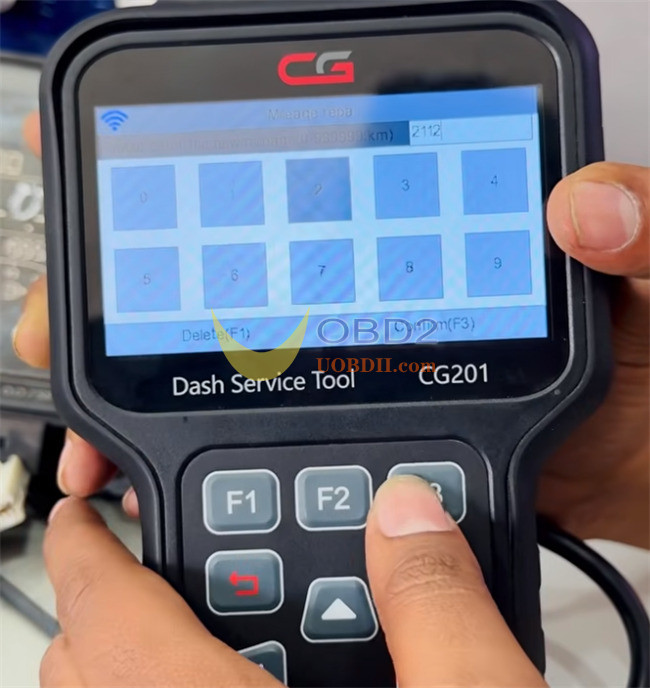
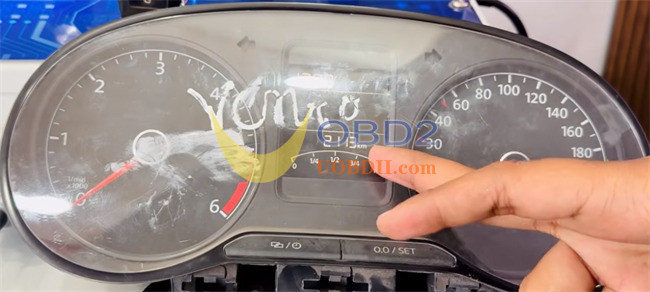
Input your target mileage (e.g., 2112) and press F3 to confirm the write operation.
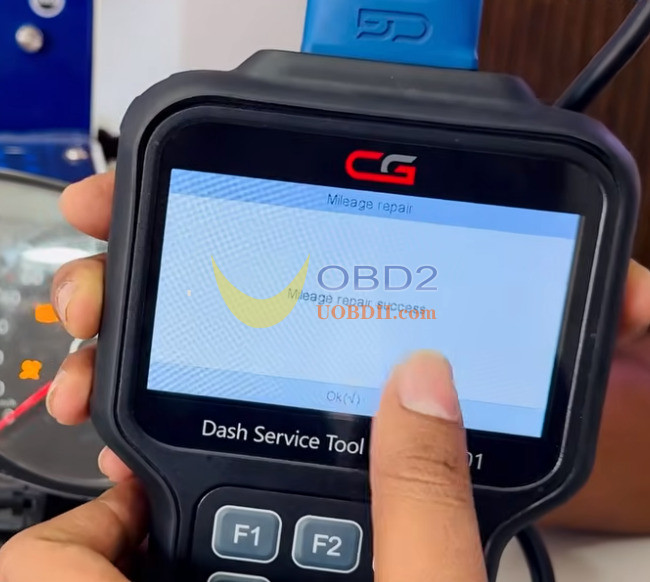
Wait patiently until the process bar finishes.
Step 3: Verify
The final step is to confirm the correction.
Power off and then reconnect the instrument cluster.
Check the dashboard to confirm the new mileage is displayed correctly
Legal Reminder:
Make sure you back up your data before writing. Only adjust odometers where it is legal to do so and keep proper records of the adjustment.
