


Losing all keys on a 2016 Toyota Levin used to be a hassle, but using Lonsdor TY8A harness with K518 Pro key programmer makes the process straightforward. Here is how I completed the job from start to finish.
Setting Up the Hardware
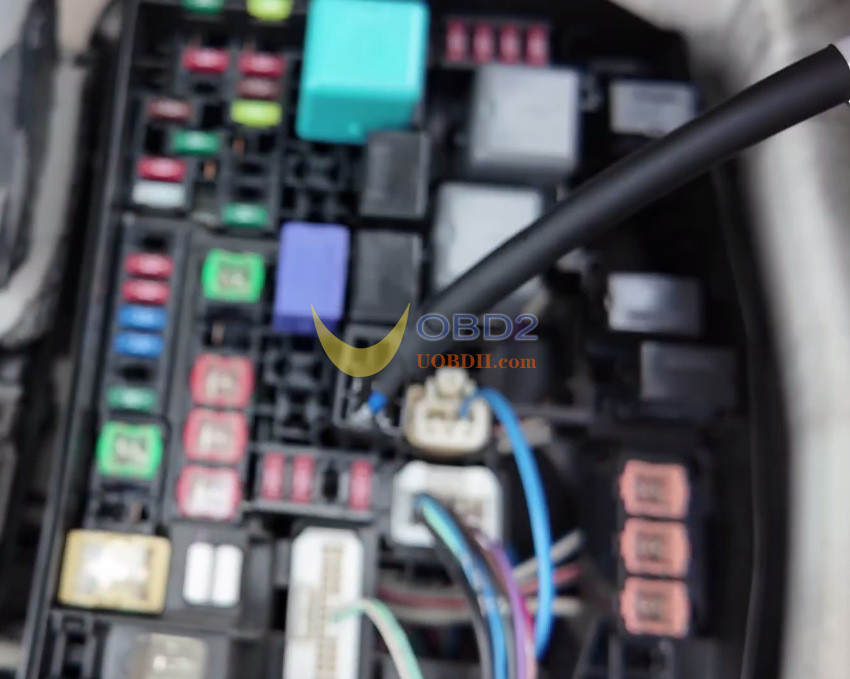
First, raise the hood and take off the fuse box lid.
Pull out the 3rd relay and plug in the 3-pin bypass cable.
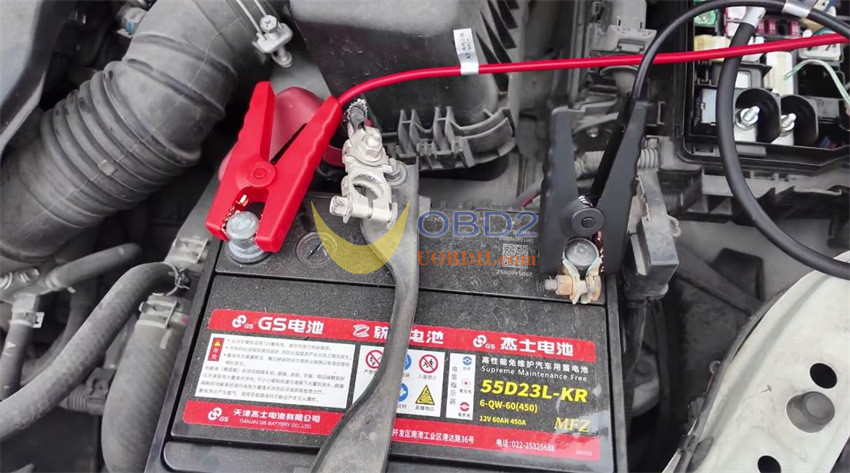
Next, unhook the battery’s positive lead and connect the red clip to it.
Leave the negative cable attached, but clamp the two ground clips to the negative terminal.
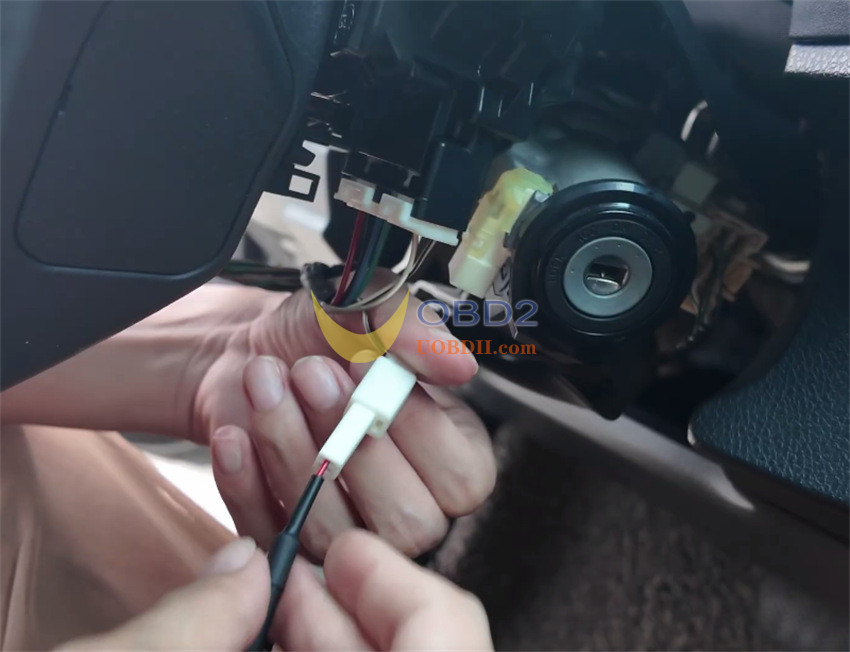
Inside the car, remove the trim panel beneath the steering wheel, unplug the ignition lock connector, and plug in the 5-pin harness.
Finally, connect TY8A control box and hook up K518 Pro to the OBD port.
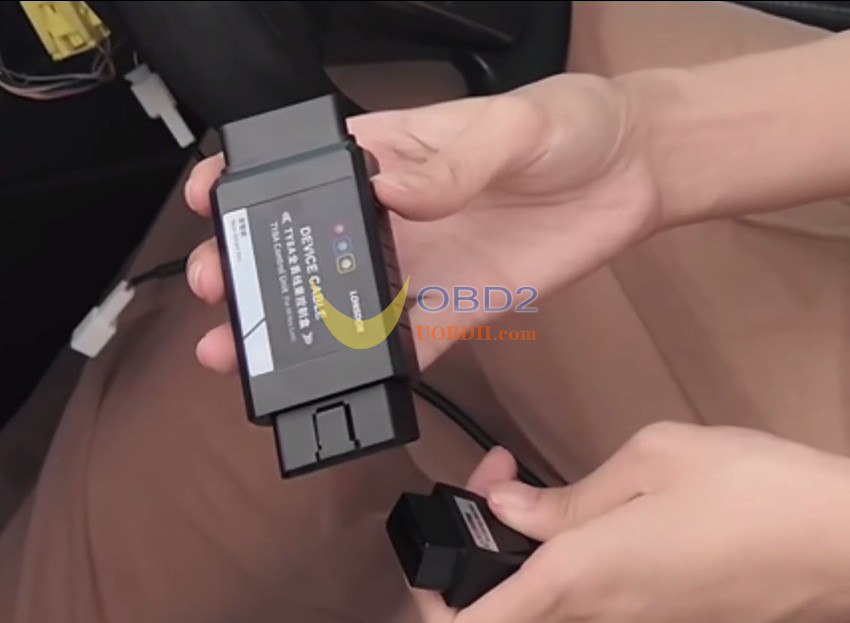
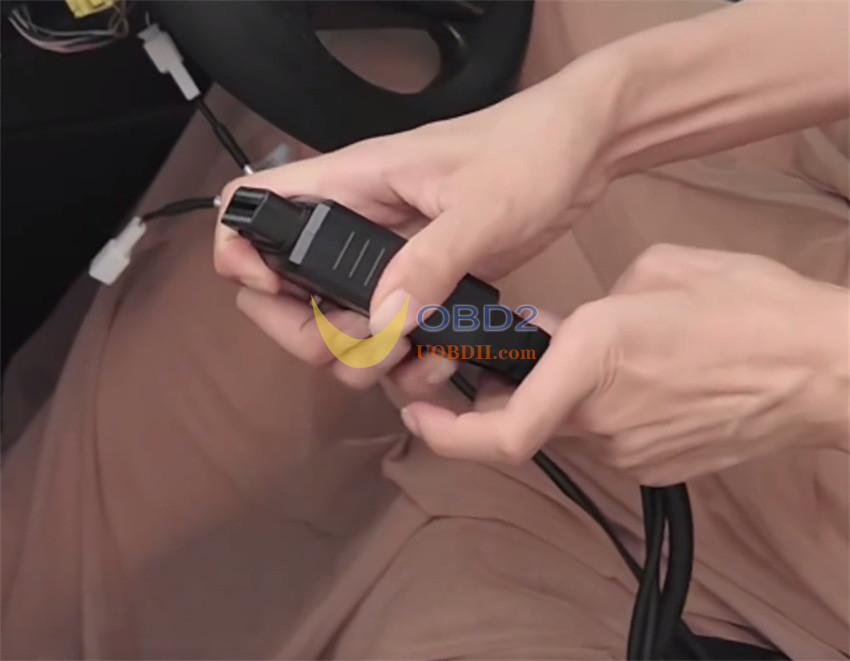
Generating the Transponder Chip
On the screen of Lonsdor K518 Pro key programmer, navigate to Immo & Remote -> Toyota -> Select from Type -> Mechanical Key System -> Type 8 (-2018) (8A IMMO AKL)-> 8A Immo AKL-generate master key by OBD
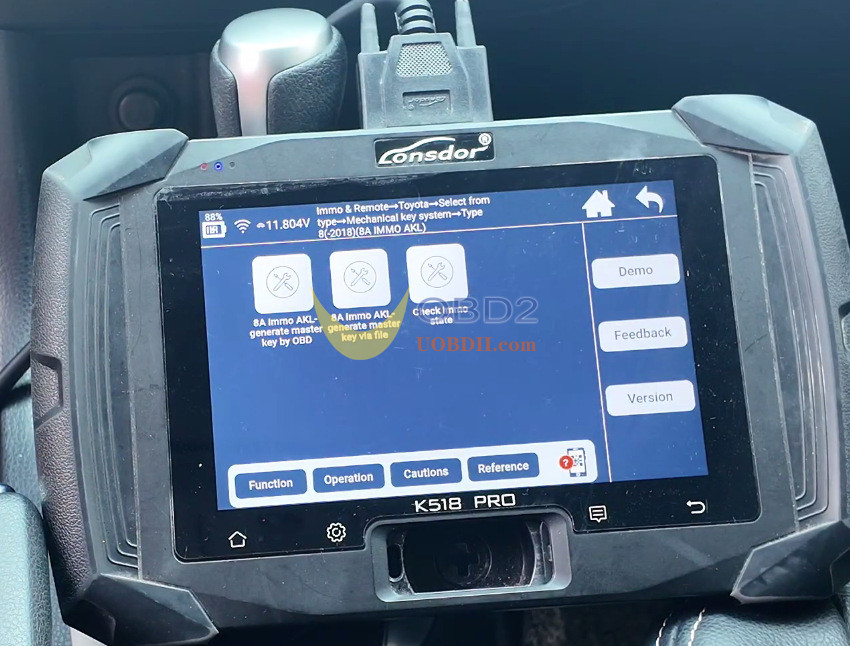
A few things to keep in mind during this stage:
- Do notinsert any physical key into the ignition.
- Keep the ignition turned OFF.
- It is normal for the dashboard lights to flash while data is being read.
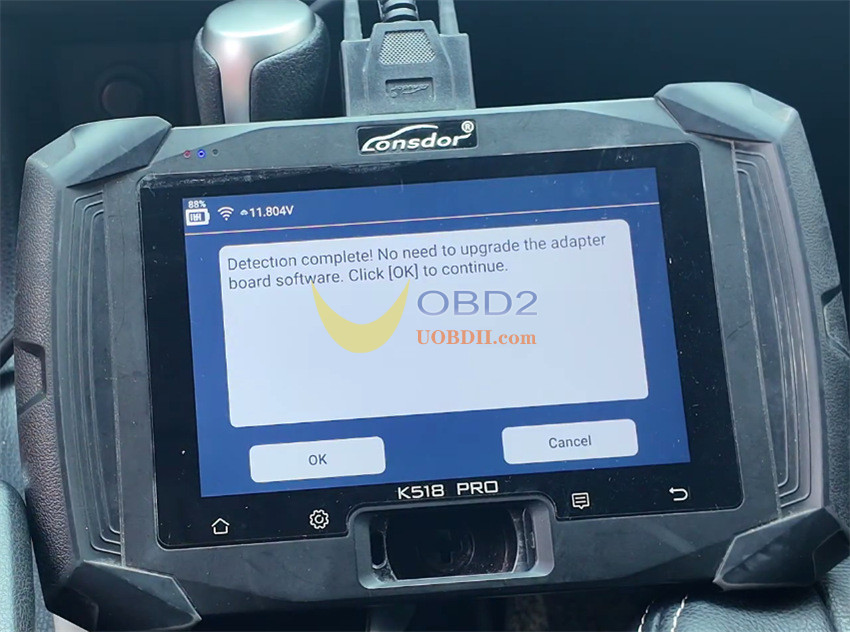
Once the system reads the vehicle data, save the file.
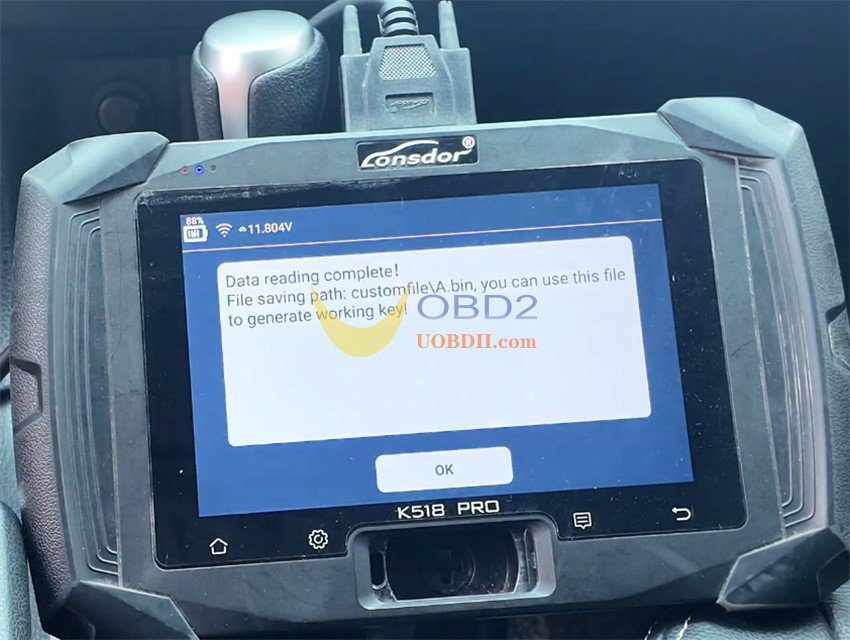
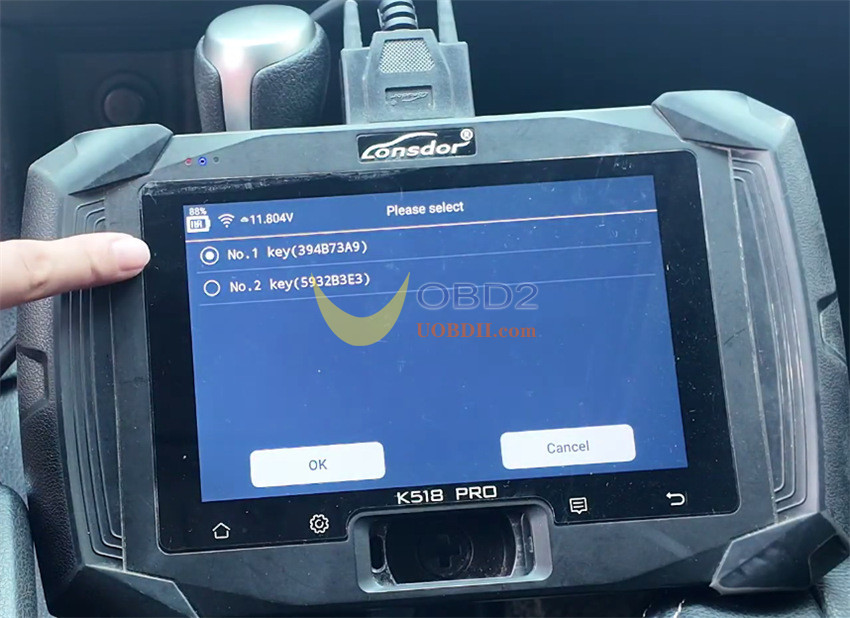
Select one of the detected key positions and put your new chip into the slot on Lonsdor K518 Pro.
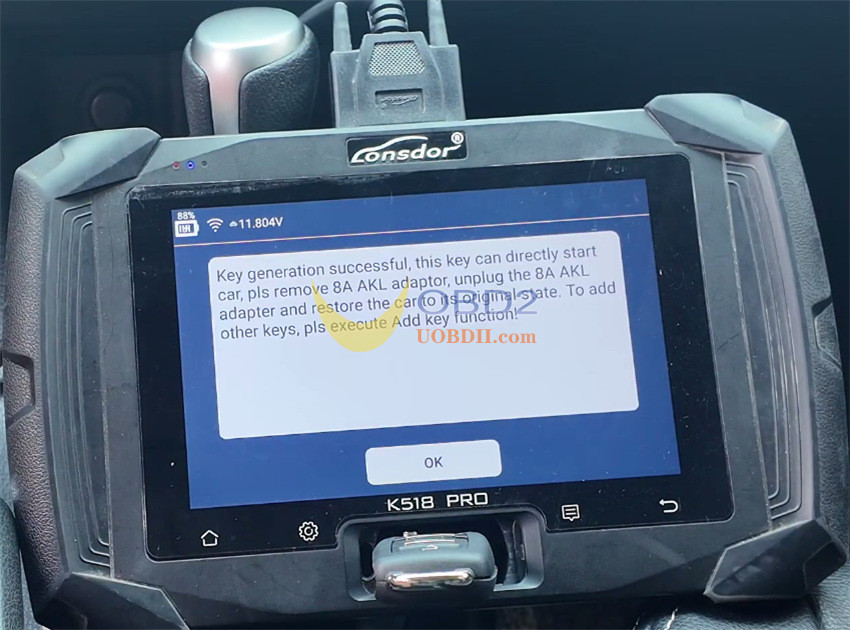
The tool will program the chip within seconds.
Final Step: Remote Pairing
After the chip is programmed, remove the adapter harness and reconnect all the original factory wiring.
To pair the remote control:
- Go to Remote System > Type 2 > Programmingremote.
- Turn the key switch to ON, open the driver’s door, and close the remaining doors.
- Hold down both the Lock and Unlock buttons on the remote for 2 seconds, then press Lock once.
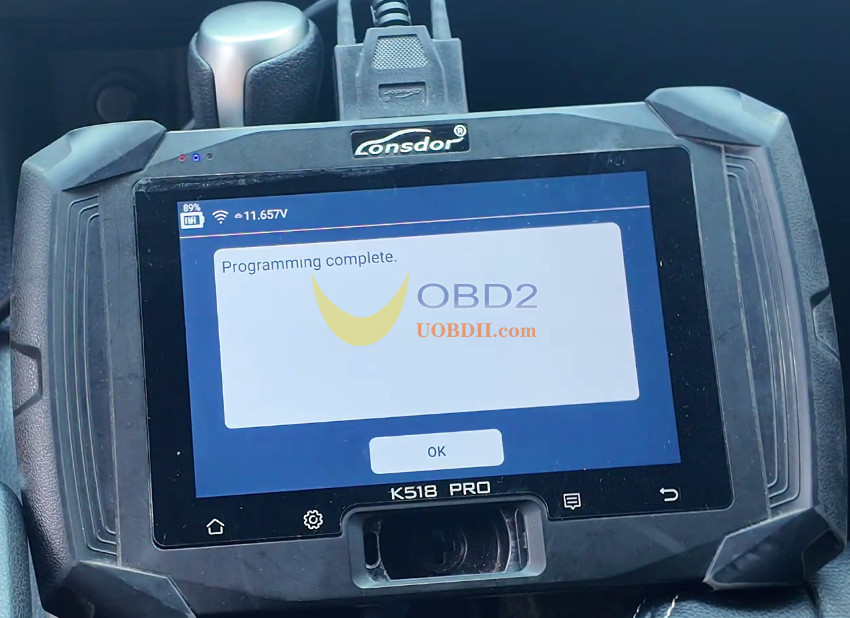
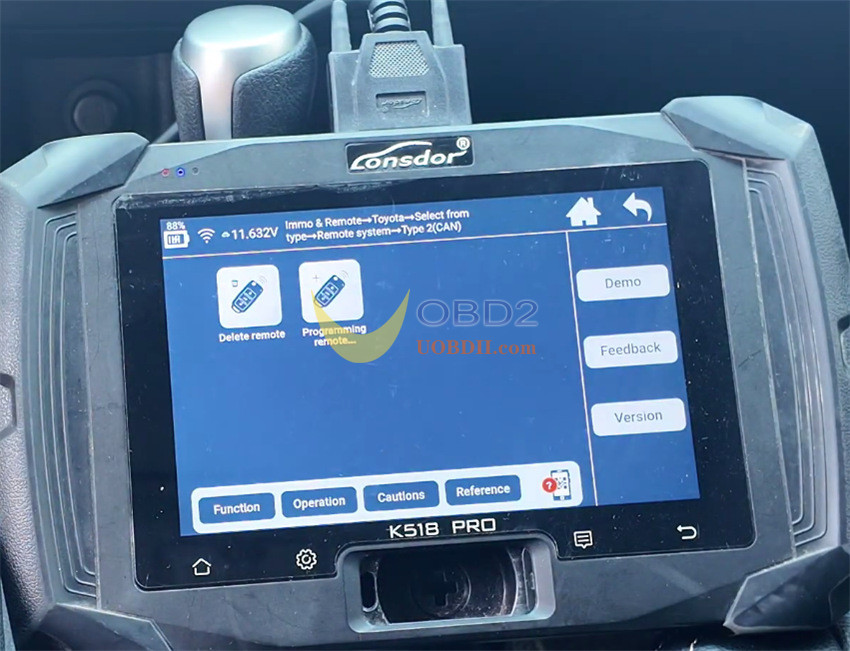
Test the key in the ignition to start the engine, and check the remote buttons. Everything should work cleanly as expected.
