

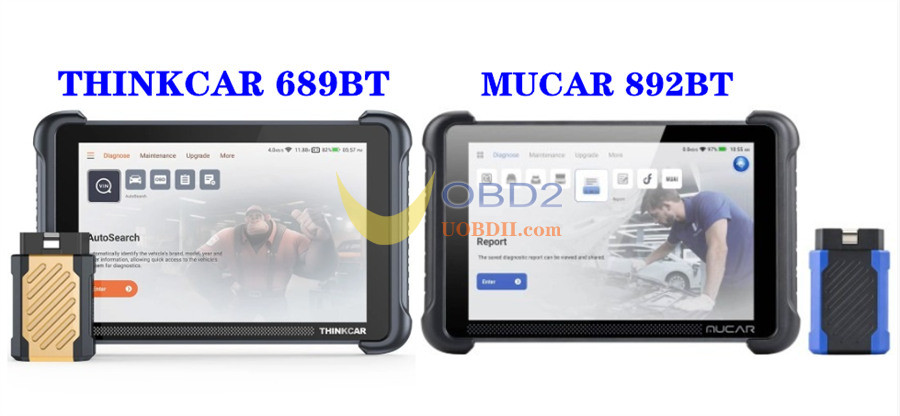
Here is a simple guide to protect your vehicle reports and diagnostic history with the screen lock feature on MUCAR 892BT series (892BT, 892BT PRO) and THINKCAR 689BT series (689BT, 689BT Pro) scanners.
Quick Setup Guide:
- Step 1: Open Settings
Power on the diagnostic tablet, go to the main screen, and tap the gear-shaped Settings icon.
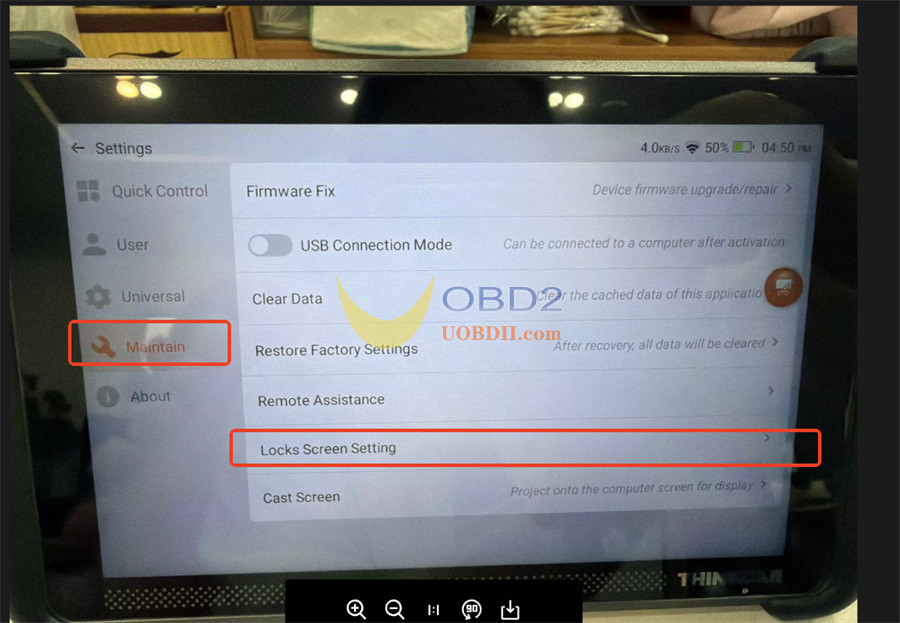
- Step 2: Enter Maintain Menu
Look through the settings menu list and tap on Maintain.
- Step 3: Open Lock Screen Settings
Inside the Maintain menu, tap Lock Screen Setting.
- Step 4: Select Security Method & Confirm
Choose whether you want to use a Swipe Pattern, PIN Code, or Password. Follow the prompts on the display to re-type your code and finish activation.
