

Question:
Does Magic Motorsport Korhex need to be activated?
Here is the clue:
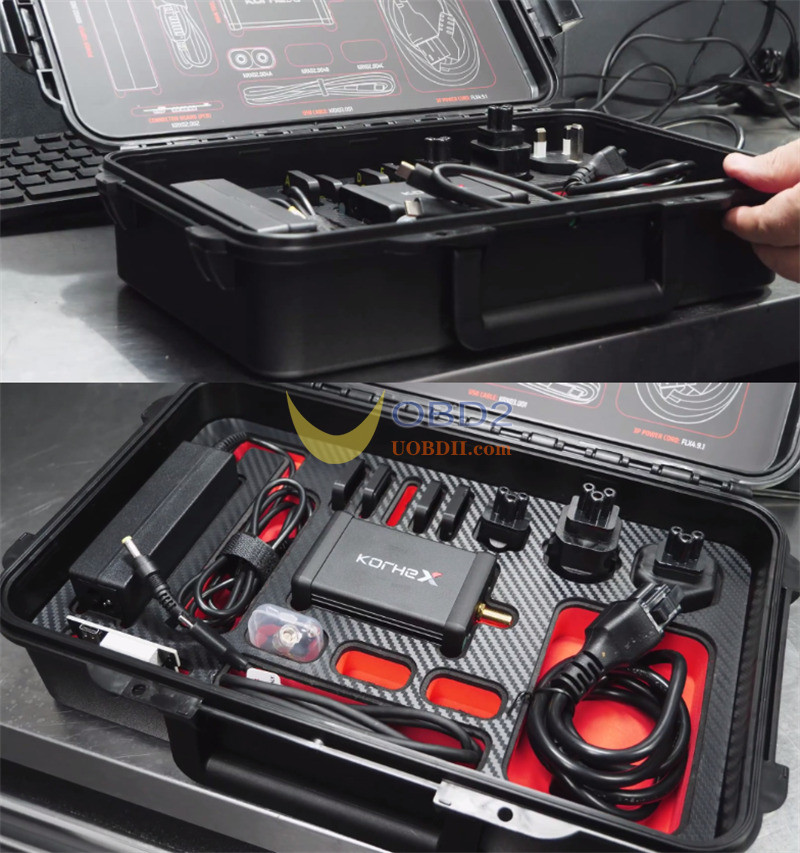
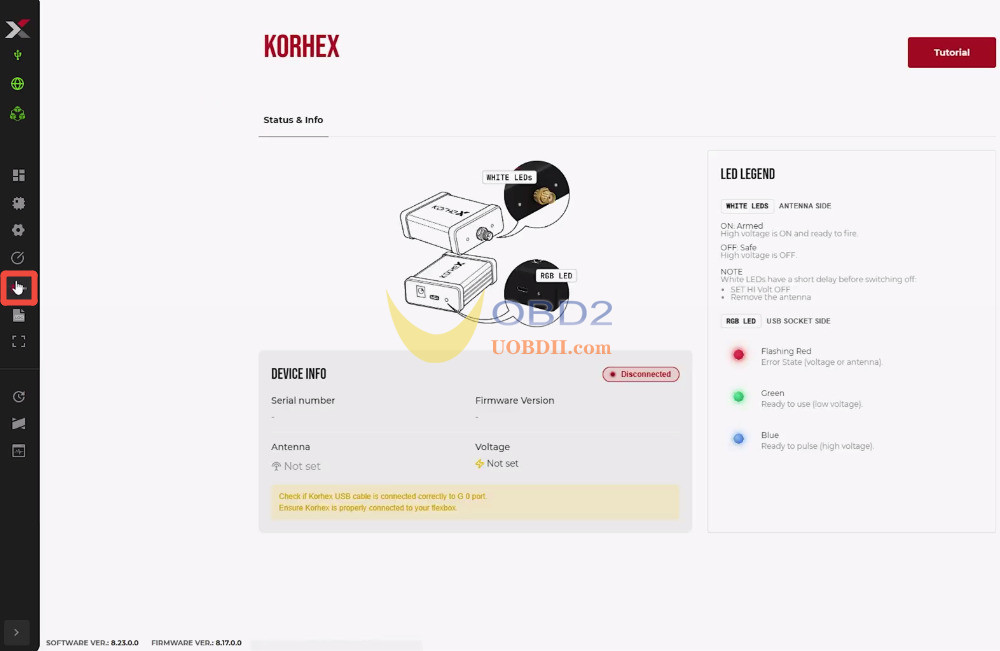
Yes, Korhex must be activated before use. After activation, the Korhex icon appears on the left side of Flex, and an image-based tutorial is available in the top right corner.
Step-by-step activation guide:
- Open your Flex software
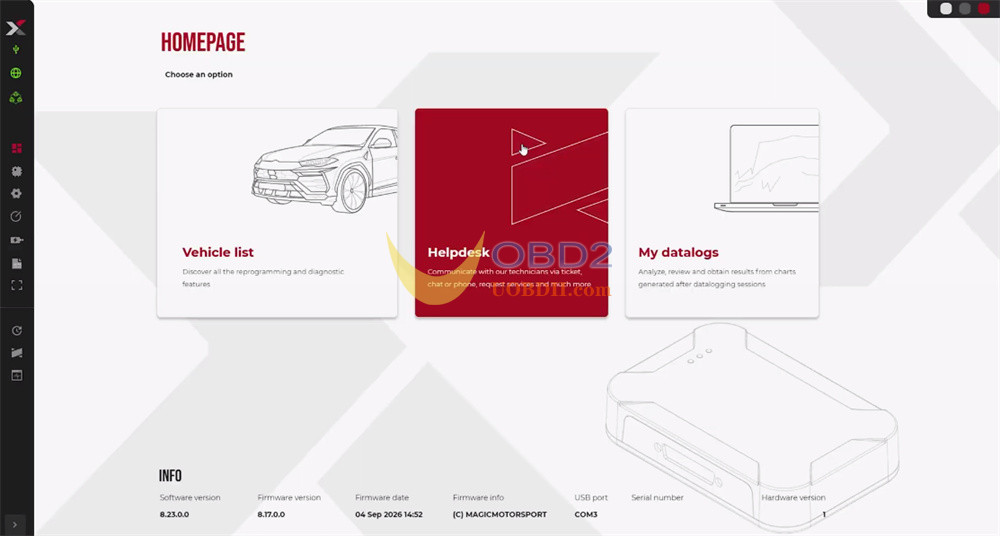
- Click [Helpdesk]to open your User Portal
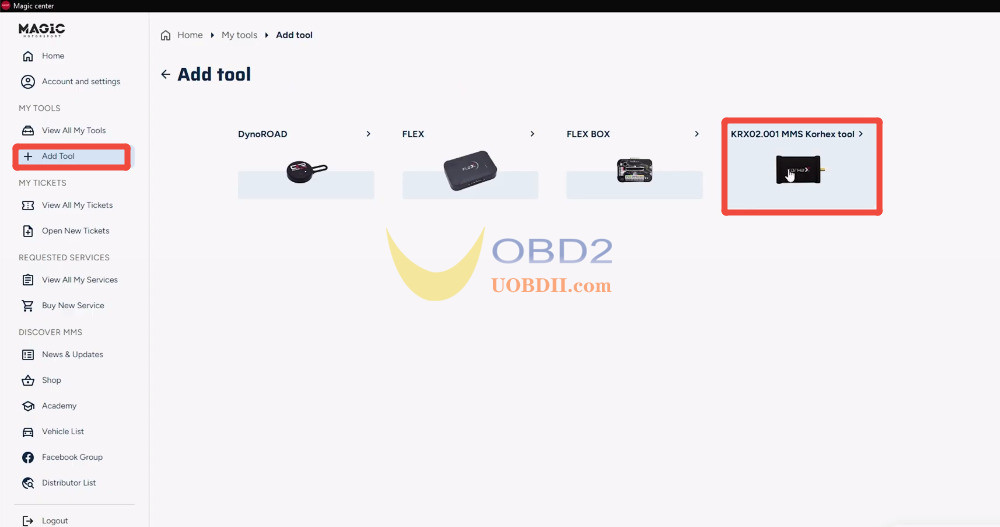
- Select [Add Tool]
- Choose [001 MMS Korhex tool]
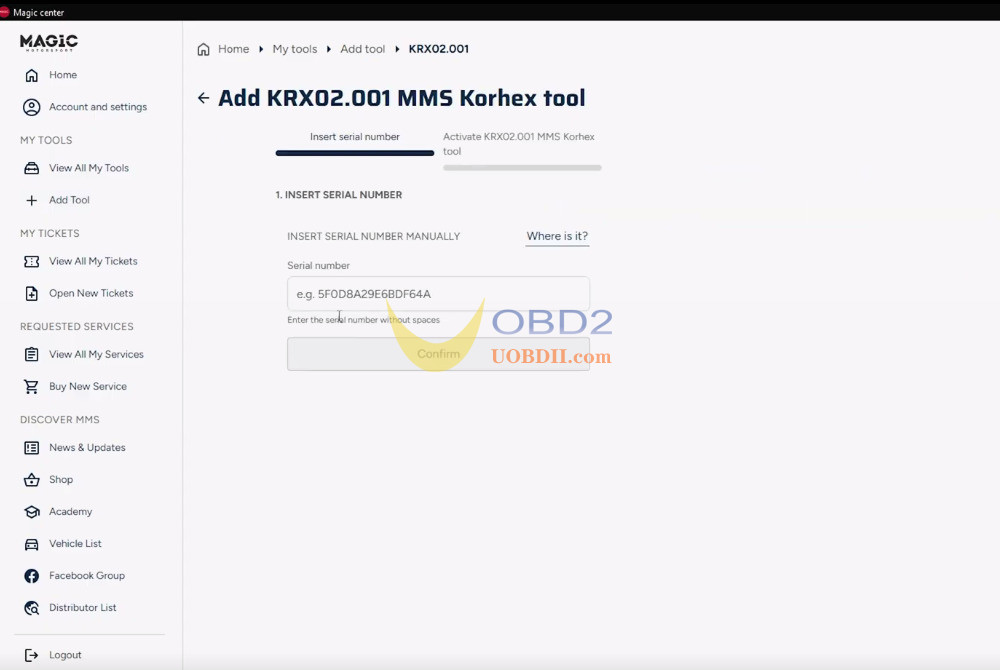
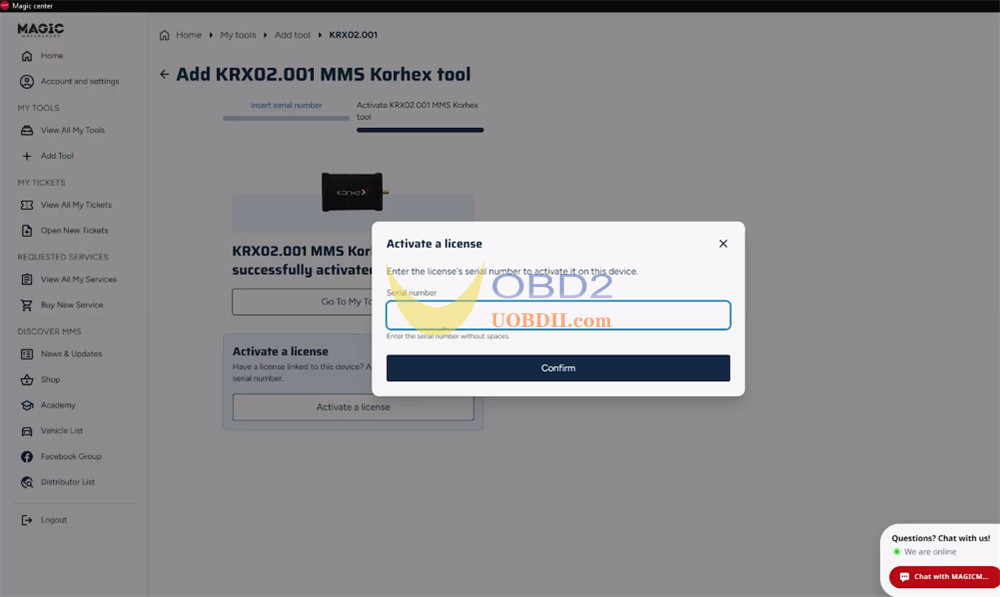
- Enter the Serial Numberon the back of your Korhex Boot Glitch Tool unit to bind it to your account
Korhex LED status lights: safety first
Korhex Tool works with targeted electromagnetic pulses, so watch the LED lights closely during operation:
- Green light: Low voltage / power connected. Safe to touch.
- Blue light:High voltage active. The tool is sending glitch pulses to unlock the ECU. Do not touch the ECU, Korhex, or wiring during this phase.
- Flashing Red light:Connection error or hardware fault. Double-check your setup.
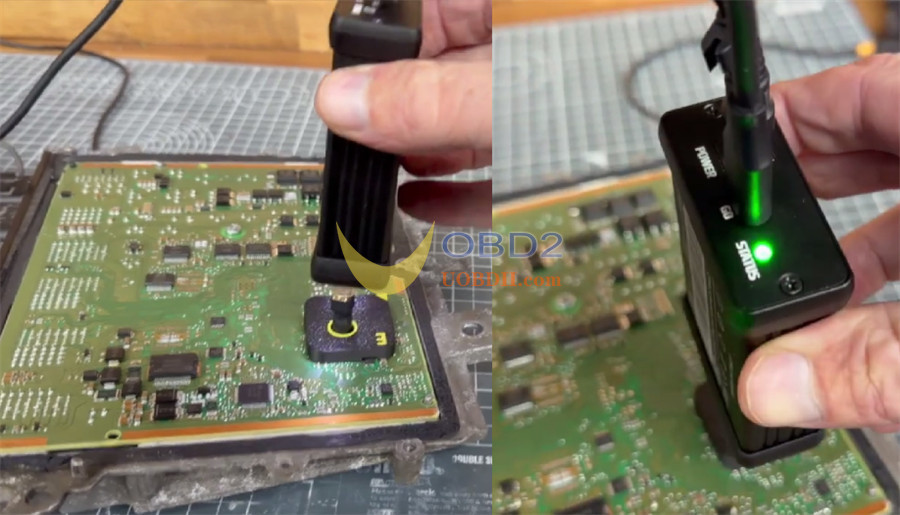
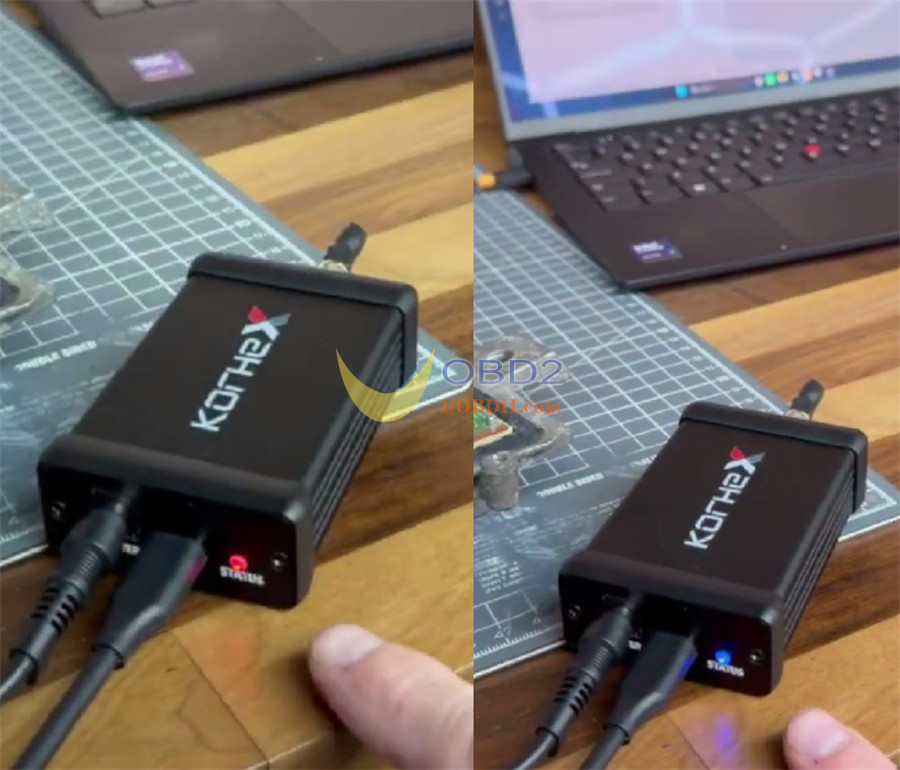
Activate Korhex first, confirm the LED status, and only continue when the setup is stable.
