
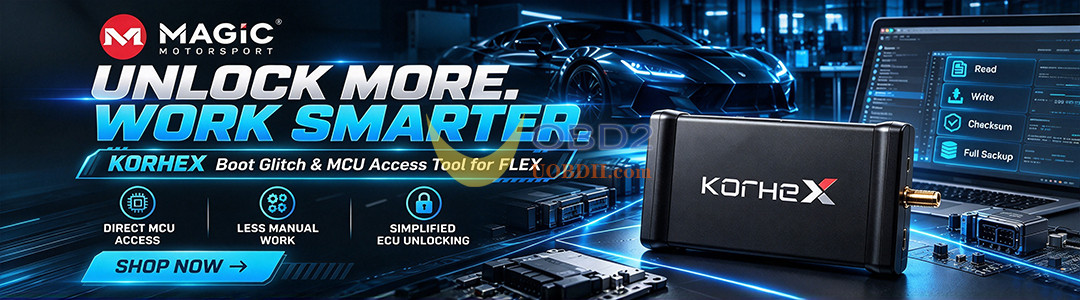


Korhex Boot Glitch and MCU Access Tool is a hardware extension for Flex designed for advanced ECU access through direct MCU contact. It supports selected Boot Glitch procedures and reduces manual ECU preparation for compatible applications.
Modern ECUs use increasingly complex microcontrollers and protection systems. For some units, standard bench connections are not enough. This is where Korhex is designed to help.
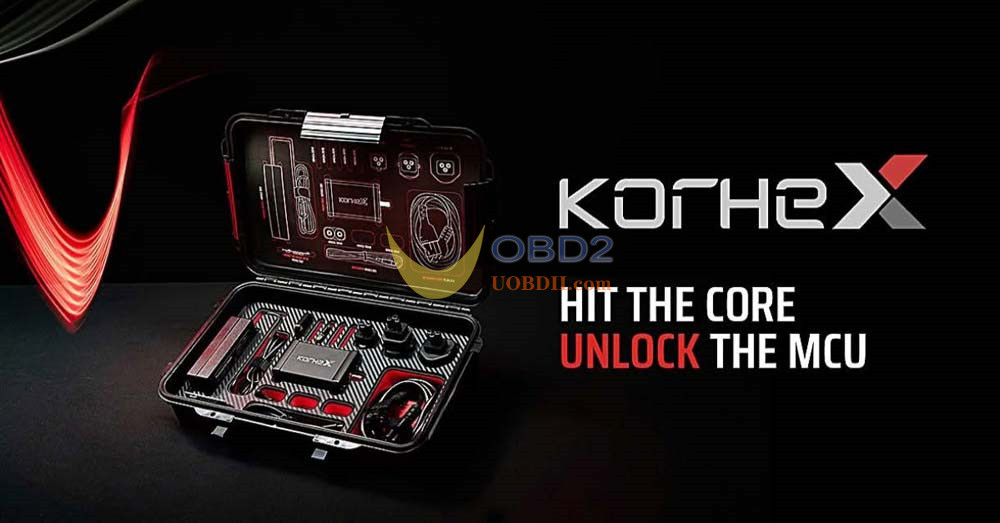
Direct MCU Access Without Manual Board Modification
On supported ECUs, Korhex connects directly to the required MCU contact point.
The technician does not need to perform traditional preparation steps such as removing resistors or manually wiring Boot pins. Instead, the hardware is positioned according to the Flex procedure, while Flex software guides the operation.
The basic process is:
ECU connection → Korhex positioning → Boot Glitch → ECU access → Programming
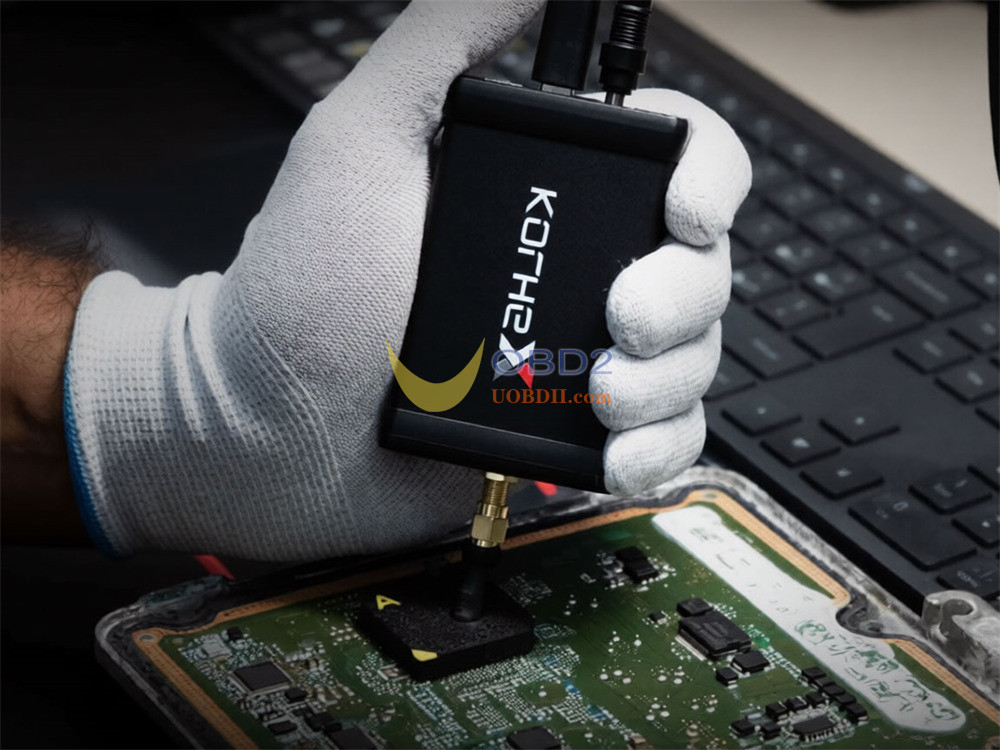
Korhex therefore works as an extension of Flex rather than as an independent programming tool.
What Korhex Provides
For supported applications, Korhex offers:
- Direct MCU connection
- No resistor desoldering
- No manual Boot pin wiring
- Support for Boot Glitch procedures
- Guided Flex workflows
- ECU memory access
- Support for future protocols and applications
The exact functions depend on the ECU and the Flex protocol available for that application.
New ECU Support with Flex ECU Programmer Updates
Korhex support continues to expand with new Flex protocols.
DAF Delphi ETC3 UDS
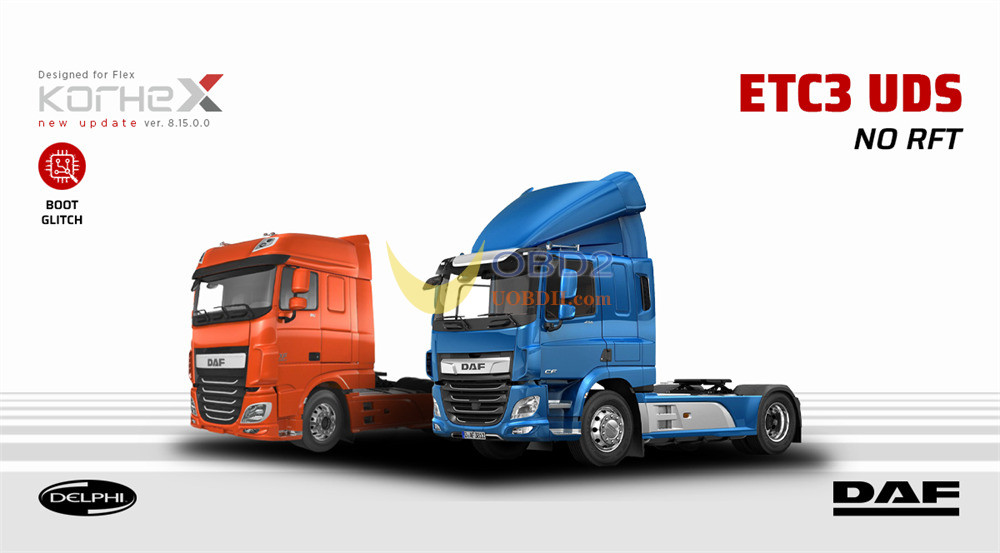
With Flex V8.15.0.0, Korhex supports the DAF Delphi ETC3 UDS ECU in Boot Glitch mode.
The ECU uses the MPC5566 microprocessor and supports:
- Internal Flash Read/Write/Checksum
- External Flash Read/Write
- Full Backup
Typical operation times are:
- Connect and Glitch: approximately 40 seconds
- Reading: approximately 2 minutes
- Writing: approximately 2 minutes
Required licenses: FLS0.20M/S – FLS0.5M/S
Bosch MG1CA920 SPC58N
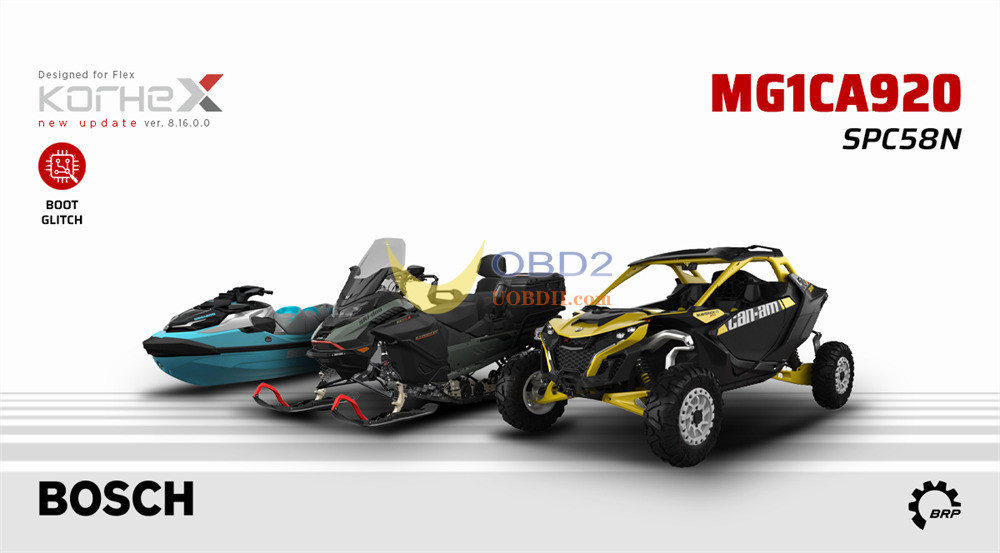
With Flex V8.16.0.0, Korhex adds support for the Bosch MG1CA920 SPC58N ECU used on BRP Group Rotax engines.
The procedure uses the SPC58N microprocessor and supports:
- Internal Flash Read/Write/Checksum
- Internal EEPROM Read/Write
- Full Backup
The workflow requires no traditional resistor removal or manual Boot point soldering on supported procedures.
Typical operation times:
- Connect and Glitch: approximately 40 seconds
- Reading: approximately 2 minutes
- Writing: approximately 2 minutes
Required licenses: FLS0.20M/S – FLS0.5M/S
How to Choose for Flex users with/without full version?
The required setup depends on your existing Flex configuration.
1.New Flex users:
Flex hardware + Korhex hardware + software license
2.Flex Full Master / Full Slave users:
Users with an active Full Master or Full Slave configuration only need Korhex hardware for supported procedures included in their software package.
3.Other Flex users:
Users without a Full configuration can choose:
- Korhex hardware + upgrade to a Full license, or
- Korhex hardware+ Boot Glitch License FLS0.20M/S
Supported Korhex procedures are then available through Flex.
Some Korhex FAQs
1. What exactly does Korhex do?
Korhex provides a direct connection to the ECU’s microcontroller when a supported Flex procedure requires it. This makes it possible to perform operations such as Boot Glitch and ECU unlocking through Flex.
2. Can I use Korhex as a separate ECU programmer?
No. This is an important point.
Korhex only provides the hardware connection. Flex remains responsible for controlling the procedure and programming the ECU. Korhex cannot replace an ECU programmer.
3. Does Korhex work with other ECU tools?
Korhex is designed specifically for the Flex platform. Its supported functions are accessed through dedicated Flex procedures, so it is not intended to operate independently or as a universal MCU tool.
4. How does it connect to the ECU?
Instead of manually wiring the MCU connection, the technician positions Korhex on the contact point specified by the Flex procedure. Flex then guides the user through the supported operation.
5. Do I have to remove resistors first?
For ECUs supported by the direct-MCU procedure, no resistor desoldering is needed. Korhex can also remove the need for some manual Boot-point wiring, making the preparation process simpler.
6. How do I know whether my ECU is supported?
Not every ECU can be used with Korhex. Support depends on the ECU, its MCU, and the Flex protocol available for that application.
The safest way to check is to use the latest Flex vehicle list.
7. Will Korhex become compatible with more ECUs?
That is the plan. Korhex is designed as an expandable hardware platform, while Flex software updates can introduce additional ECU and vehicle support over time.
So, if you are considering Korhex, it is worth checking the Flex vehicle list regularly rather than looking only at the ECUs supported today.
This Boot Glitch & MCU Access Tool is coming soon, bringing new possibilities for professional automotive technicians and ECU specialists.
Stay tuned for more updates!
https://www.uobdii.com/wholesale/korhex-boot-glitch-mcu-tool-flex.html
