


If you work on BMW key matching, writing keys directly over OBD on CAS4 systems can risk corrupting the module data. Bench reading the chip data takes a few extra steps, but it keeps the module safe.
Here is the process for adding a key to a 2009 BMW 730Li using KEYDIY KD-X4 key programmer and KD-EPA Adapter.
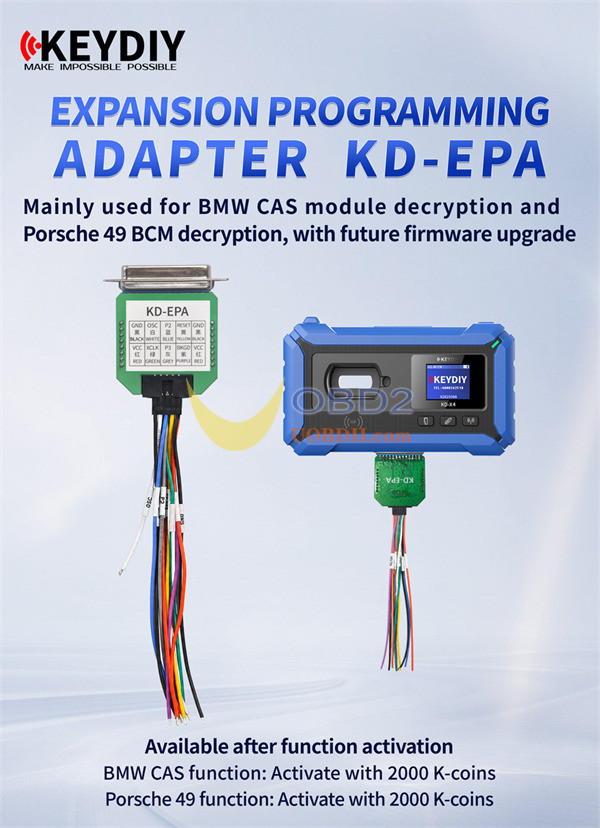
What is KEYDIY KD-EPA Adapter?
KD-EPA is an expansion programming adapter designed for advanced chip memory reading and module decryption. It allows you to safely bypass OBD limitations when working on complex immobilizer systems, with future capabilities supported through firmware updates.
Supported Hardware & Decryption Functions
- BMW CAS Decryption:Requires 2000 K-coins for function activation. Enables bench reading for BMW CAS modules (such as CAS4/CAS4+ 1L15Y).
- Porsche 49 BCM Decryption:Requires 2000 K-coins for function activation. Enables direct memory extraction for Porsche 49 BCM modules.
- Firmware Upgrades:Features upgradable firmware to support additional vehicle modules over time.
How to Add BMW CAS4 Key?
Tools You Need
- KEYDIY KD-X4 5-in-1 key programmer
- KEYDIY KD-EPA Adapter
- KEYDIY KD FGB23 Key
- OTG Cable & Soldering Setup
Note: Make sure you have 2000 K-coins ready to activate BMW CAS decryption.
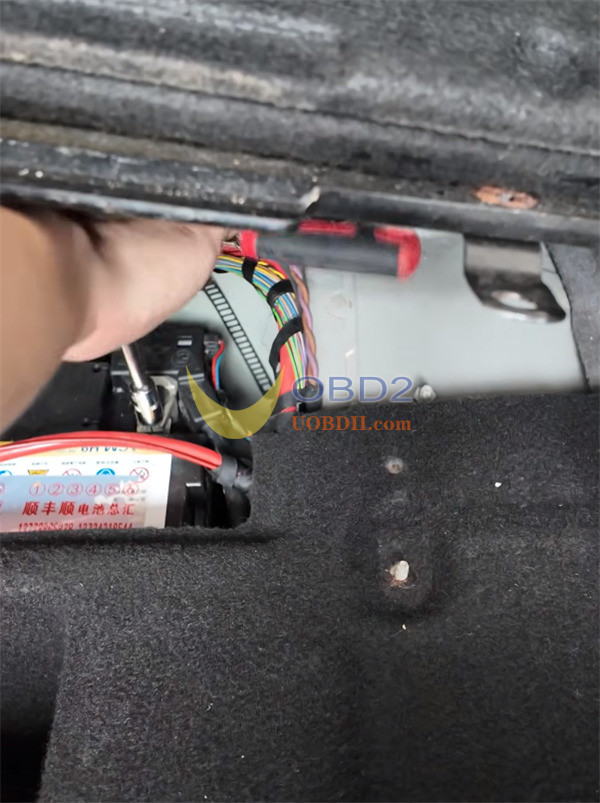
Step 1: Removing the CAS4 Box
Always unbolt the negative battery cable first to protect vehicle electronics.
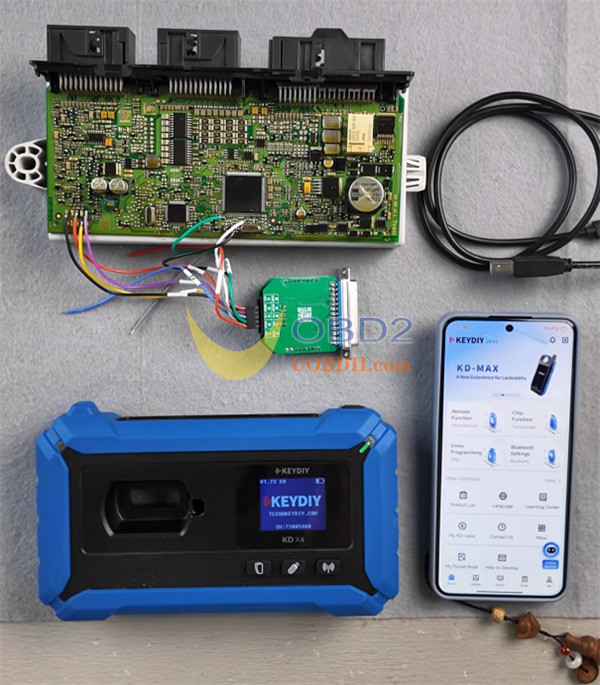
Remove the lower trim panel under the steering wheel, unscrew the CAS4 box, pull off the 3 harness plugs, and set the module on your workbench.
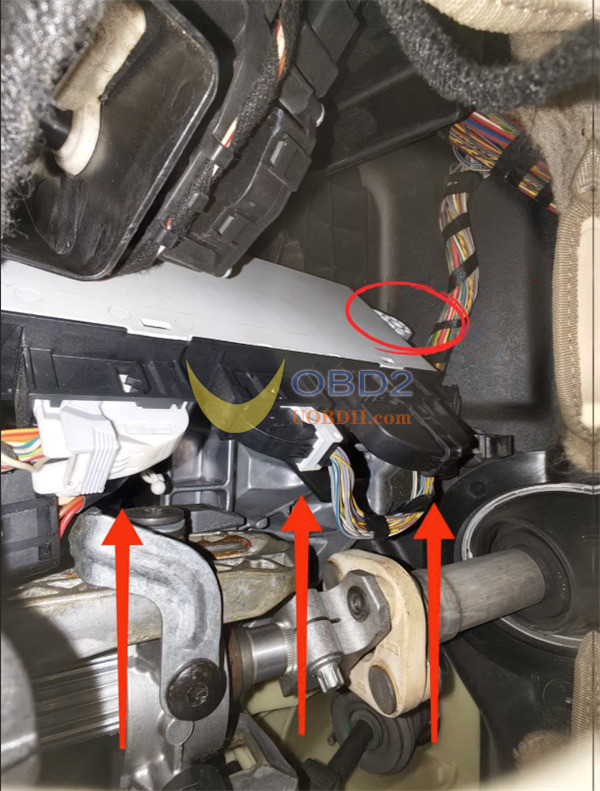
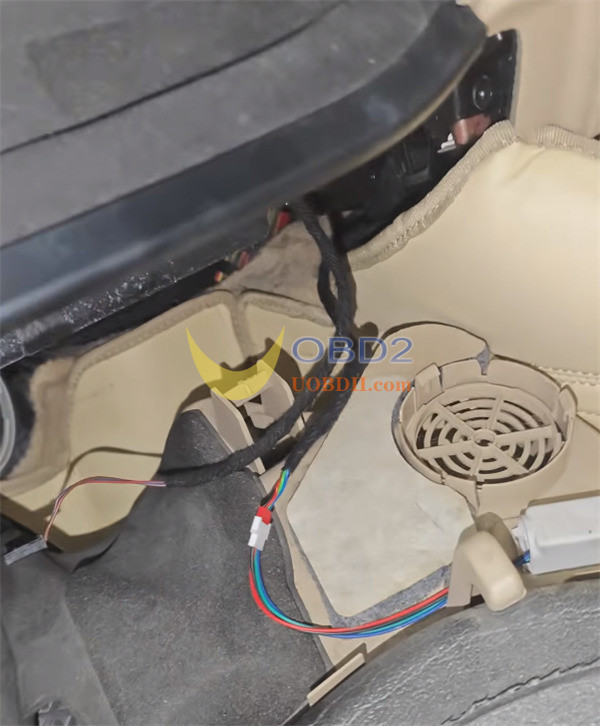
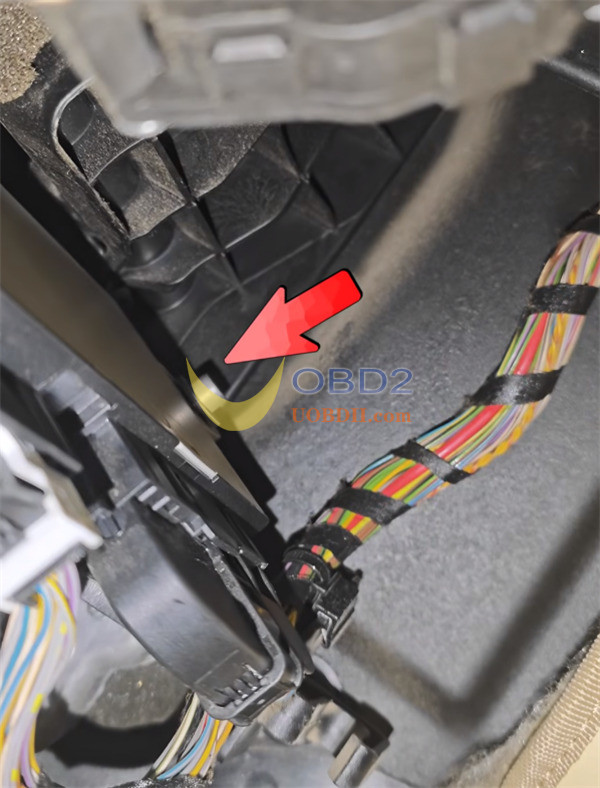
Step 2: Soldering and Reading EEPROM
- Open your KD-X4 appand go to: Immo Programming > KD-X4/KD prog mini > Read file > IMMO > BMW > CAS4-1L15Y [Backup Read] > EEPROM.
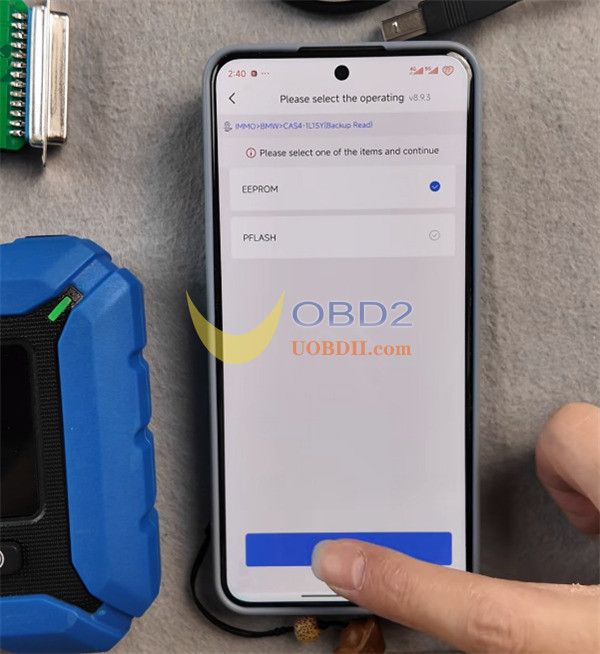
- Open the app pinout diagram, solder your harness onto the board, and attach KD-EPA adapterusing the OTG cable.
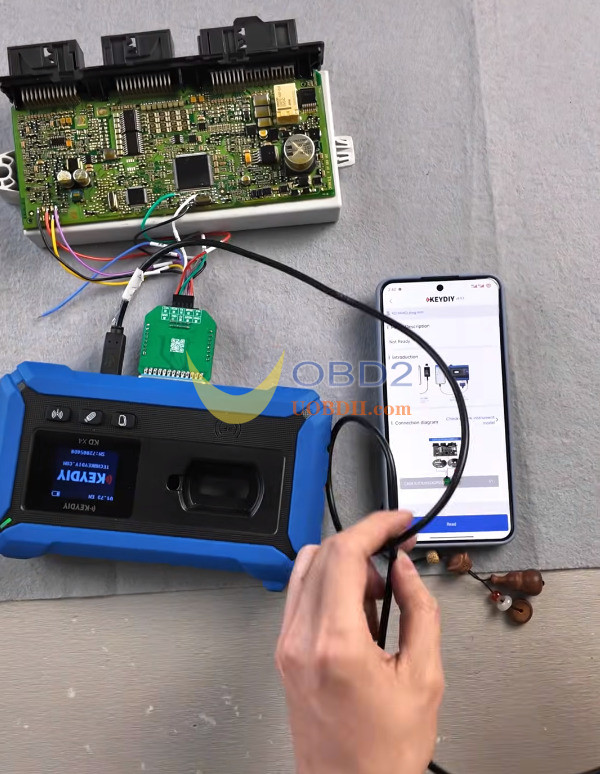
- Click Readto save the EEPROM file. Save the D-FLASH/Preflash file as well.
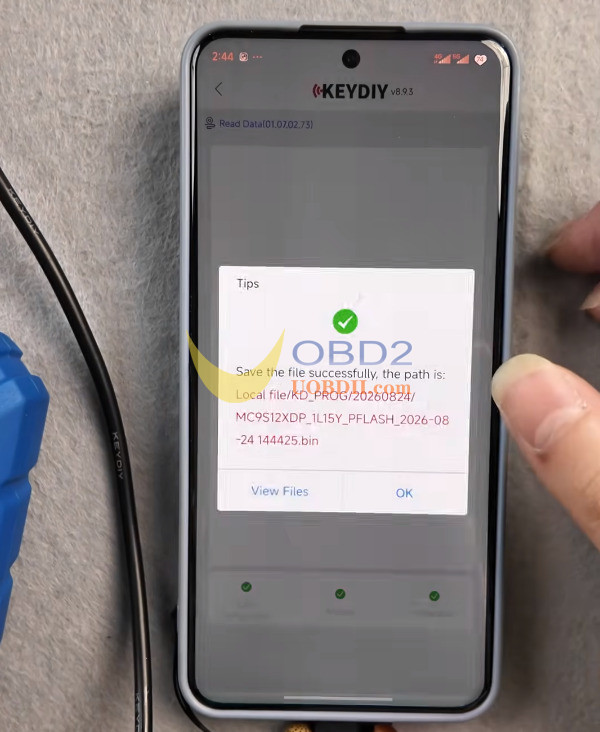
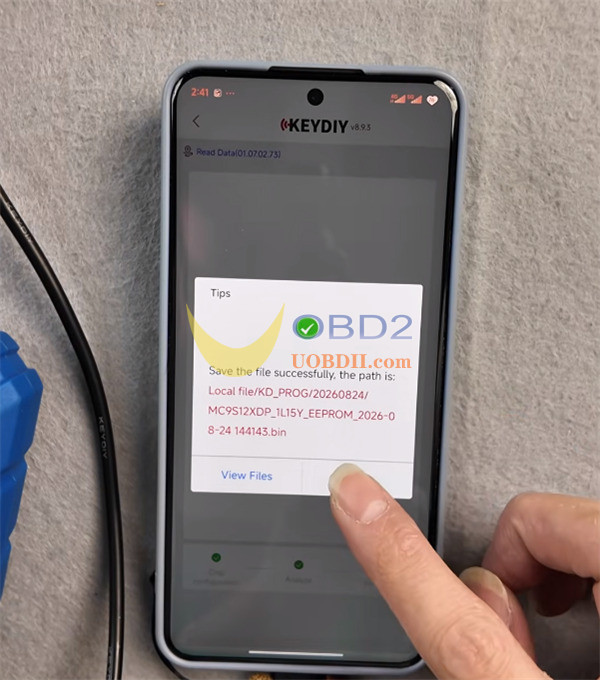
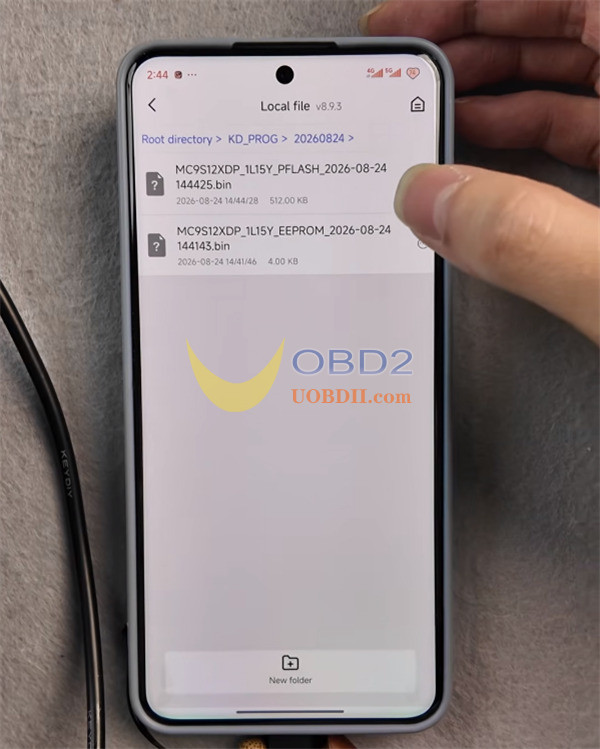
- All files go straight into your Local Filefolder under today’s date.
Step 3: Putting the Module Back
Desolder your leads, put the CAS4 box back into the vehicle frame, reconnect all 3 plugs, tighten the screws, put the trim back, and hook up the battery ground cable.
Step 4: Making the Key over OBD
- Connect your KEYDIY KD-X4to the car’s OBD port.
- Go to IMMO Programming> immo Programming > BMW > Select by Type > CAS4/CAS4+ > Start execution > 1L15Y Type.
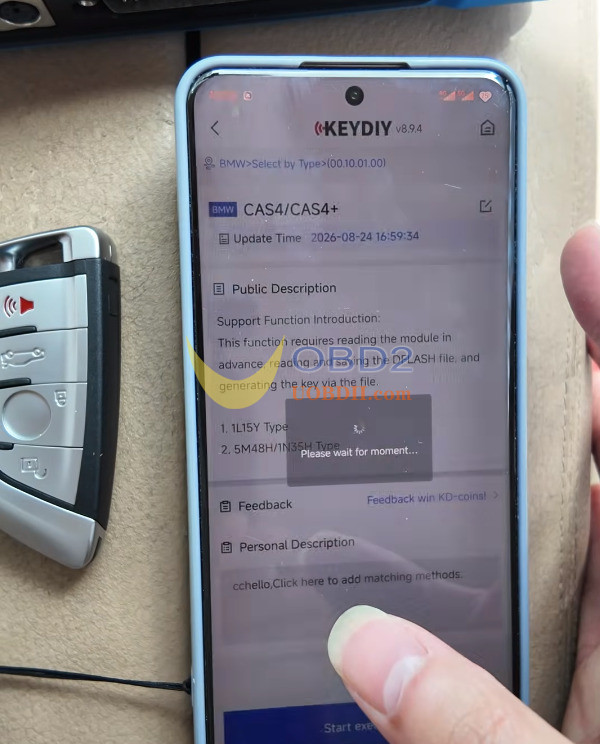
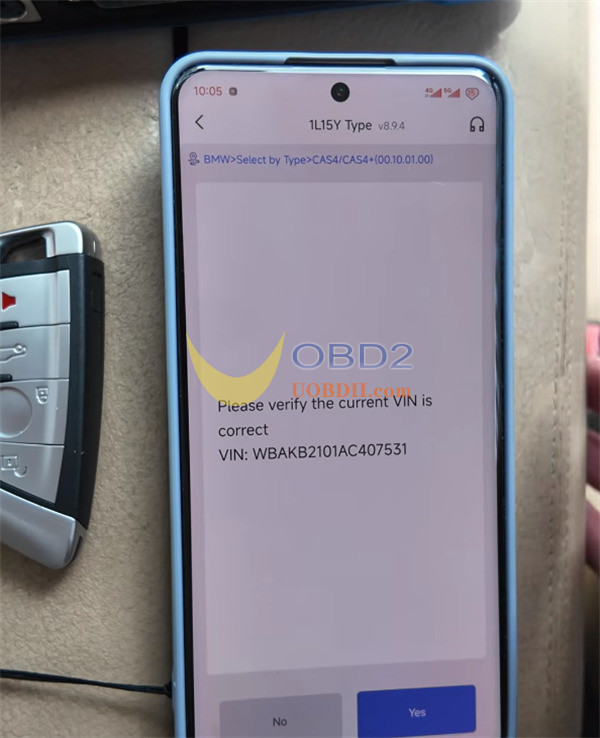
- Confirm the VIN matches the car, click Load from Local File, and pick your saved EEPROM dump.
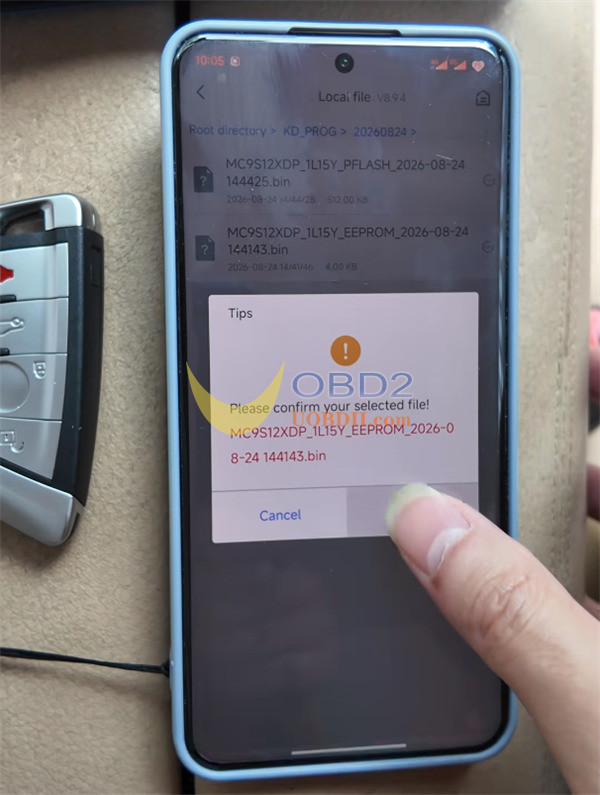
- Pick an empty key channel (like Key 3).
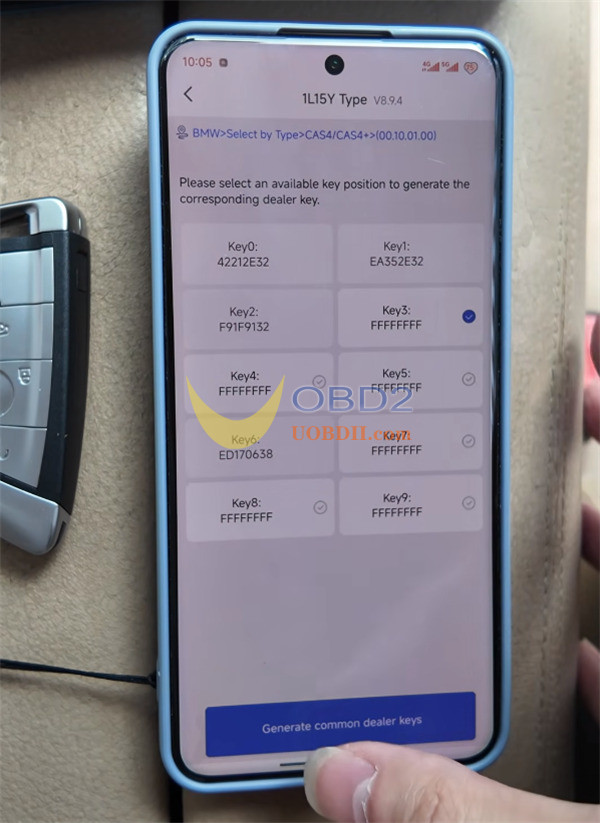
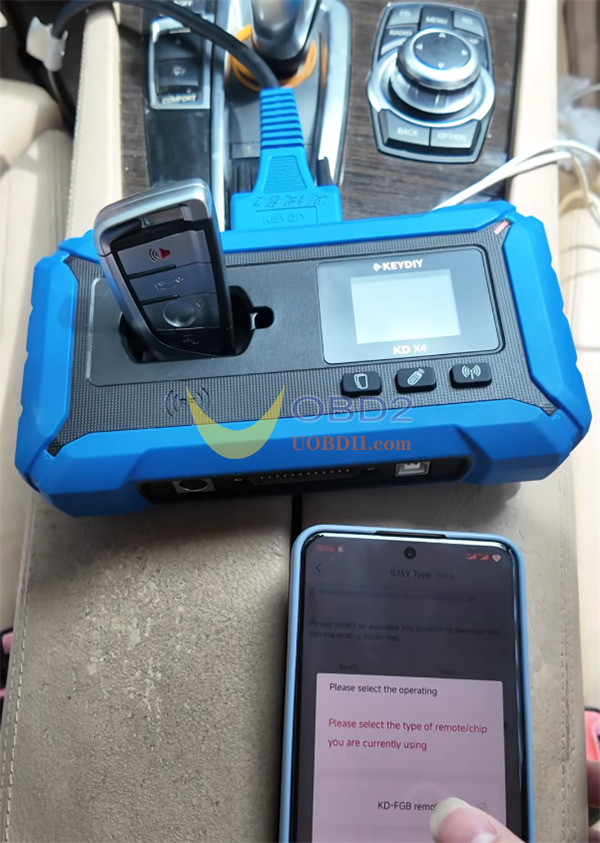
- Drop your new KEYDIY KD FGB keyinto KD-X4 antenna slot, select KD-FGB remote, and press Generate Common Dealer Keys.
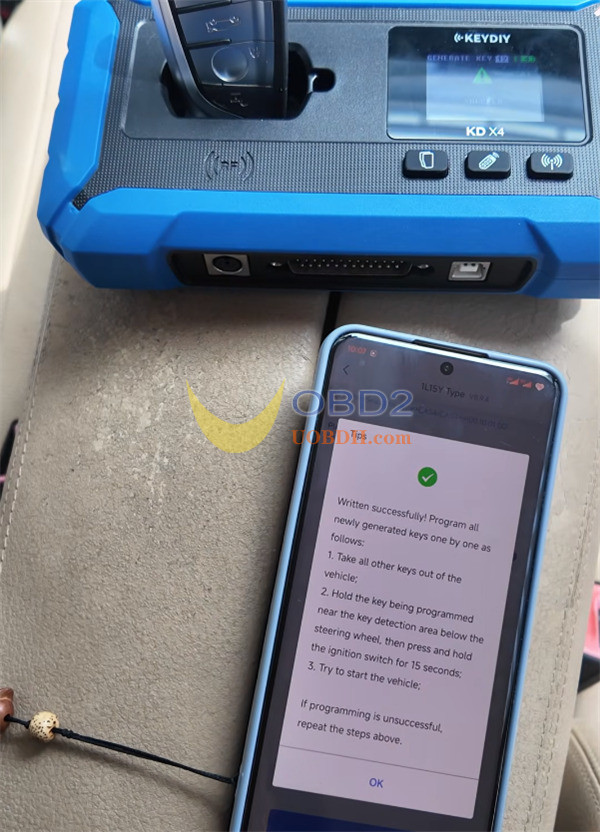
Step 5: Testing the Key
Hold your new key against the key symbol on the right side of the steering column.
Press the engine start button, turn the engine off, and test the remote control functions.
