



Read Nissan RH850 PIN Code via Dump by Autel IM608 with APB131 Tutorials:
Required Tools:
Autel MaxiIM IM608/ IM608II /IM508S, XP400 PRO Programmer, Autel APB131 Adapter.
Detail Steps:
Step 1:
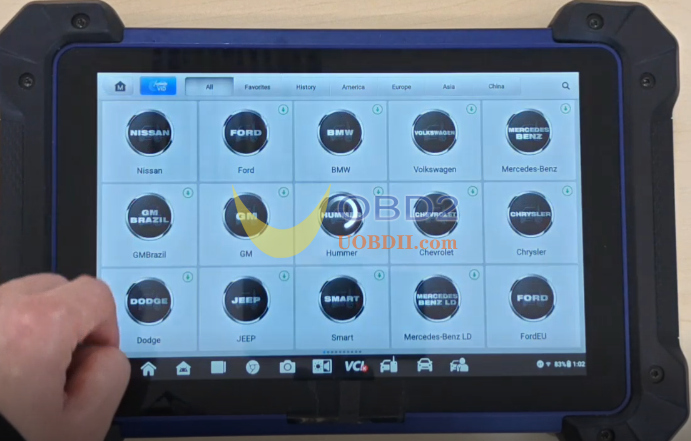
Access the Autel IMMO tablet menu and Click:
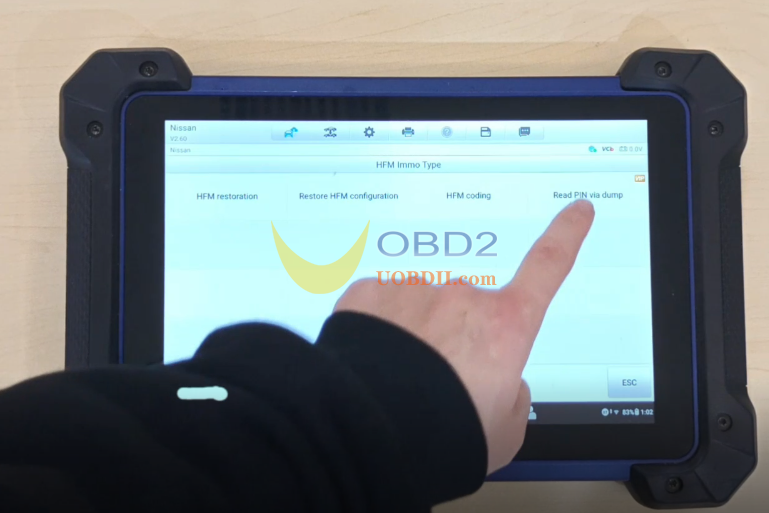
IMMO > Nissan > System Selection > HFM Immo Type > Read PIN via dump.
Step2:
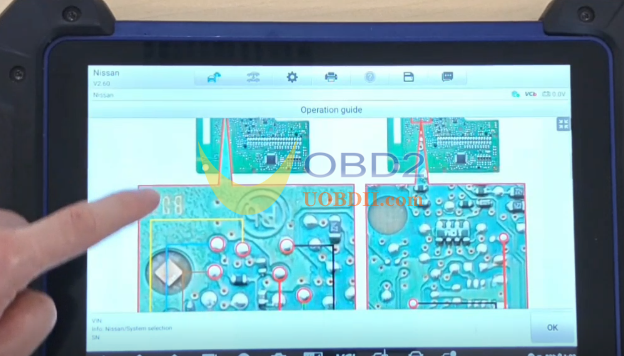
Please refer to the operation guide of the right suspension pop-up window to perform this funciton:
Follow the Operation Guide:
1. Remove the Hands-Free Module (HFM) from the vehicle and disassemble the module.
2. Connect the programmer, APB131 adapter and the module according the chip model with reference to the method show in the fingure.
3. Connect the 12V DC power to the programmer and check the indicator lamp is Green. If it is Red, check the programmer is power on before connecting the APB131 adapter.
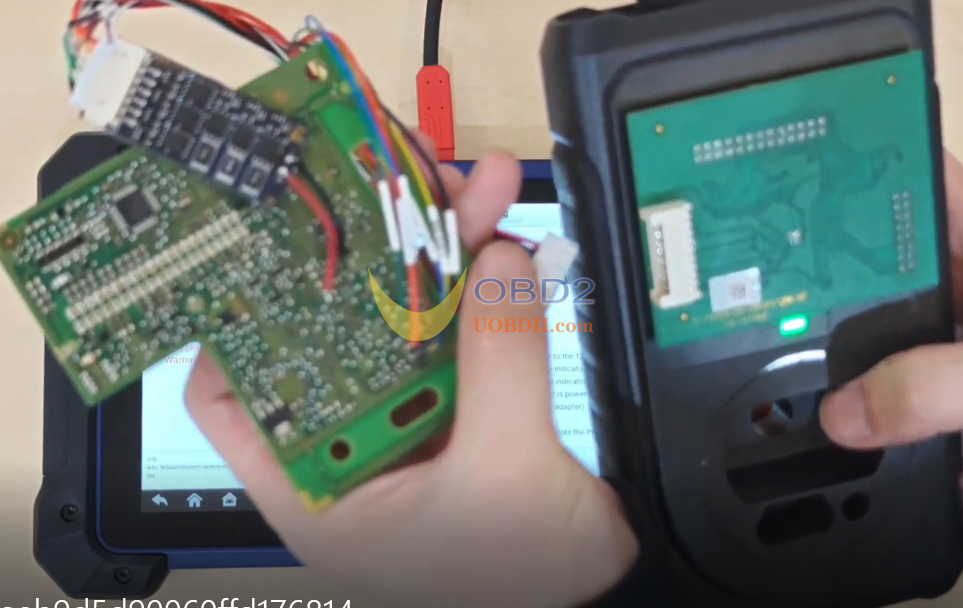
4. Read the date and save it
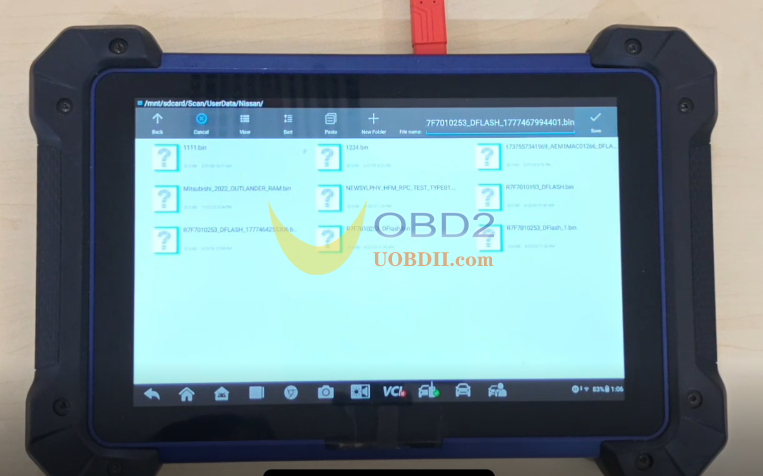
5. Decode the date and calculate the PIN.
Video Guide:
