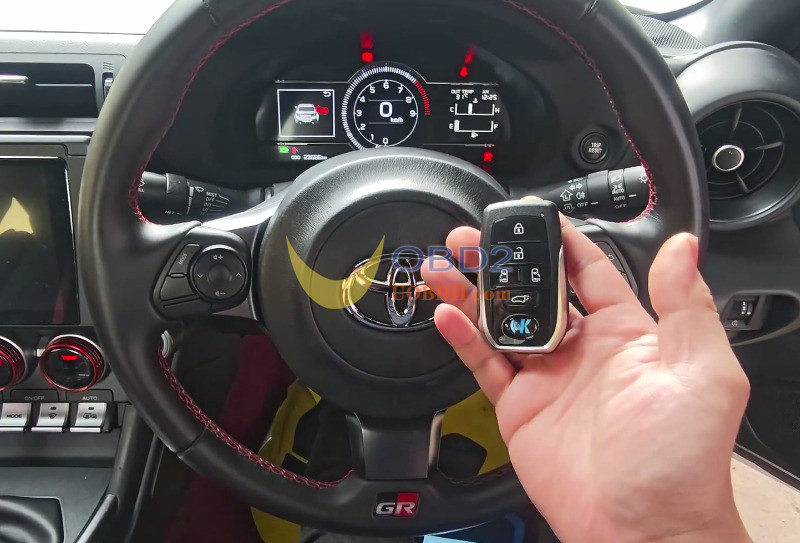



Here is a straightforward procedure for matching new KEYDIY smart fobs to a Toyota GR86 (GR A6 system) via OBD using KEYDIY KD-X6 tool.
What You Need
- 1 Working original key
- 2 Pre-generated KD TB01-5 smart keys
- KEYDIY KD-X6 programmer
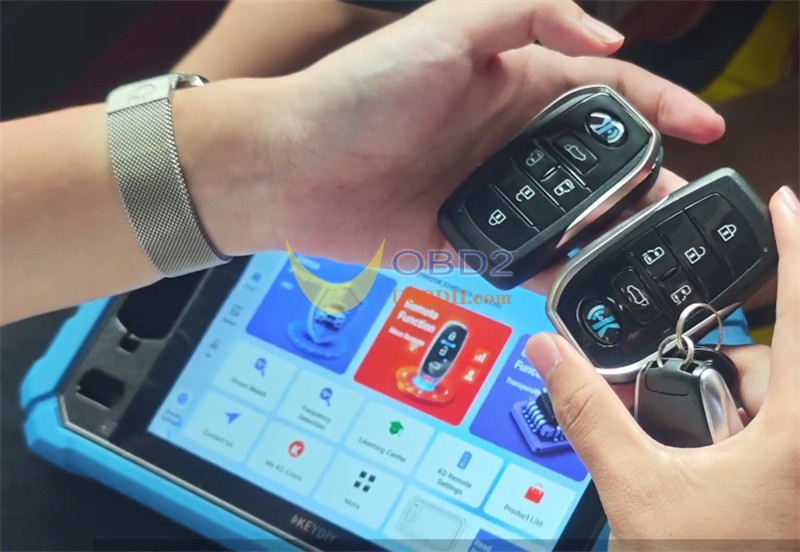
- Read Current Key Memory
Plug your KD-X6 into the OBD port.
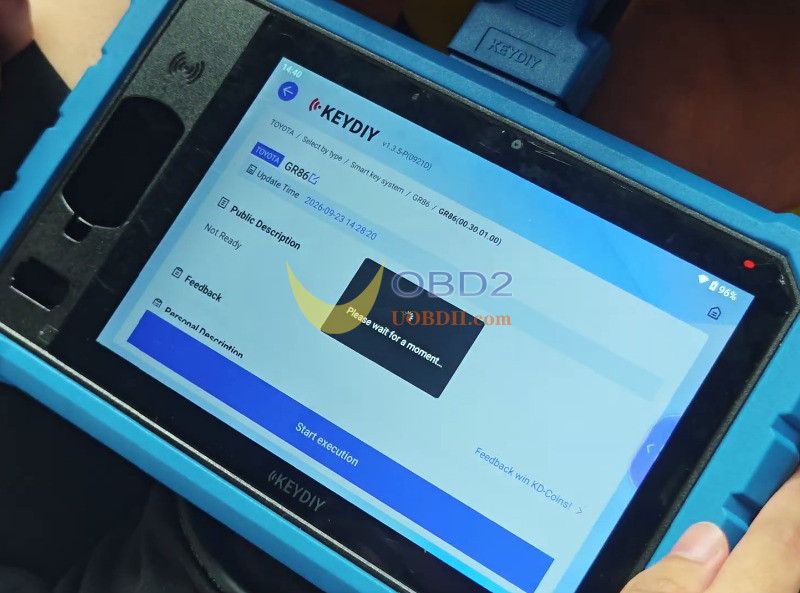
Navigate to Immo Programming -> Immo Programming -> Toyota -> Select by Type -> GR86 -> GR86 -> Start execution.
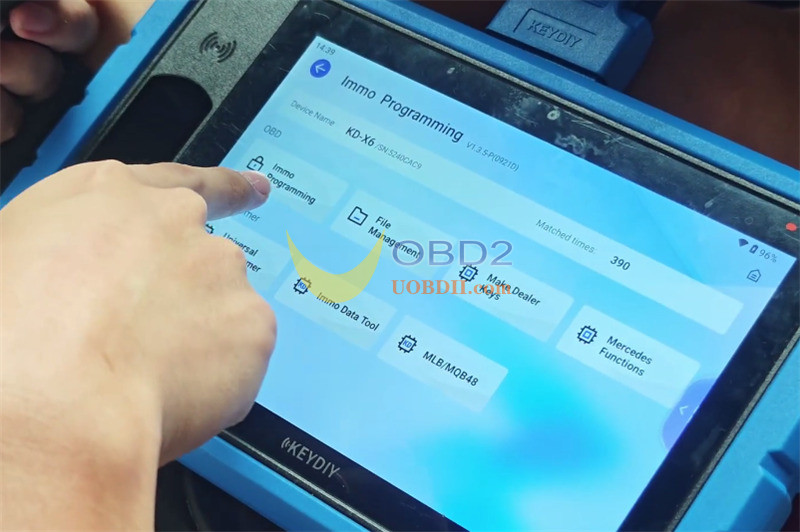
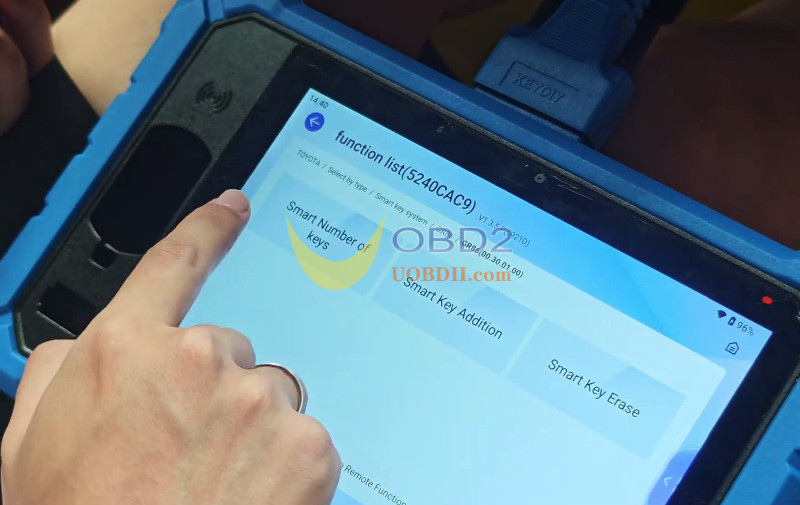
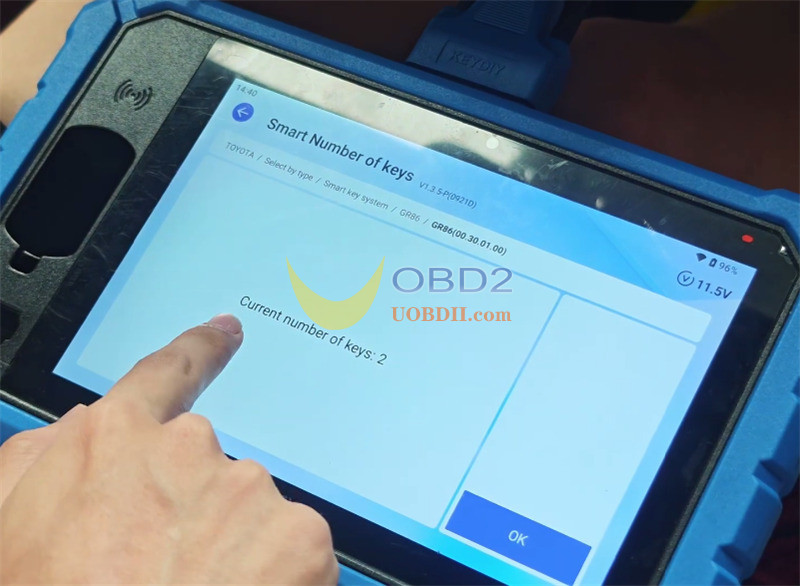
Tap [Smart Number of keys], turn the ignition ON, and read the key count on screen (shows 2 keys programmed).
- Wipe Lost Keys
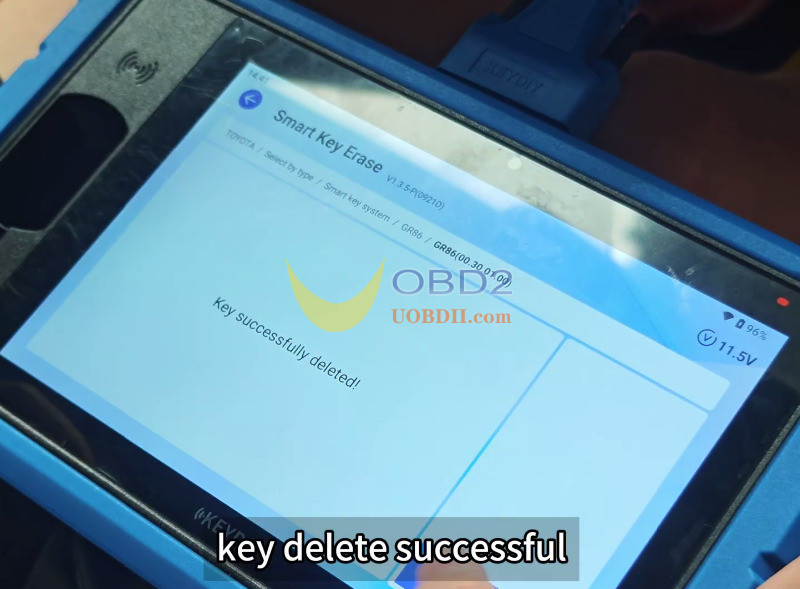
Select [Smart Key Erase].
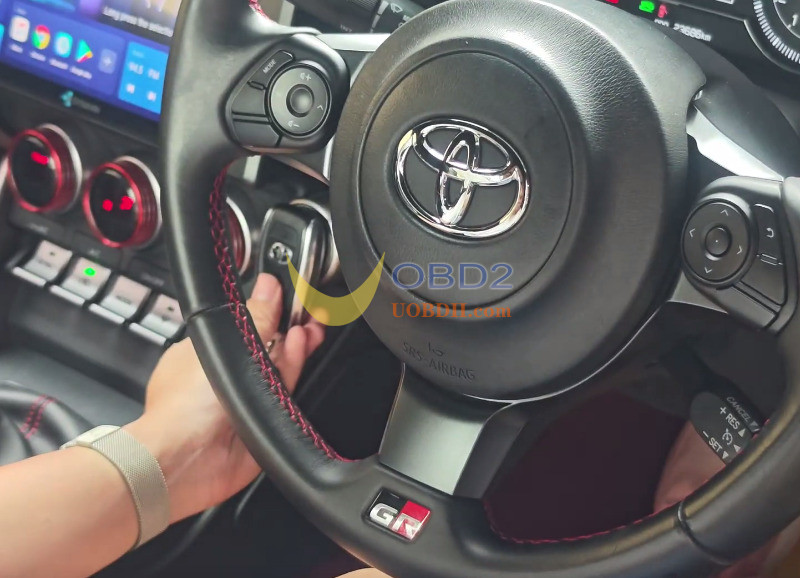
Hold your main key next to the push-start button so the car keeps it active while clearing away any lost or old keys from memory.
Confirm the wipe.
- Program the New Key
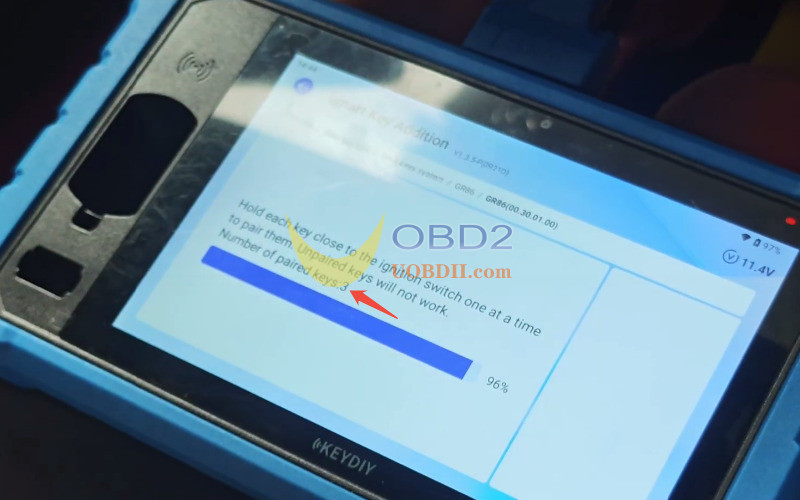
Choose [Smart Key Addition] with ignition ON.
Keep all doors closed.
Hold the original working key to the Start button until the car beeps.
Immediately touch the new KD smart key to the Start button. The key count will change to 3.
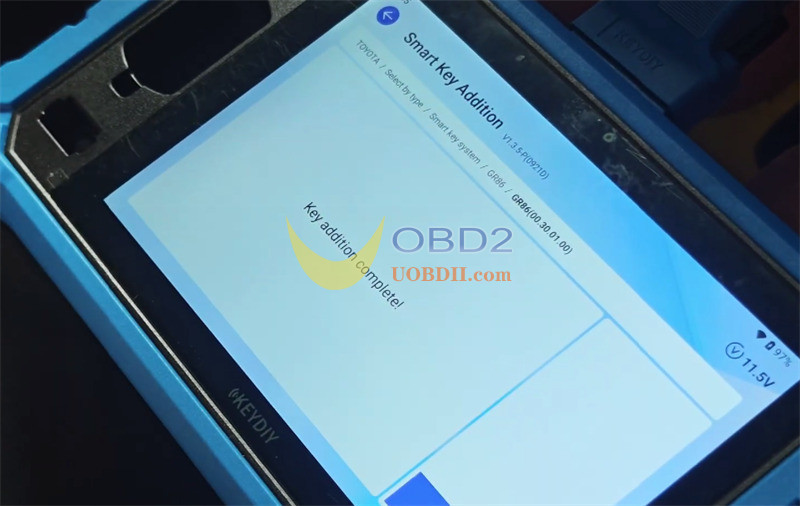
Turn ignition OFF, then ON again to save the changes.
- Check All Functions
Always test the keys before handing the car back to the customer:
- Remote:Press Lock, Unlock, and Trunk release buttons.
- Keyless Entry:Grab the door handle to verify proximity locking and unlocking.
- Engine Start:Step on the brake pedal and hit the Start button to confirm the engine turns over cleanly.