



Autel MaxiIM IM508 IM608 series key programmers support BMW BDC2/BDC3 key cloning function without license activation now.
Follow this post to learn about how to add BDC2 BDC3 keys using IM508/IM608.
Requirement:
- Autel IM608/IM508 series key programmer
- Autel XP400/XP400 Pro programmer
- Original key
- Autel BMWikey (e.g., IKEYBW003AL 3-button or IKEYBW004AL 4-button)
- APB113 Adapter
Important: This function is specifically designed to generate Autel BMW ikey.
1.Autel IM508/IM608 Add BMW BDC2 Key
Navigation path:
Manual Selection-> 2017 to 2020 G38-> Control unit-> BDC02 Immobilizer-> Key Cloning
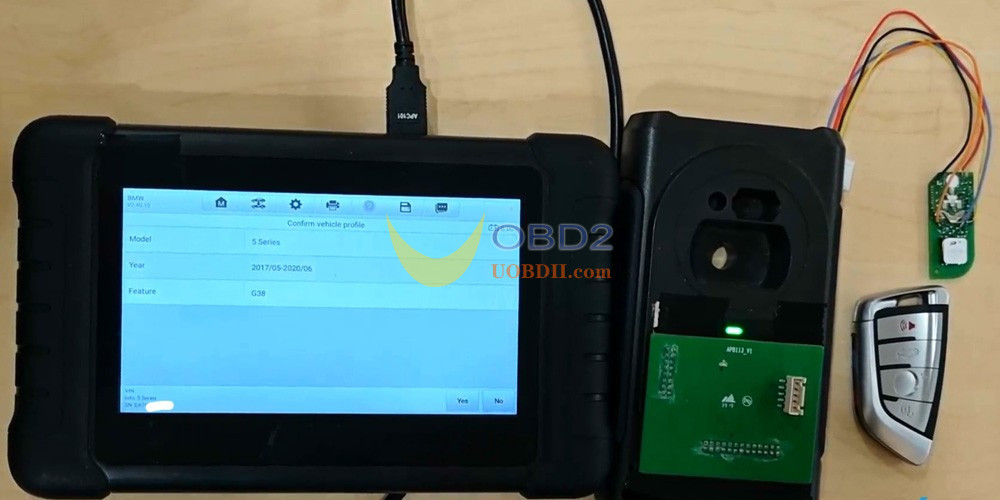
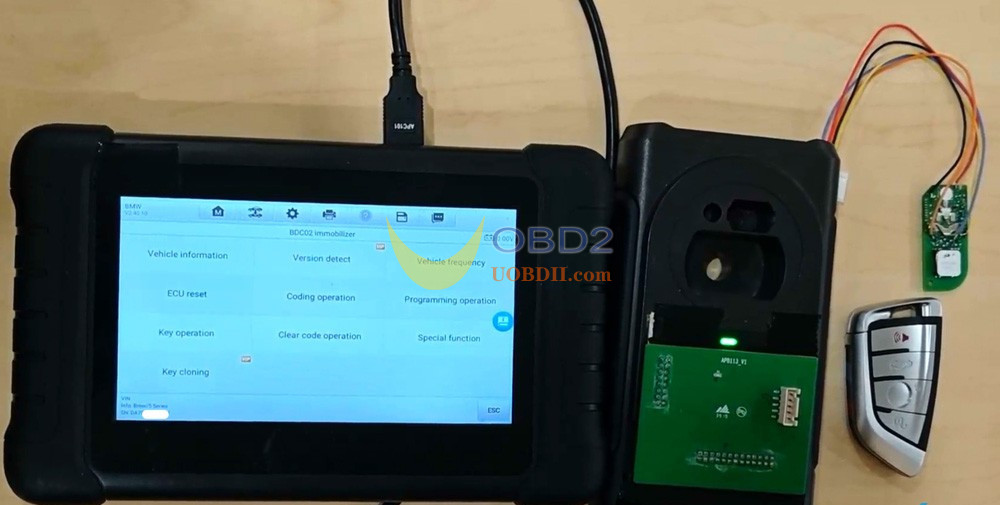
Complete the three-step process:
Step 1: Read Vehicle Information
Read the vehicle’s VIN.
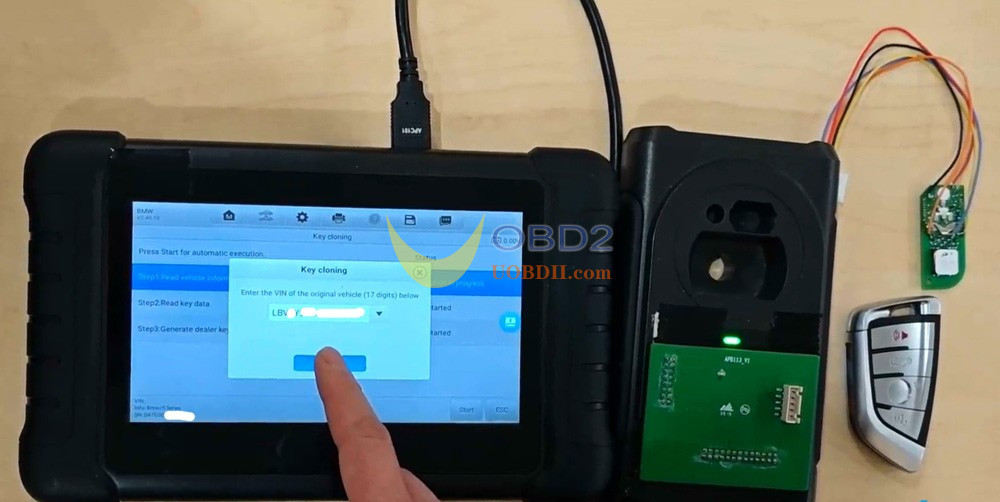
Select the appropriate key frequency.
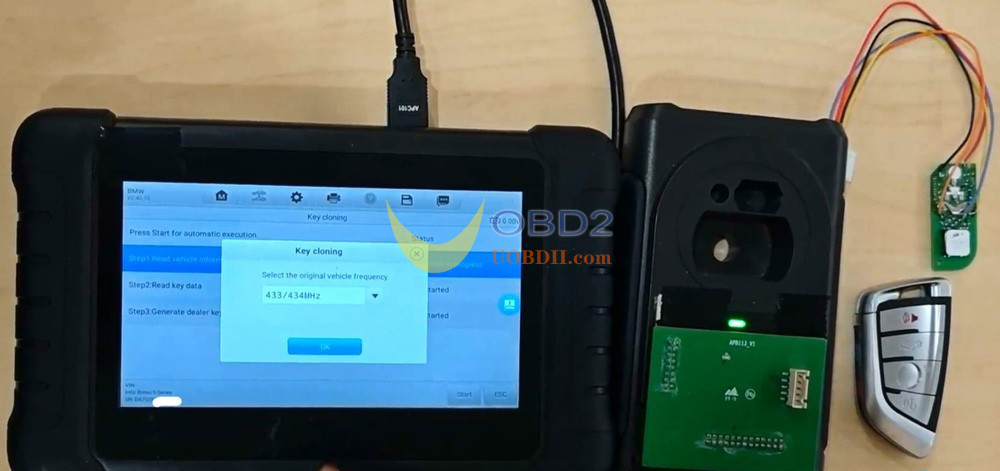
Step 2: Read Key Data
Connect the device to IM508 main unit.
Insert the working original key into XP400 programmer’s key slot.
Refer to the key wiring diagram.
Connect the key’s circuit board to XP400 programmer using Autel APB113 adapter.
Successfully read the key data.
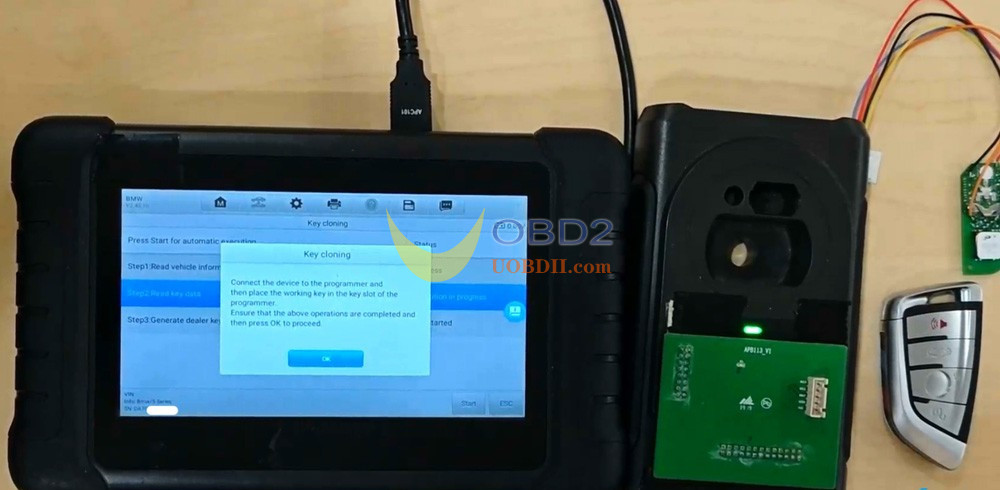
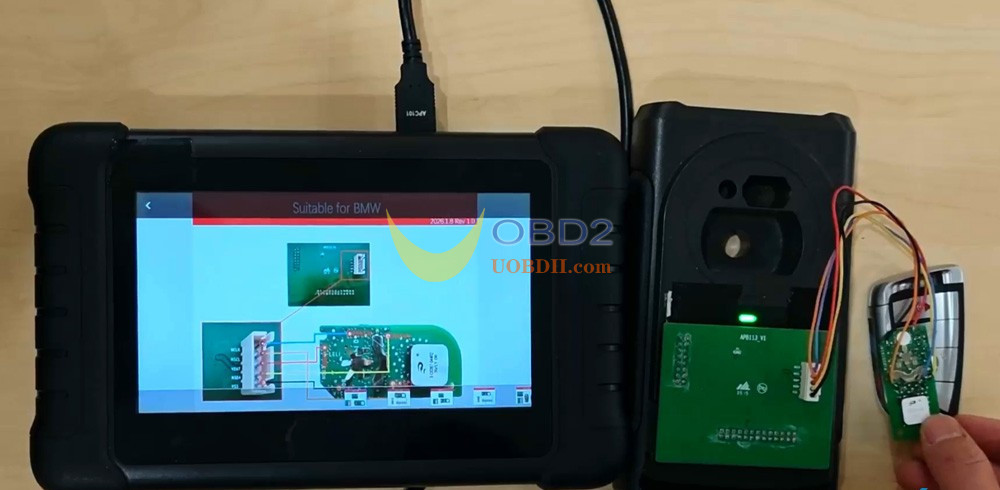
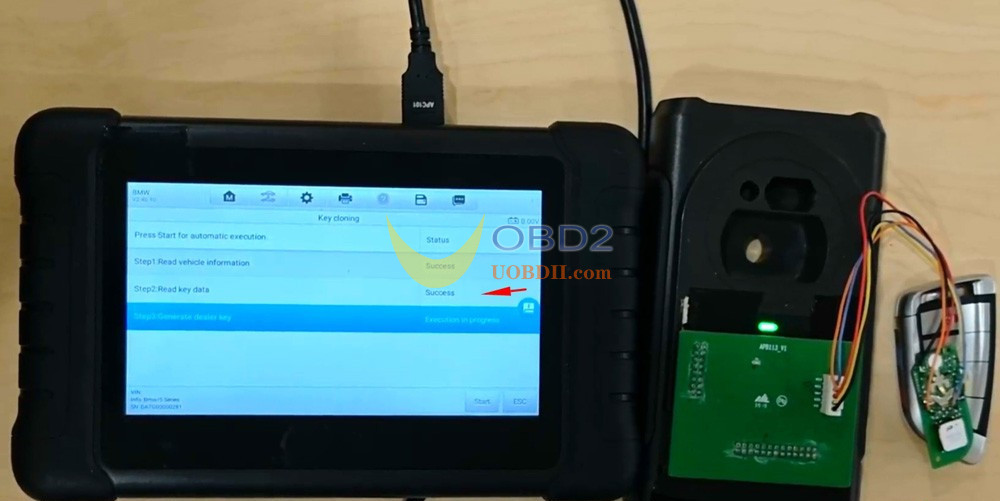
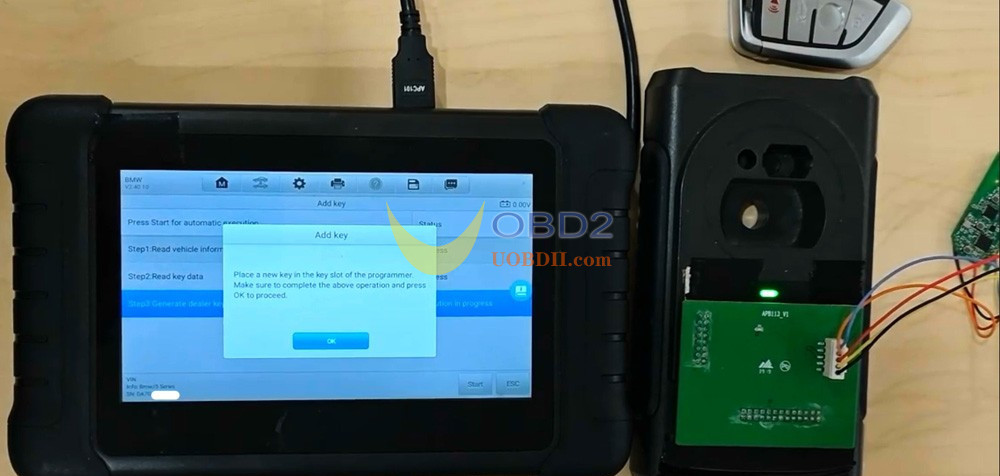
Step 3: Generate Dealer Key
Place a new, blank Autel BMW key into the programmer’s slot.
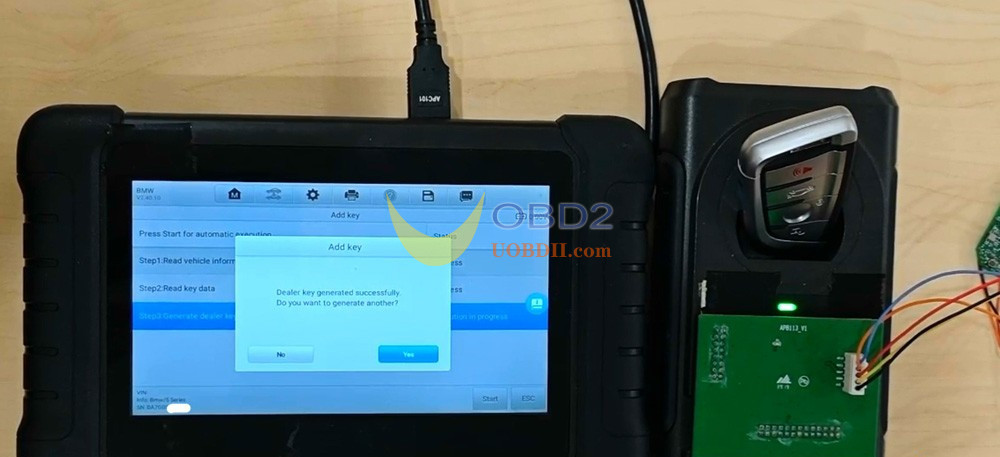
Initiate key generation (process takes approximately 1-3 minutes).
Confirmation of successful key programming.
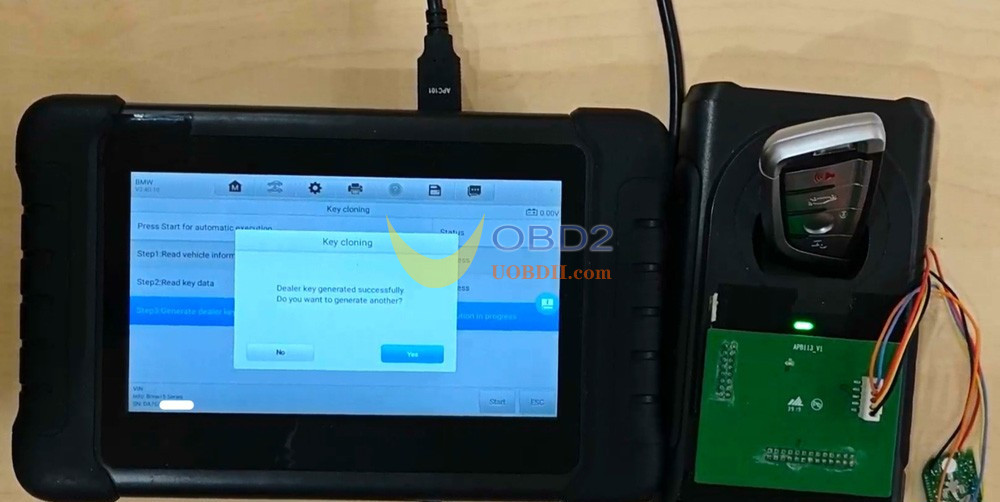
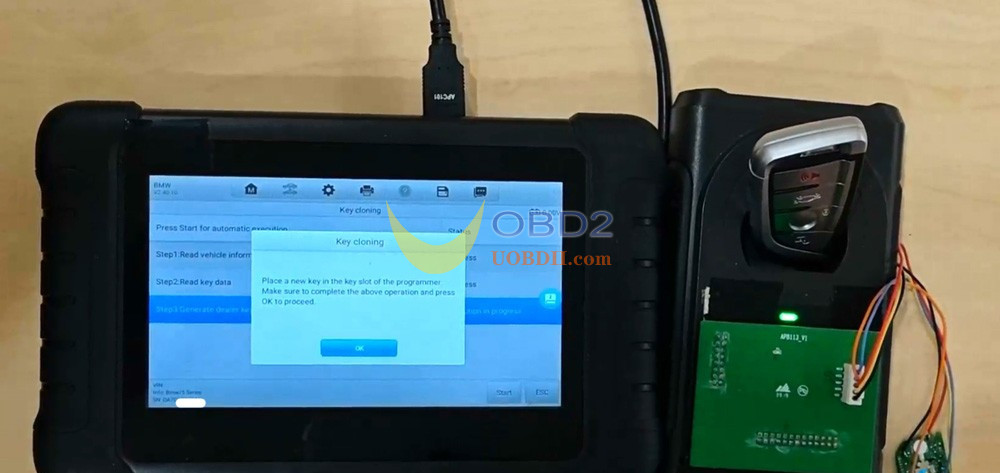
2.Autel IM508/IM608 Add BMW BDC3 Encrypted/Unencrypted Key (Hungary/Mexico Key)
The process for BDC3 keys is similar to BDC2 cloning.
Navigation path:
Manual Selection-> 2020/07- G30/G31/G60-> Control unit-> BDC03 Immobilizer-> Key Operation-> Add Key
Choose the correct key type: Unencrypted or Encrypted+Unencrypted
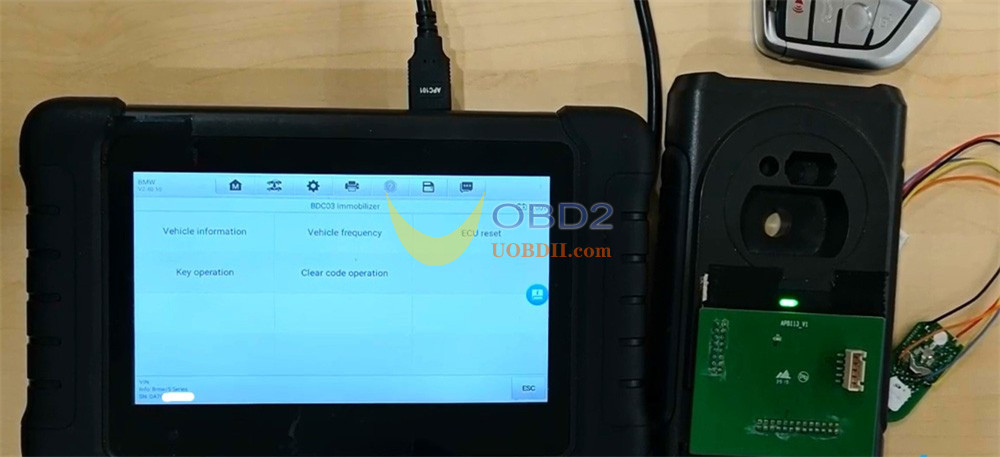
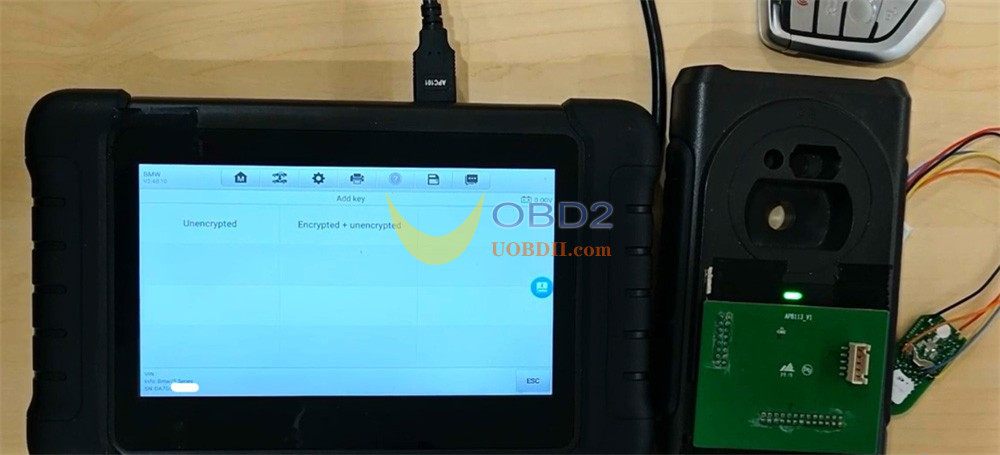
Example: Clone an encrypted BDC3 key
Complete the three steps:
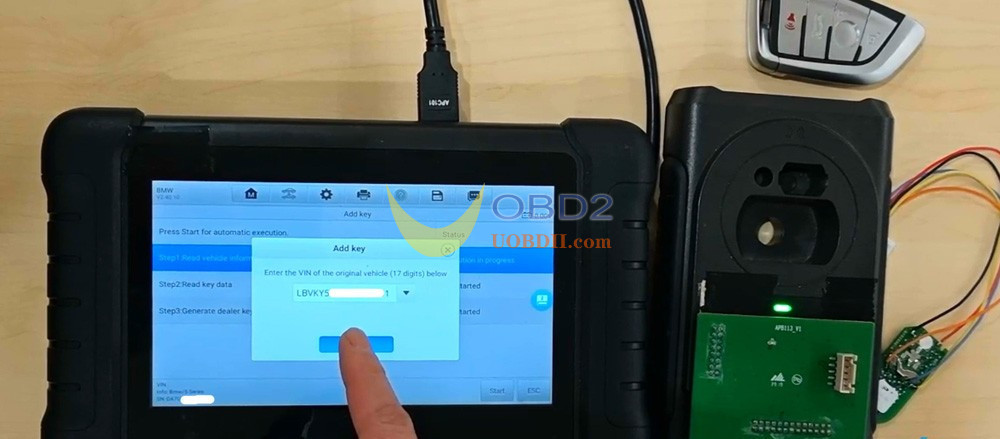
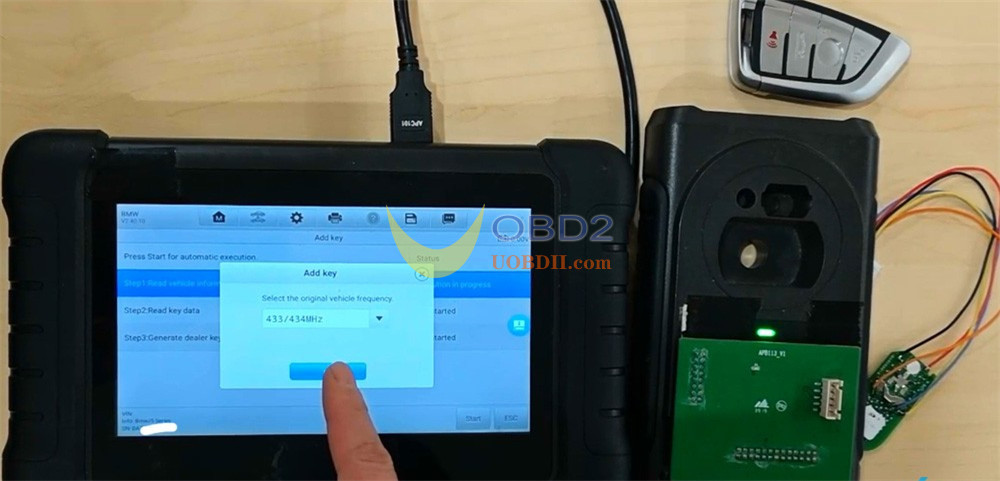
Step 1: Read Vehicle Information
Read the vehicle’s VIN.
Select the appropriate key frequency.
Step 2: Read Key Data
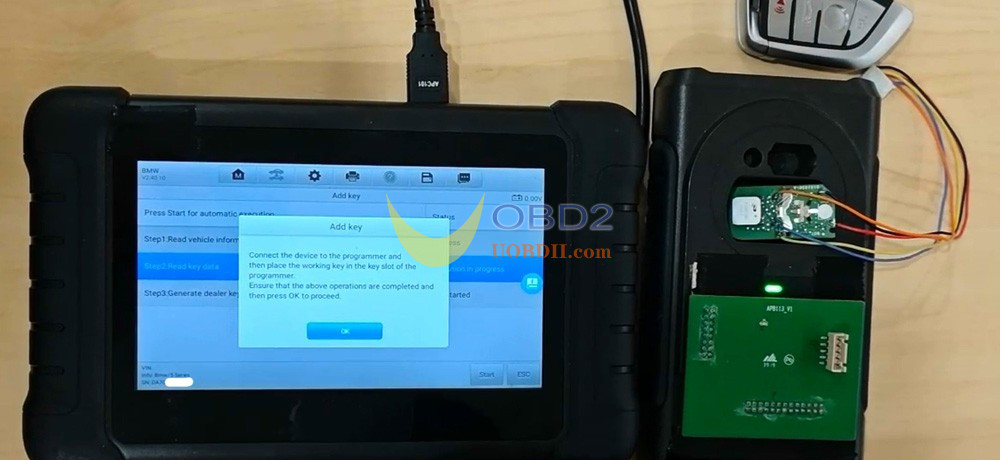
Connect XP400/XP400 Pro to Autel IM608/ IM508 main unit.
Insert the working original key into XP400 programmer’s slot.
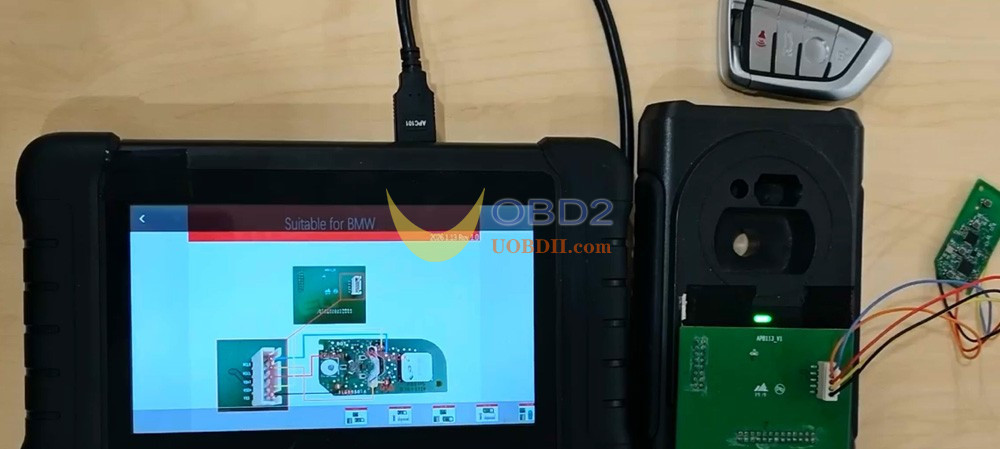
Consult the key wiring diagram.
Solder Autel APB113 Adapter cable to the key circuit board and connect it to Autel XP400 PRO Programmer
Successfully read the key data.
Step 3: Generate Dealer Key
Place a new, blank Autel BMW ikey into XP400 Pro programmer‘s slot.
Perform key generation (process takes approximately 1-3 minutes).
Confirmation of successful key programming.
Learn more:
Autel BMW BDC2 BDC3 BCP Key Cloning Function Support List
