



If your Launch X431 X-Prog5 (PROG5/G5) throws an “Error during connection of anti-theft key matching adapter, try again?” message on your X431 Euro TAB II, a regular PC update won’t always clear it. This also happens when the programmer’s power light stays stuck on solid red.
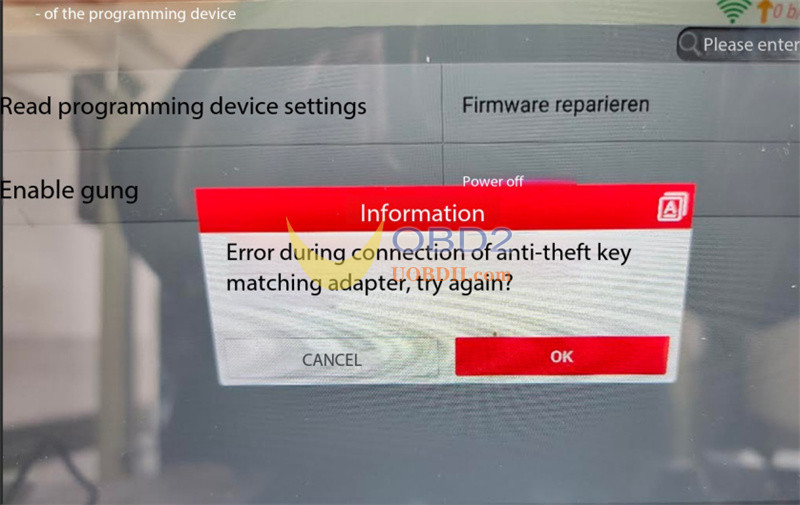
Here is how to force a firmware recovery right at your workbench:
Step-by-Step Fix
- Jumper Pins to Ground:Solder or use jumper leads to connect pins B2 and B4 directly to the panel GND
- Run Firmware Repair:Open the Programmer menu on your tablet and click Firmware repair.
- Reconnect & Test:Remove the jumper wires and plug Launch G5 programmer back in to test the connection.
If the repair fails to run or complete, the internal board has suffered hardware damage and requires replacement through your dealer.
Tech support:
Email: Sales@UOBDII.com
Whatsapp: +86-13995696053
