


How to Read / Write VOLVO MPS6 GEN3 TCM Data by OBDSTAR DC706 ECU Tool? Here is the Tutorials.

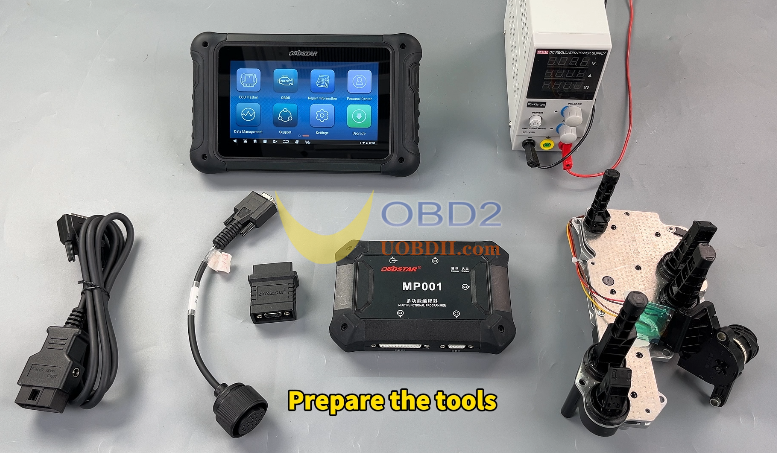
Prepare tools:
OBDSTAR DC706, Power Supply, Main Cable, TCM-008 special wiring harness, Converter, MP001 Programmer, Volvo MPS6 GEN3 TCM.
Note:
Make sure to update the softare to the lastest version before doing the job.
Detail Steps:
Select(ECU Flasher) – Tap (TCM) – Select software version
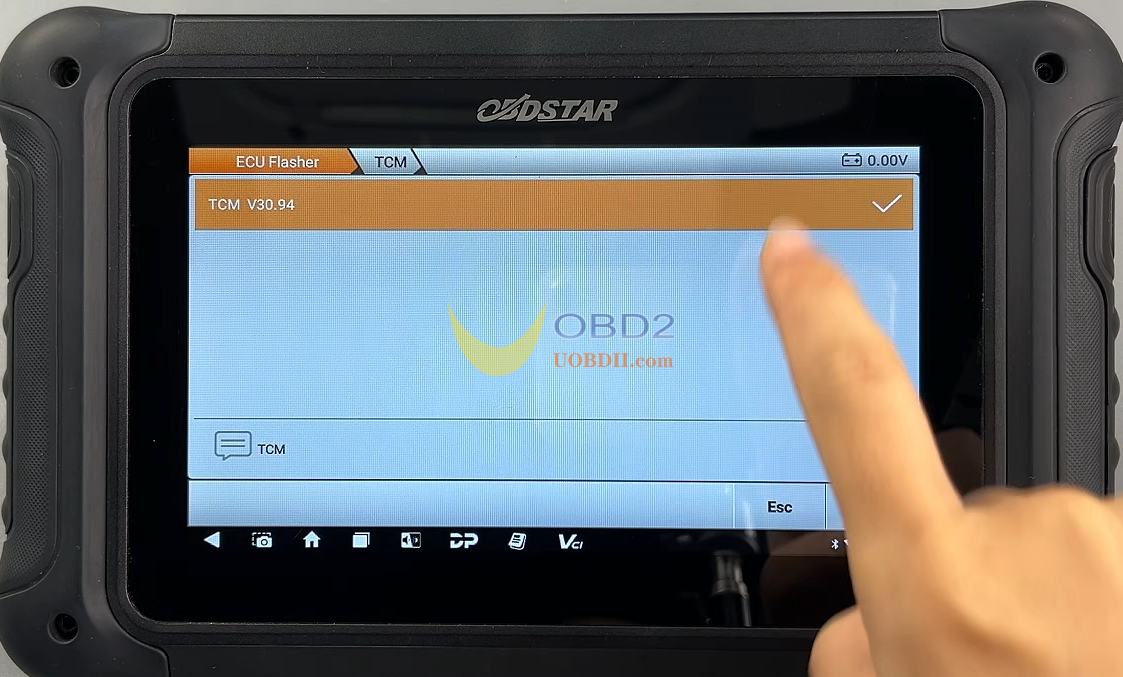
Search for the ECU Model in top-right corner and select it.
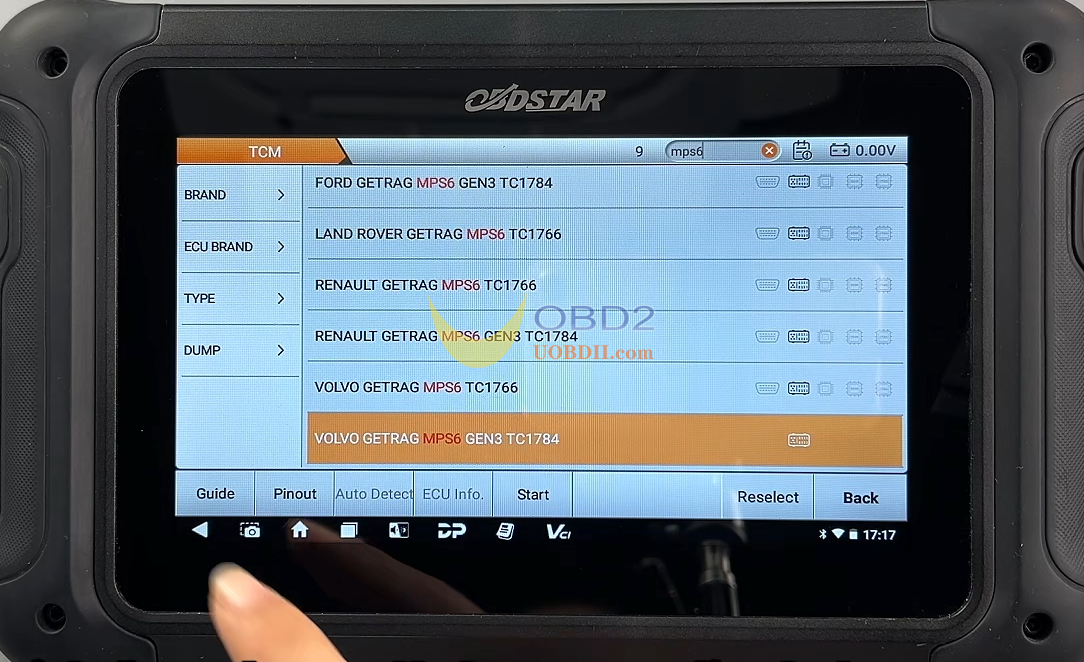
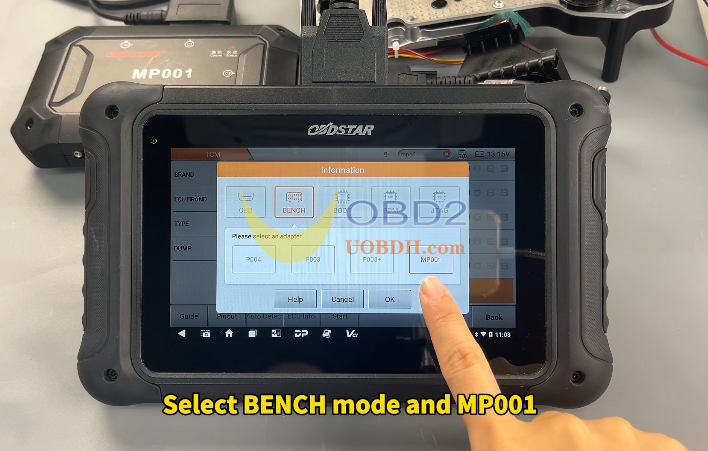
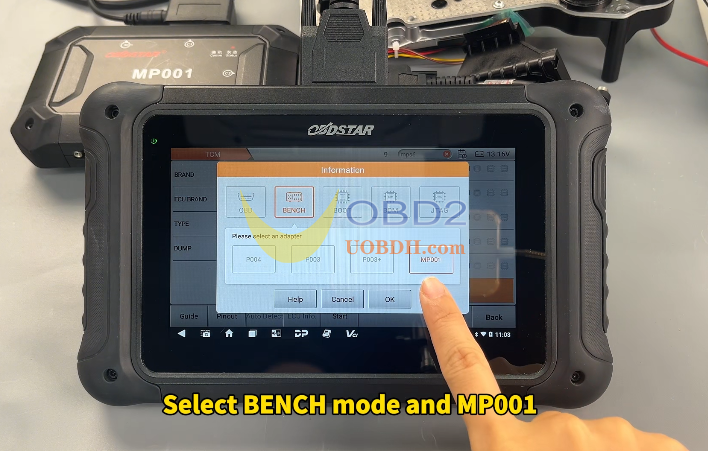
Tap(Guide) and scroll down to find the connetion diagram – Go back and tap (pinout)- Select Bench mode and MP001.
Verify that the module appearance matches.
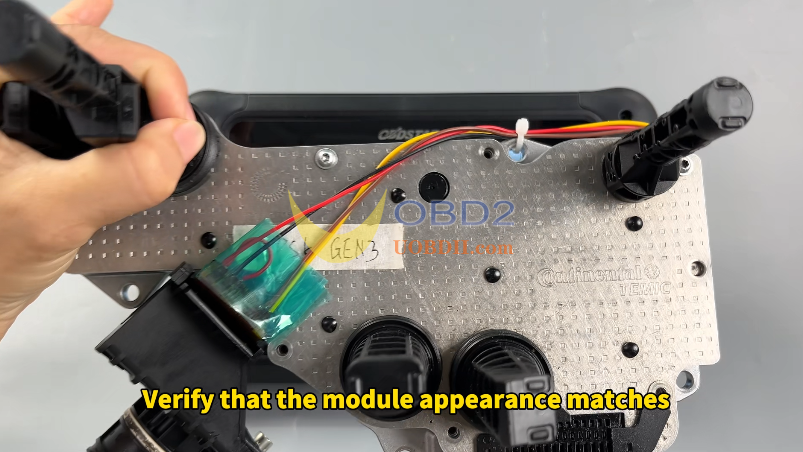
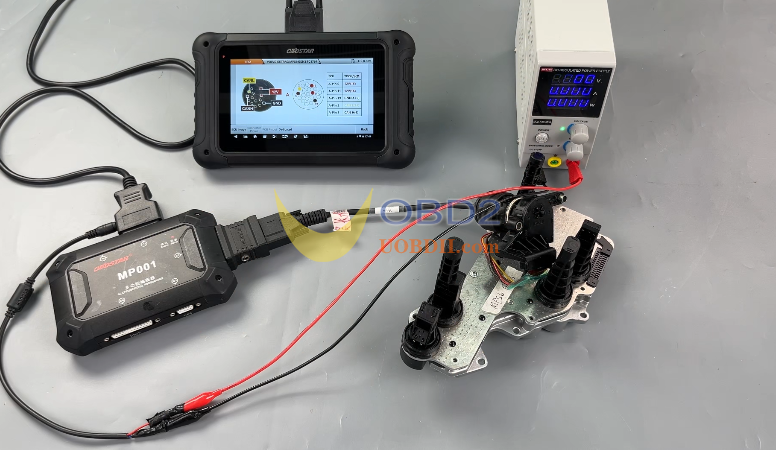
Tap(Dediated), Check cable. Tap(Connector Pinout), Connect the cables according to the diagram.
Tap(Back)- Tap(Start)- Select BENCH mode and MP001, Once confirmed, tap(Connect), Tap(Yes), Then the ECU is connected, Read Flash data.
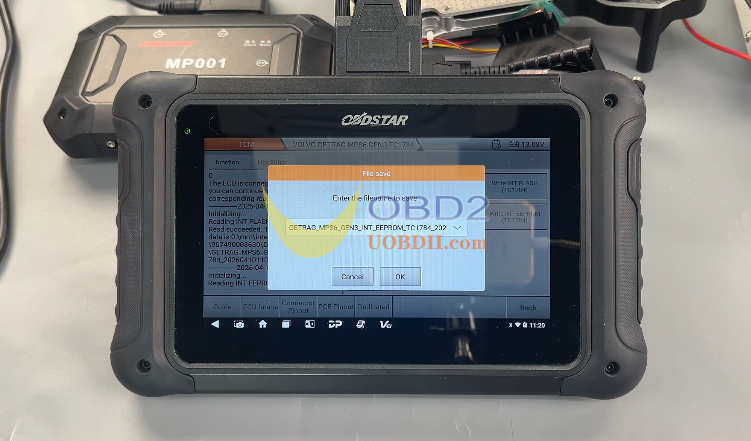
The file name can be changed according to situation, the file save path will be shown on the left. Then Read EEPROM data, Tap(OK), The file save path shown on the left.
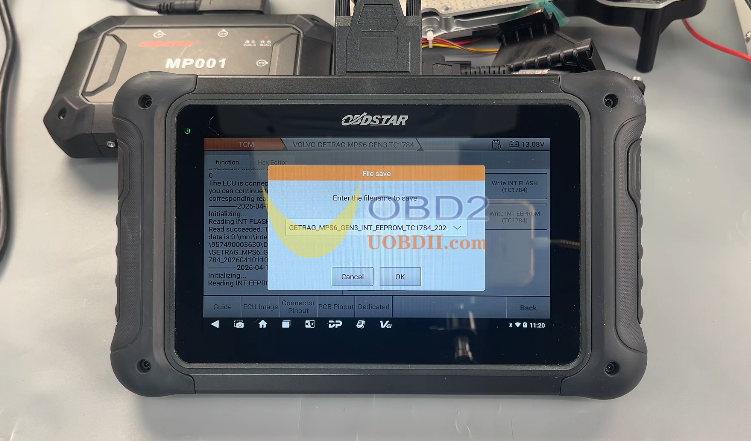
Write Flash date, Select(Load External data), You can locate the backup file by file name, time, size, or by using the search box, select the correct backup file and Tap(OK), Tape (Yes) to write,
Then write EEPROM data, Select(Load External date), select the correct backup file and Tap(OK),Tape (Yes) to write. When the device displays write successful, the process is complete.
More Details Please Check OBDSTAR DC706 Read / Write VOLVO MPS6 GEN3 TCM Data Video Guide:
