

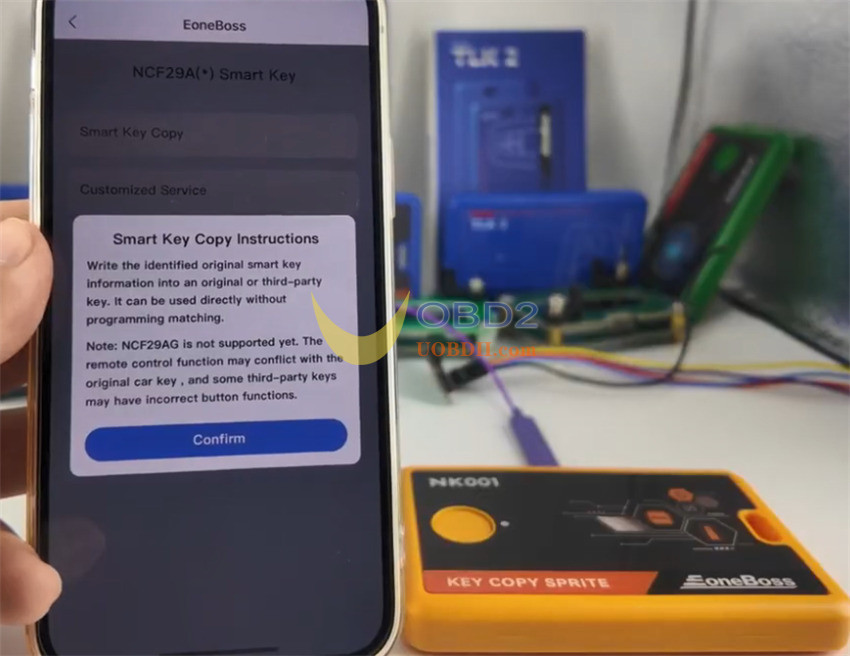
Eoneboss NK001 is a specialized programmer designed to simplify key cloning workflows. Its primary feature—Smart Key Copy—allows technicians to extract data from an original key and write it directly to a new or third-party key. Once the data is transferred, the new key functions immediately without requiring an on-vehicle OBD matching or learning session.
Technical Notes & Compatibility
- Supported Transponders:Currently supports NCF 29A Support for PCF chips will be added in a future software update.
- Limitations:NCF 29AG chips are not supported at this time. Some aftermarket remote control functions may experience intermittent issues.
- Verified Vehicles:Fully tested and verified for BMW E-series/F-series (such as BDC2 and BDC3 systems).
Step-by-Step Cloning Procedure
Step 1: Hardware Preparation & Original Key Reading
Remove the original key circuit board from its shell.
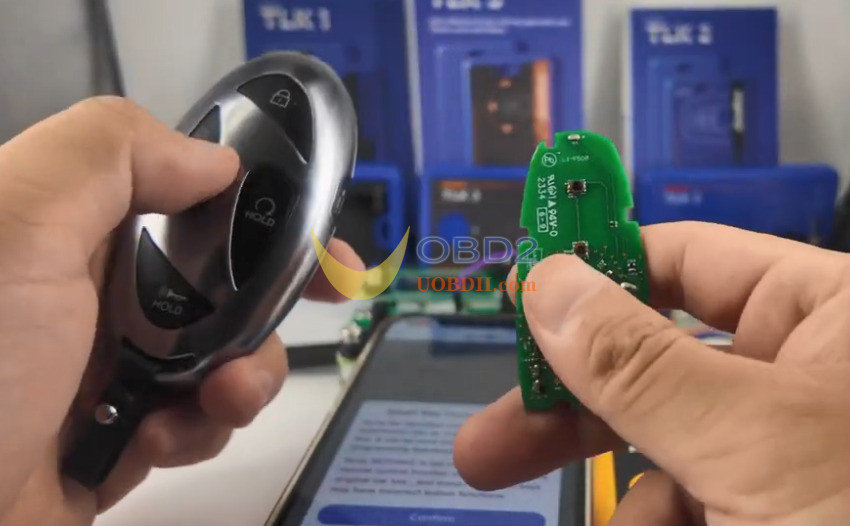
Connect the original board to NK001 programmer using either the dedicated connection board, specialized adapters, or the chip pinout cable.
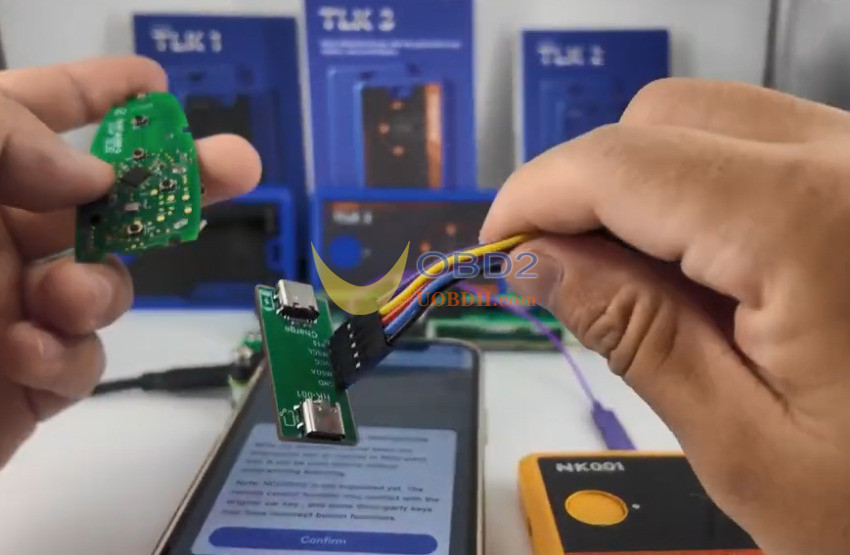
Important Connection Detail: For the original key data extraction phase, ensure the P15 cable is properly connected to the adapter setup.
Launch the application on your device.
Step 2: Establishing Communication
Power on NK001 tool.
Double-check all physical wiring connections to prevent reading failures.
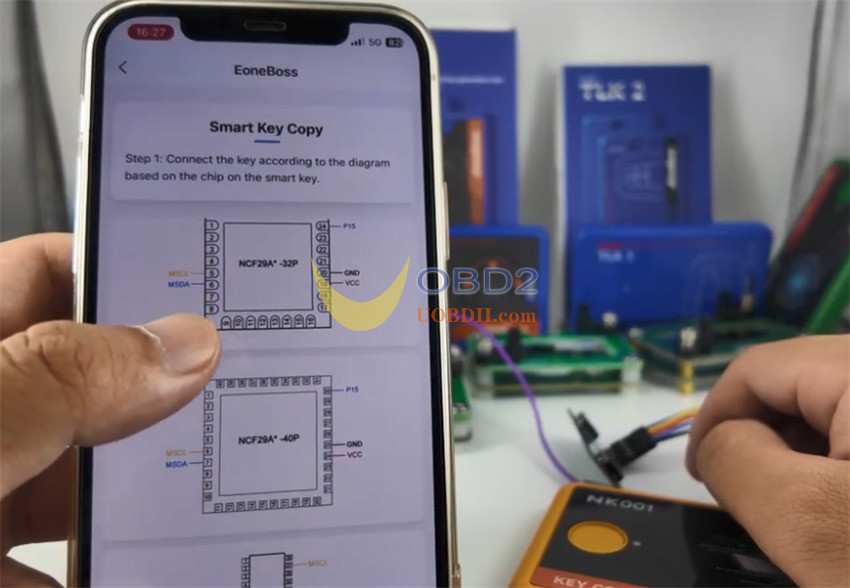
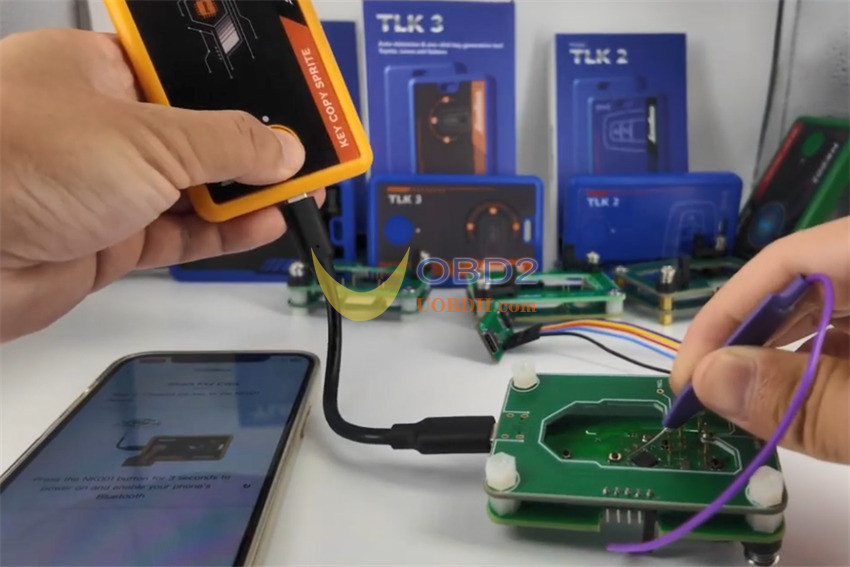
Click [Connect] in the app. The programmer will automatically initialize and extract the transponder information from the original key board.
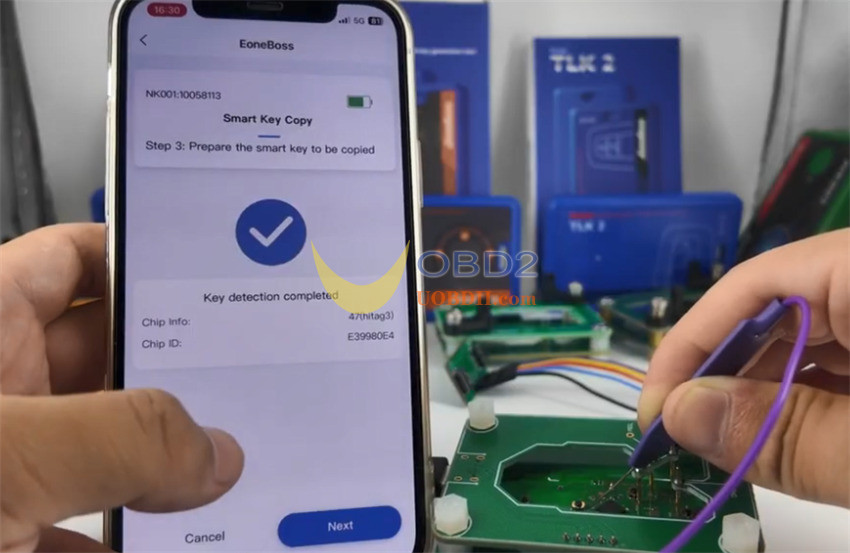
Step 3: Writing Data to the New Key
Once the reading process concludes, the app will display the extracted key data. Click [Next].
Remove the original key board and replace it with your target blank key (you can use either an OEM original key or a compatible aftermarket key). Note: Ensure the new key utilizes the same chip architecture.
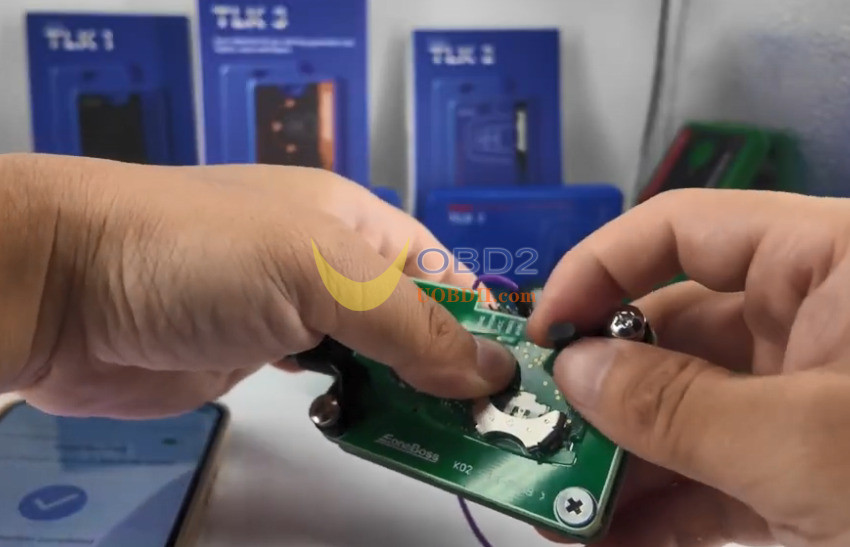
Refer to the on-screen pinout guide for the new key. Note: During this writing phase, the P15 cable does not need to be connected.
Keep NK001 powered on throughout the swap. Click [Copy].
Step 4: Verification & Usage Limits
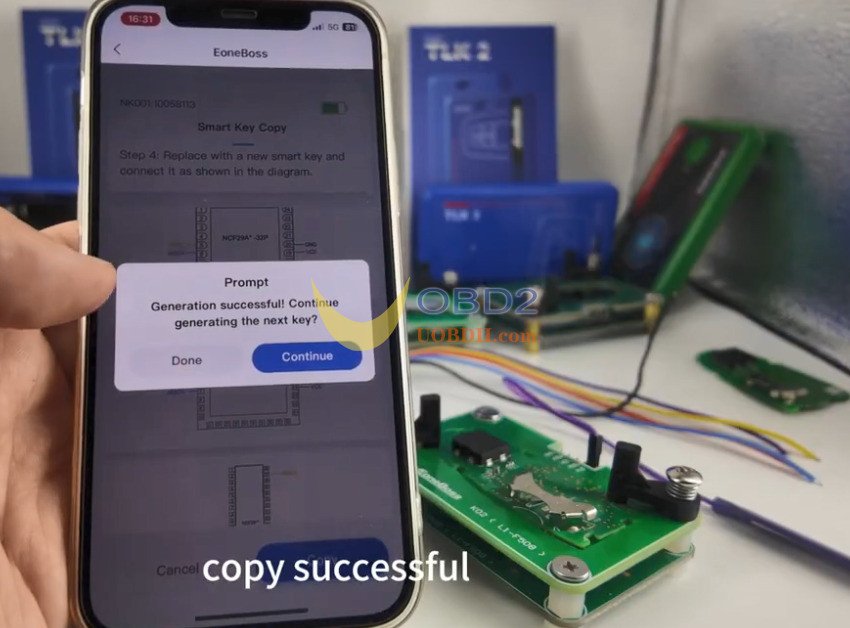
The application will display a “Copy Successful” confirmation message. The key is now ready to start the vehicle.
Token/Generation Rules:
If you are cloning onto a proprietary Eoneboss Smart Key, generation is completely unlimited.
For non-Boss third-party keys, the software imposes a strict limit of 5 copies per day.
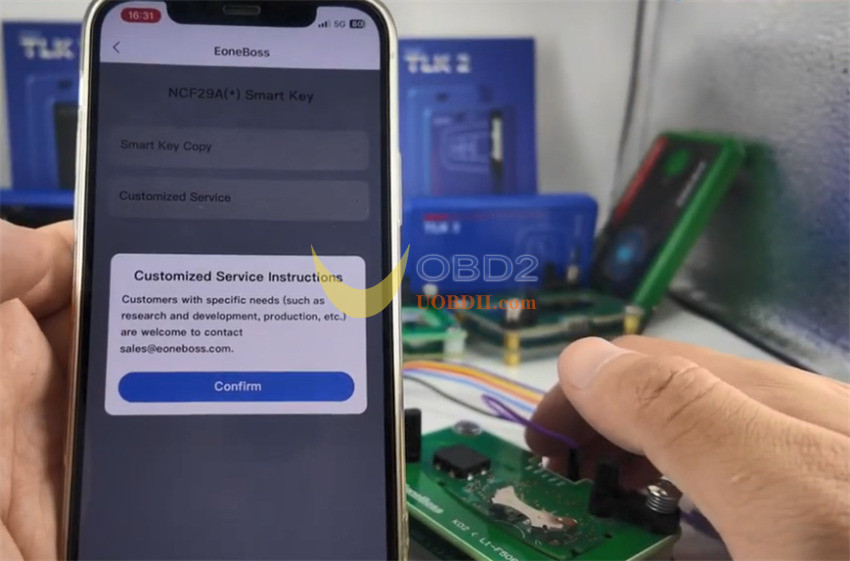
Video guide:
