



Keydiy C29Ax71 Smart Key Synchronization Function Tutorials: Supported chip types NCF29A1,NCF29A4,NCF29A2NCF2953,NCF29A3,NCF2954.
Toos Required: KEYDIY KD-X4, KEYDIY 13# REMOTE CHIP READING ADAPTER, Original key, KEYDIY ZB71 Smart Key .
Step-by-Step:
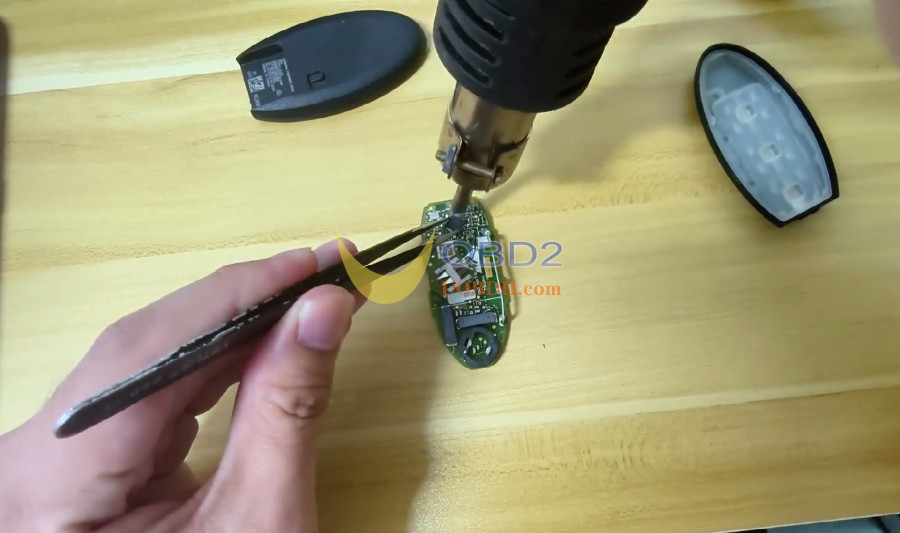
Step 1 Prepare the Chip: You must carefully disassemble the original smart key and desolder the NCF29Ax chip from the PCB.
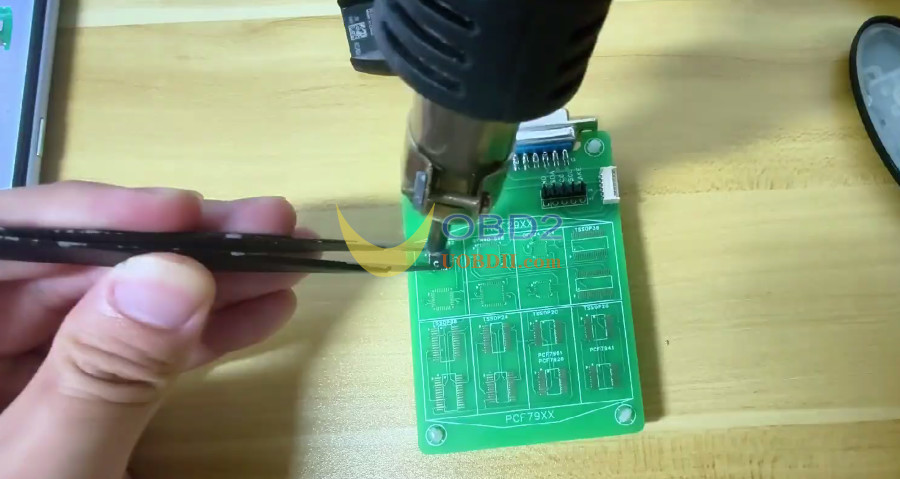
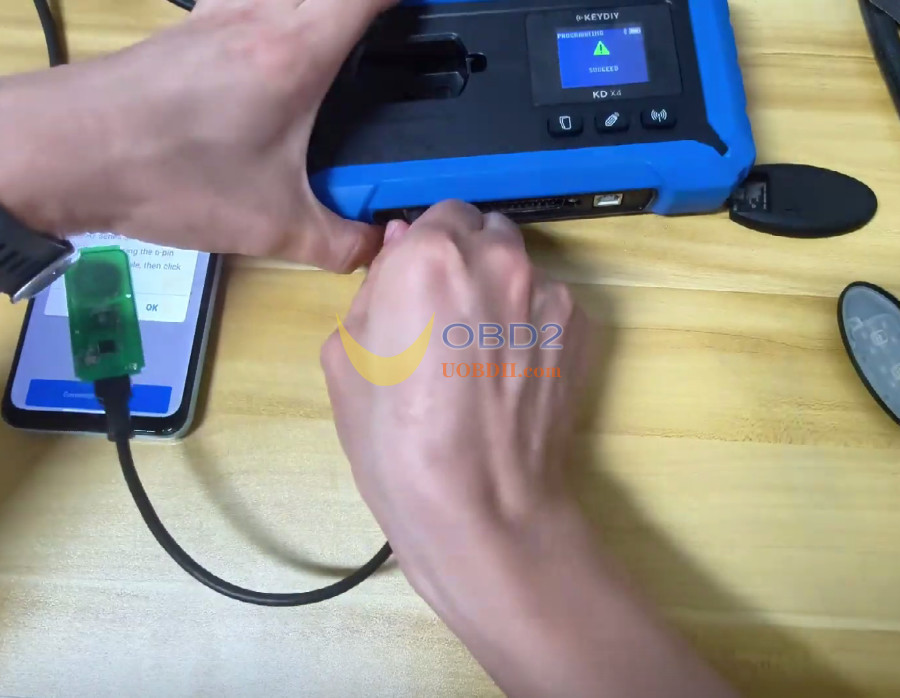
Step 2.Solder to Adapter: Place the removed chip onto the KD #13 NCF29xx adapter board and solder it in place. Connect this board to KD-X4.
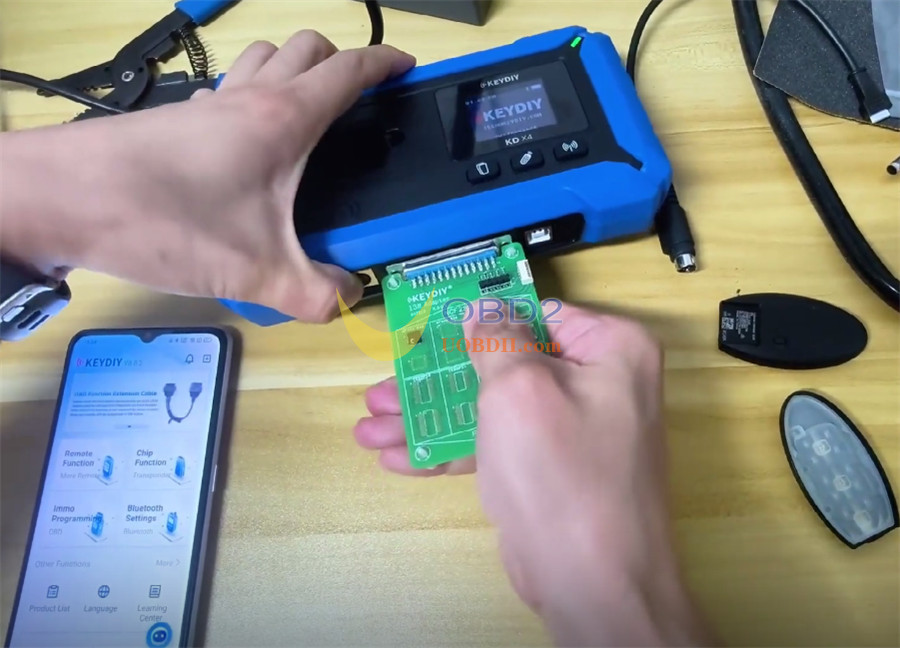
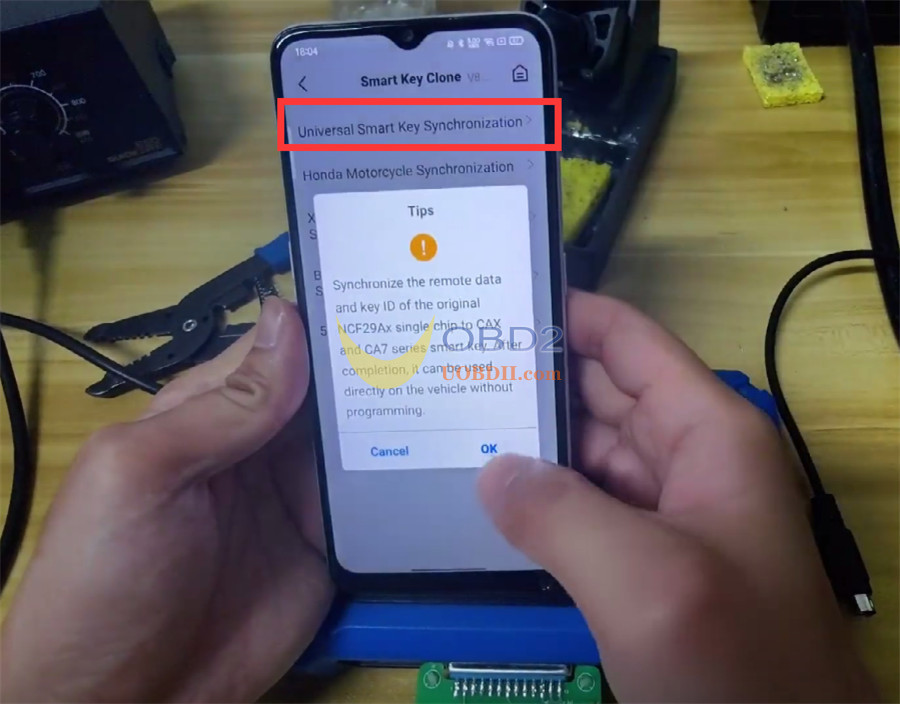
Step 3.Read Data: Open KD App and navigate to Remote Function -> Smart Key Clone -> Universal Smart Key Synchronization to read the chip data.
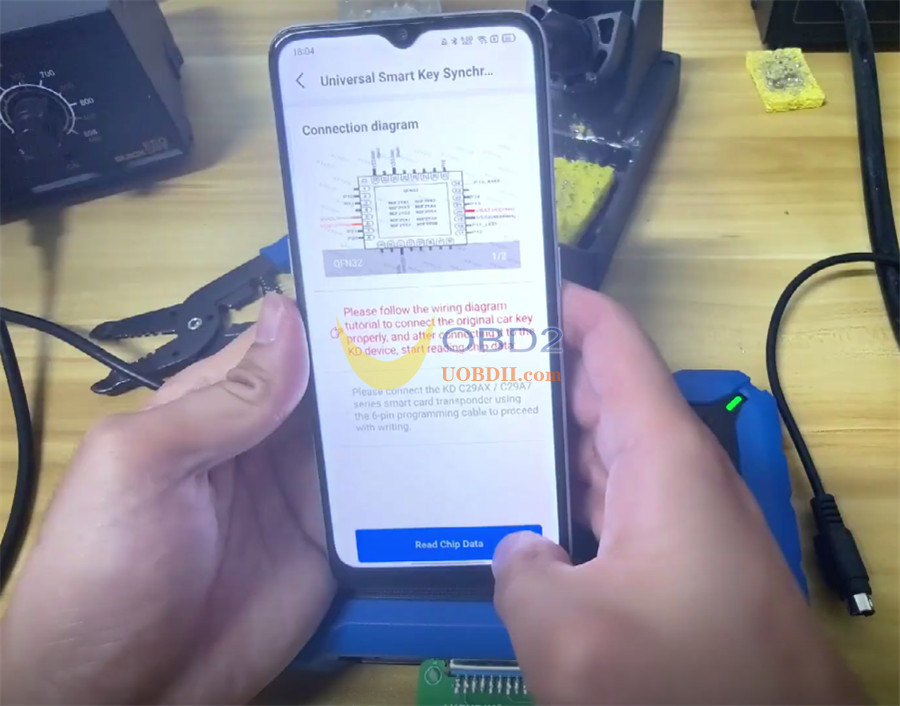
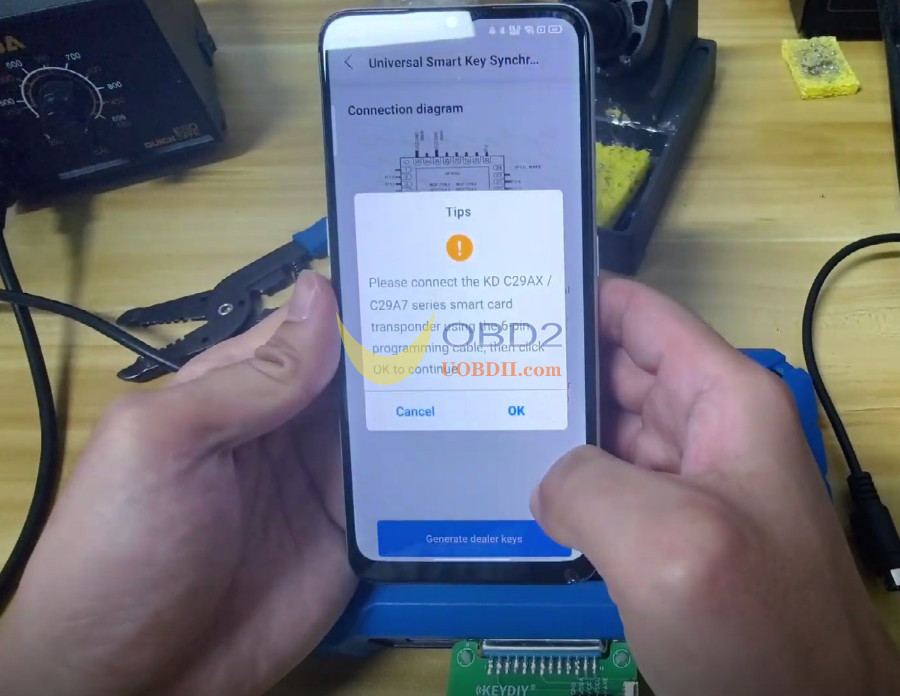
Step 4.Write to New Remote: Remove the chip from the adapter, resolder it back to the original key, then use the 6-pin cable to write the data to a new KEYDIY ZB71 Smart Key.
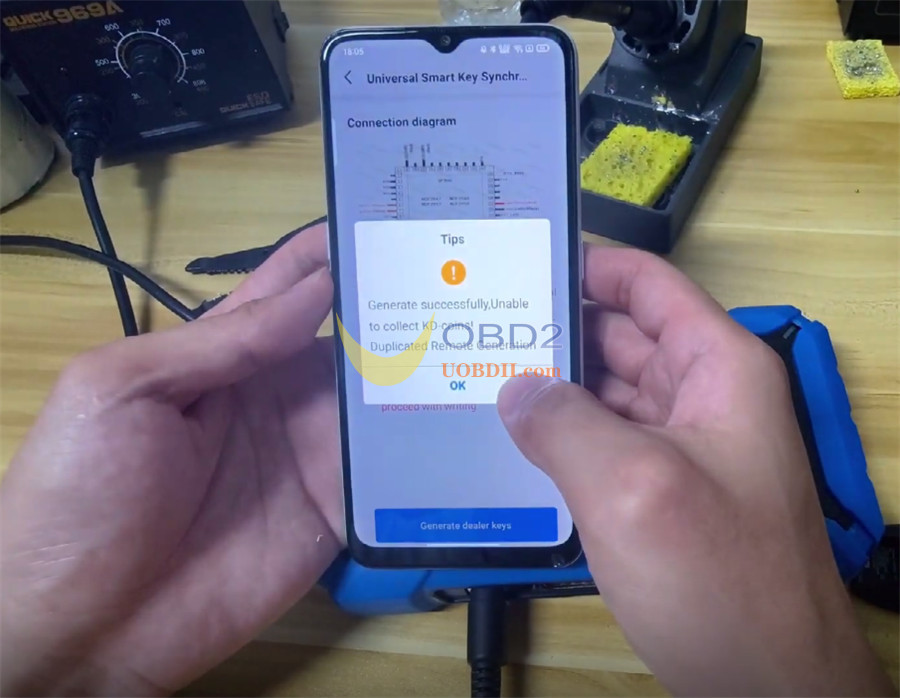
Step 5.Finalize: Assemble KD ZB71 remote shell. The key is ready to use without vehicle programming.
Video Guide:
