Adding a spare key to a VAG vehicle with an MQB49 (5C/5D) immobilizer system used to be a complex task. With Launch X-Prog5 IMMO Programmer (Prog5/G5), reading key data and generating dealer keys can be done directly on the bench.
Here is a practical breakdown using a 2023 Volkswagen T-Roc as our test vehicle.
- Connecting the Hardware
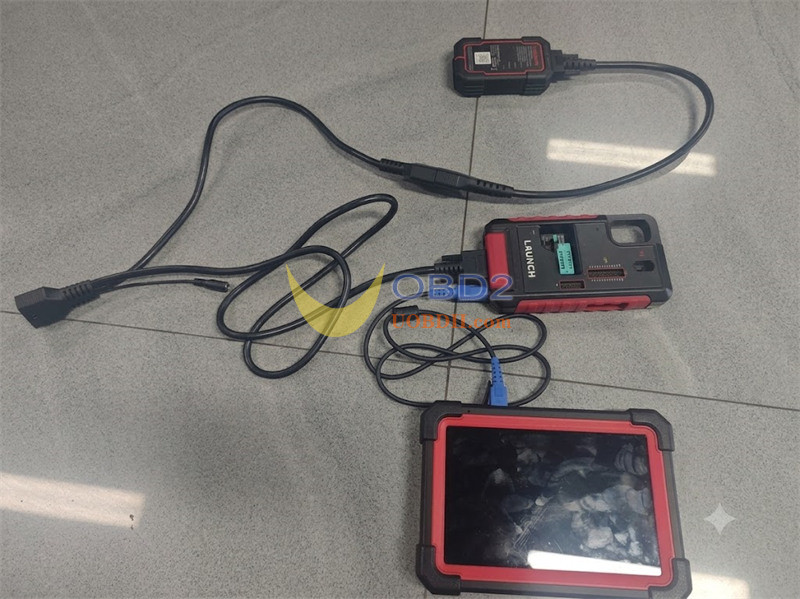
First, hook up G5 programmer to a compatible Launch X431 tablet (like IMMO Plus, PAD V, or PAD VII).
One noticeable improvement on G5 is its direct USB connection, which avoids the extra wiring and configuration steps needed on the older X-Prog3.
Don’t forget to attach the external power cable to XPROG-5.
- Selecting the System Path
Note: Make sure your device has the VAG IMMO software package activated before starting.
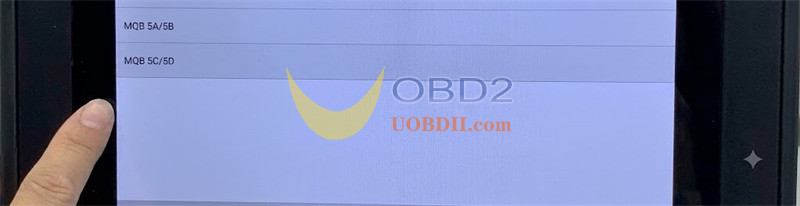
Power up the tablet and head to: Immobilizer > System Mode > Immobilizer Key Programming > Key Learning > MQB Immobilizer System.
From the menu list, choose MQB49 5C/5D.
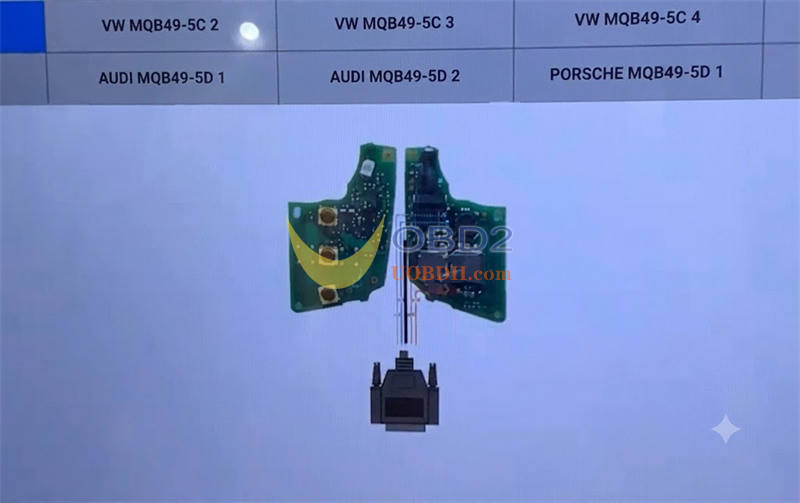
Open the pinout diagram option to review the connection points.
- Soldering the Original Key PCB
Take apart the customer’s working 5C key to access the circuit board.
Compare your board with the schematics shown on the tablet screen to select the matching layout.
Carefully solder the leads of the MCU V1 cable to the corresponding points on the key board.
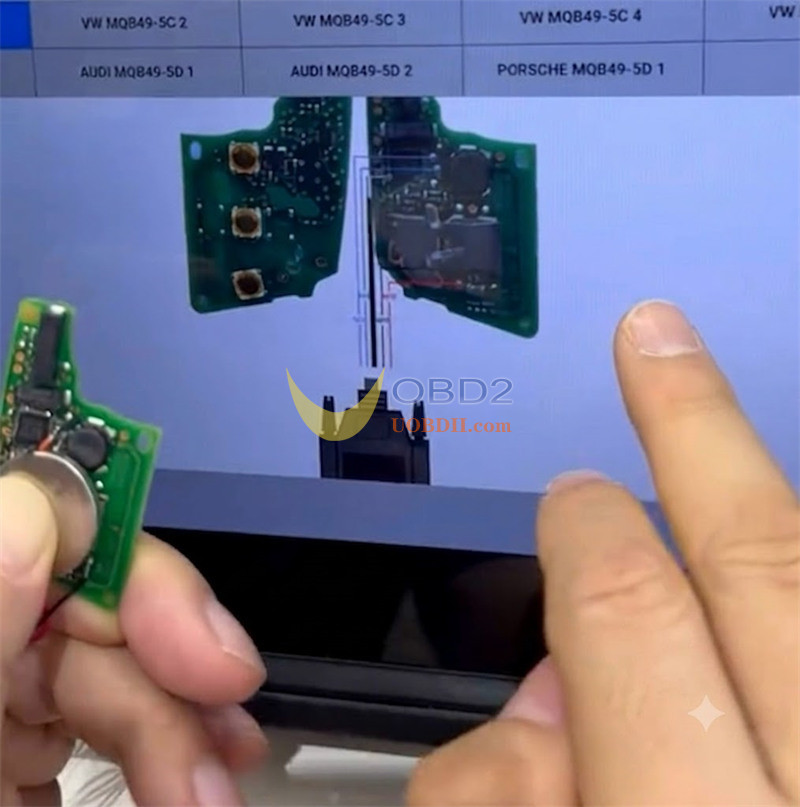
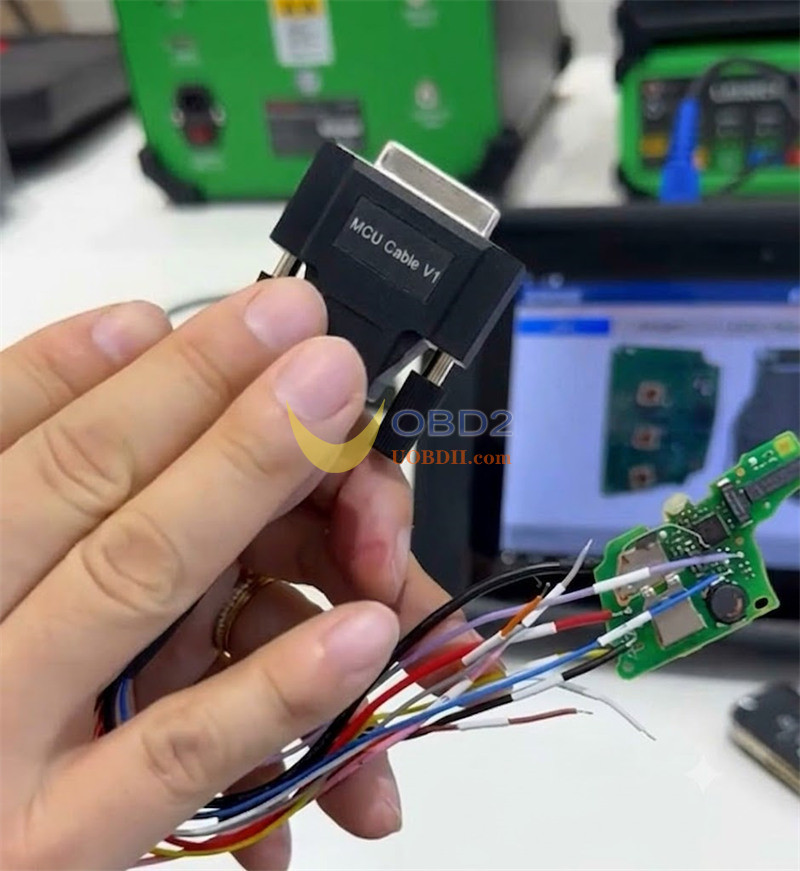
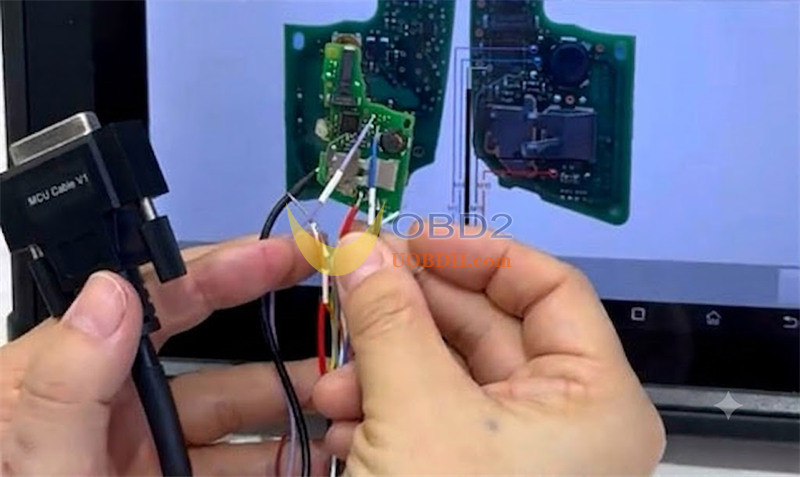
Once soldered, attach the MCU V1 cable connector into the main port on Launch G5 programmer.
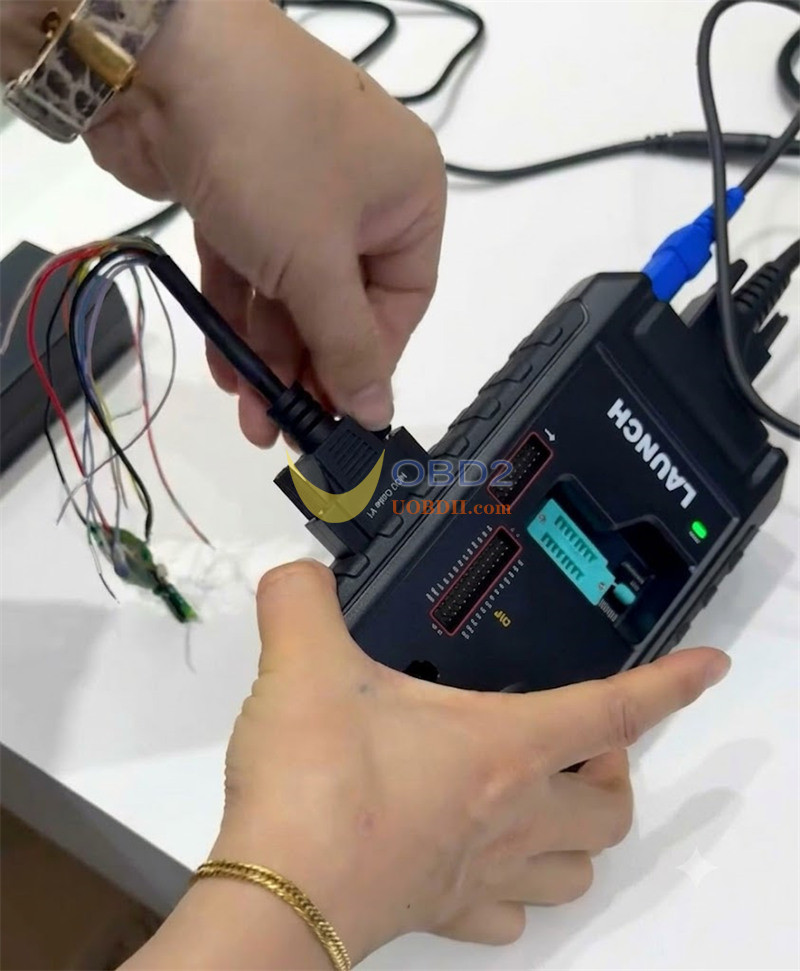
- Extracting Data and Programming the New Key
Run the data read function.
X431 X-prog5 will scan the board, retrieve the immobilizer data, and extract the CS code.
Save this file to your tablet.
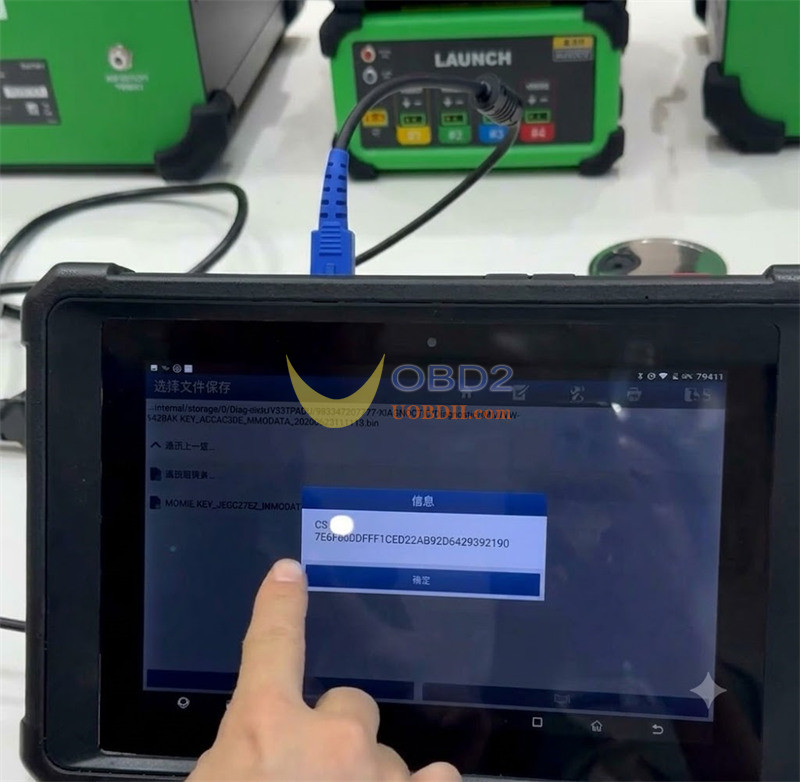
Next, desolder the MCU V1 cable from the original key.
Take your new blank key, open the casing, and solder the MCU V1 cable to the same designated points on the new board.
With the new board connected to X431 Xprog5 key programmer, go back to the menu screen. You will see Generate Dealer Key and Key Learning listed next to the data reading option.
Run the dealer key generation first, then proceed with the key learning routine by following the prompts on your tablet screen to finish the job.
Learn more:
Launch X431 X-PROG5 Use Guide: Software Download / Register / Connection
