



CGDI K2 Unlock Toyota 4A Smart Keys Guide:
Requirements:
- Device: CGDI K2 (Updated to V5.8.8)
- Hardware: Dedicated Toyota 4A Unlocking Adapter
- Component: Original Toyota 4A Key
Instructions:
1.Preparation: Disassemble the smart key and remove the PCB.
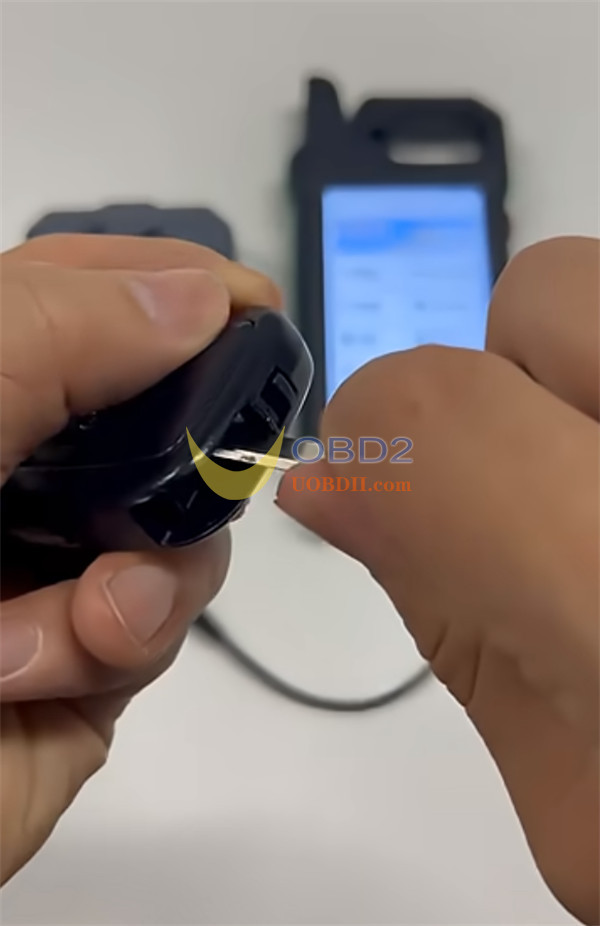
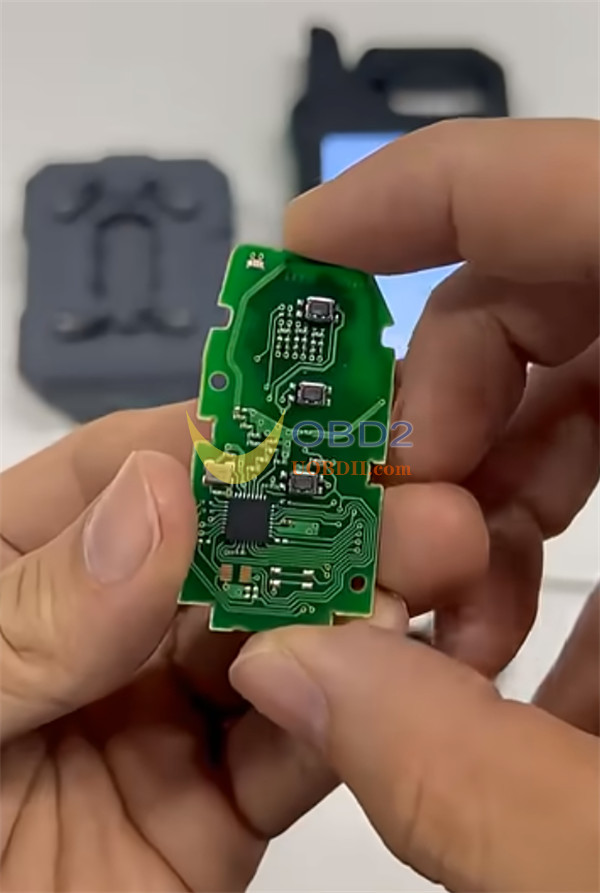
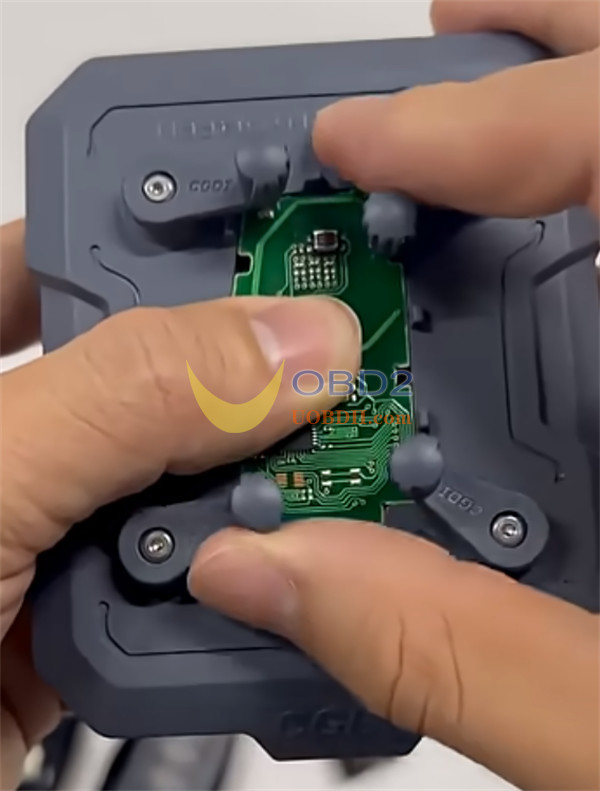
2.Mounting: Place the PCB onto the specialized adapter. Ensure the contact points are perfectly aligned to avoid communication errors.
3.Connection: Connect the adapter to CGDI K2 Key Tool.
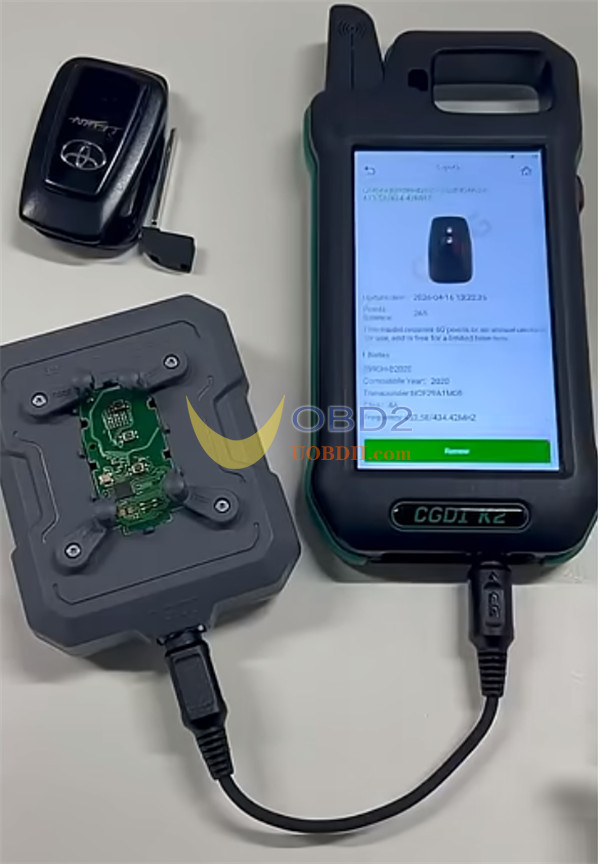
4.Execution: Open CGDI K2 menu, navigate to Key Unlocking > Toyota 4A, and follow the on-screen prompts to reset the key.
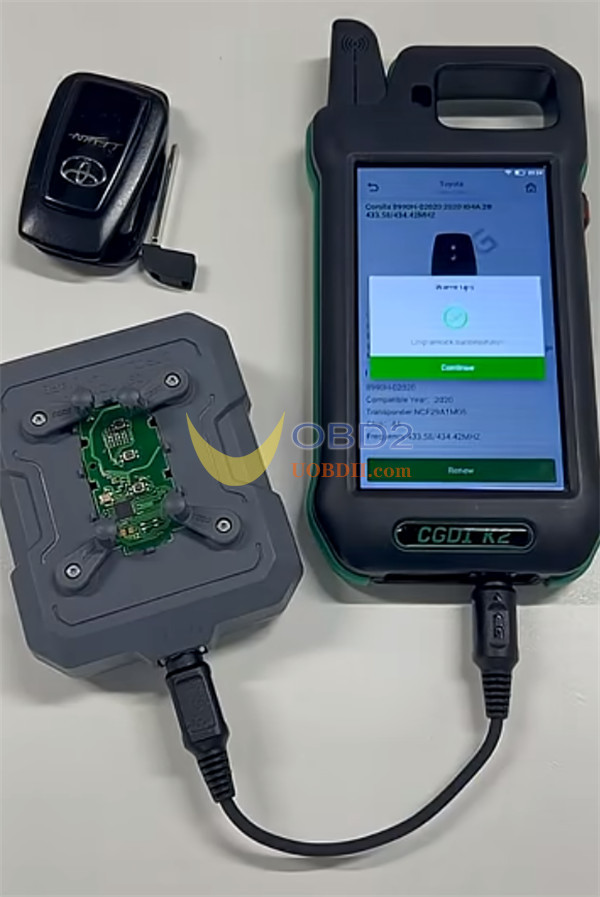
Currently, 15 Toyota 4A models are supported.
