Launch SmartLink Token is a payment method used to pay service providers for remote diagnostic services through Launch SmartLink C. If you need to purchase tokens, please contact the service provider directly.
Launch SmartLink Token Use Guide:
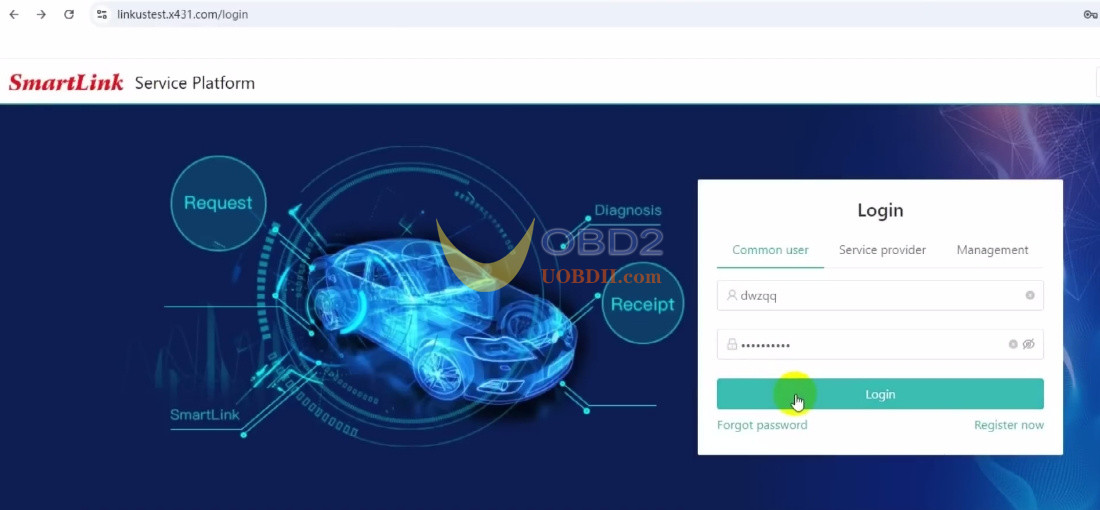
Step 1: Log In Smartllink Service Platform
Select “Common User.”
Enter your account and password to log in.
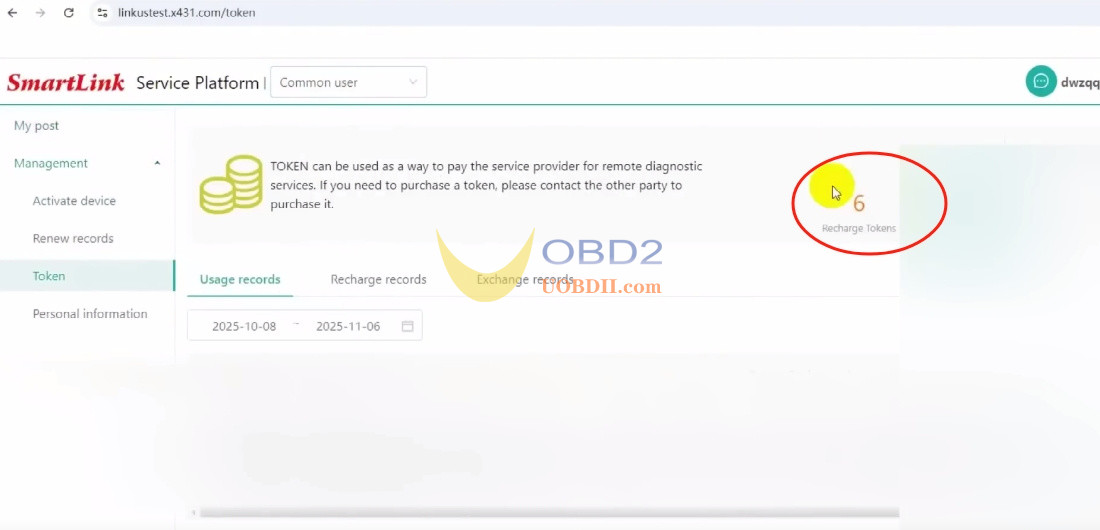
Step 2: Check Your Token Balance
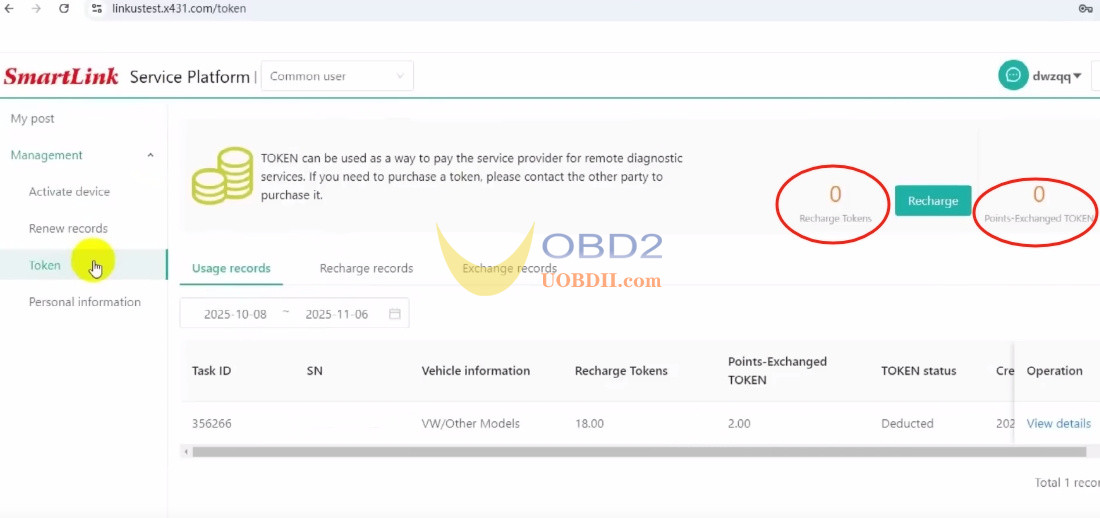
Go to Management-> Token
Here you’ll see two types of tokens:
- Recharge Tokens: Purchased with money.
- Points Exchange Tokens: Exchanged using reward points.
Tip: When placing an order, you can use Points Exchange Tokens to reduce the number of Recharge Tokens needed.
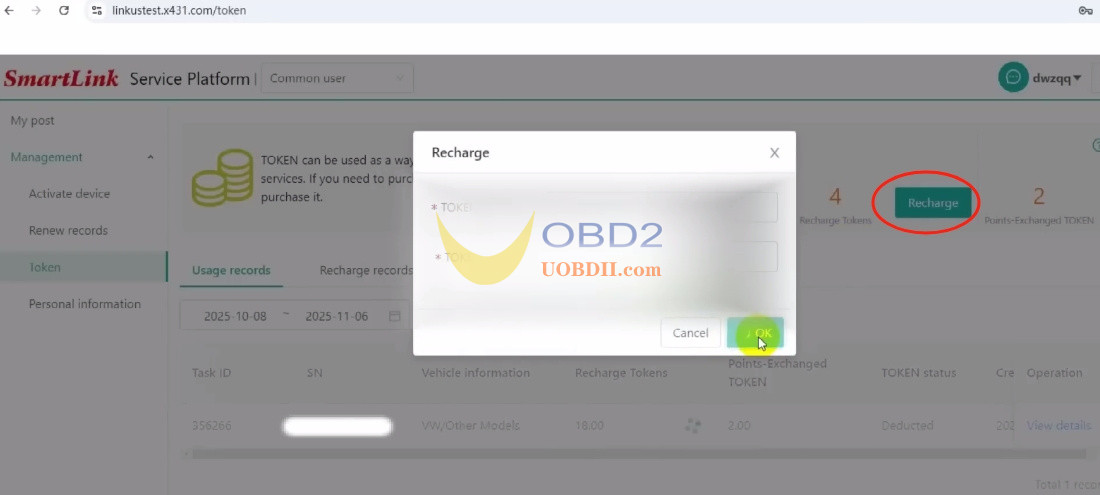
Step 3: Add Tokens (Recharge)
Click “Recharge.”
Enter your Token Card code and complete the top-up.
Step 4: Post a Service Request
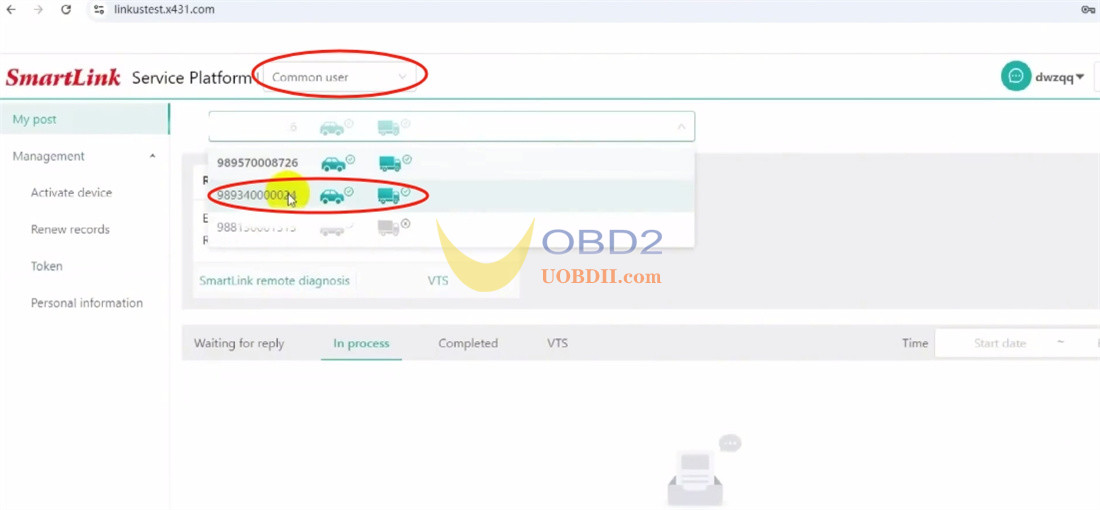
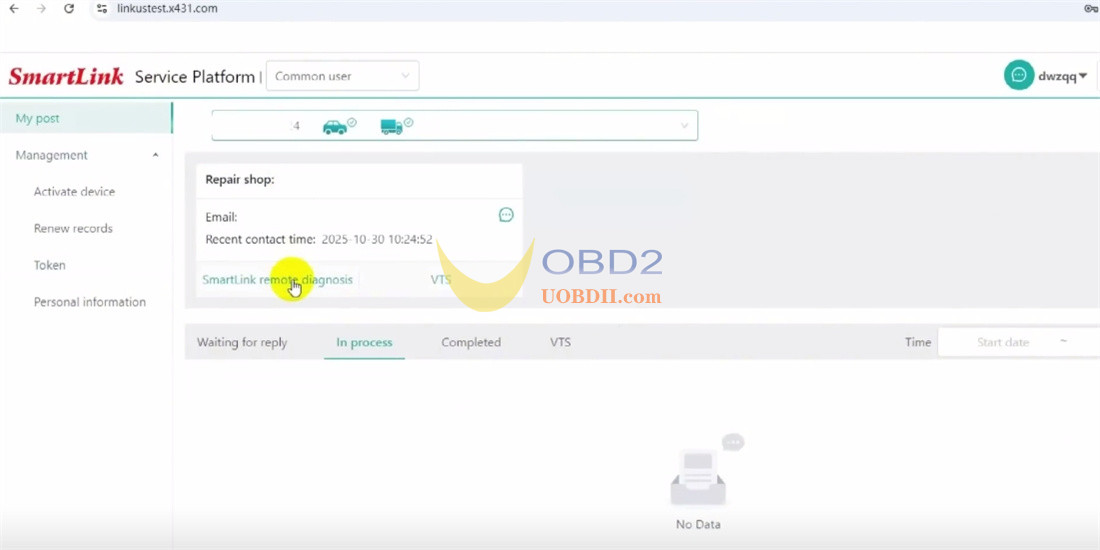
Click “My Post.”
Select your Launch SmartLink Smart C device and the technician you prefer.
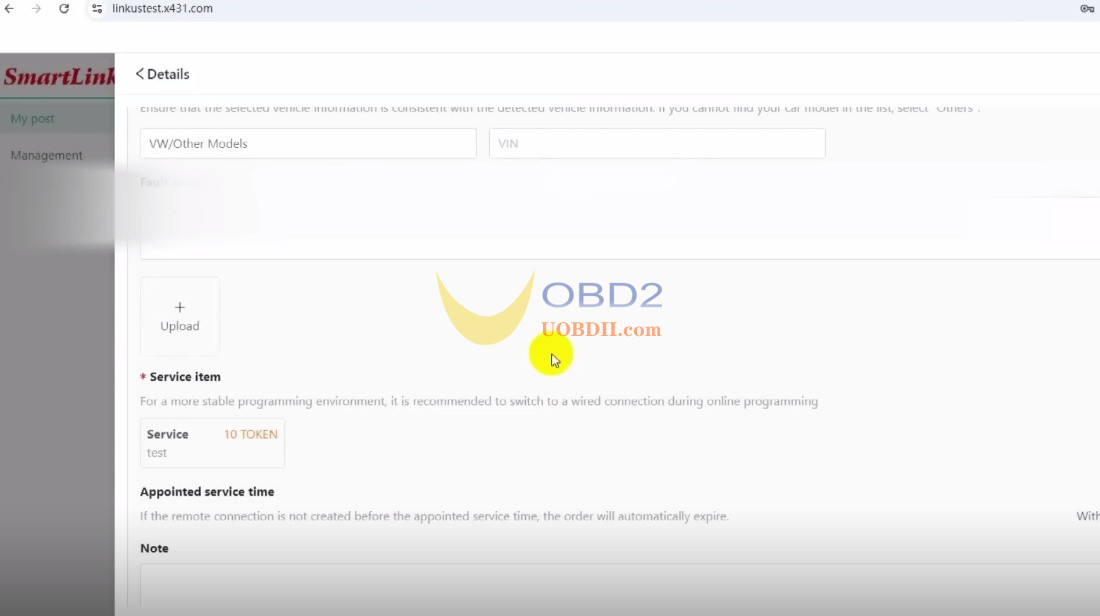
Fill in your personal details and vehicle information.
Choose the service you need.
Publish your request.
Step 5: Complete the Service
Once a technician accepts your task and finishes the service, they will click “Finish.”
The required tokens will be automatically deducted from your balance.
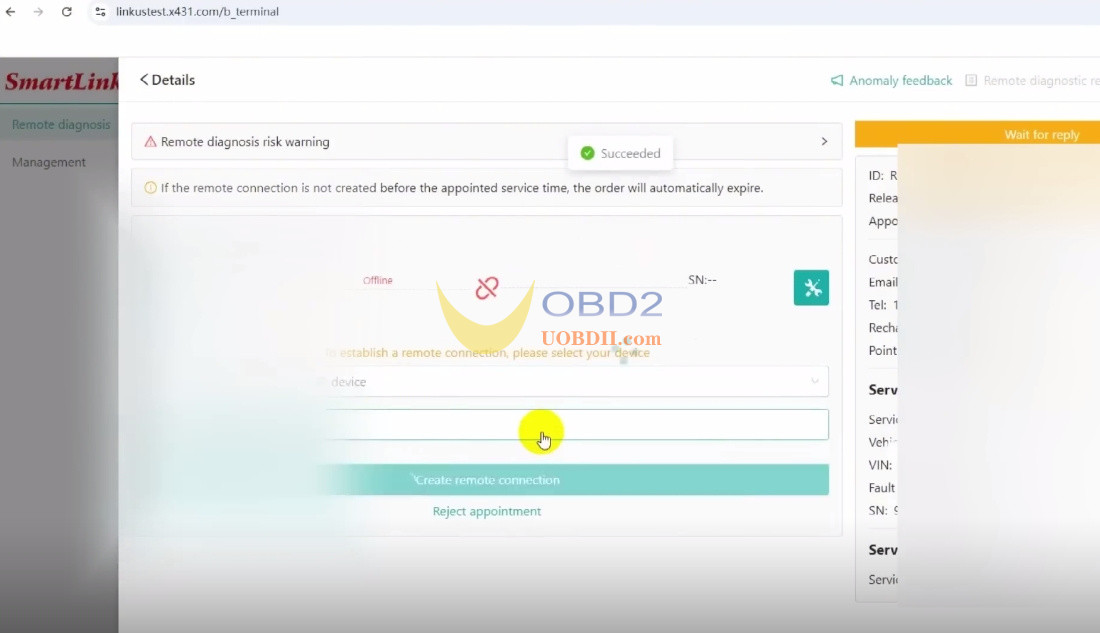
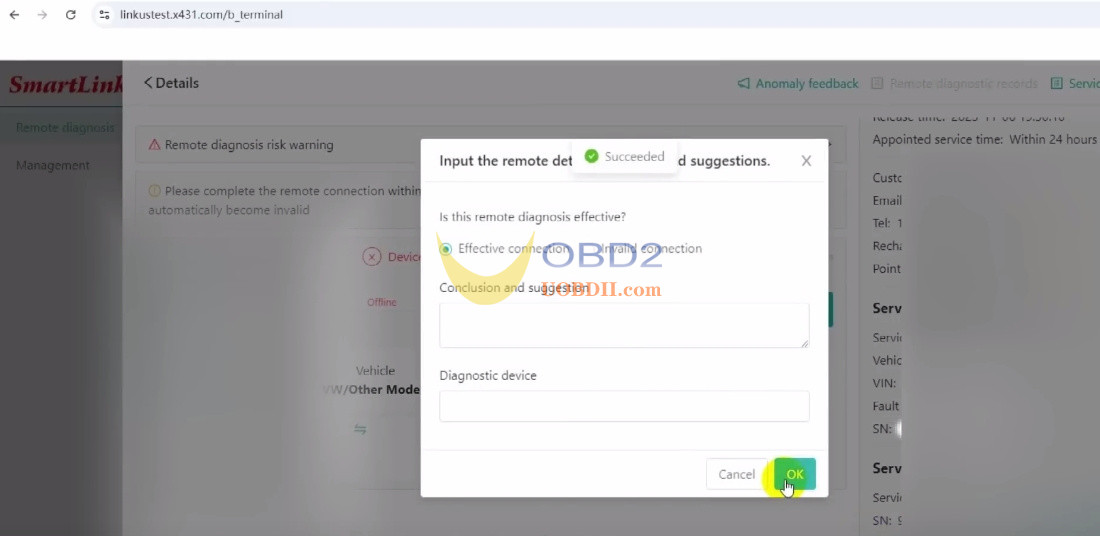
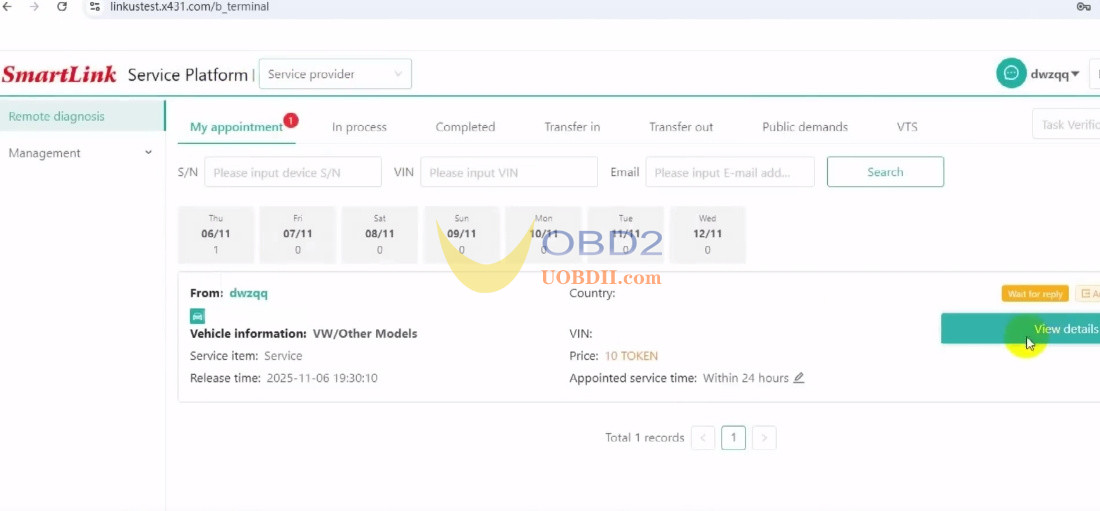
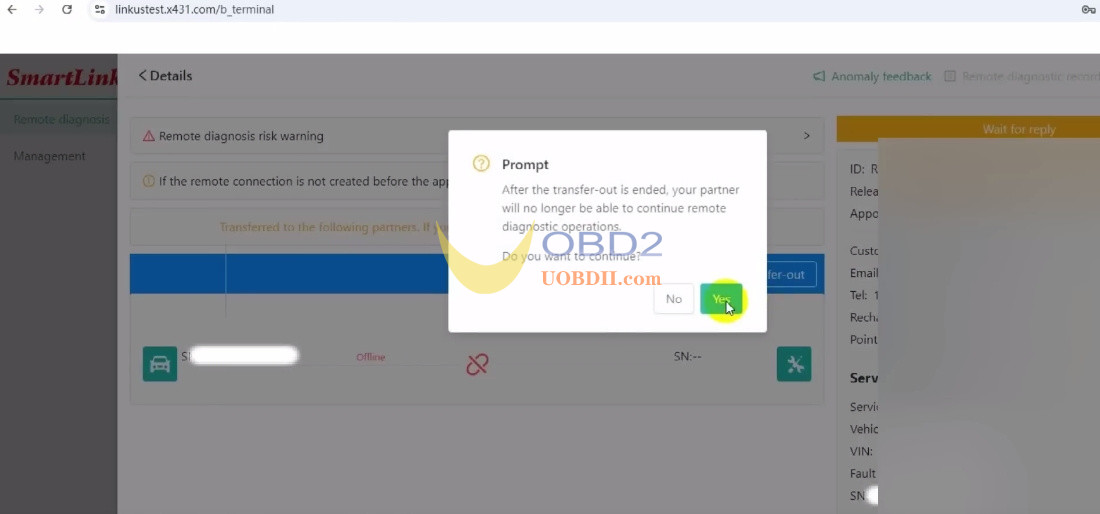
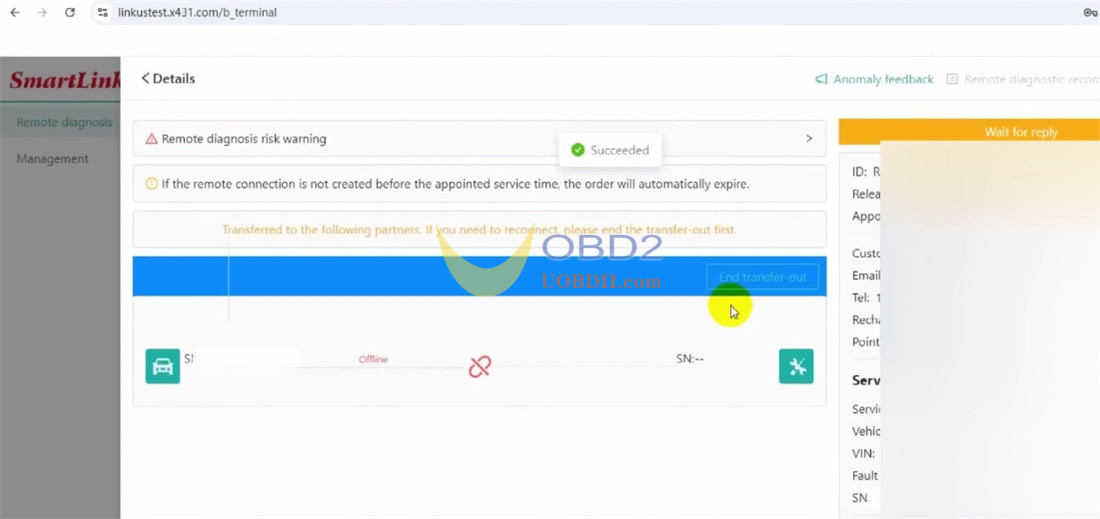
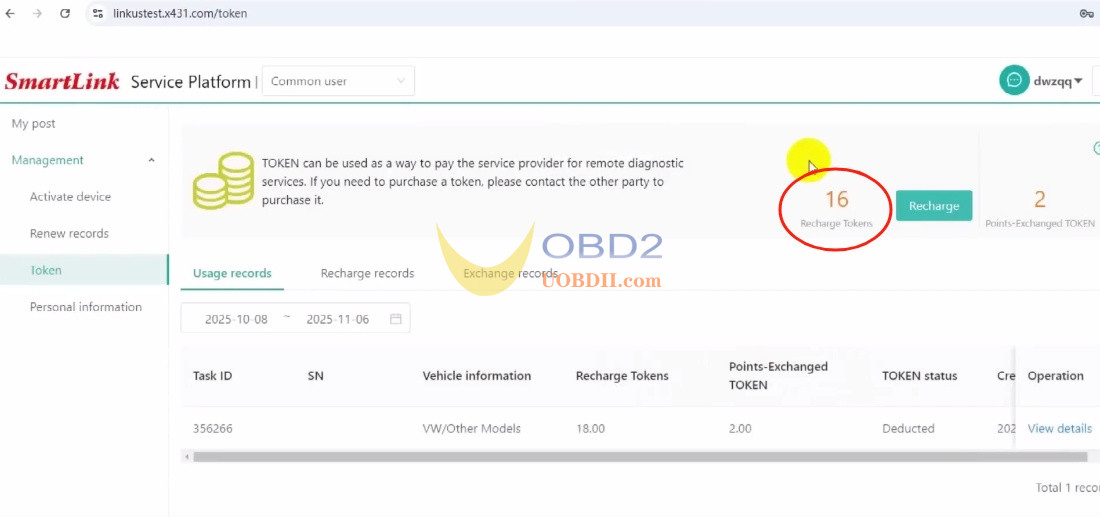
Step 6: Check Your Updated Balance
Go back to “Manage Tokens” to see your updated token balance.
That’s it! Using Launch Smart Service Platform is simple and efficient.
Facing a technical issue or limitations with your current equipment? No worries—help is just one click away!
1. Post a request instantly with one click
2. Get connected to certified automotive experts
3. Receive professional remote assistance anytime
No need to invest in expensive high-end tools—solve complex vehicle problems anywhere, anytime with Launch smart remote diagnostics.
