

Replacing or cloning a key on a 2022 Range Rover requires soldering a wire harness, reading vehicle data via OBD, and generating a new remote using KEYDIY KD-X4 5-in-1 key programmer. Here is the full process broke down step-by-step.
What You Need
- Factory key
- KDZB24 key
- KD-X4 programmer
- Mobile KD App
- Soldering tools
- OBD diagnostic tool
Step 1: Prep and Solder the Factory Circuit Board
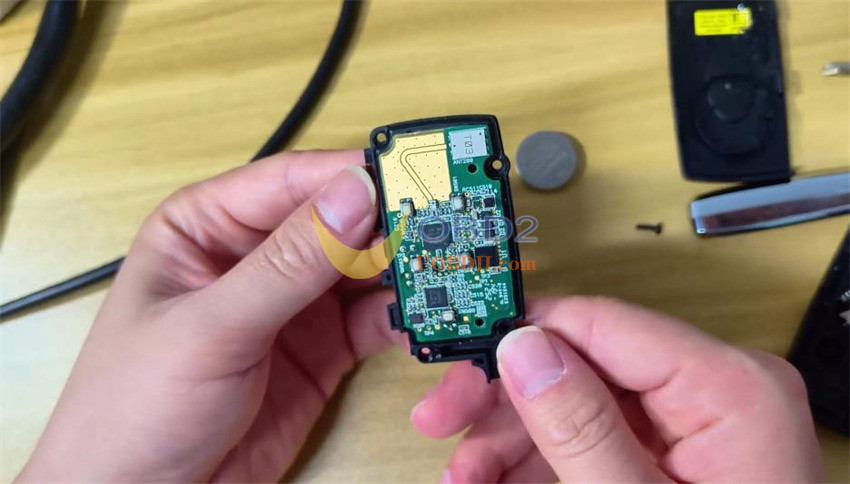
Start by opening the original key shell, removing the battery, and taking out the four small screws
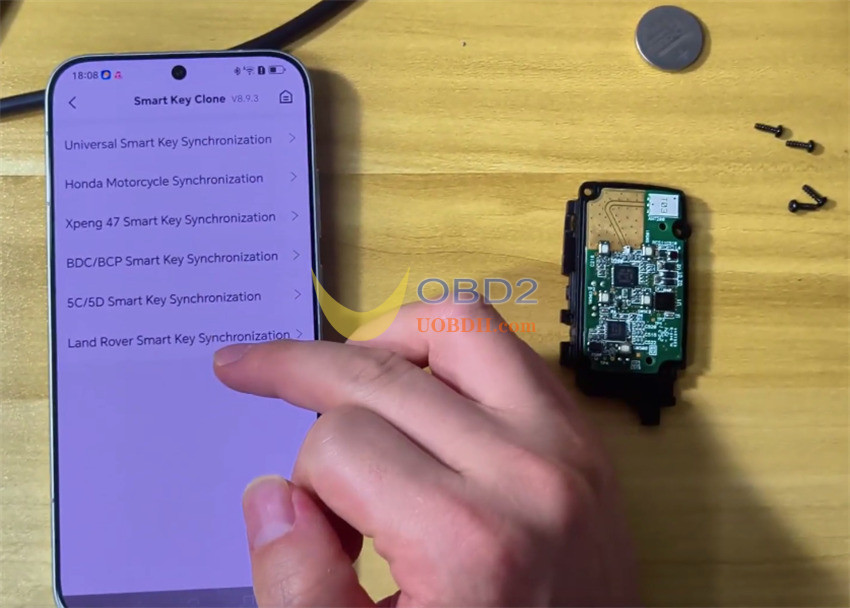
Open your Mobile KD app
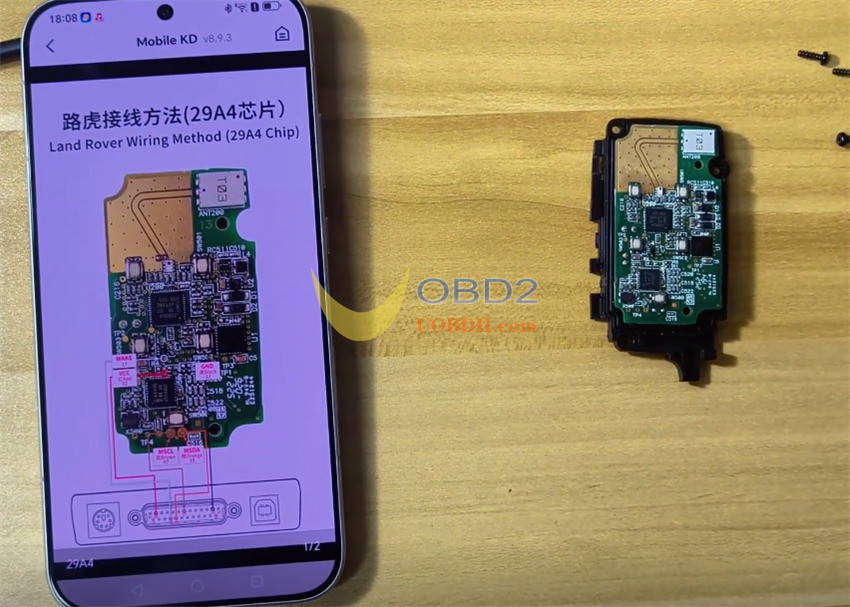
Navigate to Remote Function -> Smart Key Clone -> Land Rover Smart Key Synchronization to pull up the wiring diagram
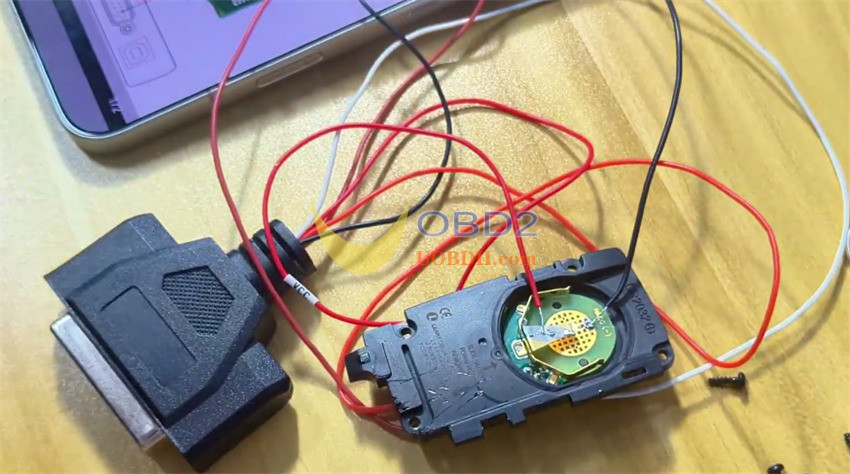
Solder the harness wires onto the board following this pinout:
- White wire to Pin 1
- Orange wire to Pin 2
- Brown wire to Pin 3
- Red wire to Pin 4
- Black wire to Pin 5
Step 2: Pull the Vehicle and Chip Data
Plug your OBD reader into the vehicle
Start up vehicle emergency
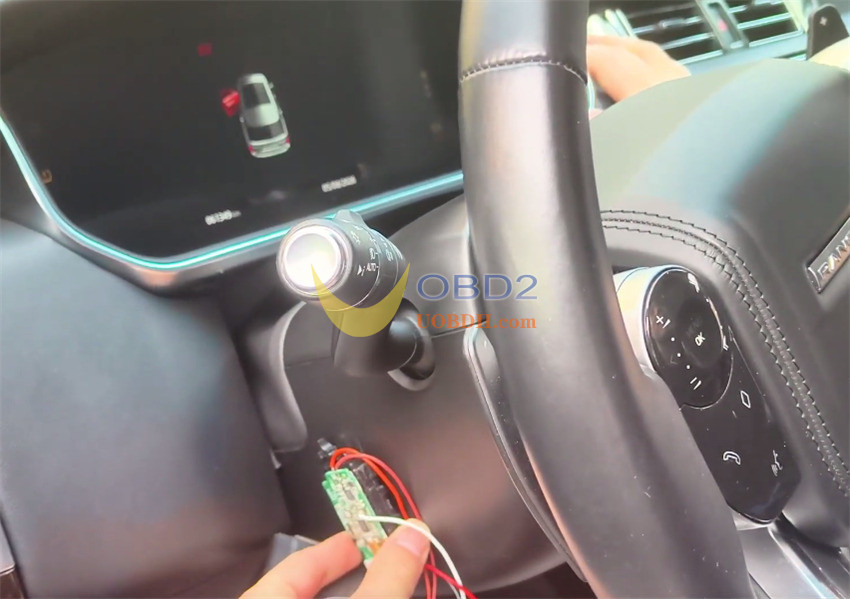
Go through IMMO Programming -> LandRover -> Select by System -> Keyless System -> LANDROVER (2022-2024) ->Add a key without dissembling the KVM-> Start execution
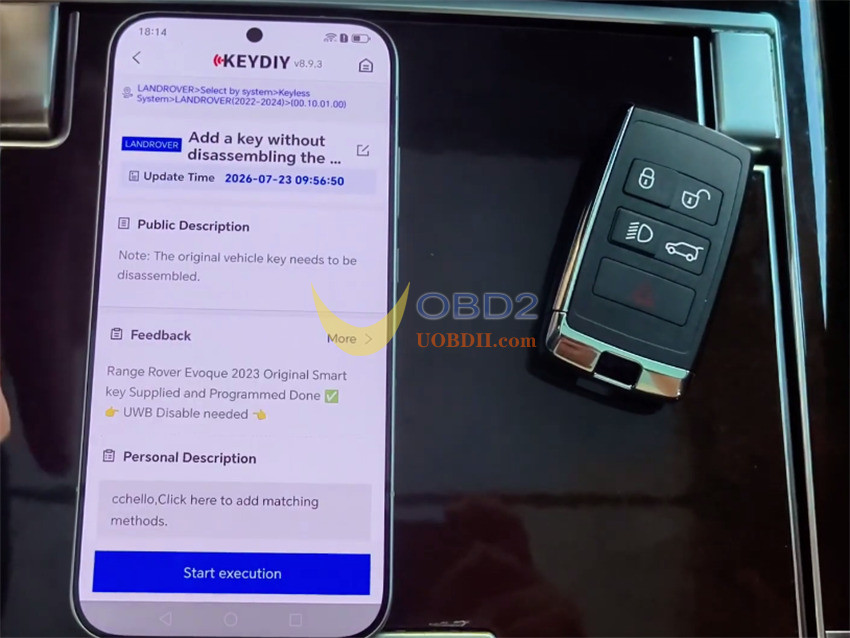
Tap Add a key without dissembling the KVM
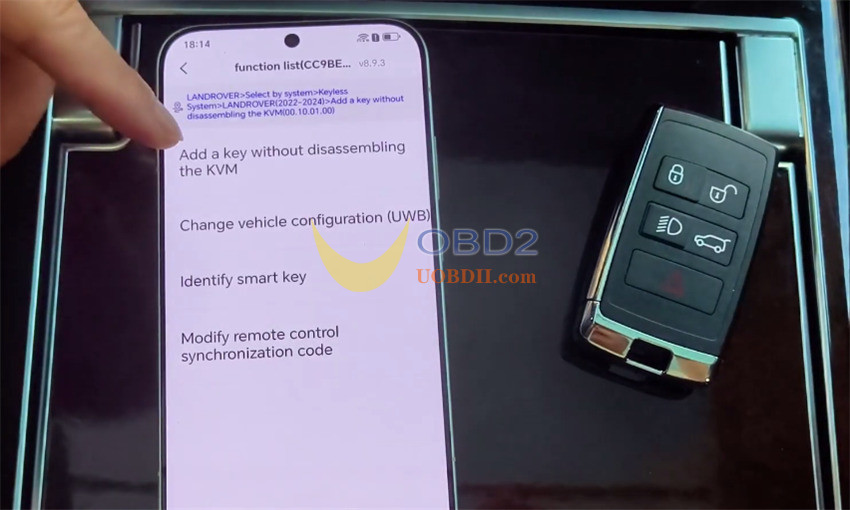
Ensure your internet connection is stable. The tool reads the security key ID and turns off the UWB feature
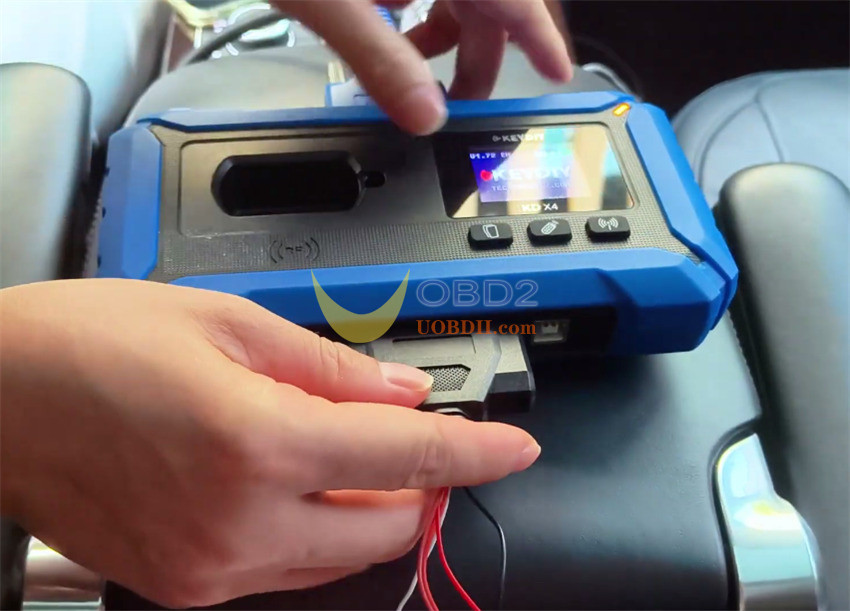
Next, plug the wire harness directly into your KD-X4 programmer, tap Read Chip Data, and unplug it when done.
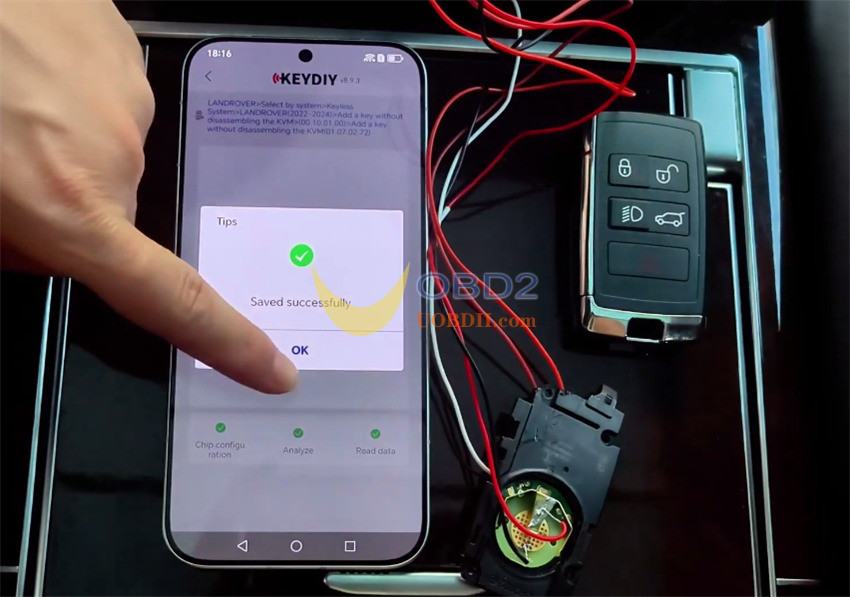
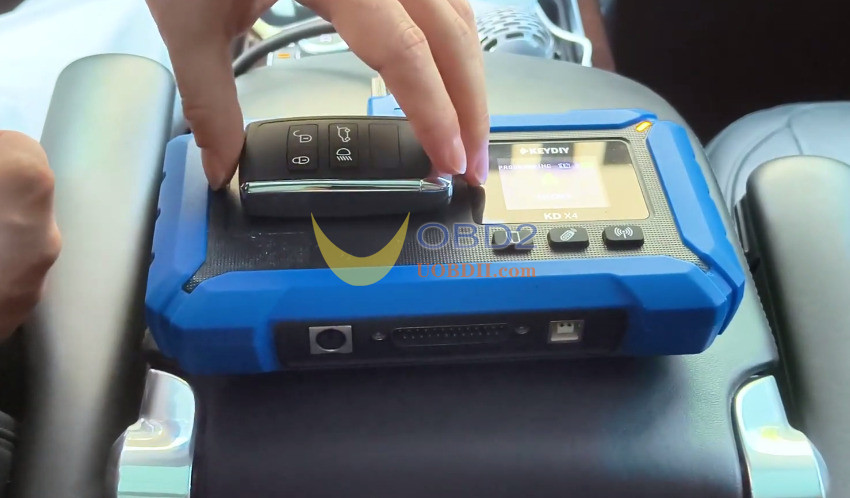
Step 3: Program the KDZB24 Key
Set your new KDZB24 key onto KD-X4 coil
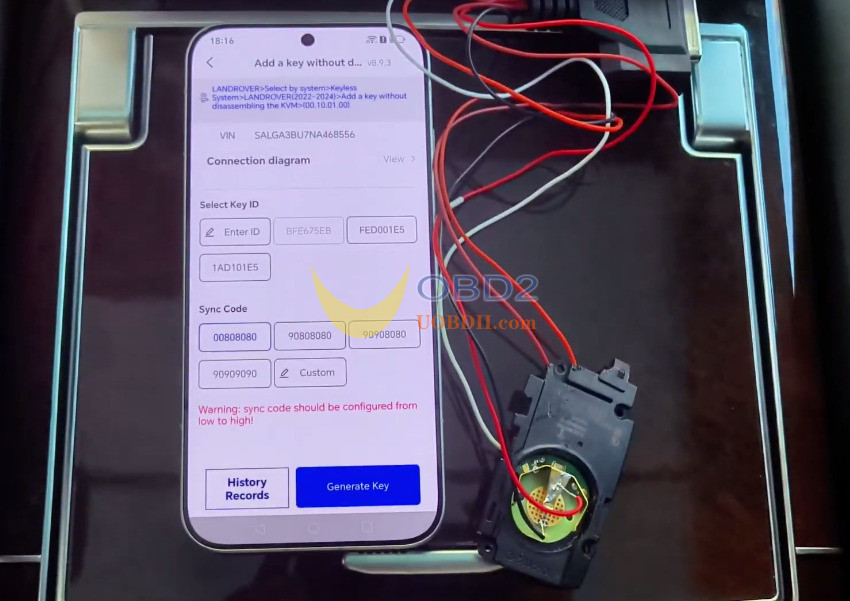
Set a unique key ID
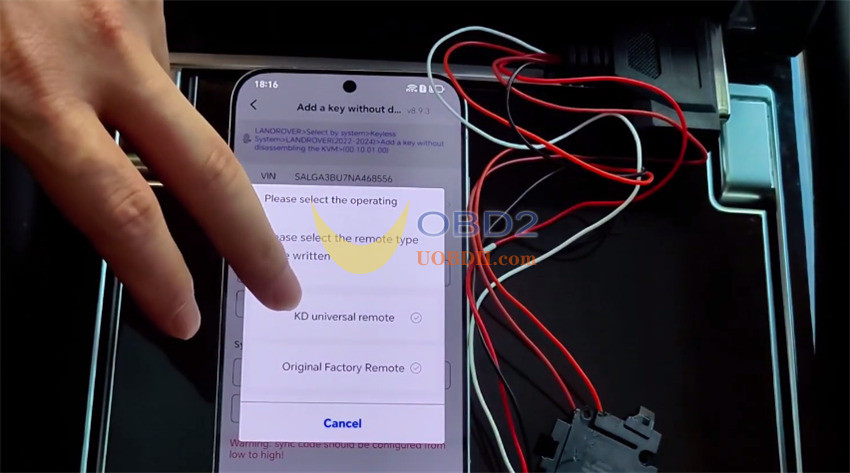
Make sure you do not clone the original key ID, or the original key will stop working!
Select KD Universal Remote and click Generate Key
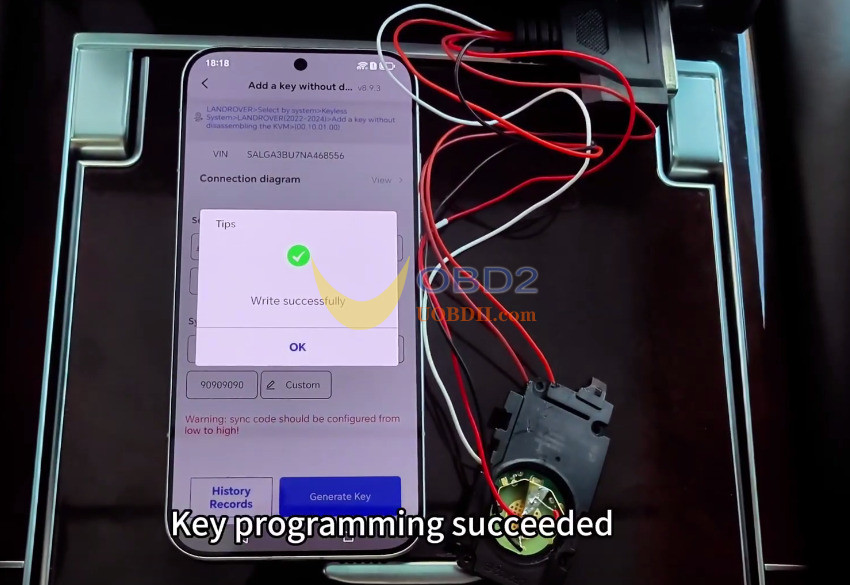
Test both keys on the car to verify that all systems work properly:
Lock and unlock buttons
Trunk release button
Proximity door handle entry
One-touch start engine ignition
Step 4: Fix Remote Sync Issues
If the engine starts but the buttons fail to operate, open Option 4 in the app.
Adjust the synchronization code upward in small increments until the buttons respond.
Avoid large jumps in values to prevent system errors.
