


KEYDIY KD-X4 and KD-MAX support VAG 5C/5D key programming now. This new upgrade was released on January 11, 2026 by KEYDIY Official.
What’s Now Possible?
l Covered Brands: BMW · AUDI · VW · PORSCHE · SKODA
l 5C System – Compatible with ZB smart keys and original keys
l 5D System – Original keys only (UWB high-spec models require matching high-spec keys)
l Second-Hand Original Keys – Supported for both 5C & 5D
l Full BMW BDC2 / BDC3 / LCD / U-Chassis BCP Key Cloning
l Permanent Free Key Addition – Once MQB & BMW-G functions are activated
l Model Year Support – Up to 2026

Important Notes:
l No KD-MP tool is required for VAG 5C/5D operations.
l Using KD-X4: Directly read original key data and learn new keys.
l Using KD-MAX: Read key data with KD-MAX, then learn keys via KD-MATE.
Requirements & Key Details:
l MQB49 5C/5D requires MQB license activation (shared with MQB48).
l → No points are consumed when adding keys.
l 5C accepts KD ZB smart keys or original keys.
l 5D works only with original keys.
l Both systems support used original keys.
BMW G Series Encrypted Keys (BDC2/BDC3):
l Activate the BMW G function license to enable this feature.
l Generate KD FGB remote at no point cost.
l Producing an original G key uses 180 points.
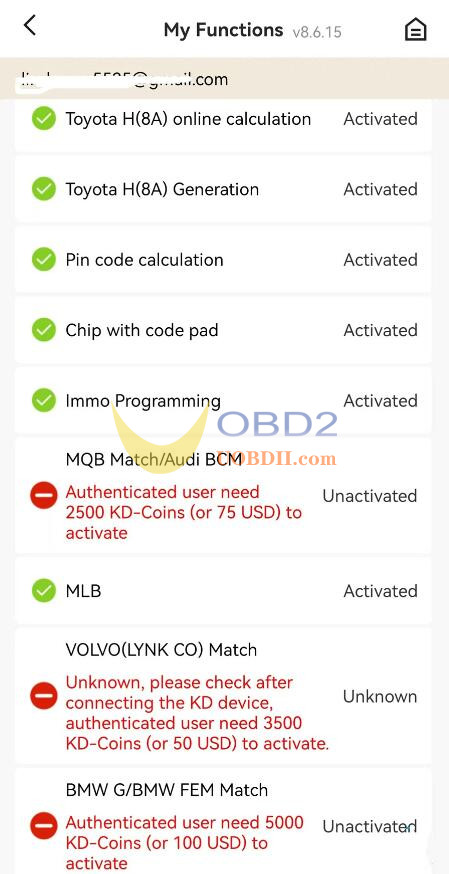
KEYDIY KD-X4 key programmer BMW BDC2 BDC3 Add Key Support List:
https://blog.uobdii.com/keydiy-kd-x4-bmw-bdc2-bdc3-add-key-support-list/
KEYDIY KD-MAX with BDC03 Special Dismantling-free Clip Add FGB Key:
https://blog.uobdii.com/keydiy-kd-max-with-bdc03-special-dismantling-free-clip-add-fgb-key/
KEYDIY KD-X4 and BDC3 Dismantle-free Chip Add BMW BDC3 Key:
https://blog.uobdii.com/keydiy-kd-x4-and-bdc3-dismantle-free-chip-add-bmw-bdc3-key/
Note:
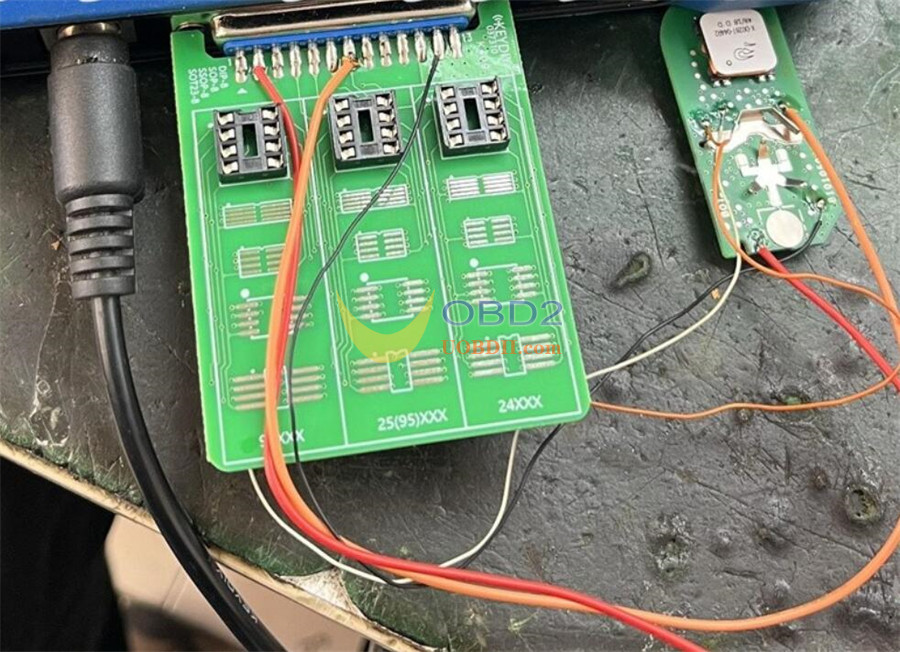
Dedicated adapter boards for VAG 5C/5D and BMW encrypted key cloning are in development and coming soon.
Solution: Apply the wire soldering method using a modified KD adapter (refer to wiring diagram).
Step-by-Step to add a VAG 5C/5D Key:
1.Read original key data → generates a service code.
2.Generate dealer key using the service code.
3.Learn the key in the vehicle by entering the service code.
Optional: Extract IMMO data from a working key, then read synchronization data.
If CS data is available from the key, sync information can be retrieved directly.
