

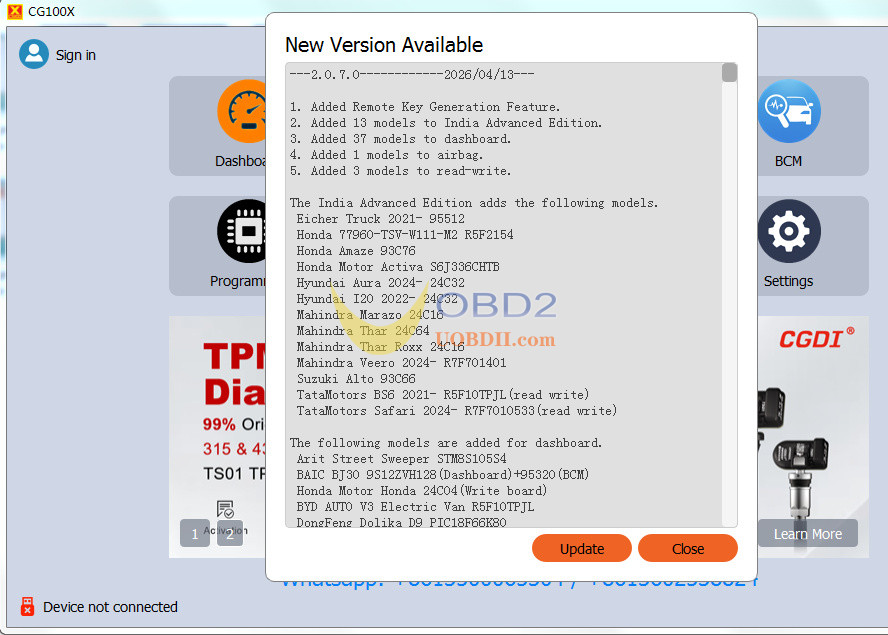
CGDI CG100X ECU programmer V2.07.0 now enables remote key generation! Follow this quick guide to get started.
What You’ll Need:
- CG100X software version 2.0.7.0 (latest)
- CG100X programmer
- A CG remote (only CG remotes work!)
Points Cost (Linked to your CG account):
| Remote | Points |
| CG Wired | 25 |
| CG Wireless | 40 |
| CG Smart | 60 |
Step‑by‑Step Guide:
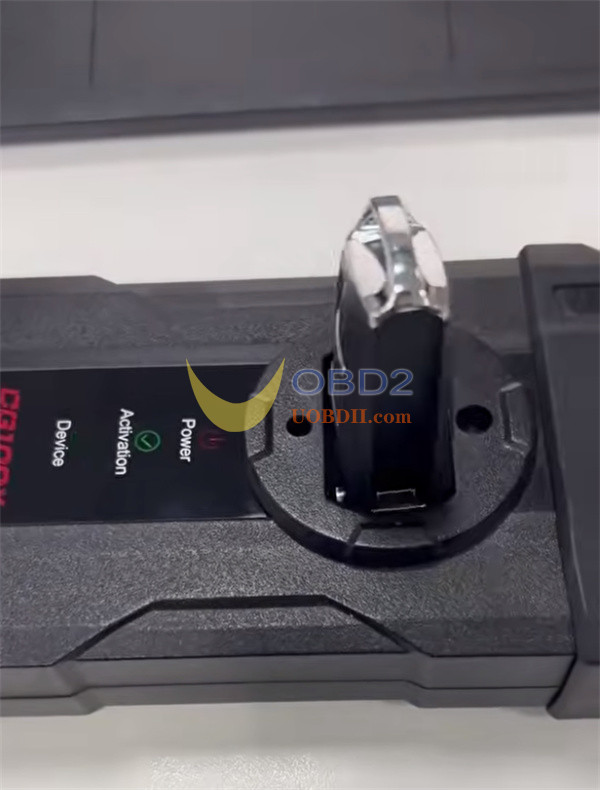
1.Insert the remote – Plug your CG remote into CG100X induction coil.
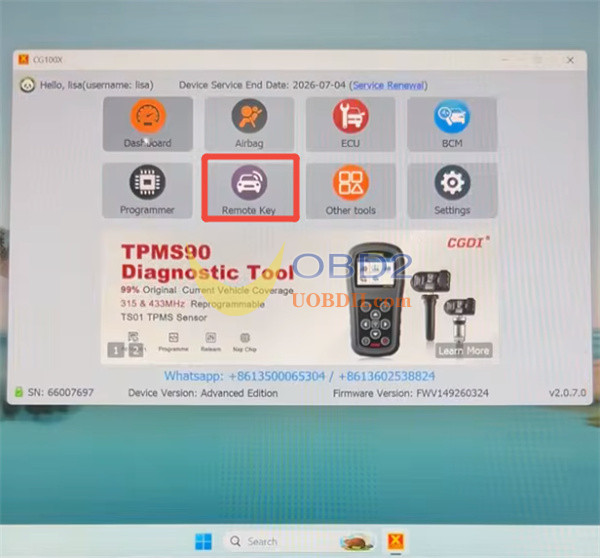
2.Open CG100X software – Go to the [Remote Key] function.
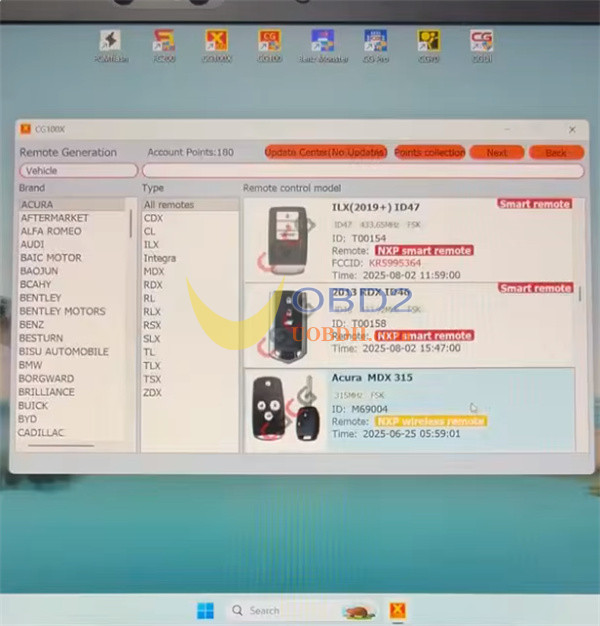
3.Pick your car – Choose the brand and model, then select the matching remote program.
Example: Acura MDX 315MHz
4.Choose generation type – CG100X supports both wired and wireless.
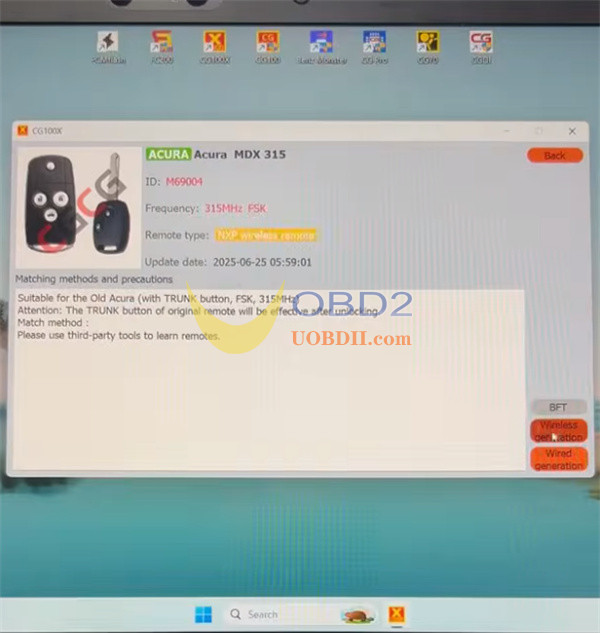
We’ll use wireless as an example.
5.Generate! – The remote will be generated successfully.
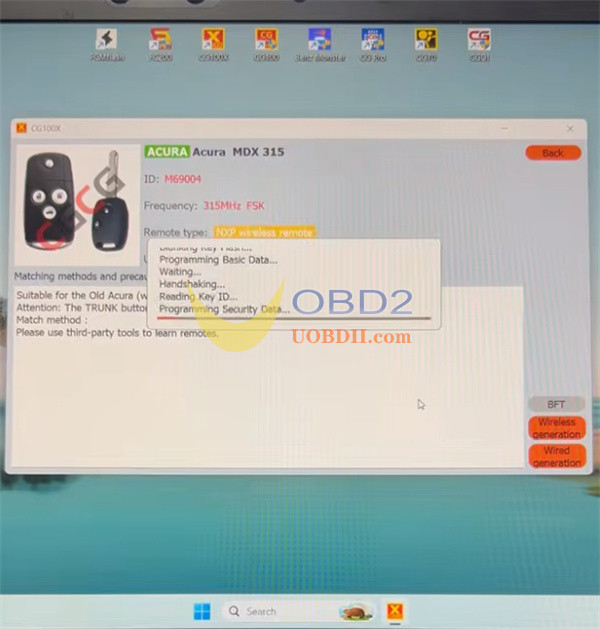
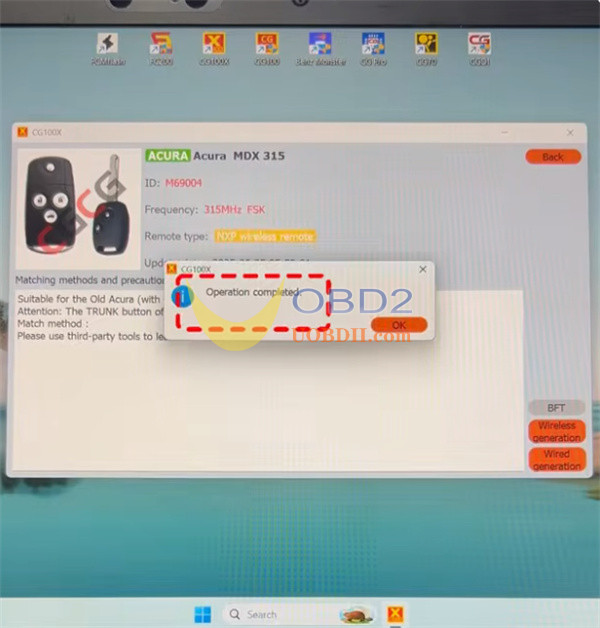
6.Program it – Once generated, use a CGDI A2 (or another key programmer) to program the remote to the vehicle.
But Wait – There’s More!
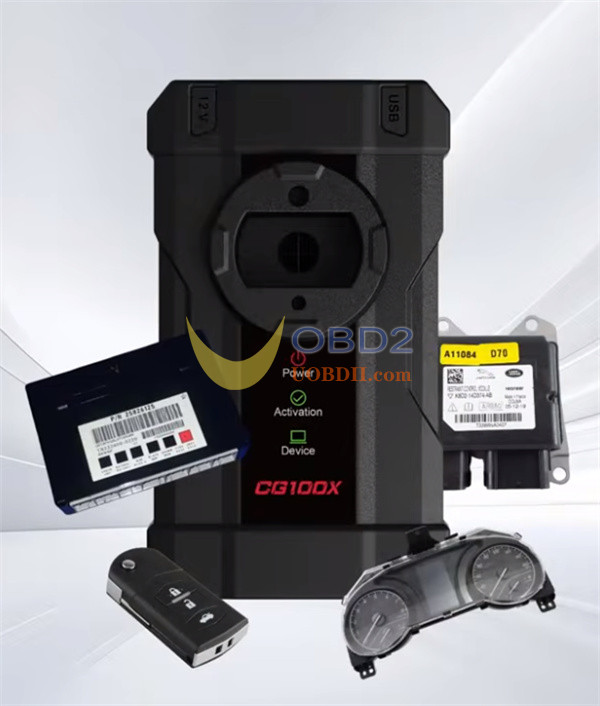
CGDI CG100X is a professional all‑in‑one tool. It also does:
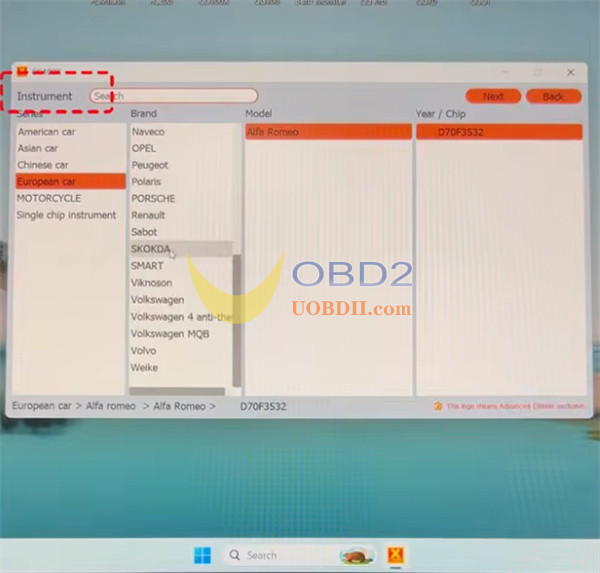
- Mileage correction
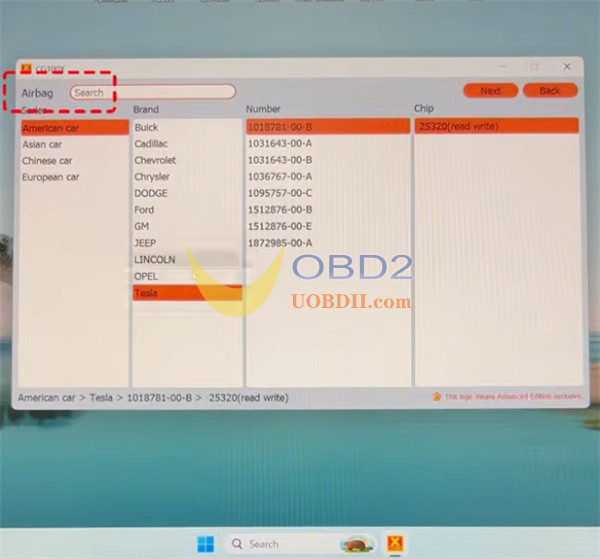
- Airbag reset
- ECU programming
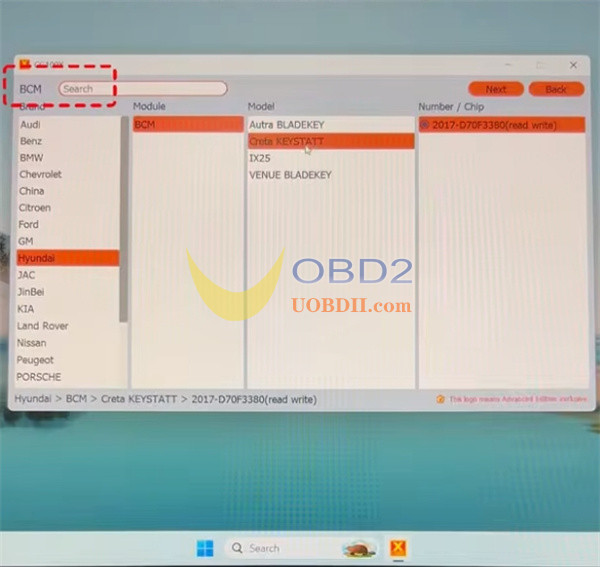
- BCM repair
- Chip programming