



If your Lonsdor K518 Pro key programmer gets stuck or freezes during a software update—and even reinstalling the APK didn’t fix it—there is a simple sequence to get the update moving again.
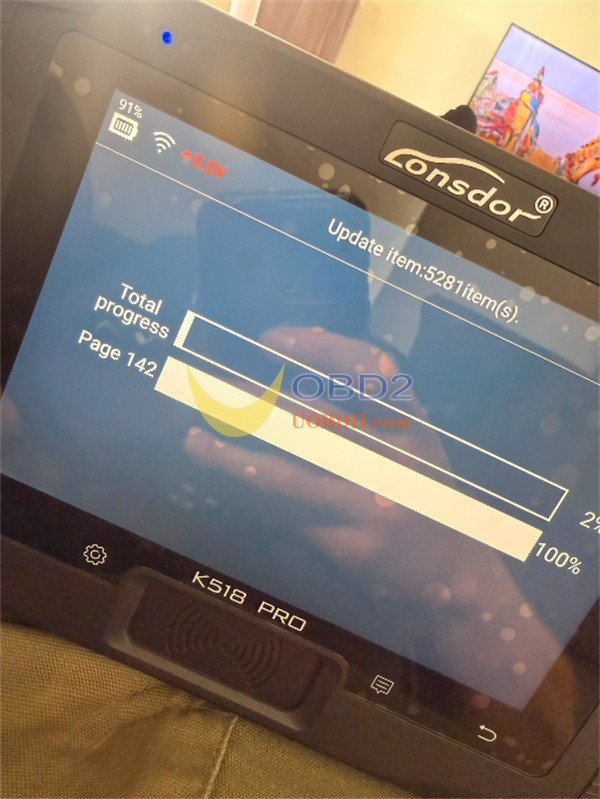
The Solution Step-by-Step
1.Tap the Return button on your screen.
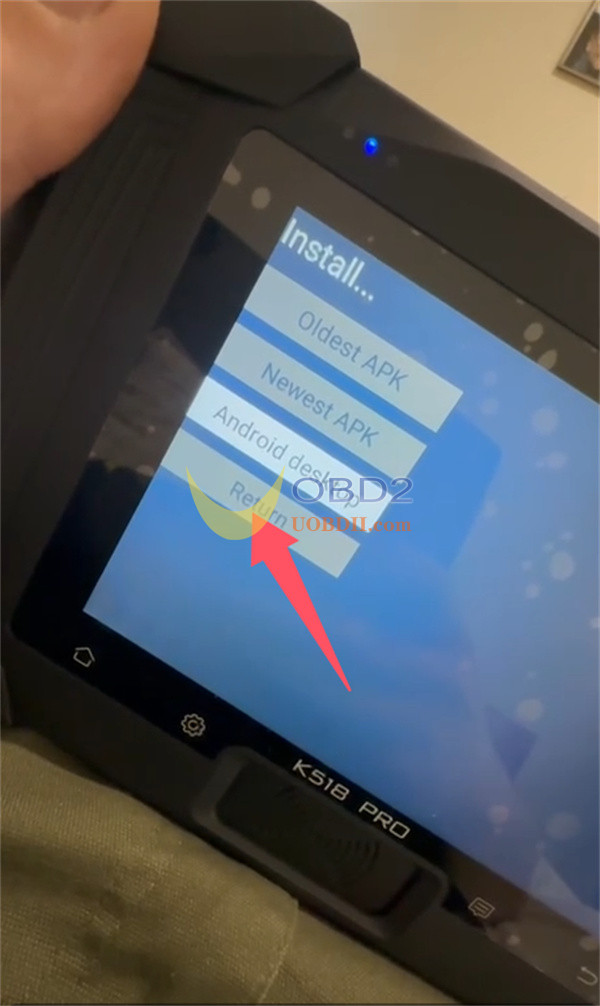
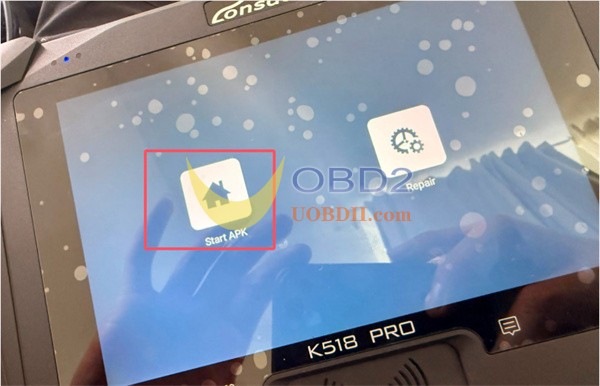
2.Select Start APK.
3.Re-initiate the device update.
Important Timing Note:
Depending entirely on your local internet connection speed, the update progress bar might pause. If there is absolutely no movement after two minutes, simply restart the machine and attempt the update process once more.
Tech support:
Email: Sales@UOBDII.com
Whatsapp: +86-13995696053
