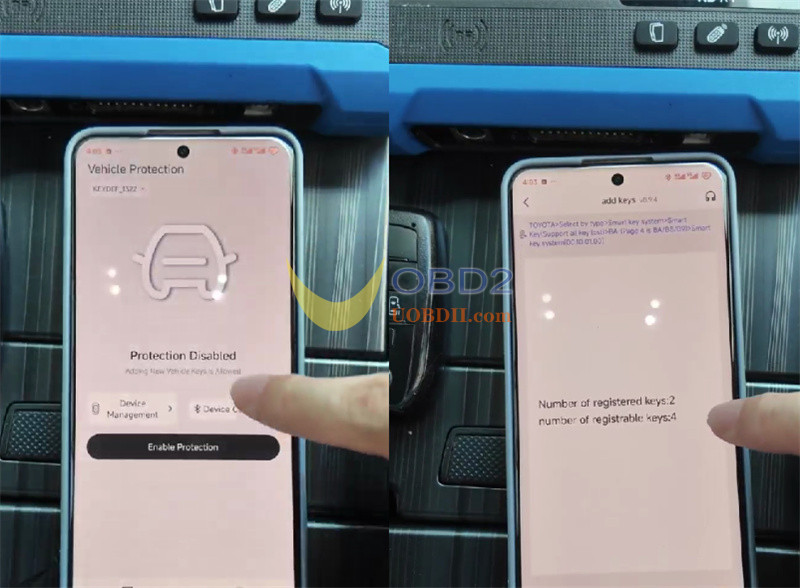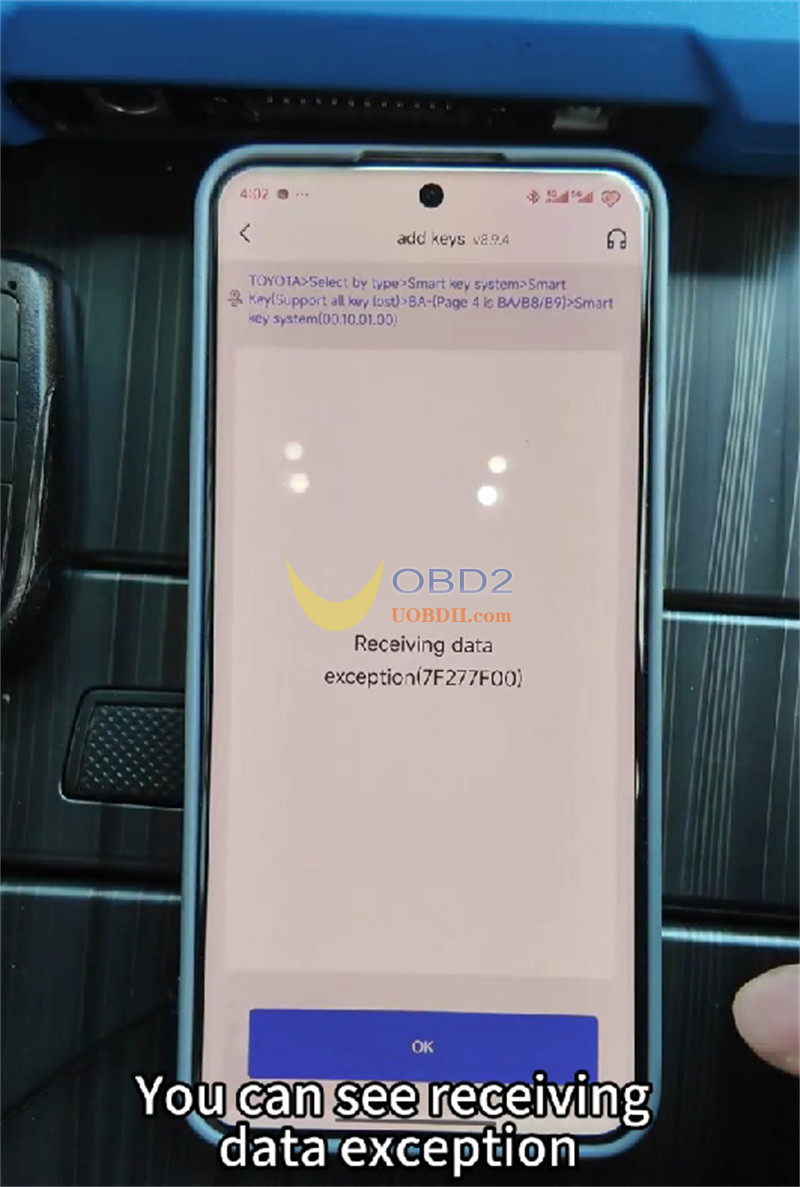


Car thieves often use the OBD port to program new keys in seconds. The new Keydiy Key Defender stops this by blocking unauthorized key programming attempts while leaving normal ECU diagnostics fully functional. Here is how to install and set it up.

Step 1: Download Keydiy App
Download and install the companion KEYDIY app on your smartphone.

Step 2: Wire the Module
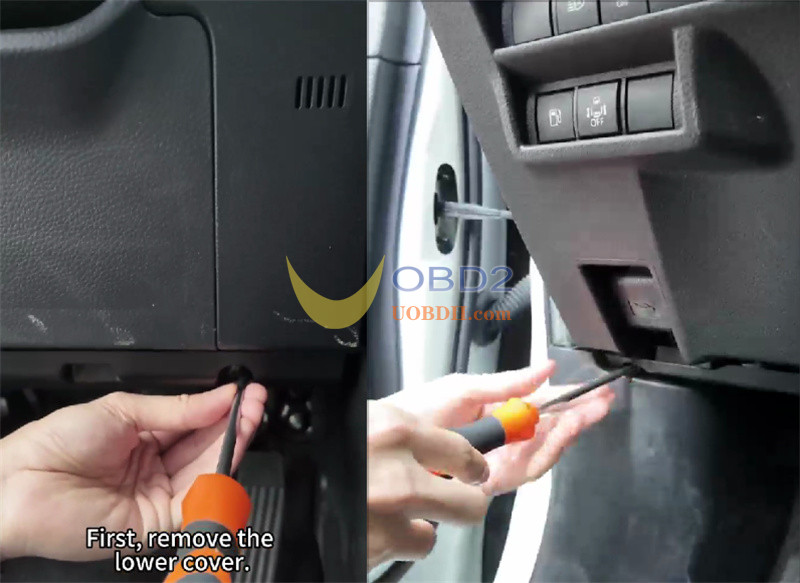
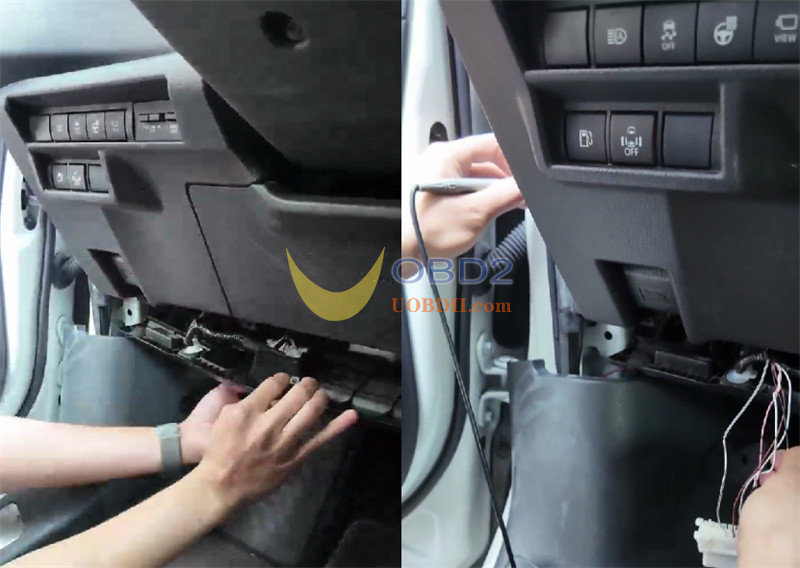
Remove the trim under your dash and test the target harness with a multimeter. Connect the four wires:
- Red:Power (+)
- Black:Ground (-)
- Yellow:CAN-HIGH
- White:CAN-LOW Hide the small control box and wiring harness safely behind the interior panels.

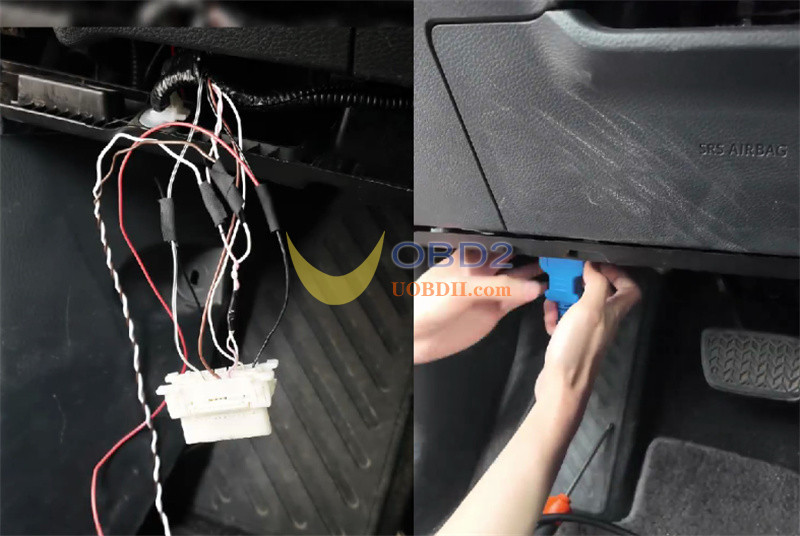
Step 3: Pair with the App
Head into Device Management, tap Bind Device, and scan for the module.
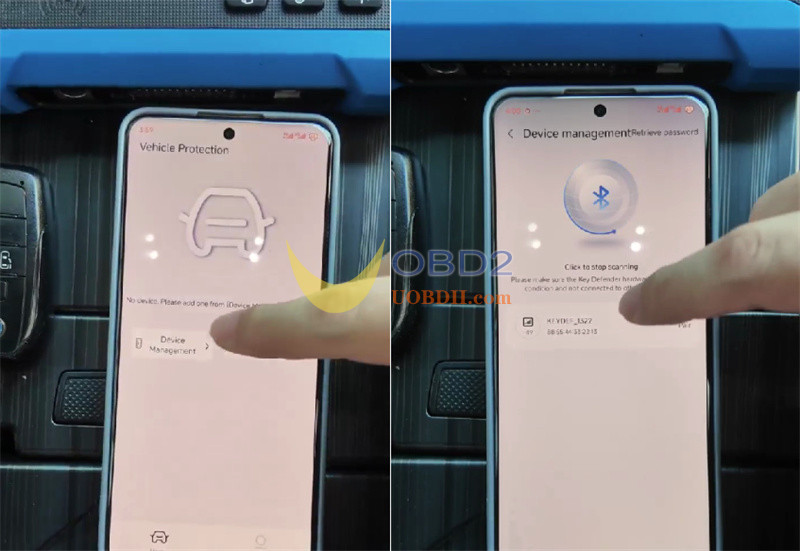
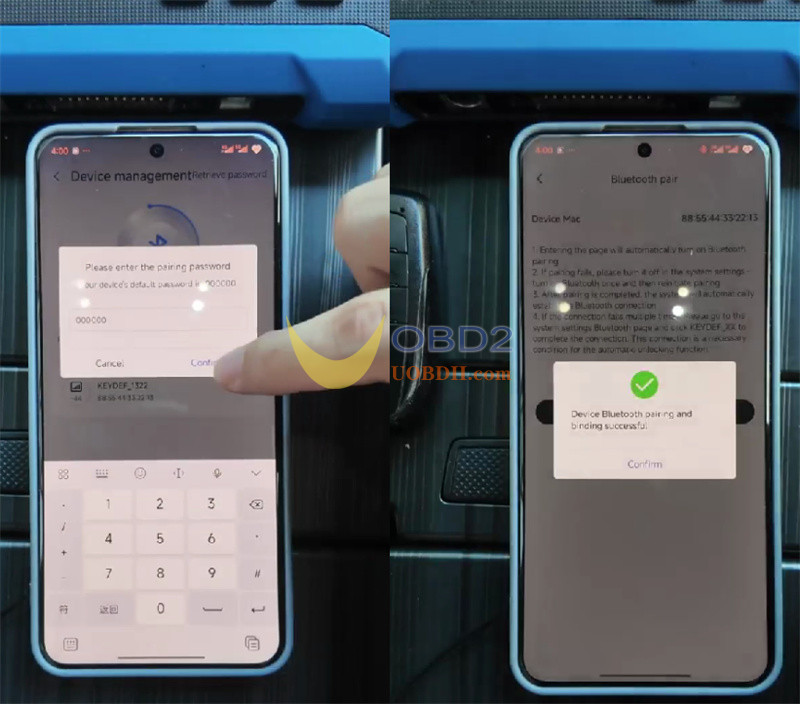
Step 4: Flash Data and Lock OBD
Connect using default PIN 000000 and immediately create a new password.
Download the software file for your specific car model in the app menu. Note that Keydiy continuously updates vehicle coverage. Finally, return to the menu and hit Enable Protection.
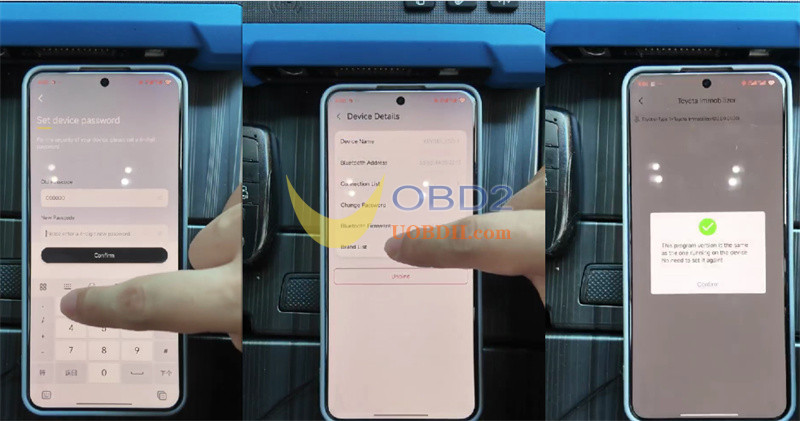
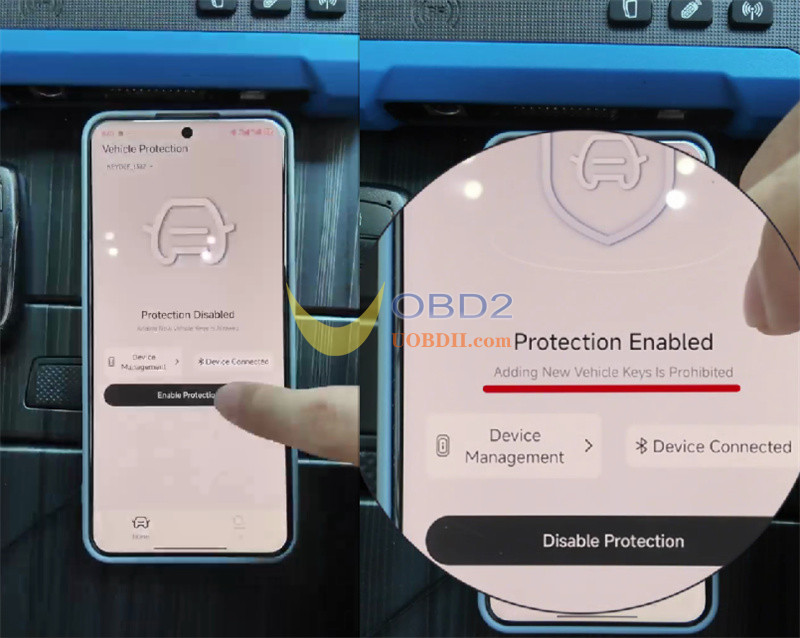
How It Works in Practice
With protection turned on (for example on a Toyota), any key programmer plugged into the OBD port will be blocked. When you need to add a legitimate key later, just switch off protection inside your app to restore factory OBD key programming access.