




The Problem
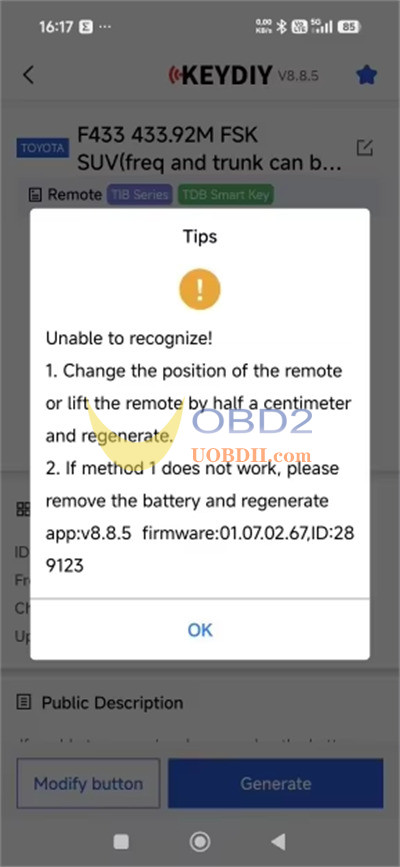
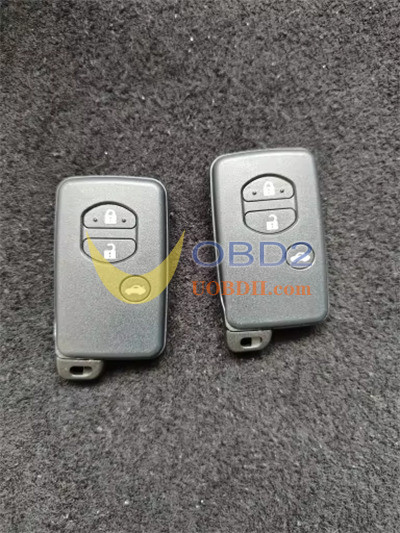
A user recently ran into an issue while trying to generate a second Avensis F433 key using KEYDIY KD-X2 Remote Maker and KD TDB03-3 (Silver Gray) remote key. While the first key generated perfectly, the second one failed with an “Unable to recognize!” error.
Symptoms:
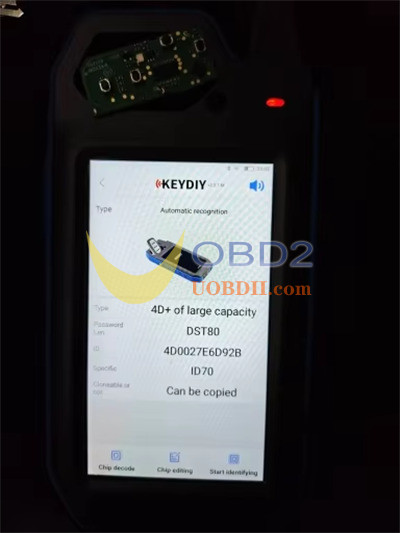
- The key can be read withoutthe battery inside.
- With the battery installed, the remote becomes completely unresponsive: no red indicator light blinks, no frequency is detected, and buttons do not respond.
The Solution
The trick to solving this issue lies in the timing of when you insert the battery during the wireless generation process. Follow these simple steps:
1.Remove the battery from uobdii.com KD TDB03-3 remote before you begin.
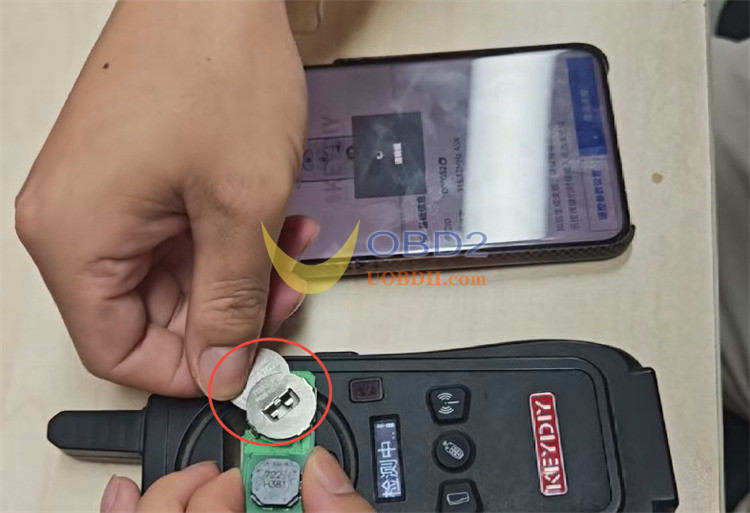
2.Place the battery-less remote onto the detection area of your KEYDIY KD-X2.
3.On the KD-X2, navigate to: Remote Function ➡️ Car Remote ➡️ Select your specific car model ➡️ Generate ➡️ Wireless Generate.
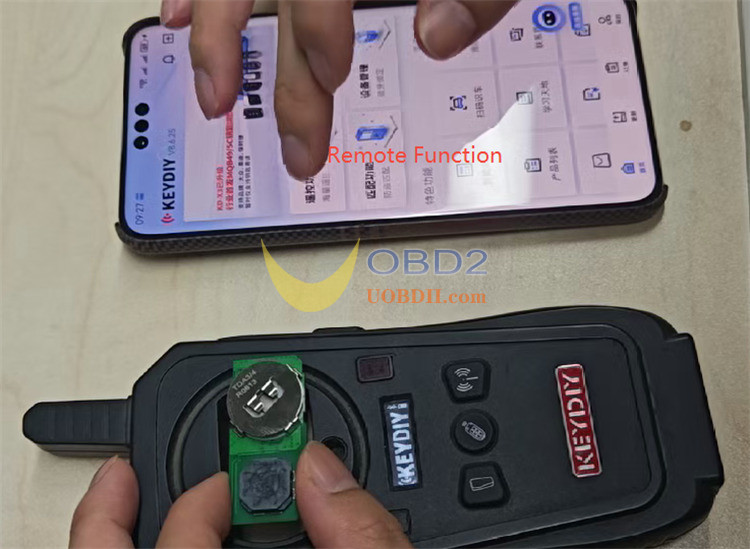
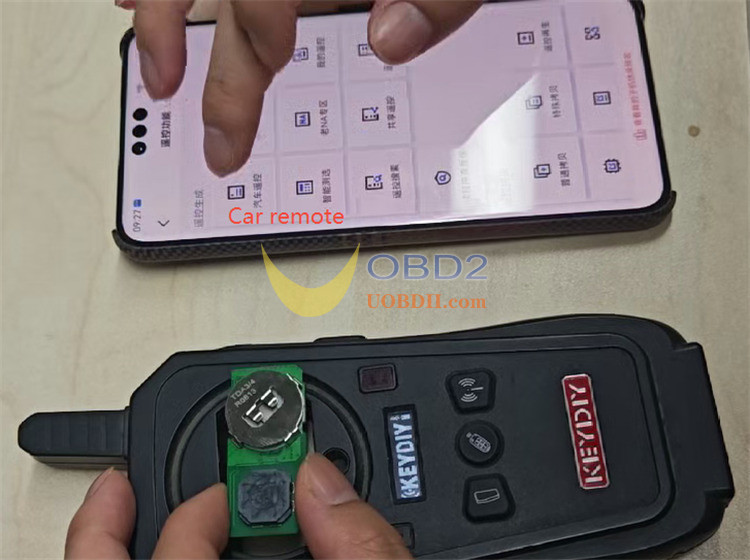
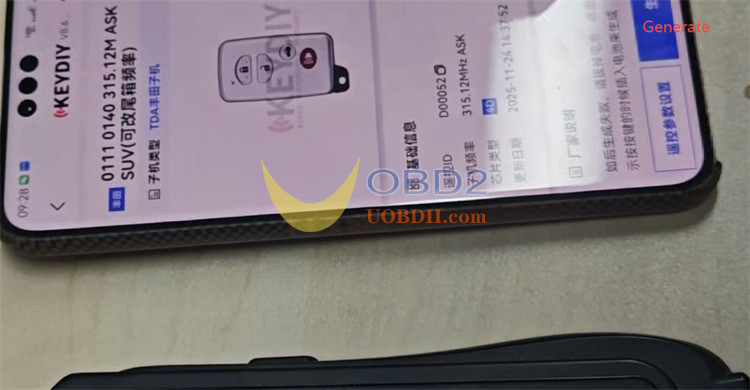
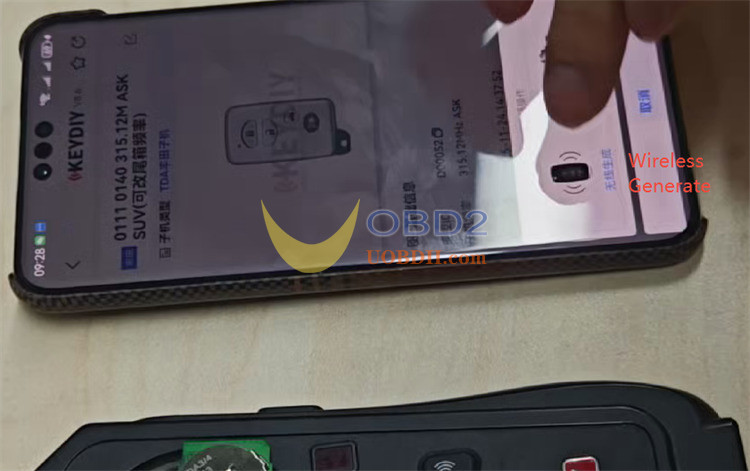
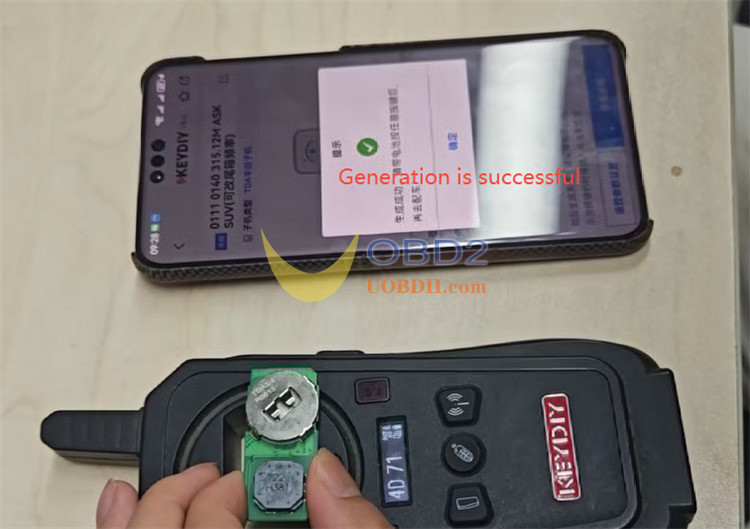
4.The Secret Step: Once the process starts, slide the battery into the remote just halfway (about half a centimeter).
5.Wait for the loading bar to finish. The remote will now generate successfully!
Tech support:
Email: Sales@UOBDII.com
WhatsApp: +86-13995696053
