Today, we’re walking you through how to add a spare key to a 2021 Chevrolet Onix using KEYDIY KD–X4 5-in-1 Key Programmer. For this demonstration, we’ll be using an original factory key alongside a blank KD remote key.
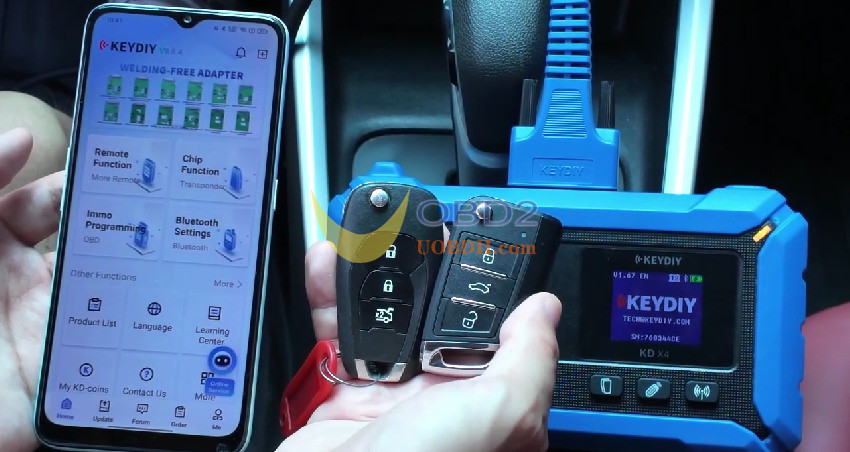
Here is the step-by-step breakdown of how to get it done.
Step 1: Identify and Generate the KD Remote Key
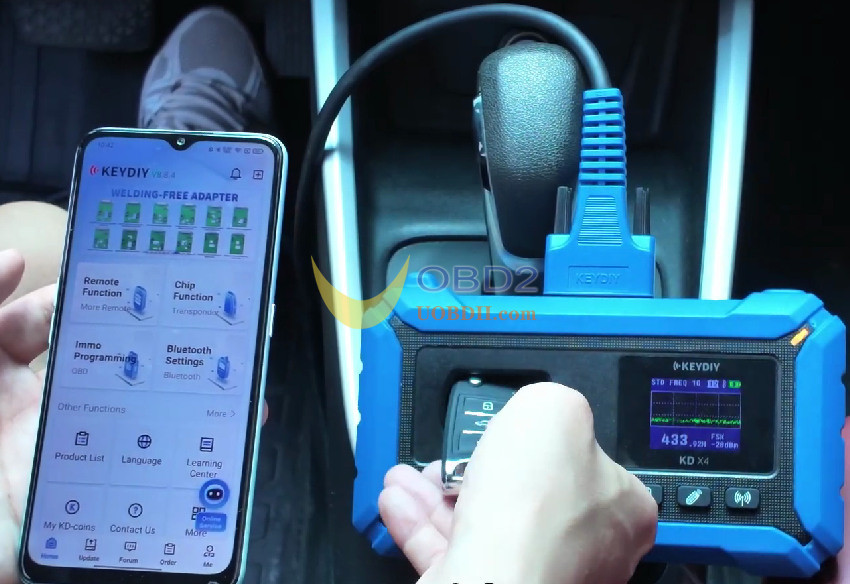
- Place the original factory key onto KD-X4 induction coil to read the chip and test its frequency.
- Once the device confirms the frequency is 433 MHz, place your blank KD key onto the coil.
- Navigate to Remote Function-> Vehicle Remote-> CHEVROLET Onix (2019+) Folding ID4A-> Generate-> Wireless generation. (Note: KEYDIY KD–X4 also supports smart keys; you can just search by vehicle model).
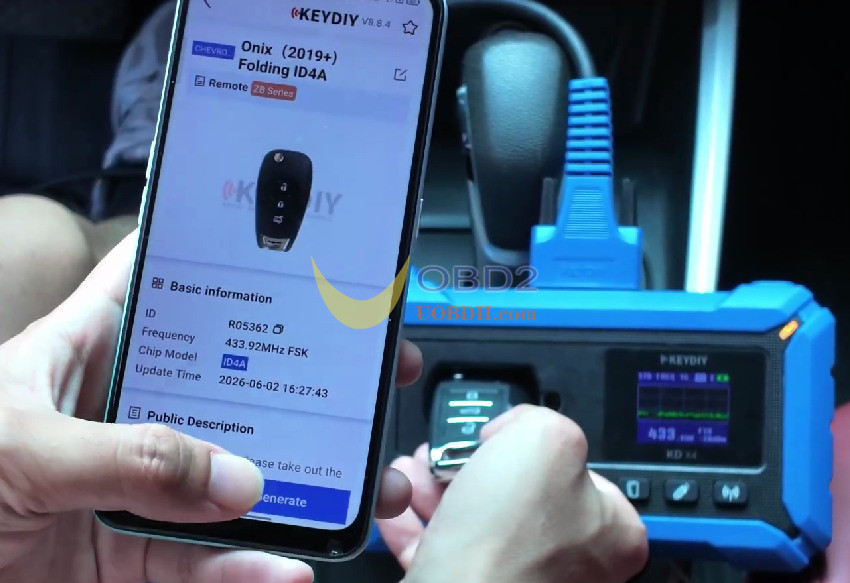
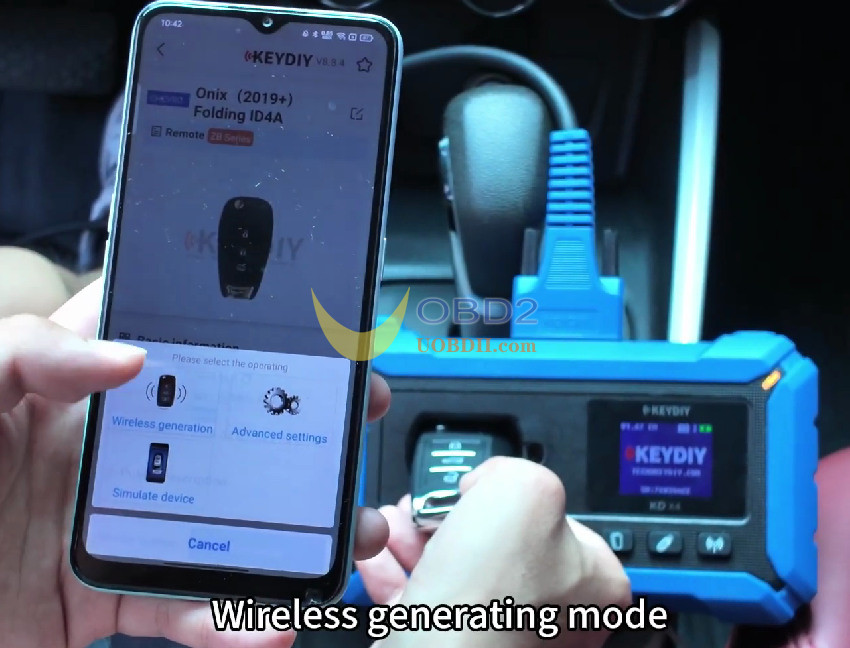
- Wait a moment for the programming to complete.
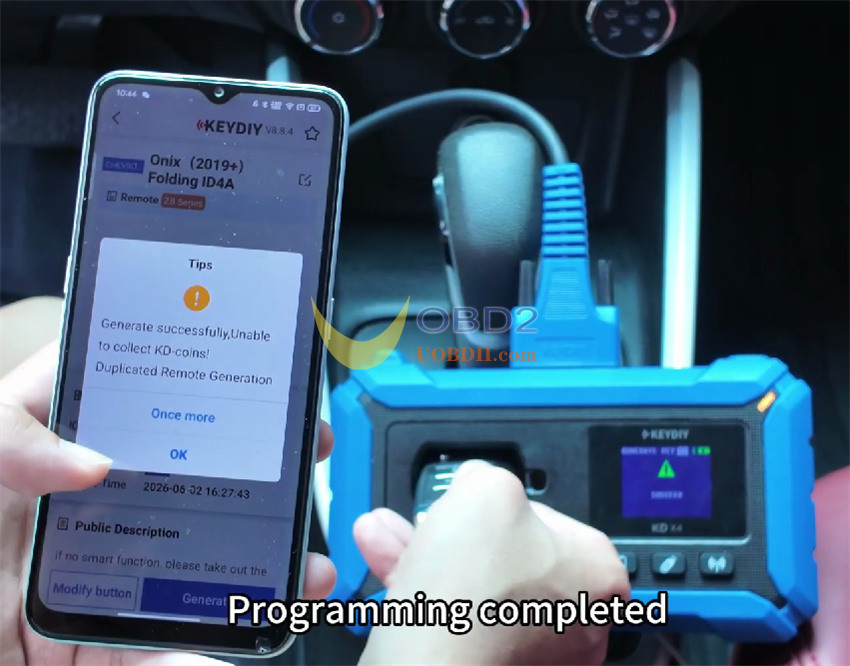
Step 2: Vehicle Diagnostics & OBD Connection
- Plug KEYDIYKD–X4 OBD cable into the vehicle.
- The KDX4 Advantage:The 2021 Onix utilizes the CAN FD communication protocol. While other programming devices require an external adapter plug, KD-X4 features a built-in CAN FD module, meaning you don’t need any extra accessories.
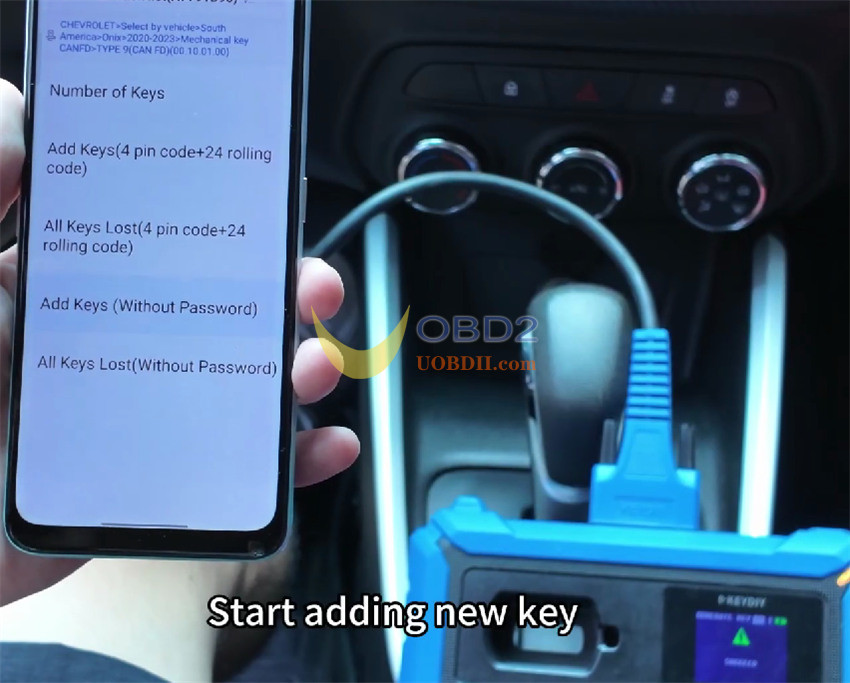
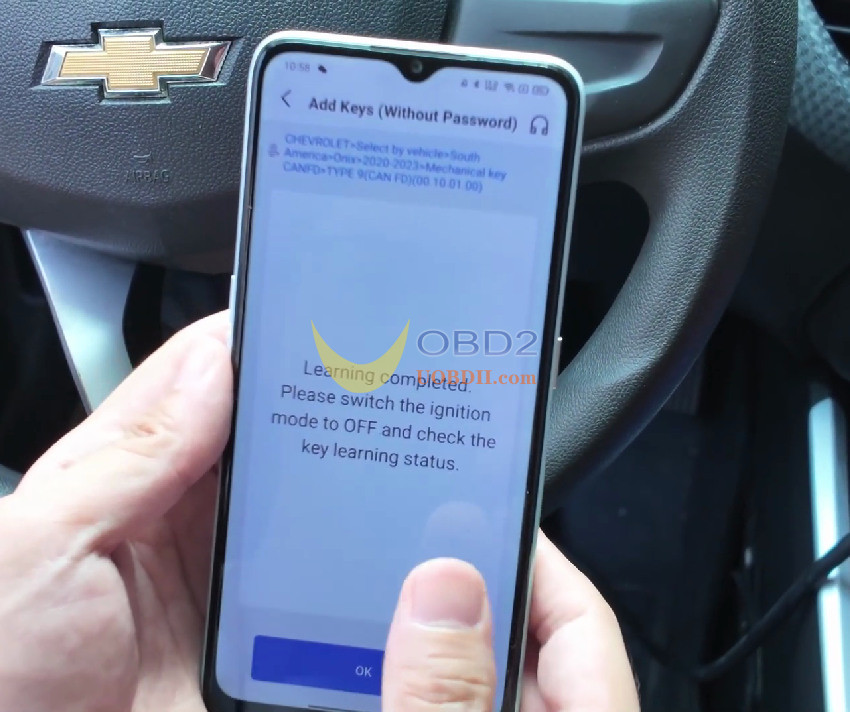
- On the main menu, go to ImmoProgramming-> Chevrolet -> Select by vehicle-> South America-> Onix-> 2020-2023-> Mechanical Key CANFD-> TYPE 9 (CAN FD)-> Start executing
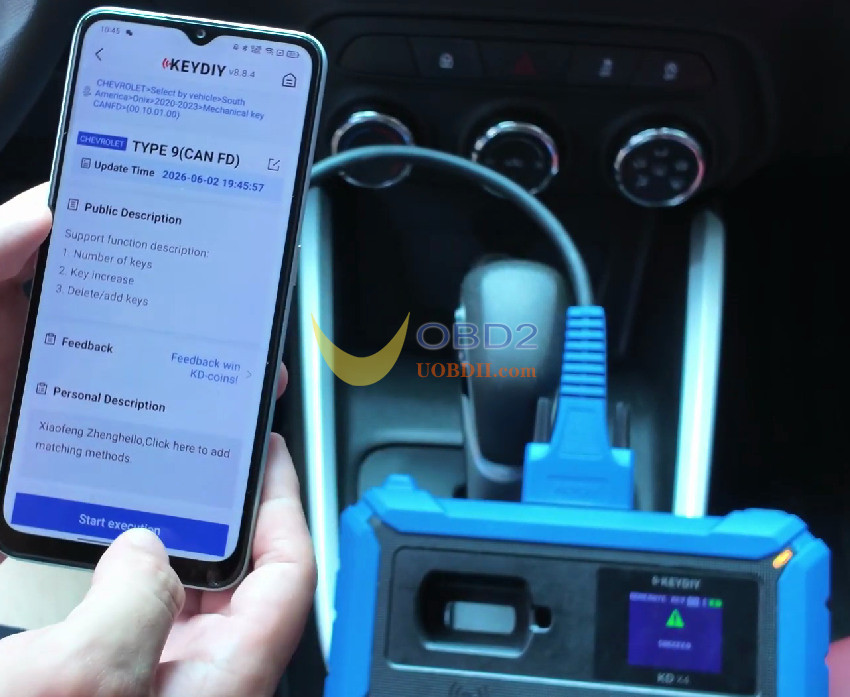
Step 3: Password-Free Key Matching
- Select “Number of keys”to check the number of currently registered keys (our vehicle showed 3 keys).
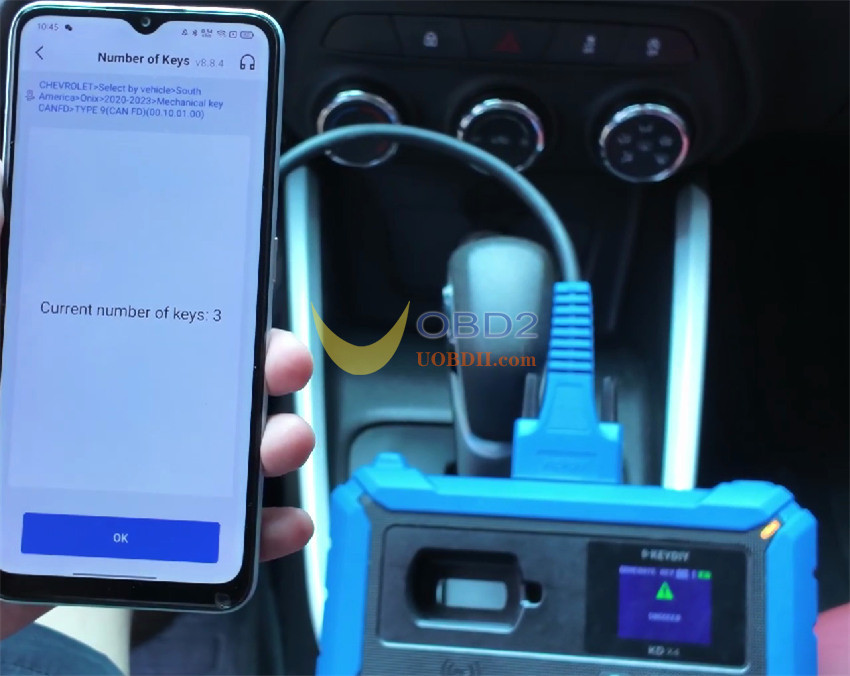
- Pro Tip:Skip the top two menu options, which require a 4-digit PIN and a 24-bit rolling code. Instead, select the bottom two options- Add keys (without password) and All Keys Lost (without password). These allow for password-free key matching, meaning you don’t need to manually enter a passcode.
- Here we select “Add keys (without password)”
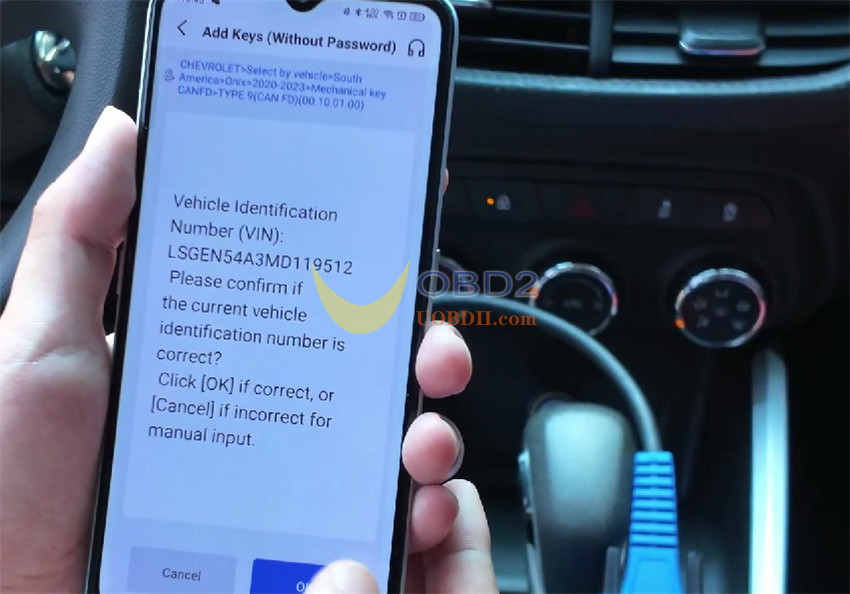
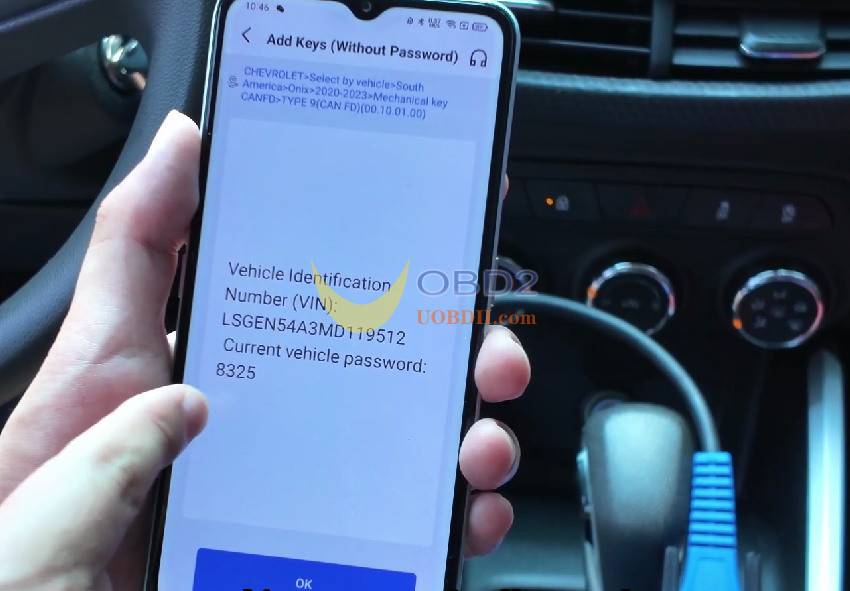
- Turn the ignition switch ON. KD–X4will automatically read the vehicle’s VIN and extract the bypass password (in this case, 8325). Click OK.
More KD-X4 Details: https://www.uobdii.com/wholesale/keydiy-kdx4-key-programmer.html
Step 4: Finalizing the Key Learning Process
- The system will require a 12-minute wait time before initiating the matching process.
- Once the countdown finishes, remove the original key and insert the new KD key.
- Look for the vehicle’s hazard lights to flash—this is your visual cue that the matching was successful!
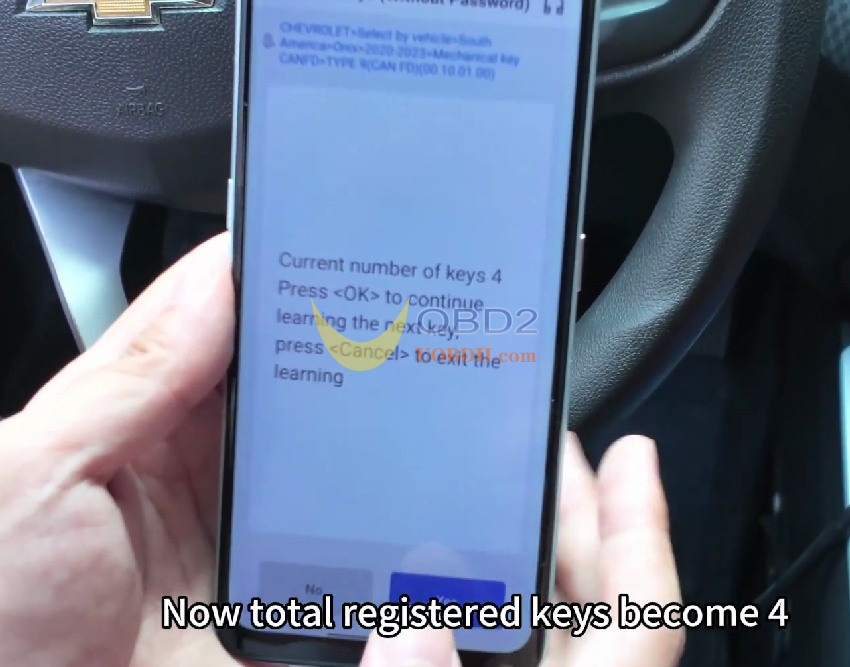
- The tool will now display 4 registered keys. Turn the ignition back on to complete the cycle.
Wrap Up: Turn off the ignition, unplug the tool, and test your new remote. Works like a charm! The entire process is seamless thanks to KEYDIY KD–X4 key programmer’s built-in CAN FD capabilities.
