

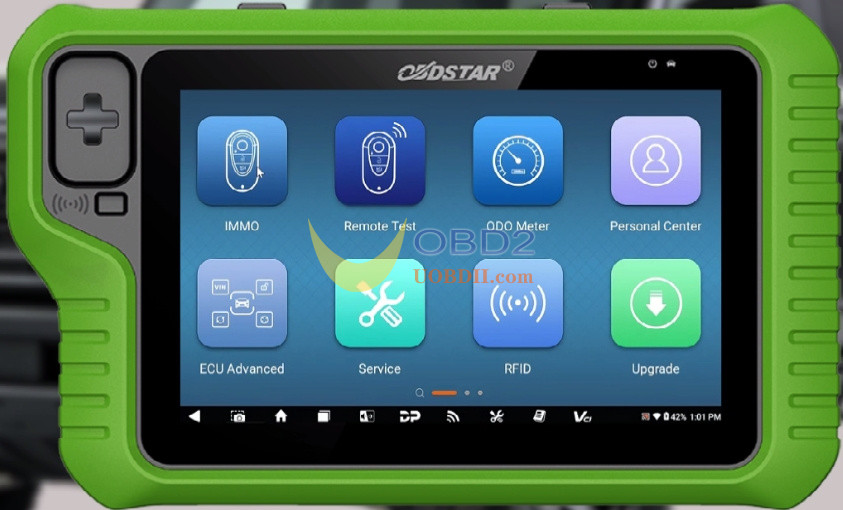
OBDSTAR X300 Classic G3 was used to successfully resolve an all keys lost situation on a 2022 Ford Bronco by programming two new proximity keys via OBD.
Step-by-Step Procedure:
1.Connect Device
Correctly connect X300 Classic G3 key programmer to the vehicle’s OBD port.
2.Navigate the Menu
Follow this path in the programmer menu:
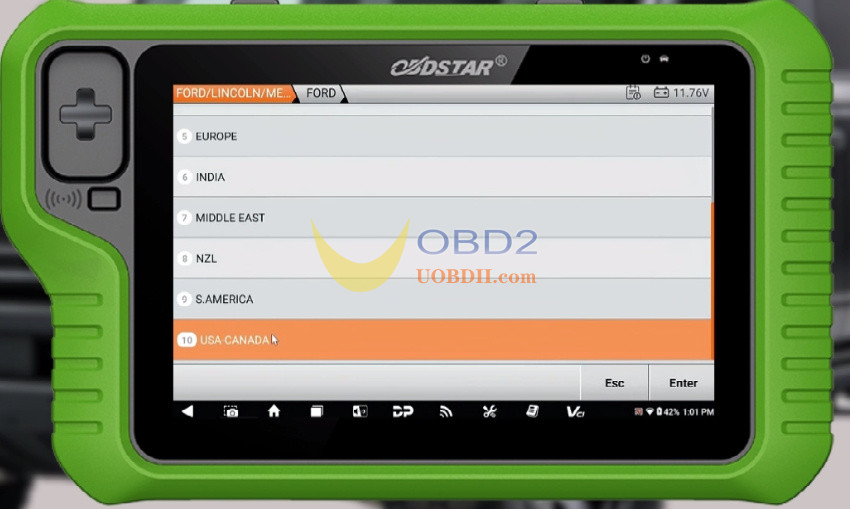
IMMO → FORD/LINCOLN/ME → FORD → USA/CANADA → BRONCO → PROXIMITY → 2021-2023 → All Keys Lost
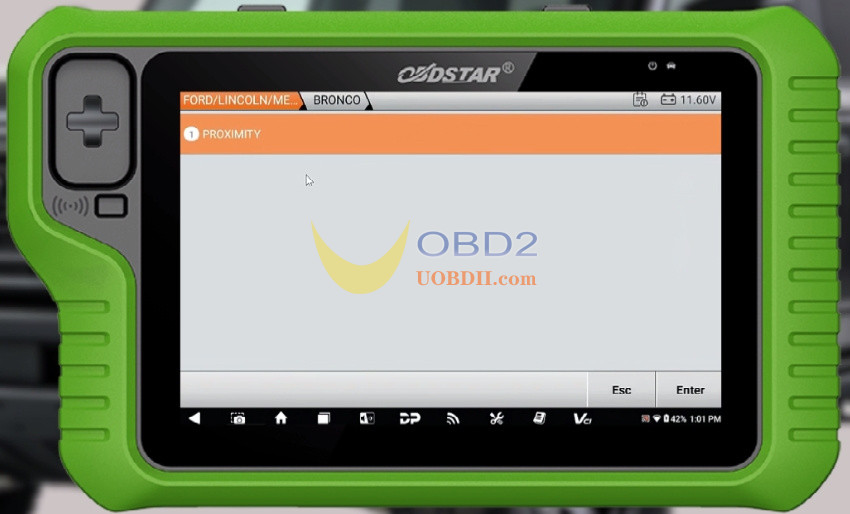
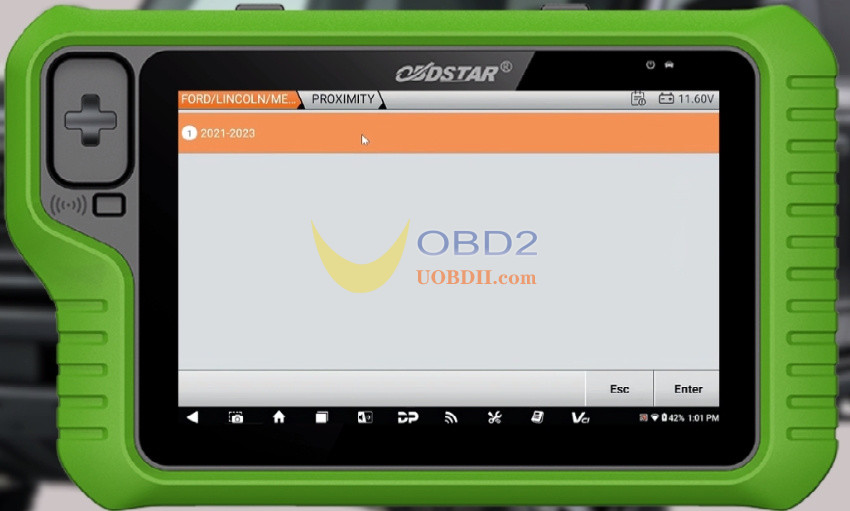
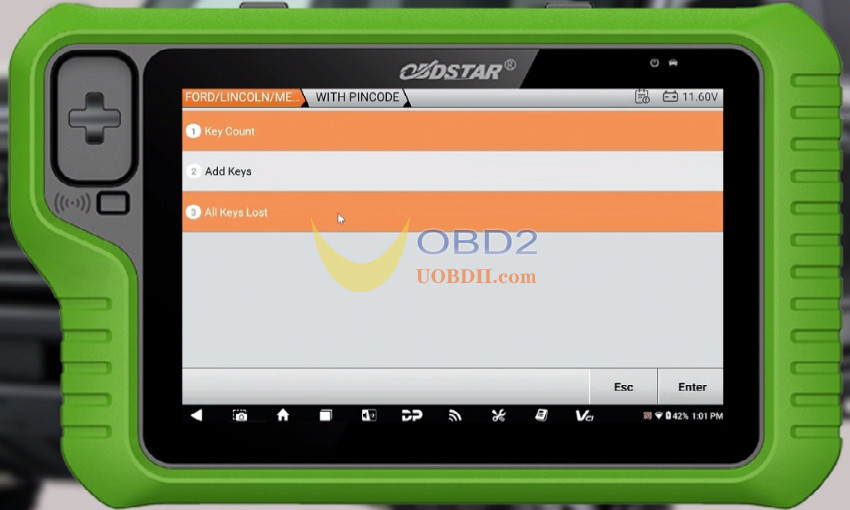
3.Important Note: Anti-Theft Alarm
If the vehicle’s anti-theft alarm is triggered, you must disable it before proceeding.
Disabling method:
- Close all doors, then open the driver’s door.
- Place the proximity key in the induction card slot (or if it’s a blade key, insert it and turn the ignition ON).
- Wait 10–15 minutes until the vehicle beeps twice, indicating the alarm is disabled.
- You must begin key programming within 1 minute.
4.Programming Instructions
All existing keys will be erased.
Minimum keys required: 2
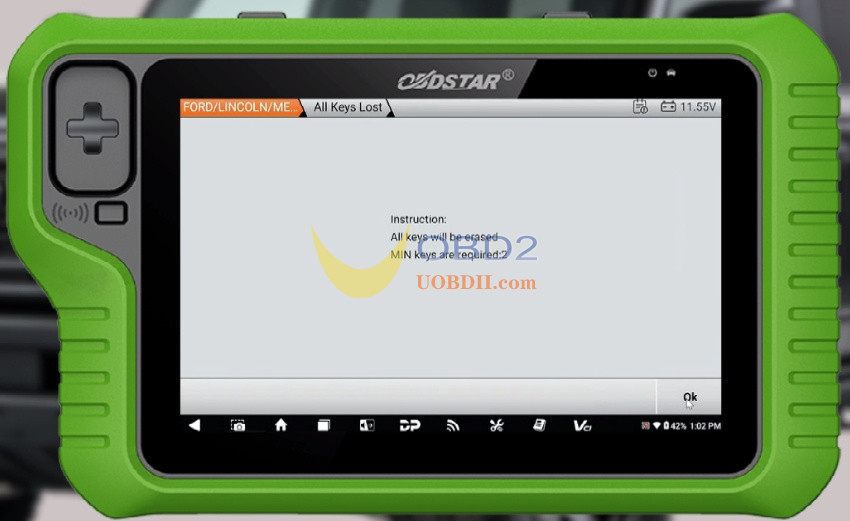
Turn the ignition ON.
5.Retrieve and Enter Security Codes
Record the displayed Outcode.
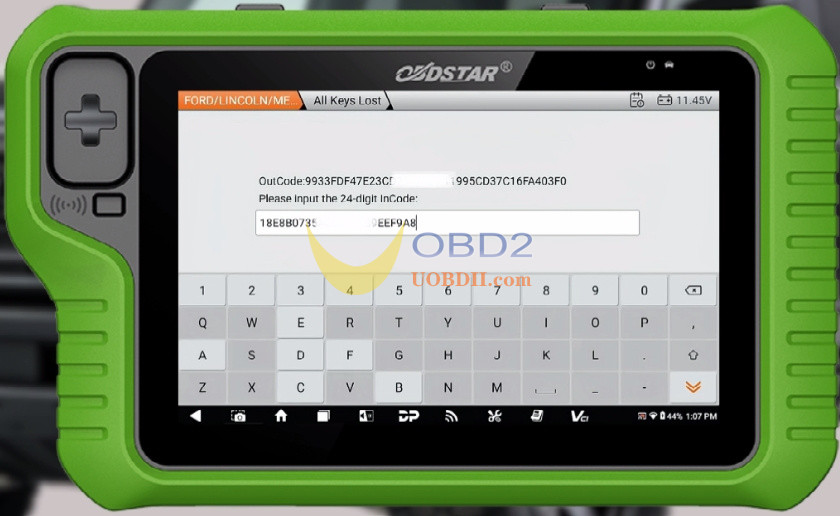
Provide it to a third party to obtain the corresponding 24-digit Incode.
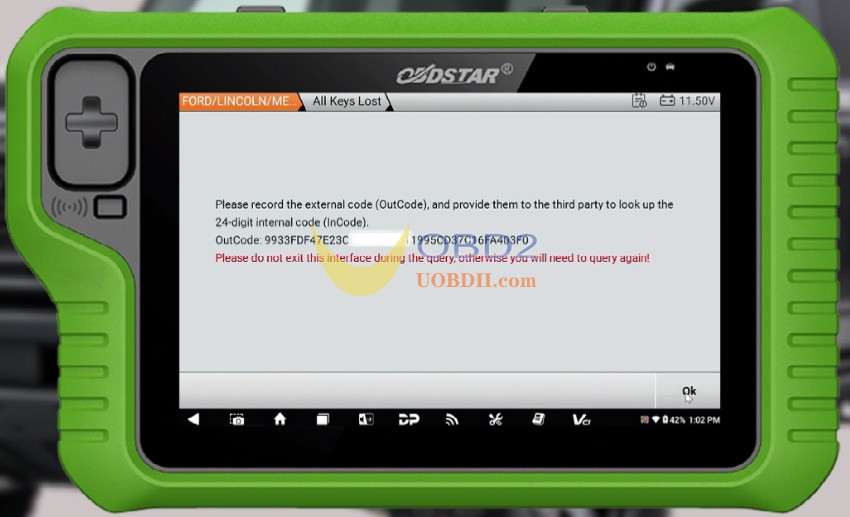
Enter the Incode carefully and verify its correctness.
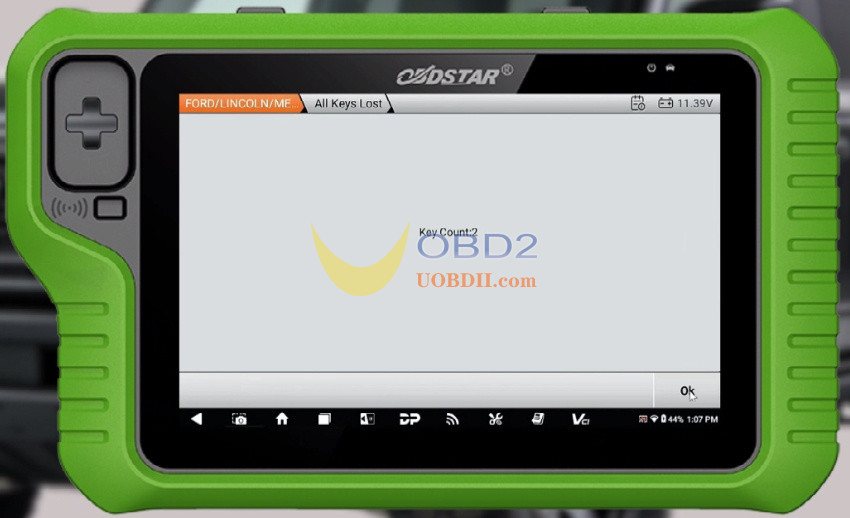
6.Set Key Count
The system will show the key count as 2.
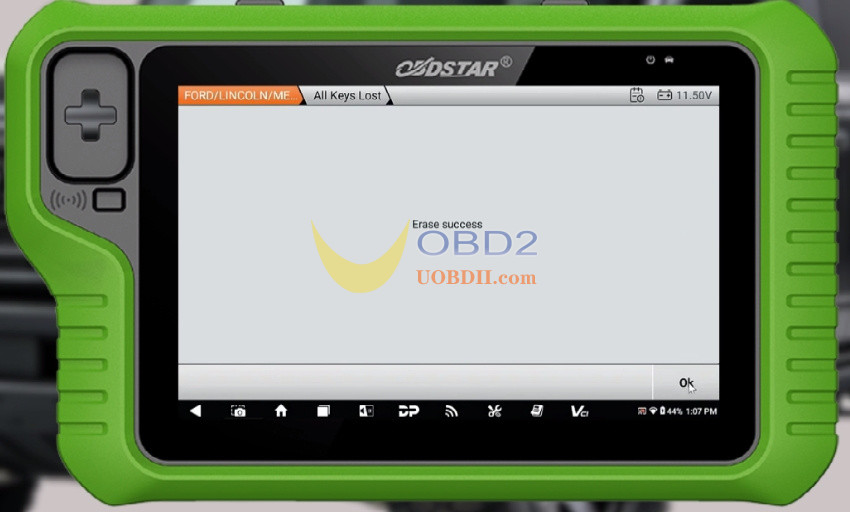
Confirm the erasure process completes successfully.
7.Program First Smart Key
Place the smart key in one of the following key sensing areas:
Inside the armrest box
Inside the buckle box
Inside the cup holder
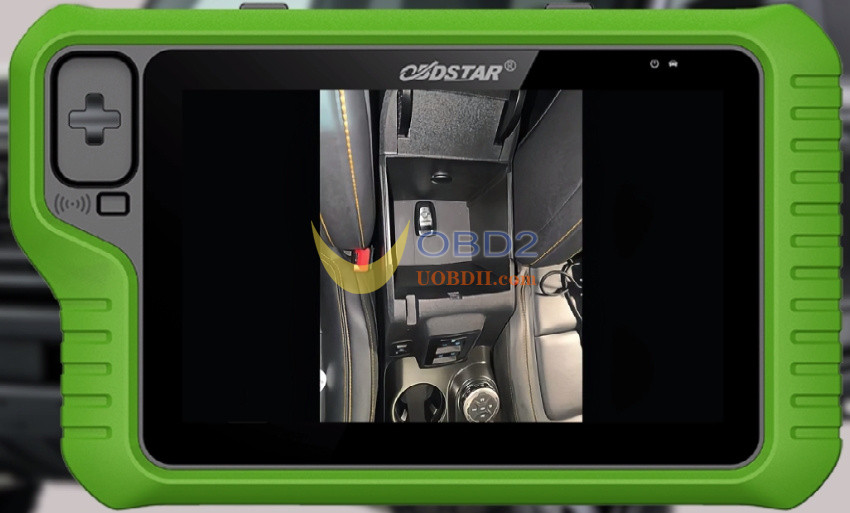
Follow the prompts to program the first key successfully.
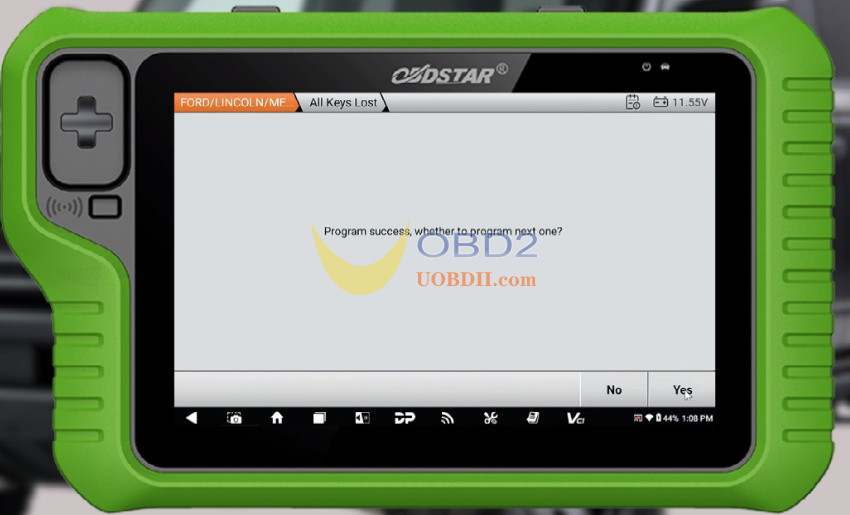
8.Program Second Key
Repeat the same process to program the second smart key.
9.Verification
After both keys are programmed, the key count will display as 2.
Turn the ignition ON to confirm.

Completion:
✅ Key programming is now complete.
Two new proximity keys have been successfully programmed by OBDSTAR X300 Classic G3 Key Programmer to the 2022 Ford Bronco via OBD.
