
CG FC200 DAP Adapter can be used to work with CG FC200 programmer to read Delphi 7.1AP, Delphi TC277TP, Toyota Denso 76F0038GD, 76F0070, 76F0085, 76F0039GD, 76F0040GD etc ECUs.
Follow these steps to set up and read a Toyota 89661-36190 ECU quickly using the new adapter kit.
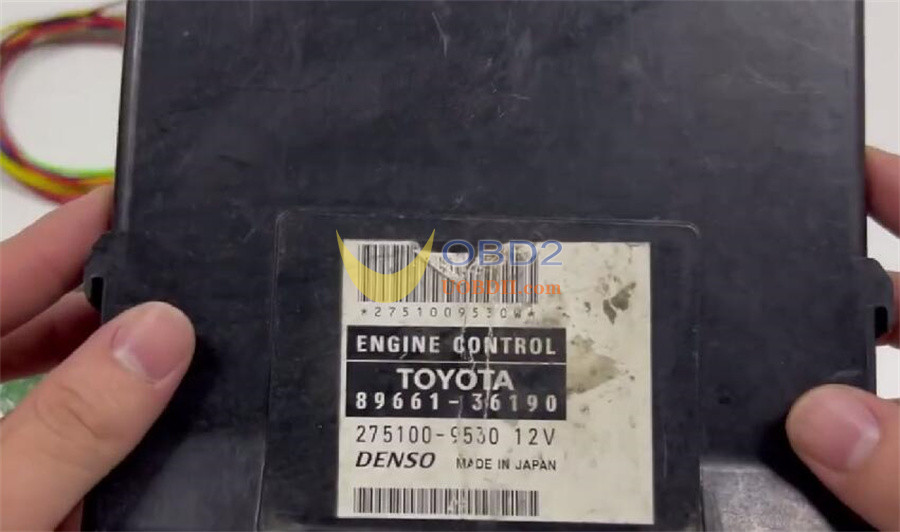
Step 1: Connect Device
Assemble the adapters in the correct order.
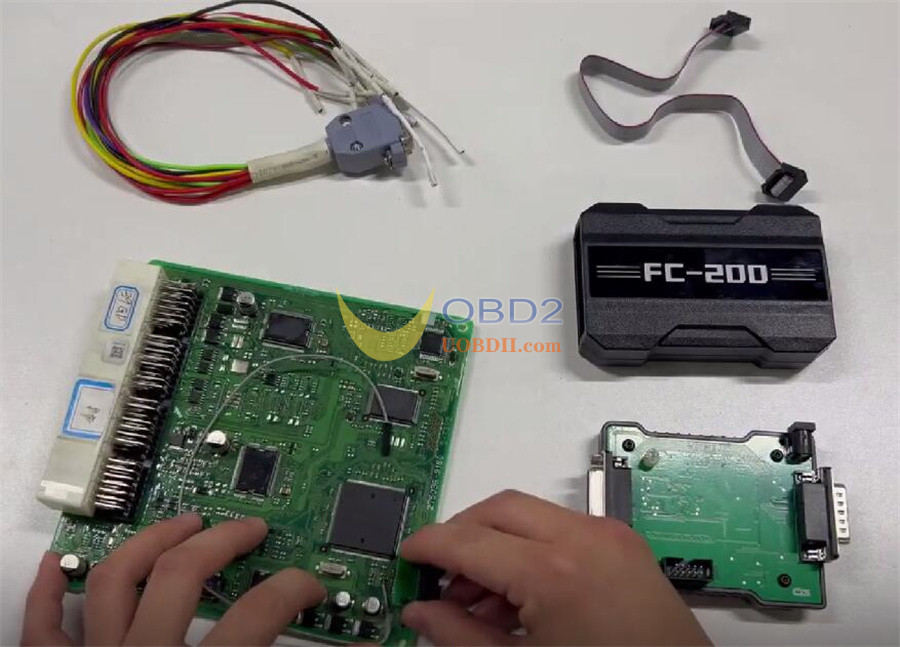
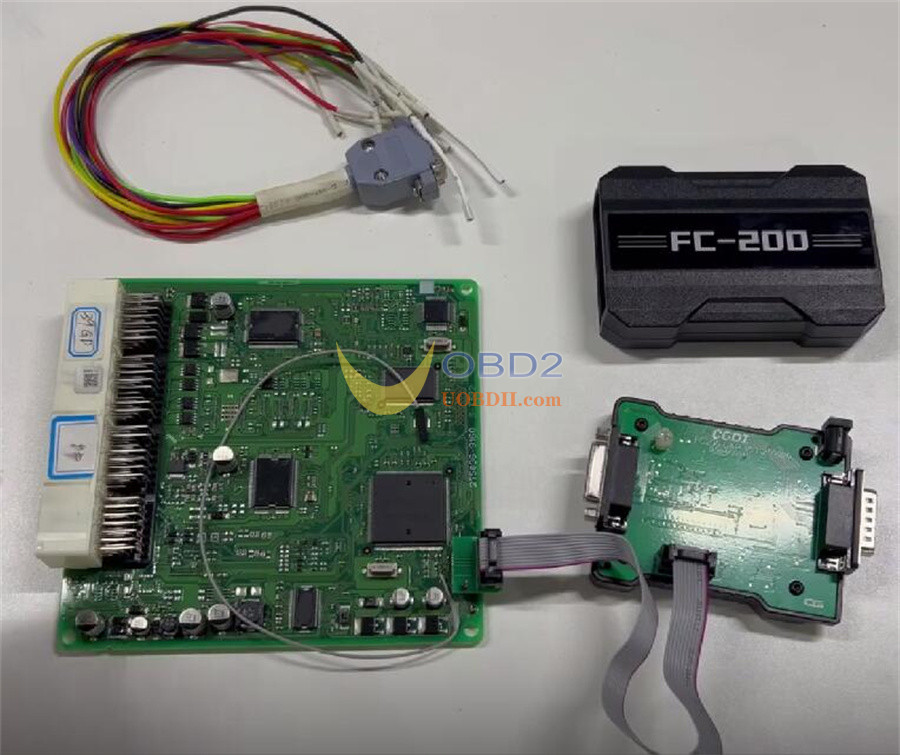
Wire the pins as shown in the diagram.
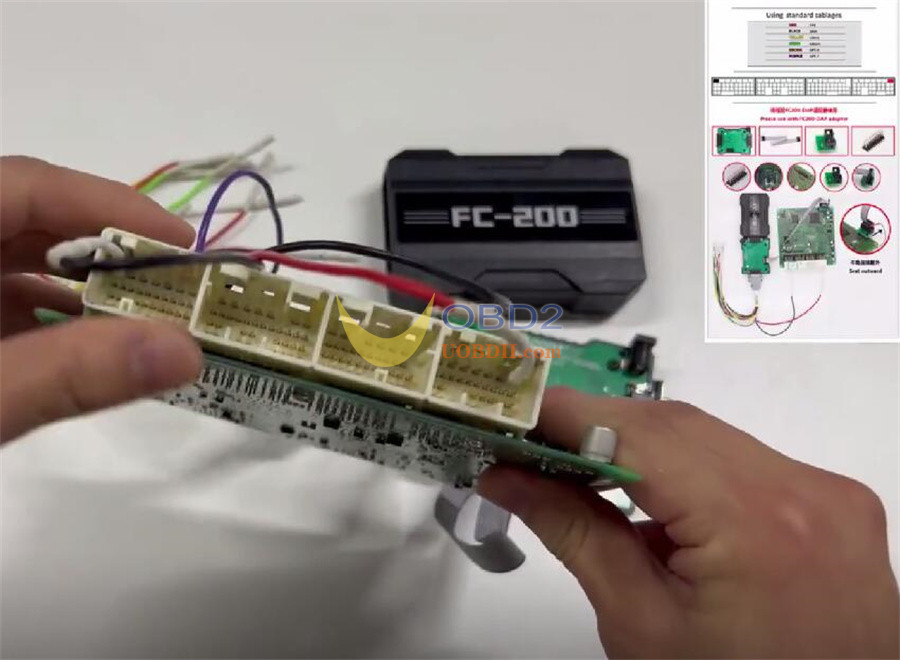
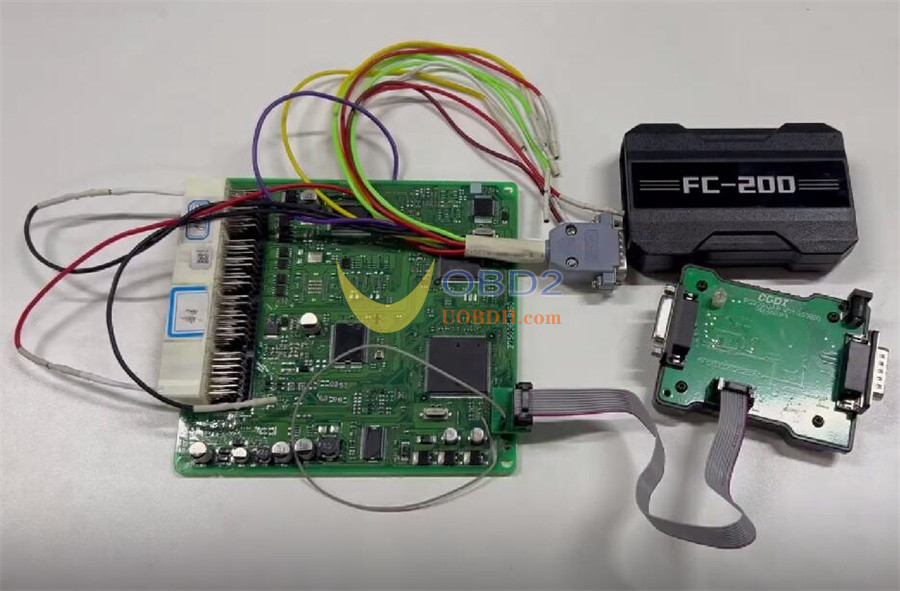
Plug in CG FC200 to USB and power.
Connect FC200 DAP Adapter to the host, and connect the host to your computer.
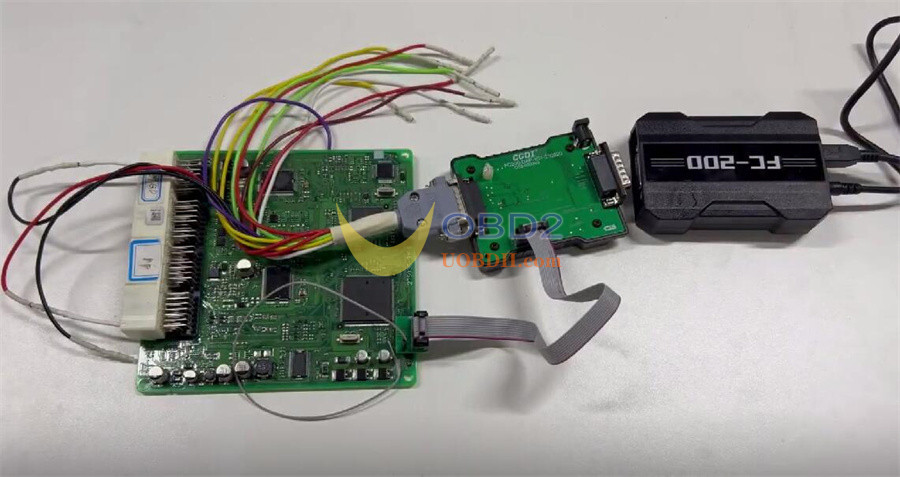
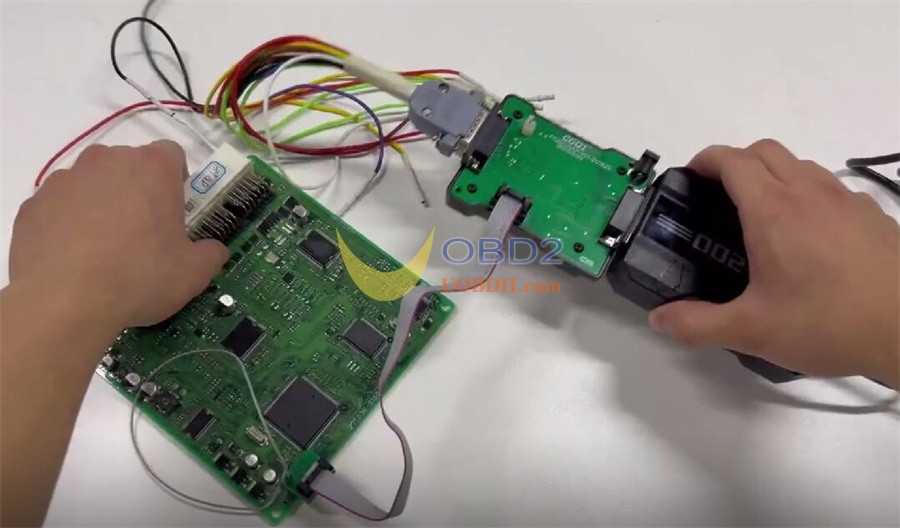
Step 2: Software Readout
On your computer, launch FC200 software.
Input the ECU model number. (e.g.275036)
Select “Boot”
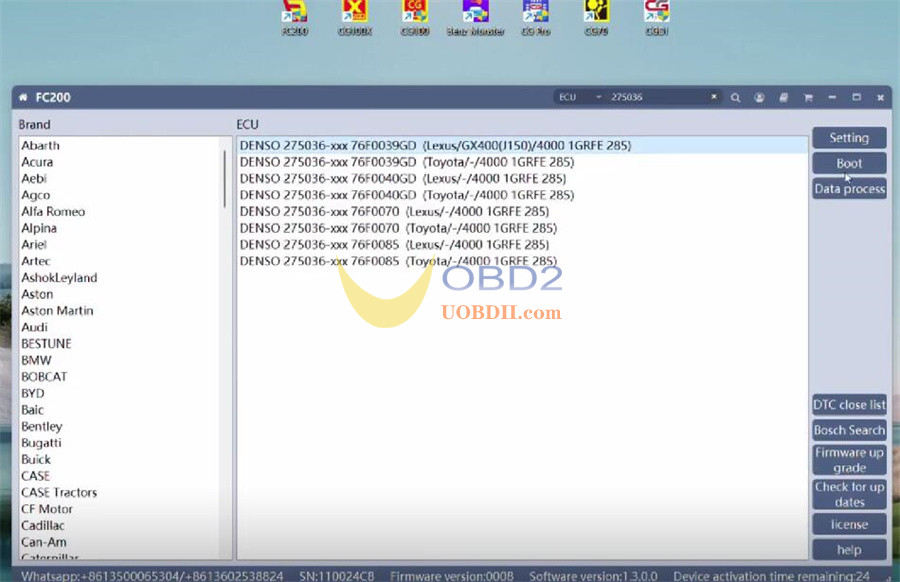
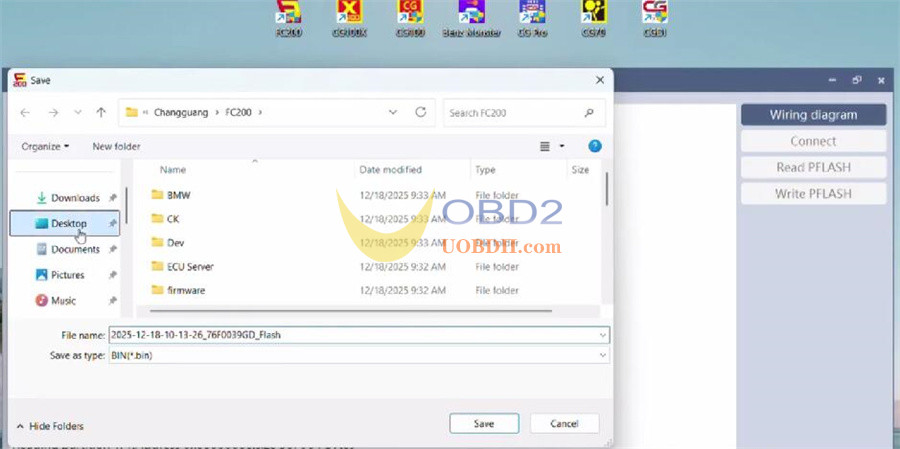
Click Connect. Once connected, select Read Flash.
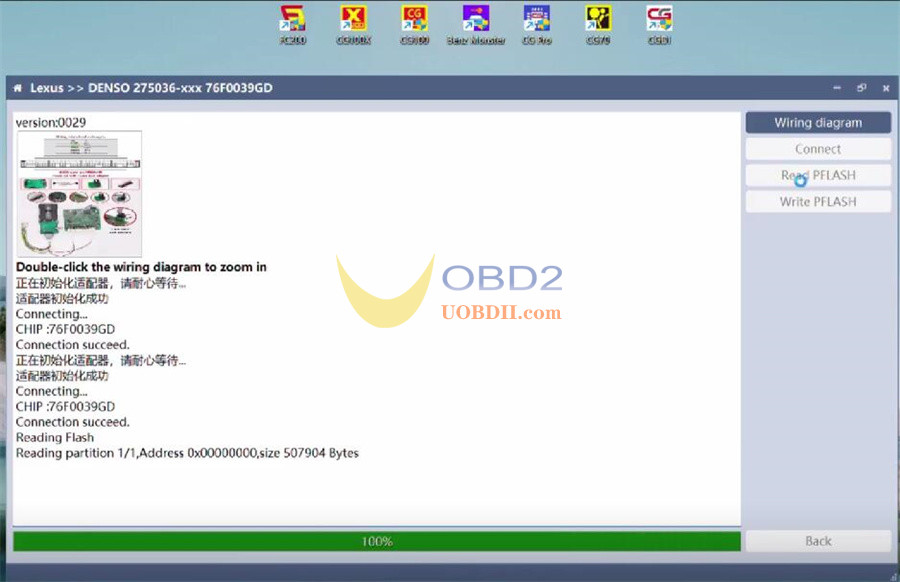
Step 3: Finalize
Save the read data file. The task is now complete.
Video guide:
