

How to remove fault code by CG FC200 automatically?
The operation is straightforward and fast, following a simple three-step process:
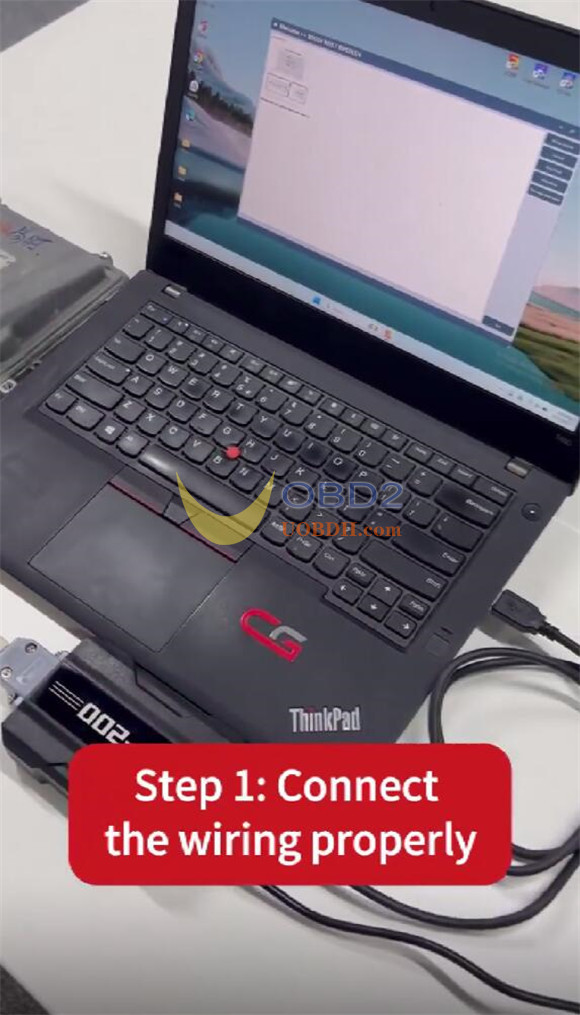
Step 1: Connect device
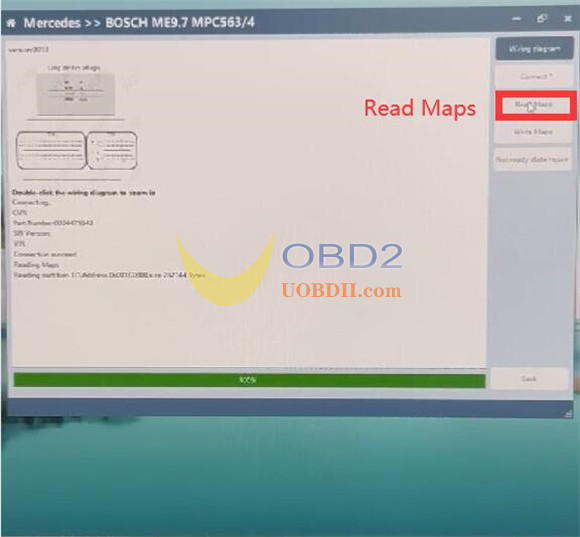
Step 2: Read Maps
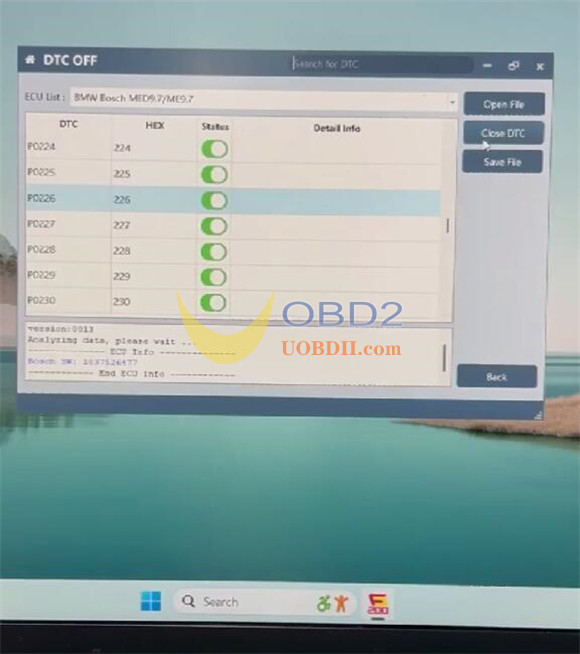
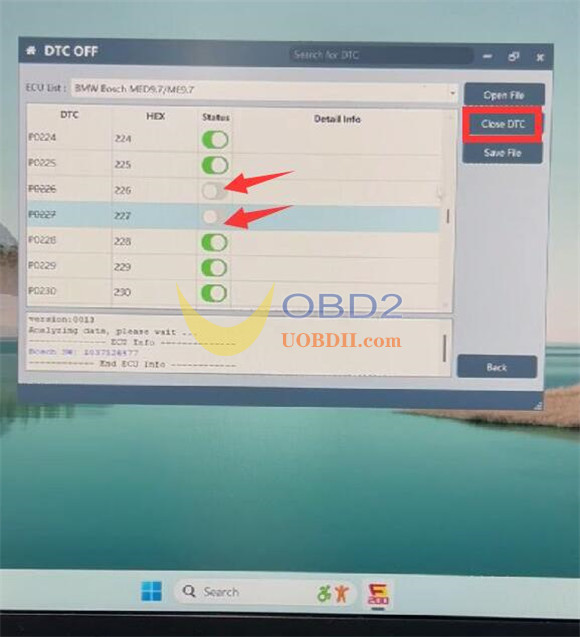
Step 3: Turn off DTC
Let’s walk through it using Mercedes ME9.7 MPC563/4 as an example.
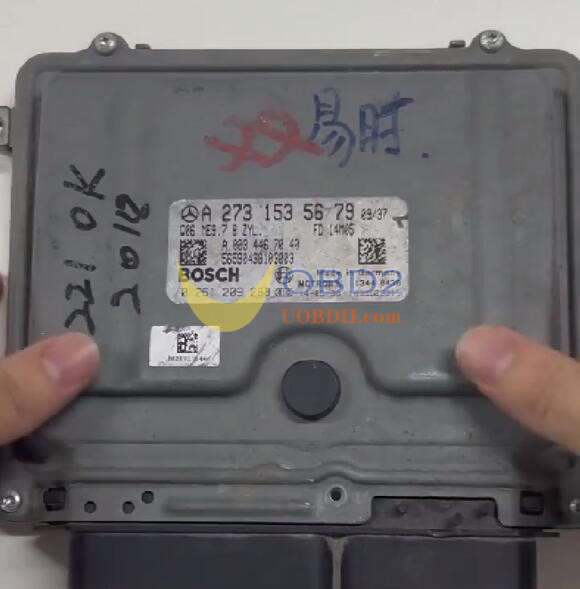
Step 1: Connect device
Check the wiring diagram in FC200 software
Path: Mercedes-> BOSCH ME9.7 MPC563/4-> Wiring Diagram
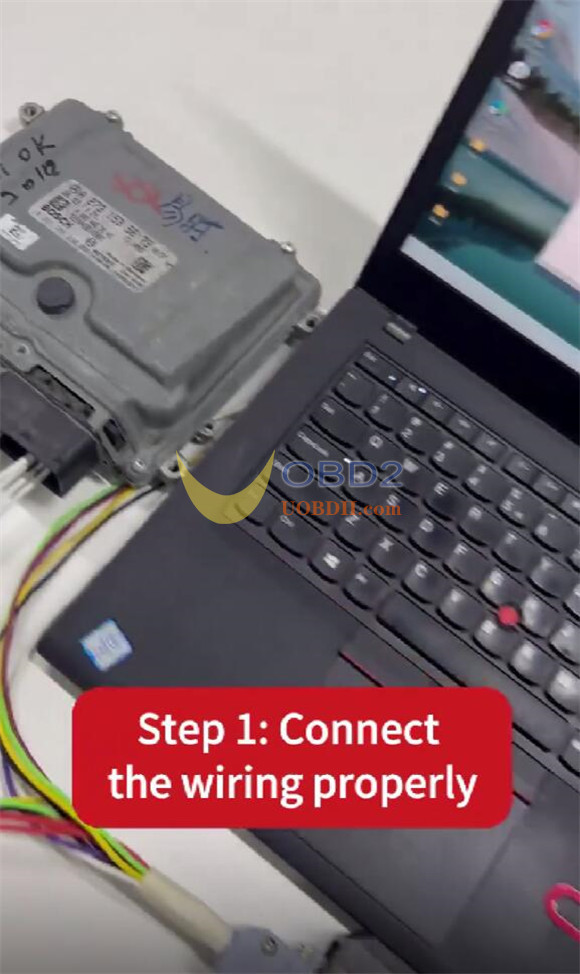
Connect CG FC200 ECU programmer to Mercedes ME9.7 ECU via wiring harness and computer via USB cable
Supply power to FC200 as well
Step 2: Read Maps
Click “Read Maps” to read Maps data directly
Normally use Pflash data
Step 3: Turn off DTC
Click “Clear DTC” to turn off DTC (e.g 226 and 227)
Done!
