

CGDI A2 key programmer has a new, free software update. You can now program keys for BMW G-series vehicles with BDC02 systems when all keys are lost.
Here is a simple guide on what you need and how to do it.
What Tools Do You Need?
- CGDI A2 Key Programmer
- A new, original BMW G-series key to be programmed
- CG FC200(or another ECU programmer) to read the engine data
- CGDI BMW BDC2 Adapter
- A stable internet connection
Preparation
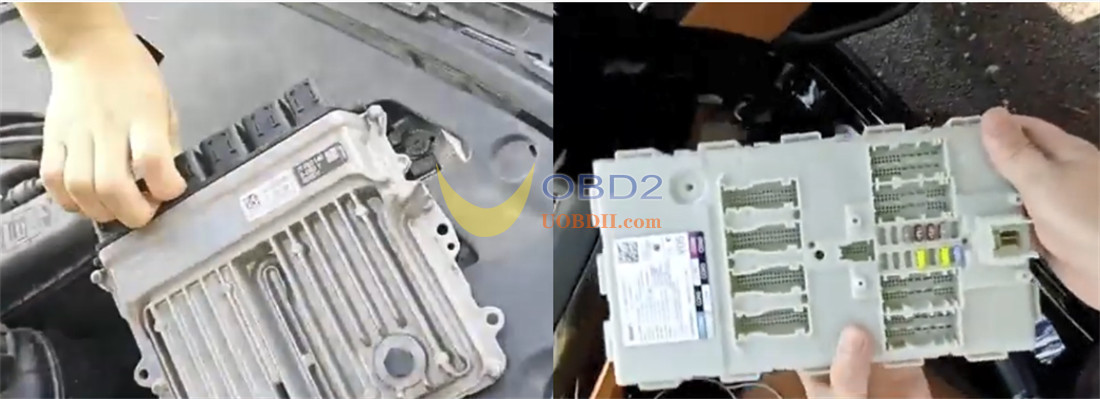
1.Take the engine ECU module out of the car.
2.Take the BMW BDC02 module out of the car.
Step-by-Step Guide
Follow these main steps to program the new key:
Step 1: Read Engine ECU D-Flash Data
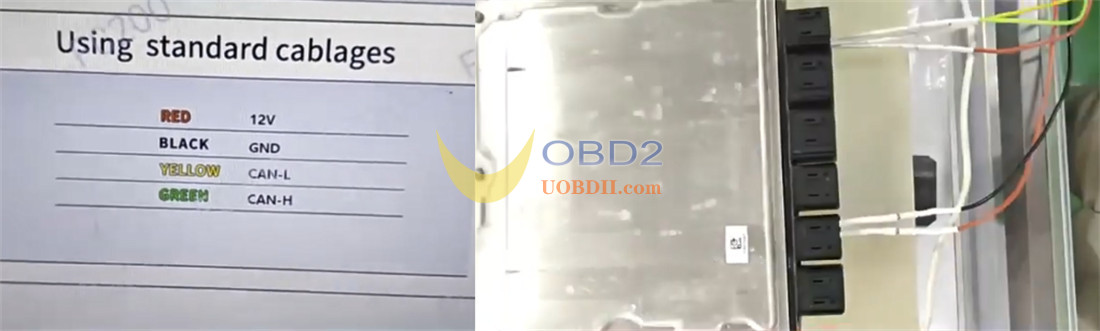
Use your CG FC200 ECU Programmer to read and save the engine ECU data onto your computer desktop.
Step 2: Update CGDI A2 Software
Connect CGDI A2 to your PC using a USB cable. Click “USB upgrade” to update the software to the latest version.
Step 3: Transfer Data to CGDI A2
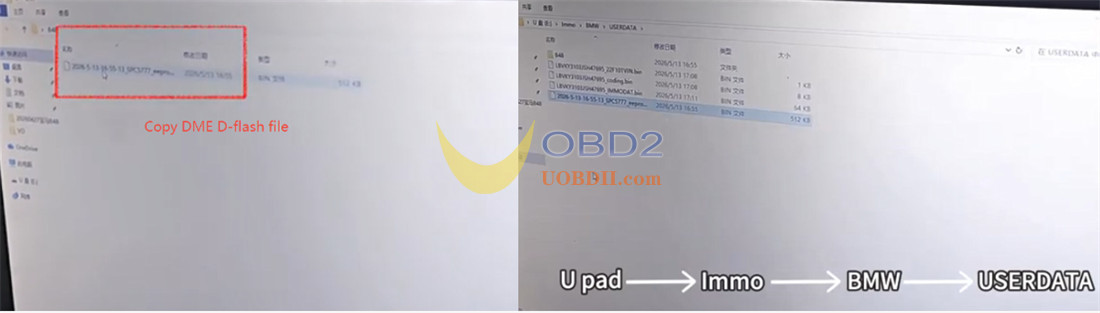
Copy the DME D-Flash file from your desktop and paste it into CGDI A2 software folder (Follow this path: Immo -> BMW -> USERDATA).
Step 4: Connect Hardware
Connect the BMW BDC02 module, the BDC2 adapter, and CGDI A2 programmer together.
Step 5: Process the Modules
In the software, navigate to BMW-> By system-> BDC2 Immo system-> All keys lost
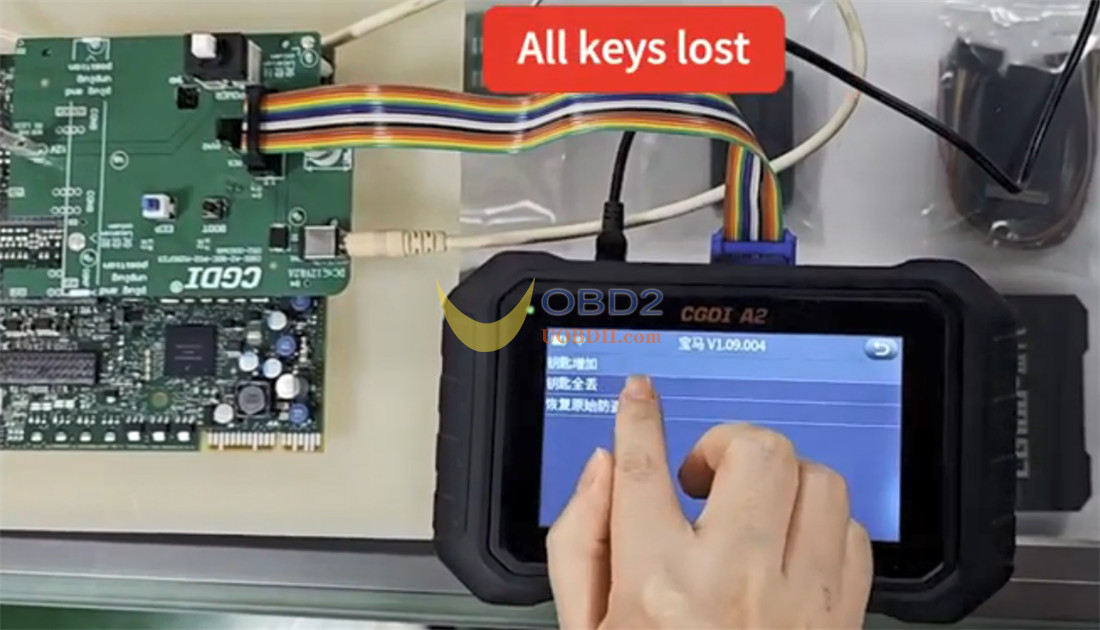
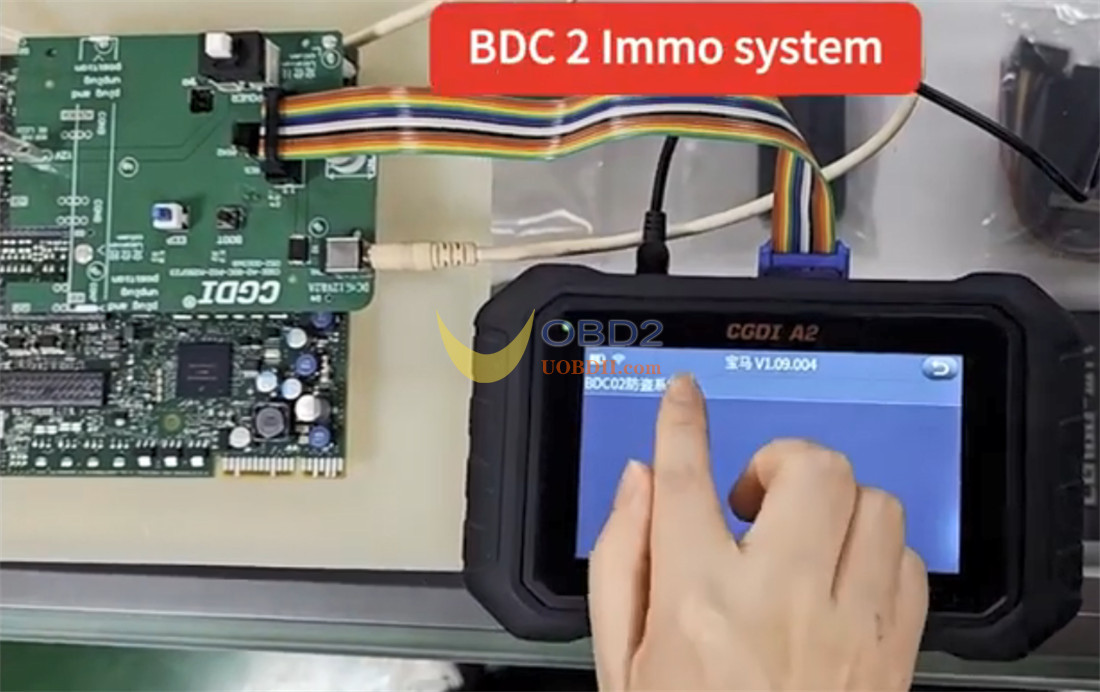
Open the power supply
Perform the following steps in order:
Check the vehicle info
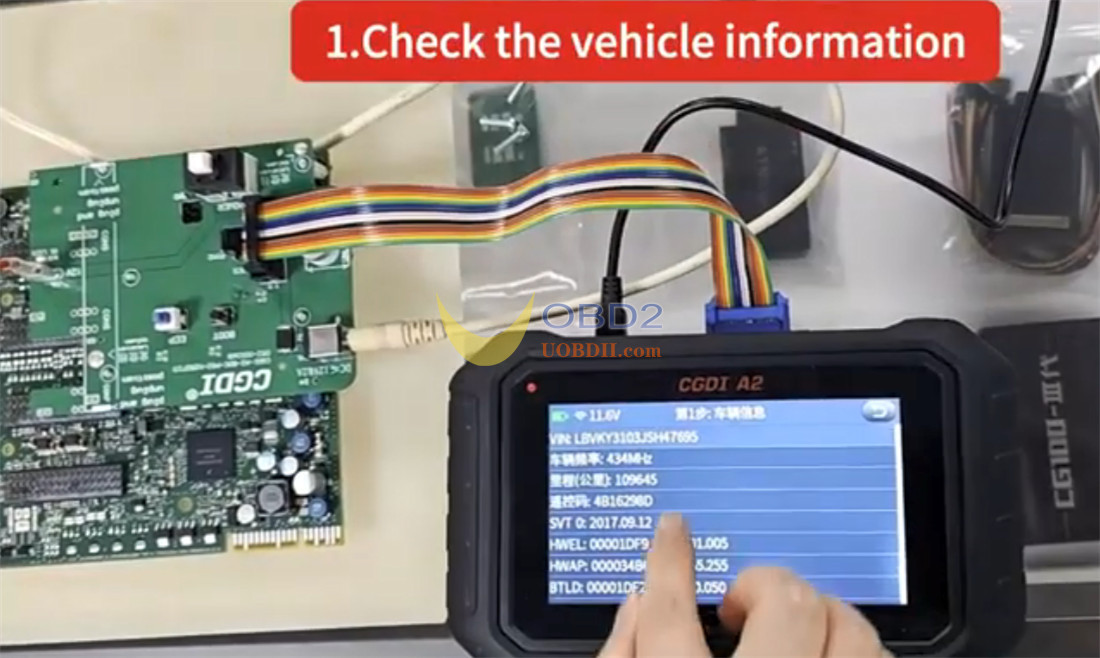
Check the vehicle version
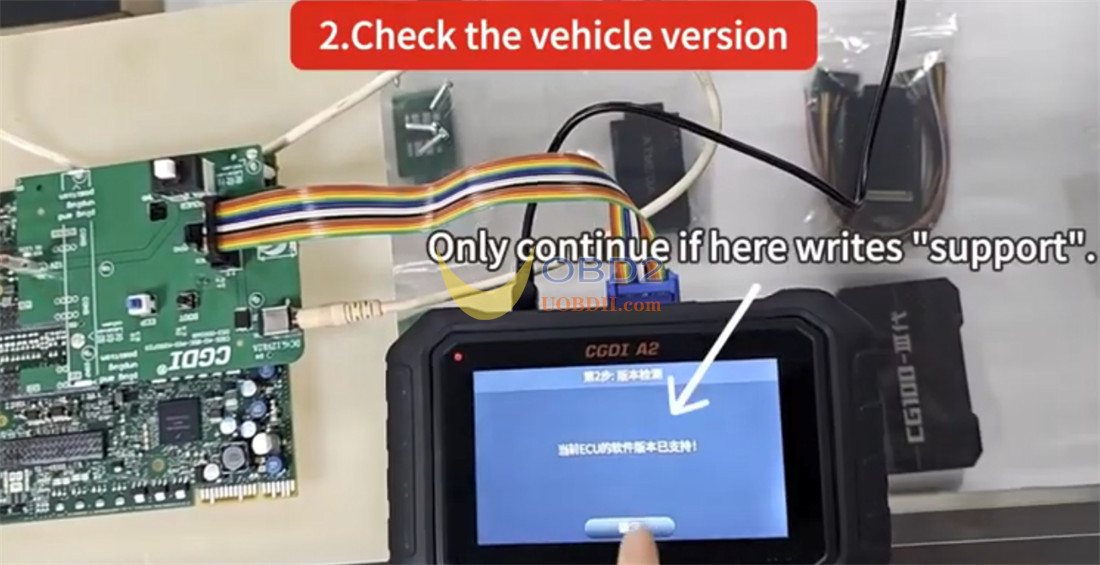
Write the previously saved D-Flash data
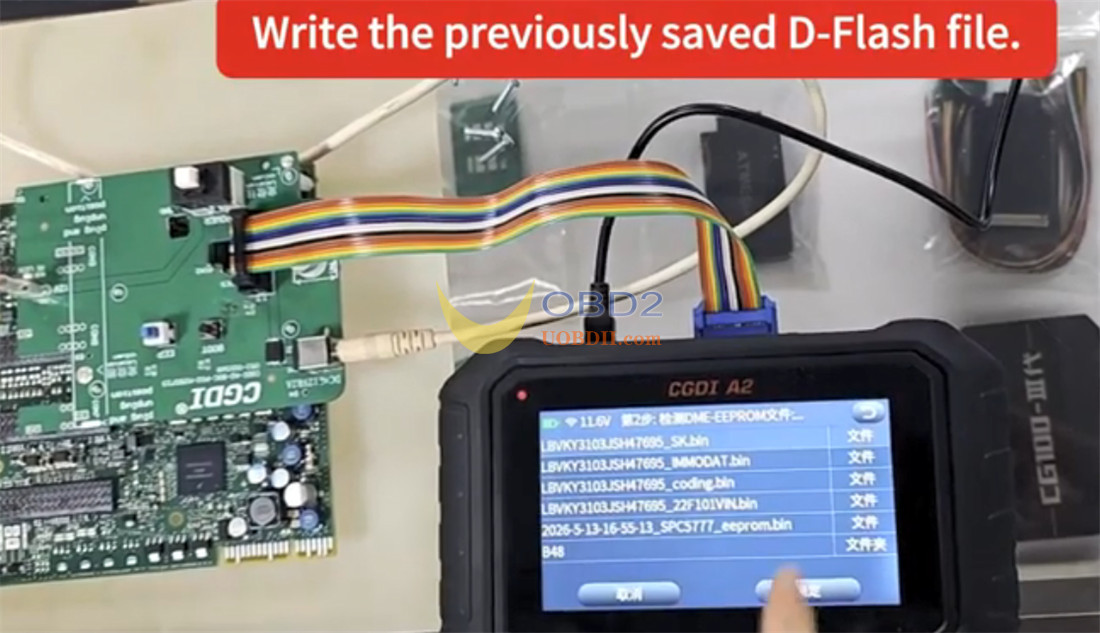
Back up the coding data
Pre-process the ECU
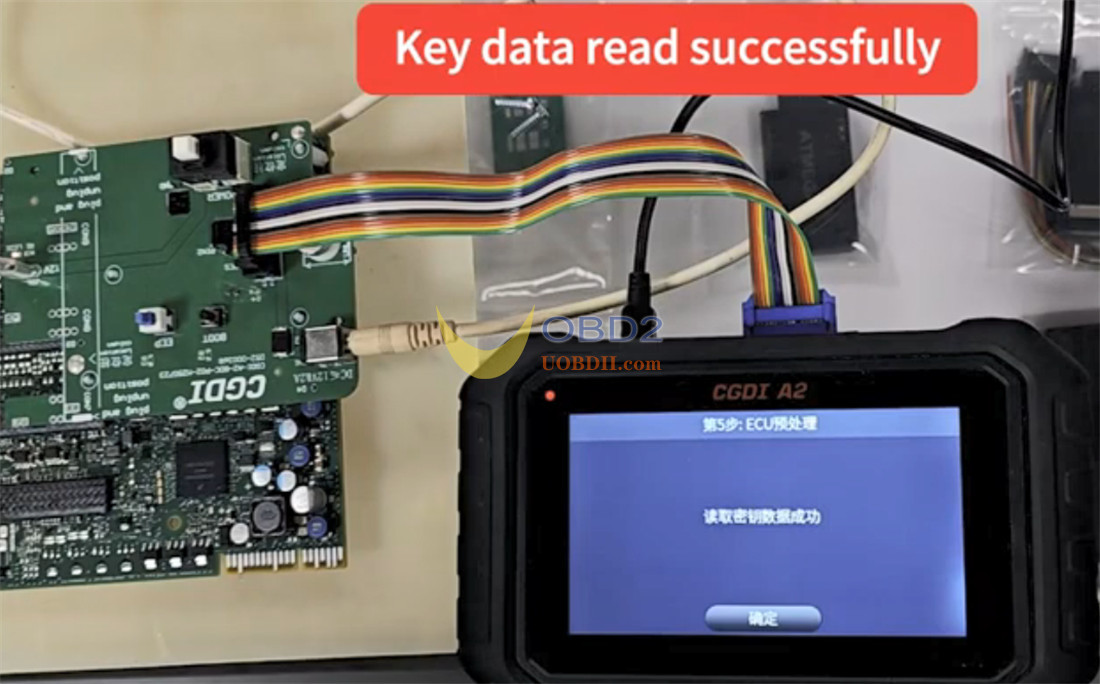
Back up the FAFP coding
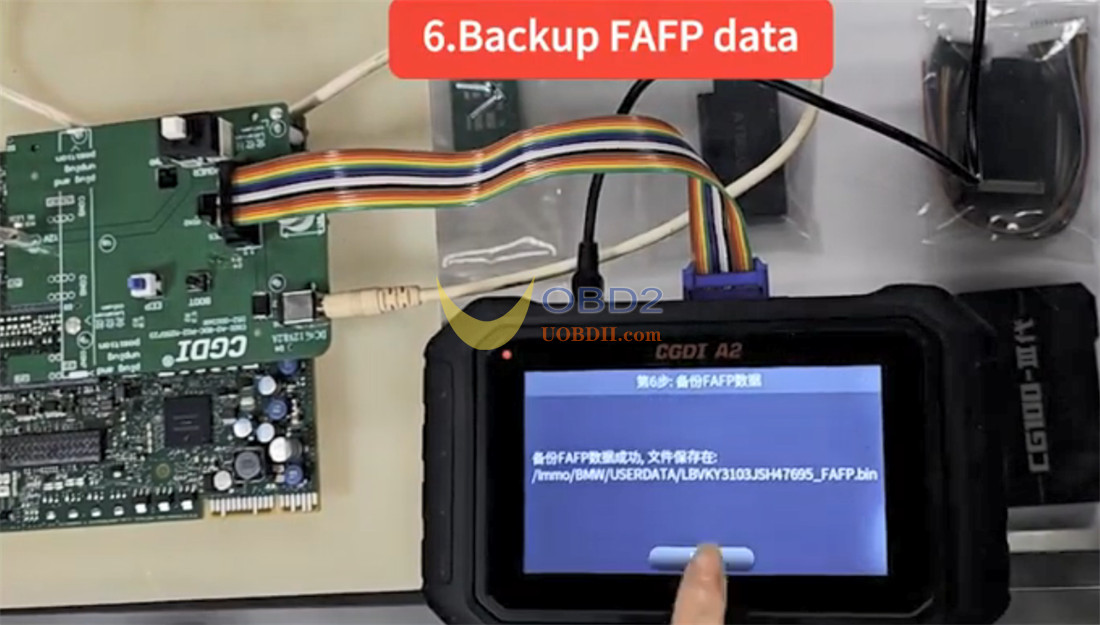
Write the IMMO (immobilizer) data
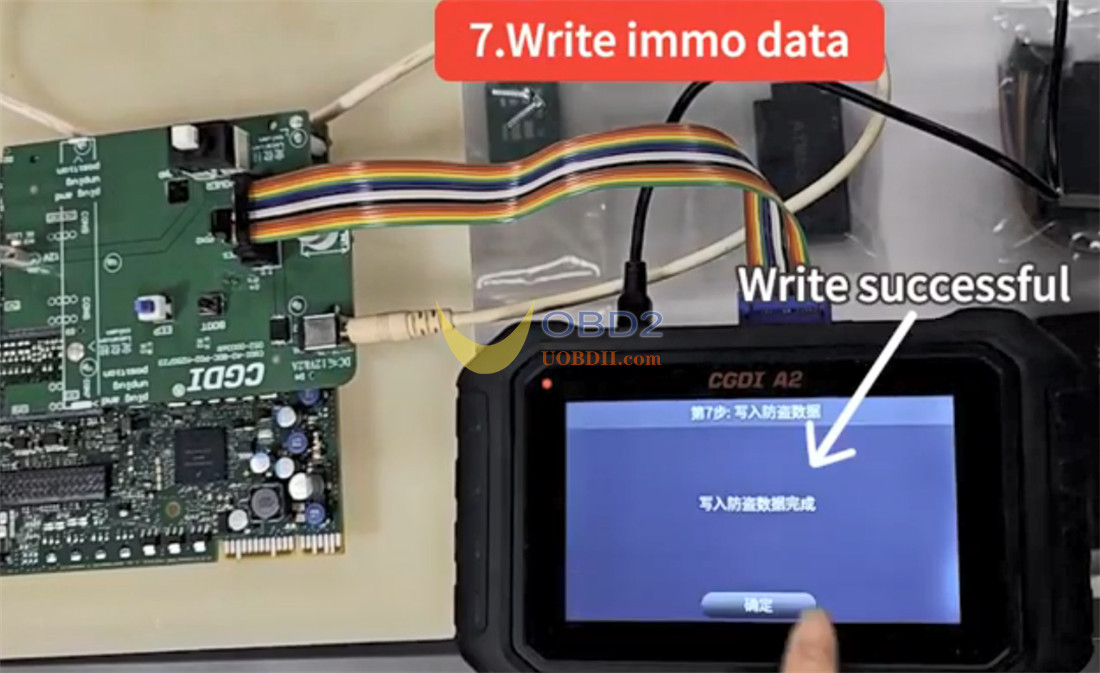
Step 6: Program and Learn Key
Click Generate Dealer Key to program the new key.
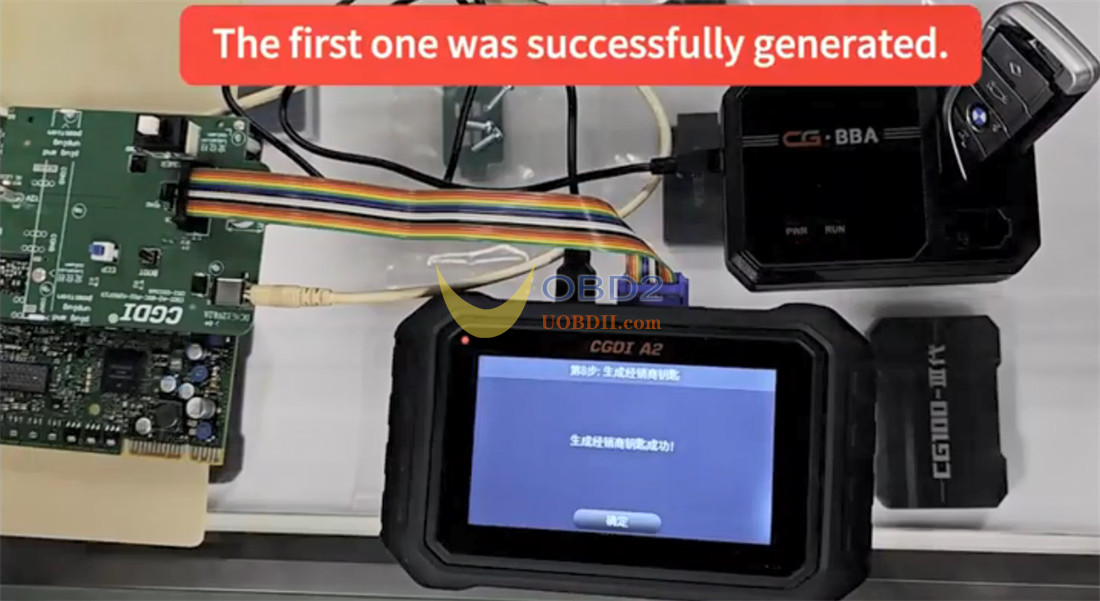
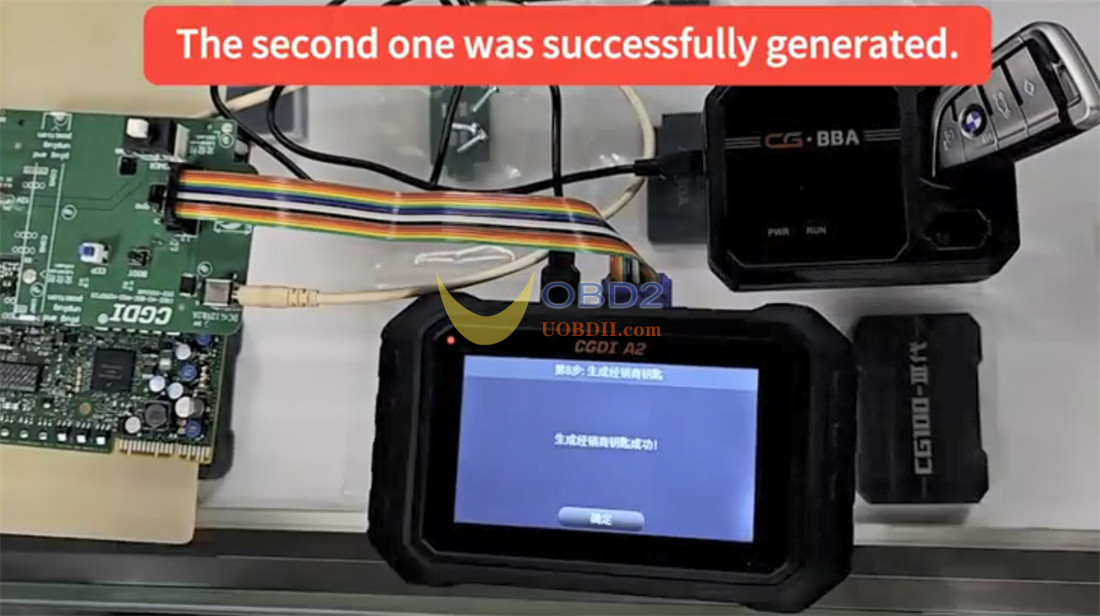
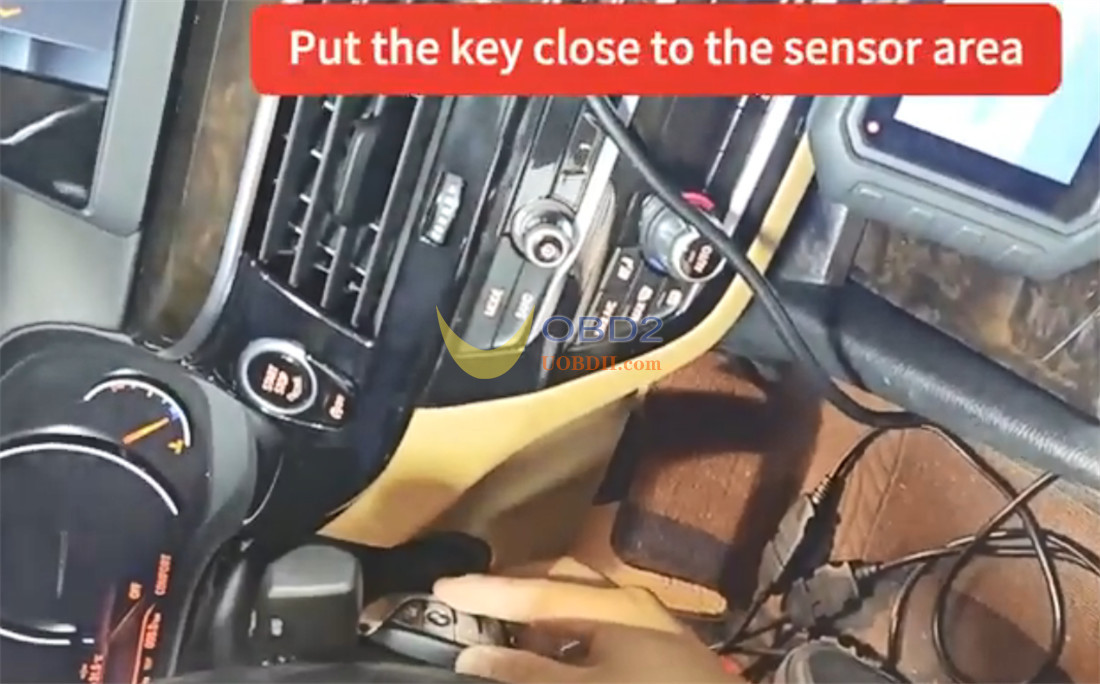
Put the engine ECU and the BDC02 module back into the car.
Put the key close to the sensor area
Finish the Key Learning process.
Step 7: Final Synchronization
Write the DME ISN code.
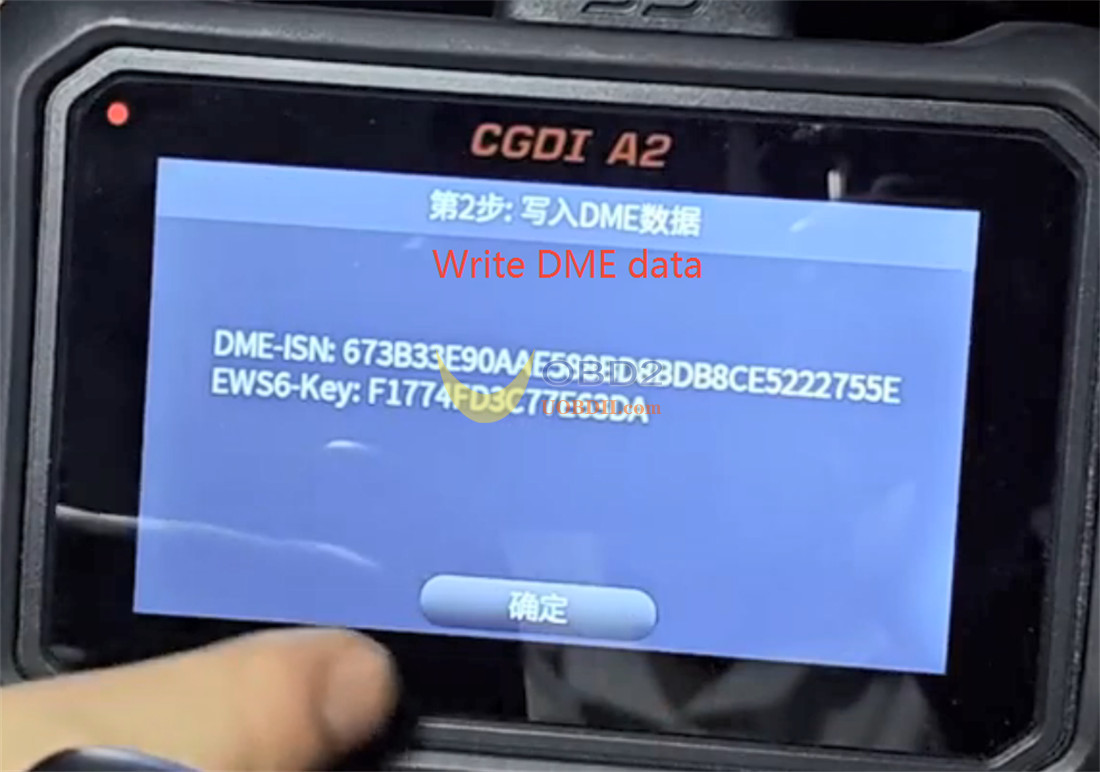
Erase the EGS EWS data to complete the job.
Your new BMW G-series key is now ready to use!
Video guide:
