Already have an OBDSTAR ECU Master account? Just enter your username and password, then hit Login.
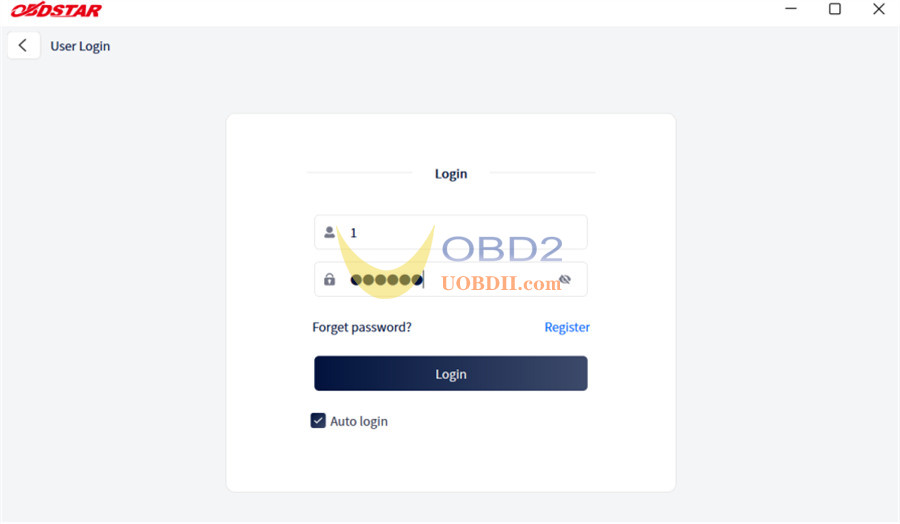
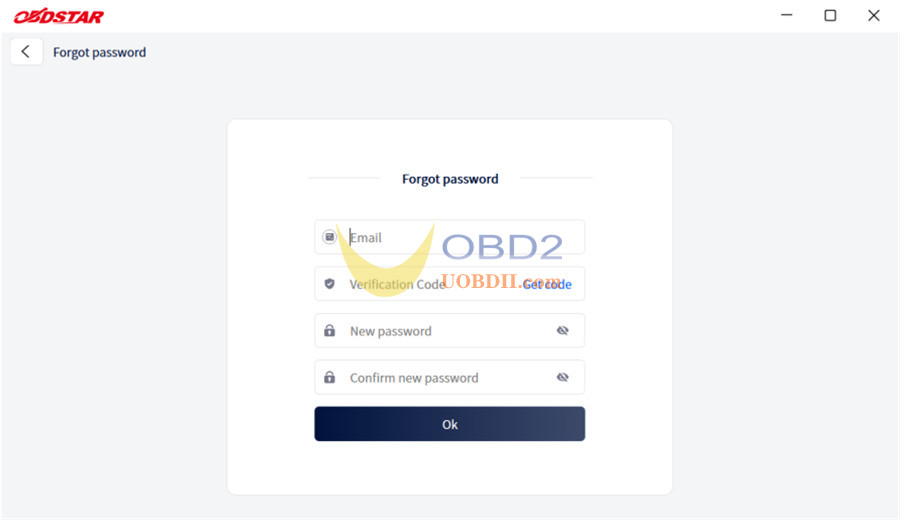
If you forget your password, click [Forget password?] on the login screen to go to the password recovery page. Enter the required information to reset your password.
Manage “My Info” & Finding Your Dealer
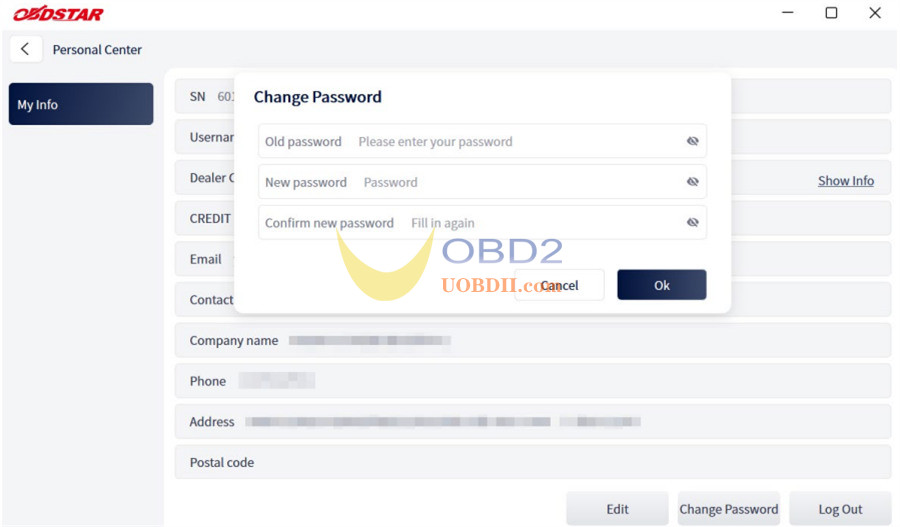
Once inside the Personal Center, your core profile details are instantly accessible.
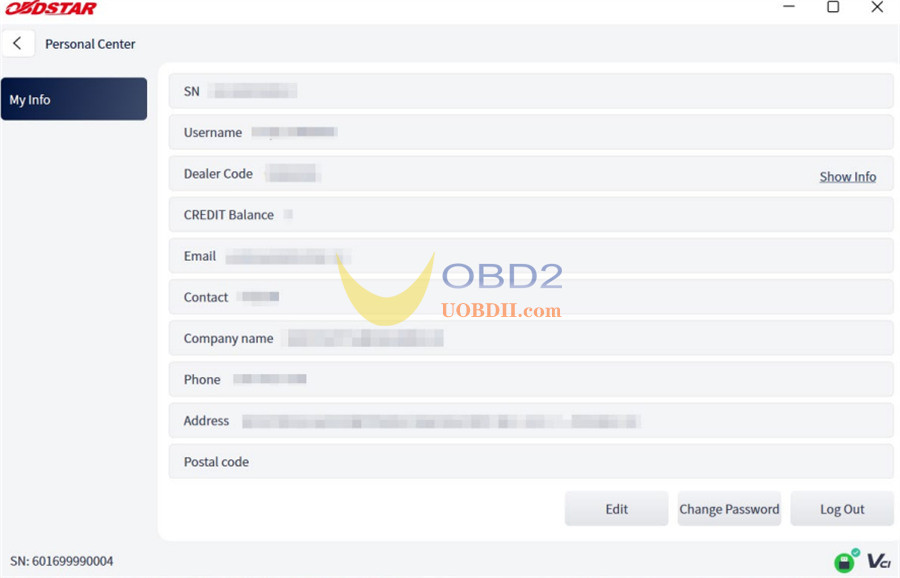
From this screen, you can manage your contacts or change security settings:
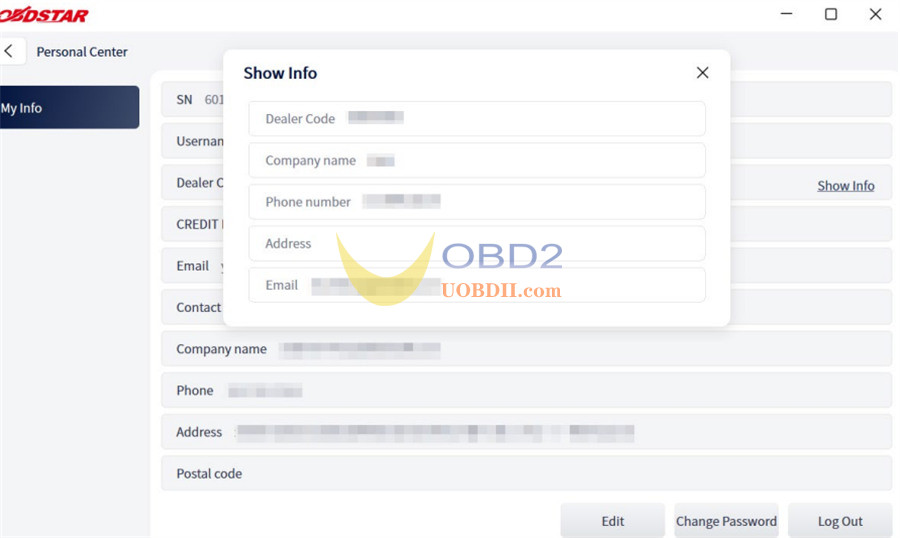
Technical Support:Click Show Info right next to the “Dealer Code” field to instantly view the direct contact details for your assigned equipment distributor.
Update Profile Details:Tap Edit at the bottom of the screen to refresh your shop’s contact info.
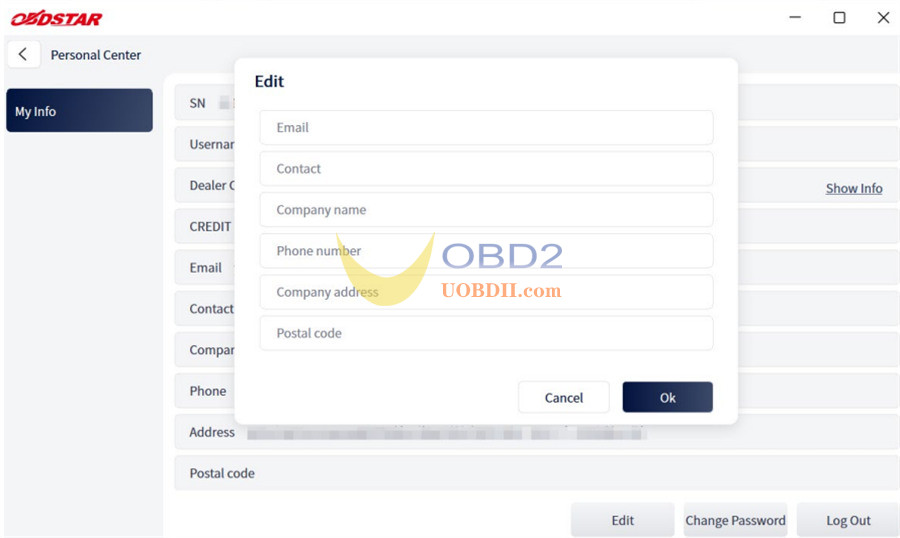
Security Updates:Click Change Password at the bottom of the page to refresh your login credentials whenever needed.