Follow this guide to acquire and share KEYDIY KD coins with other users.
How can I earn KD coins?
1.Complete user verification to receive 50 KD coins in your account.
2.Earn KD coins by generating new KD remote keys using KD devices.
- Creating a standard new remote awards 20 KD coins.
- Creating a new smart remote awards 30 KD coins.
3.Receive coins as a gift from a friend.
Note: KD coins are not available for direct purchase.
How to activate a function by others?
If a function requires payment (such as 2500 KD coins or $75) and your account balance is insufficient, you may request activation assistance from another user. This helper could be your dealer, a local locksmith, or a friend who also uses the platform.
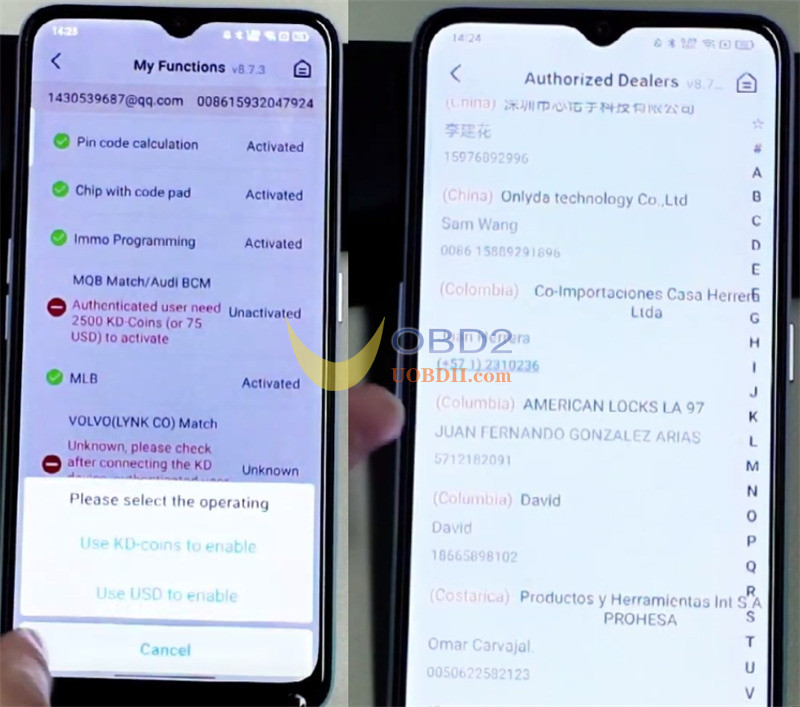
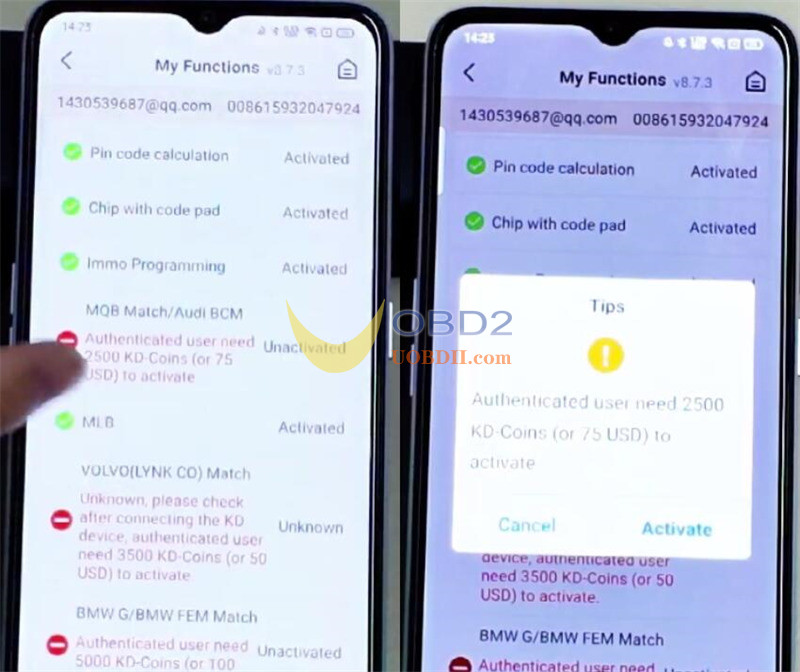
How someone can activate a function for you?
Instructions for the Helper:
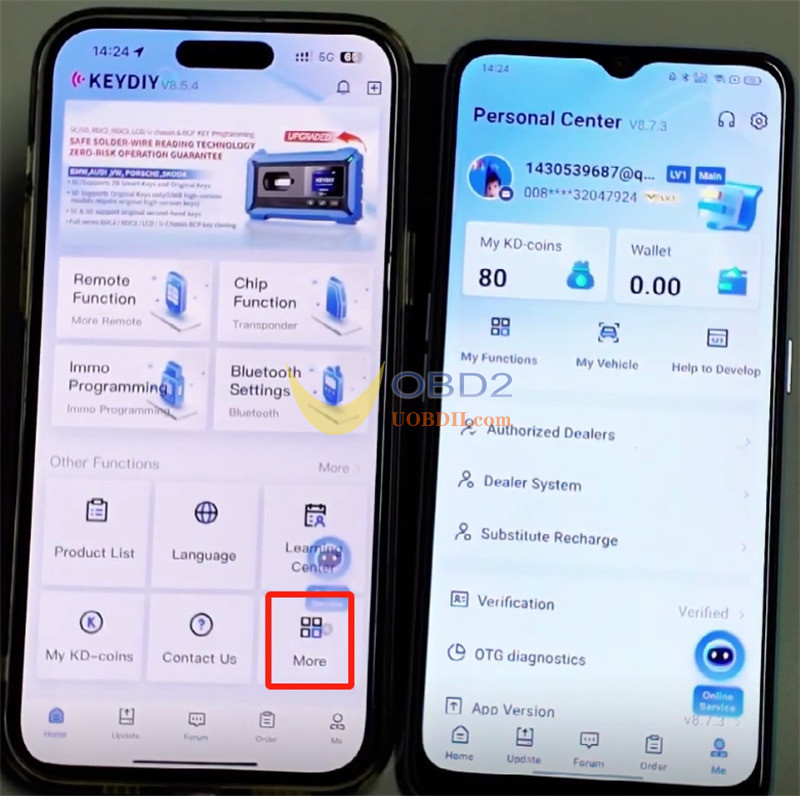
1.Open KEYDIY App and navigate to More > Activate License on Behalf.
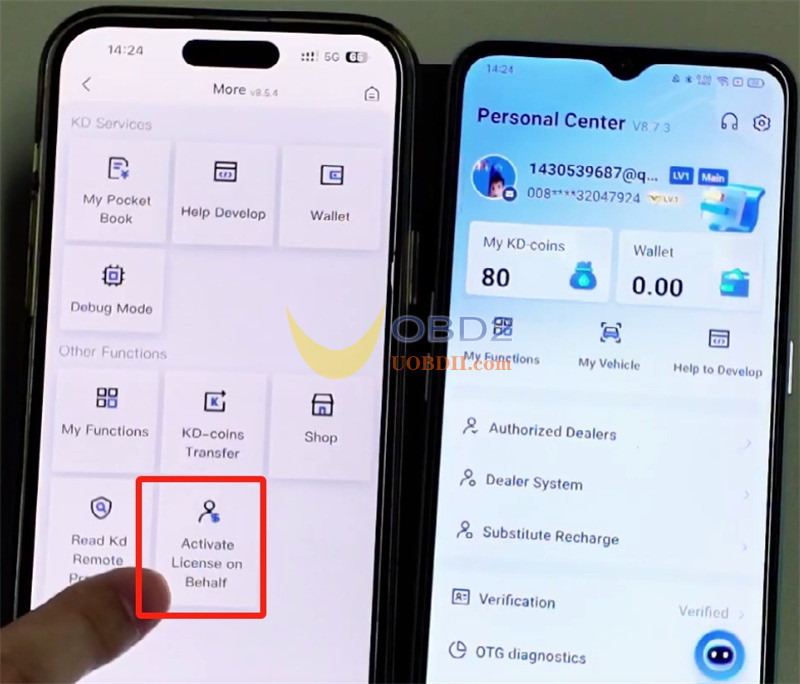
2.Tap “Select User”, then enter the phone number linked to your account (e.g., 15932047924) to find your profile.
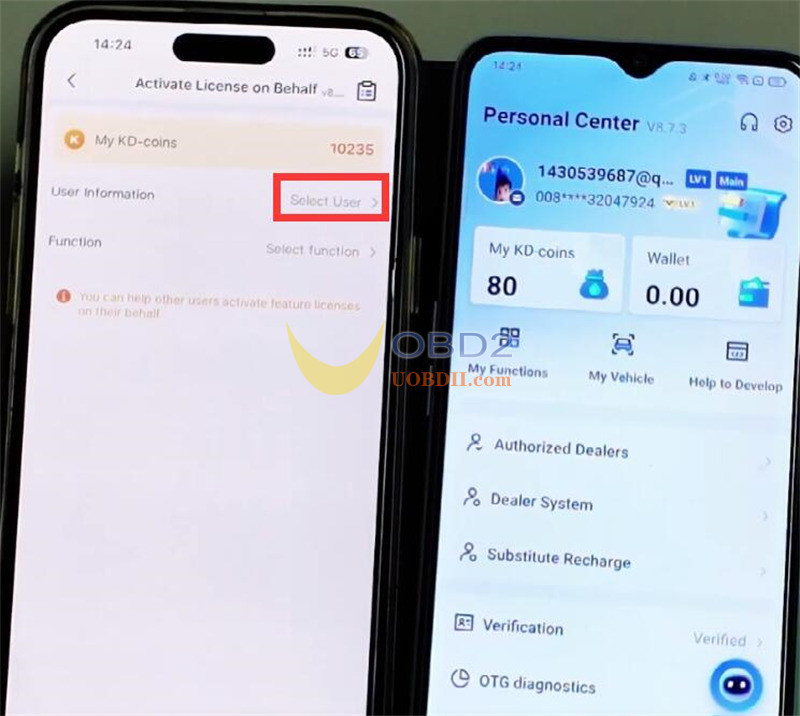
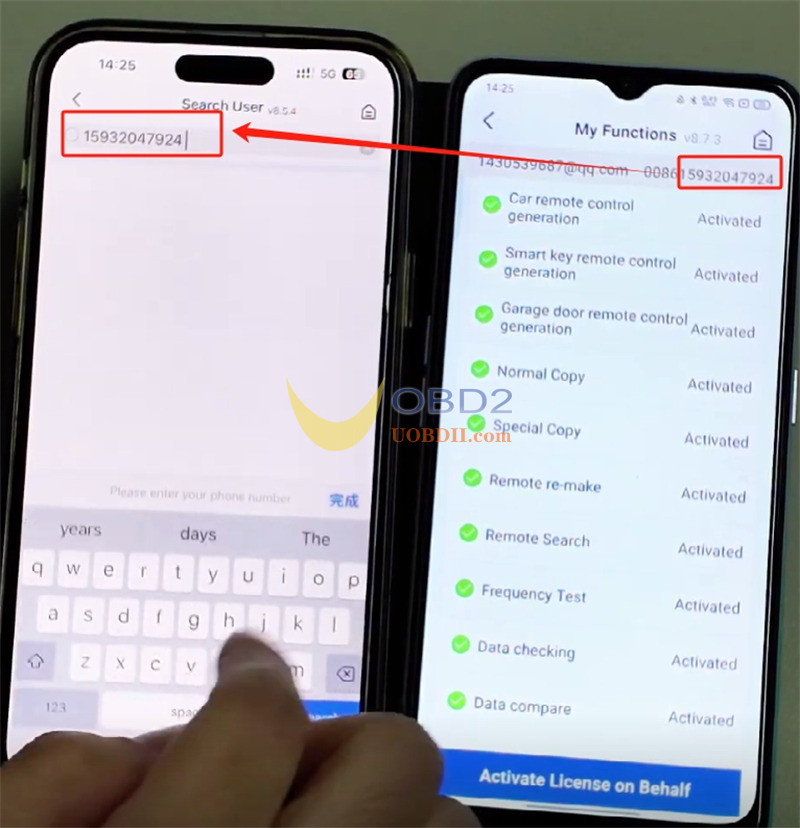
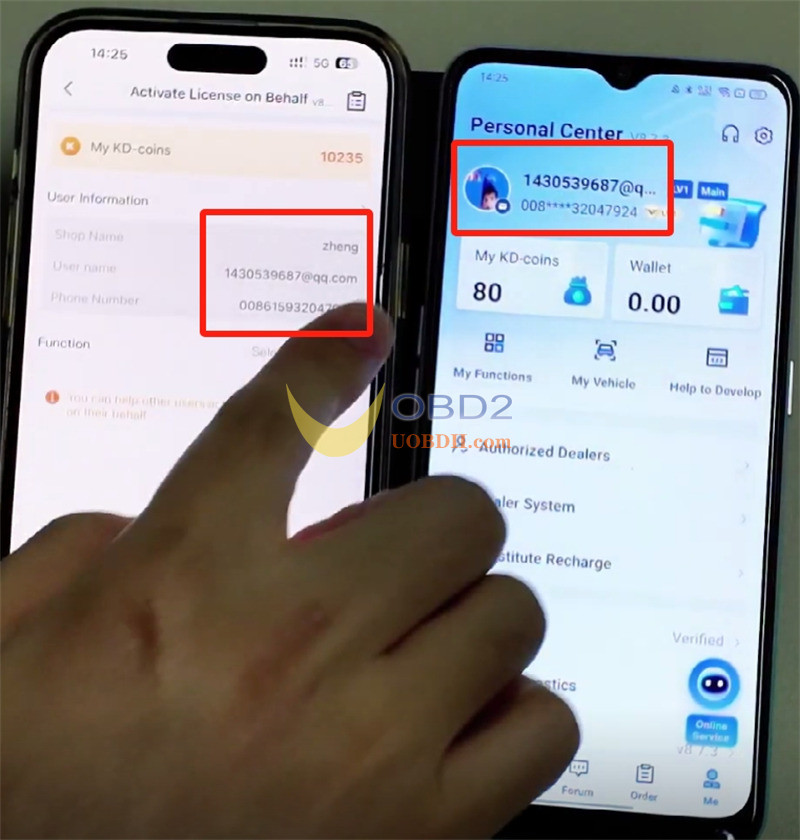
3.Choose the specific function(s) to activate (e.g., MQB, BMW) and select the preferred payment method (KD coins or dollars).
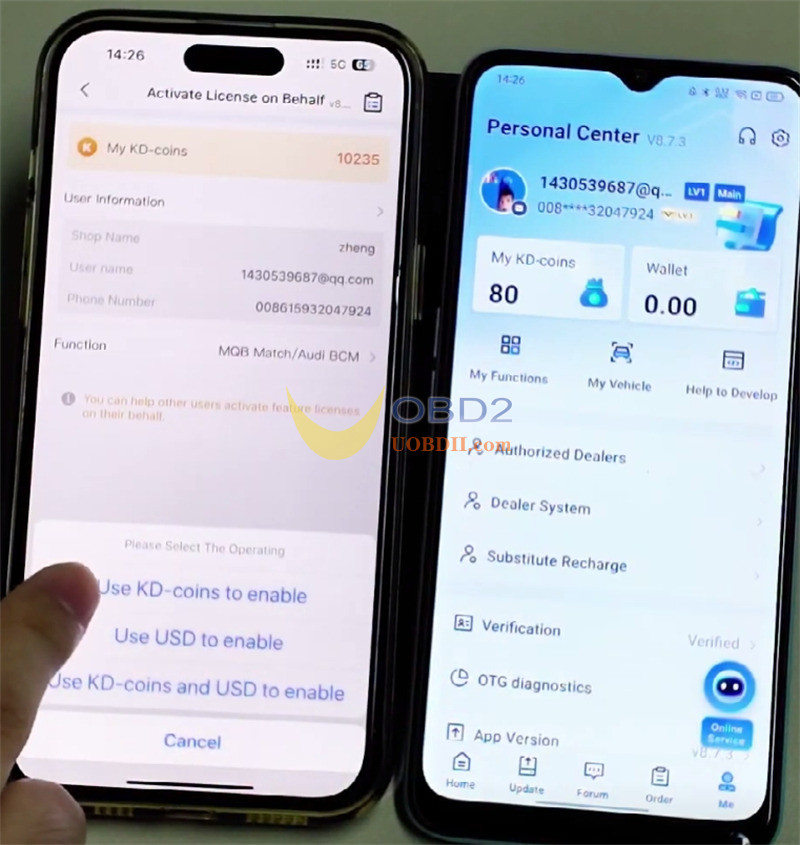
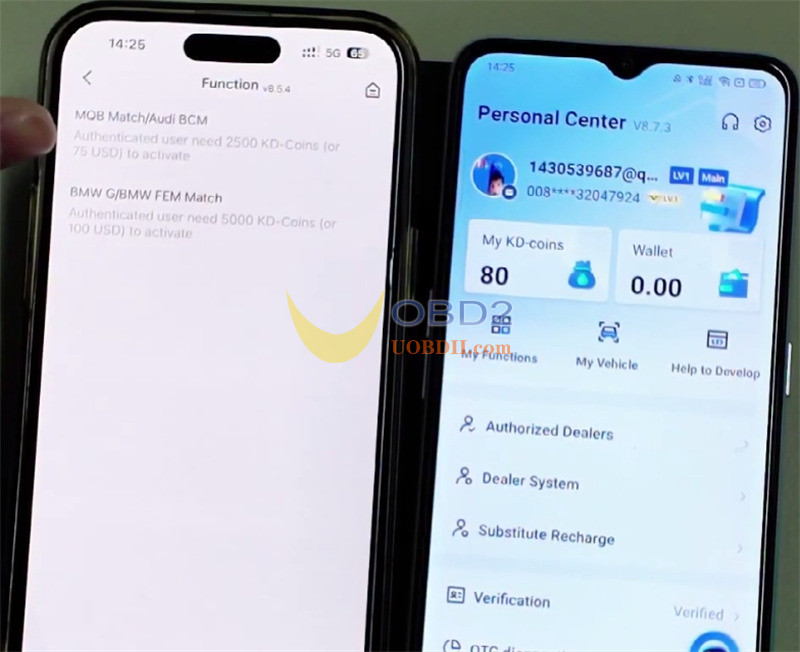
4.Finalize the payment. Upon successful completion, the function will be immediately activated on your account.
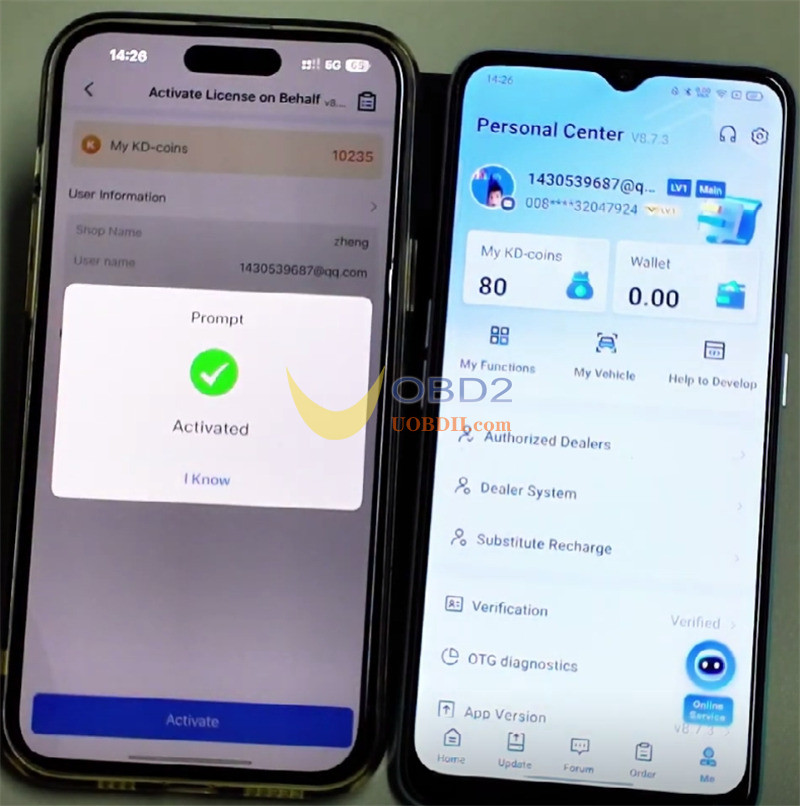
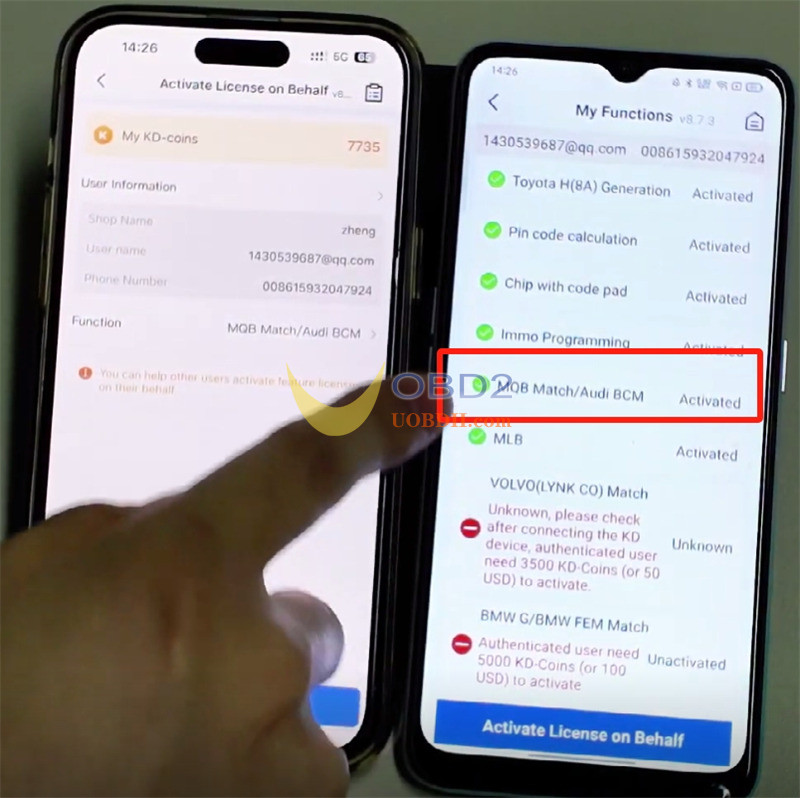
How to transfer KEYDIY KD-Coins between Accounts?
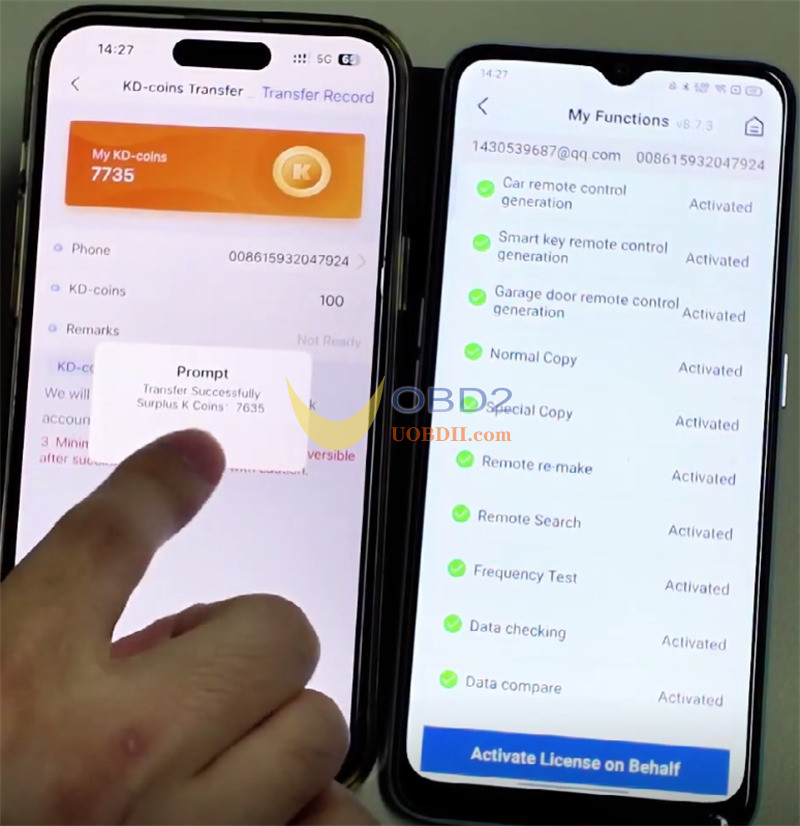
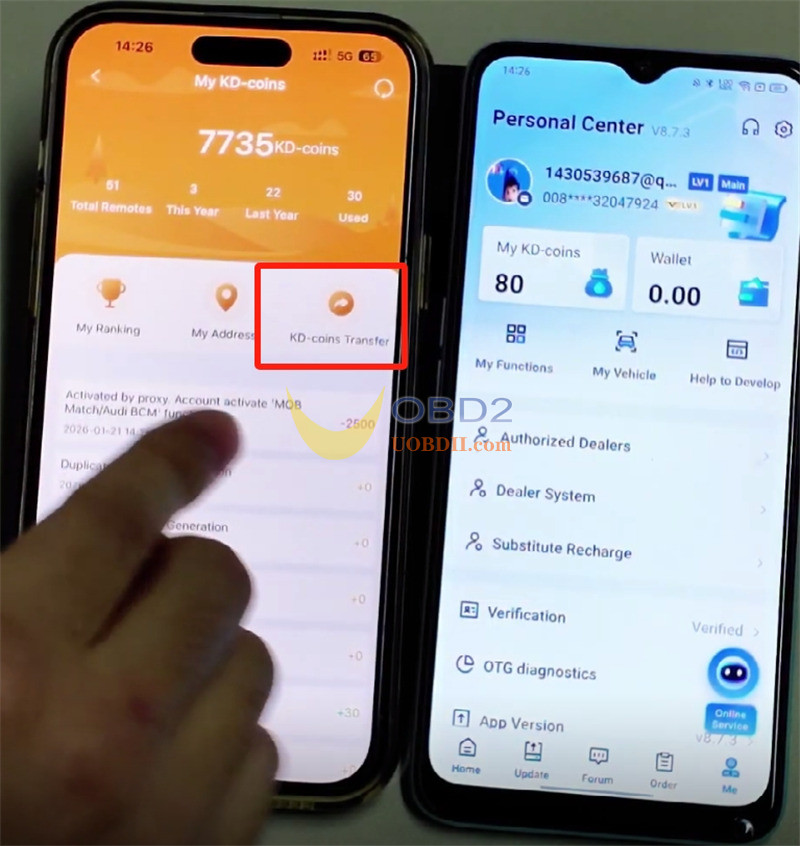
1.Go to My KD-coins > KD-coins Transfer.
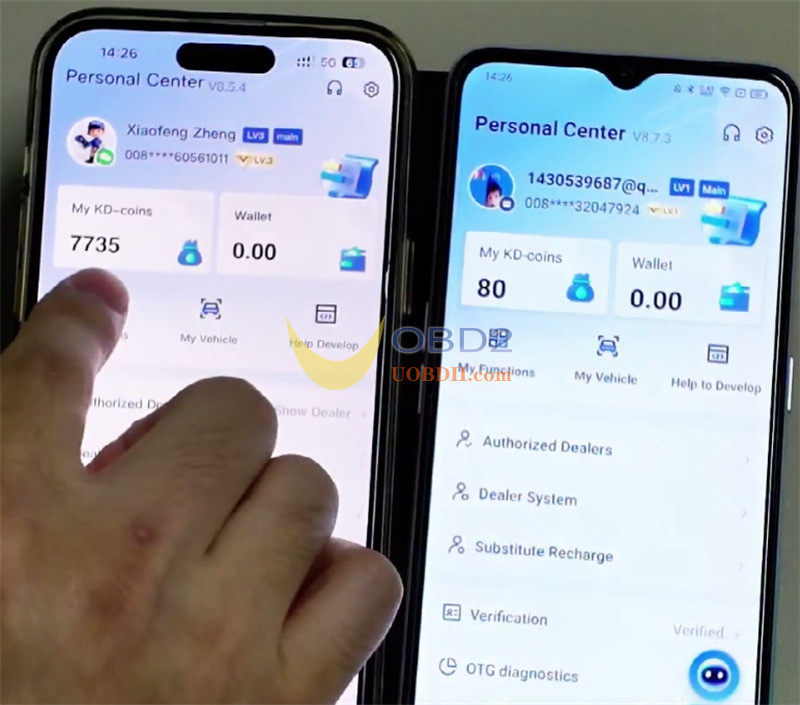
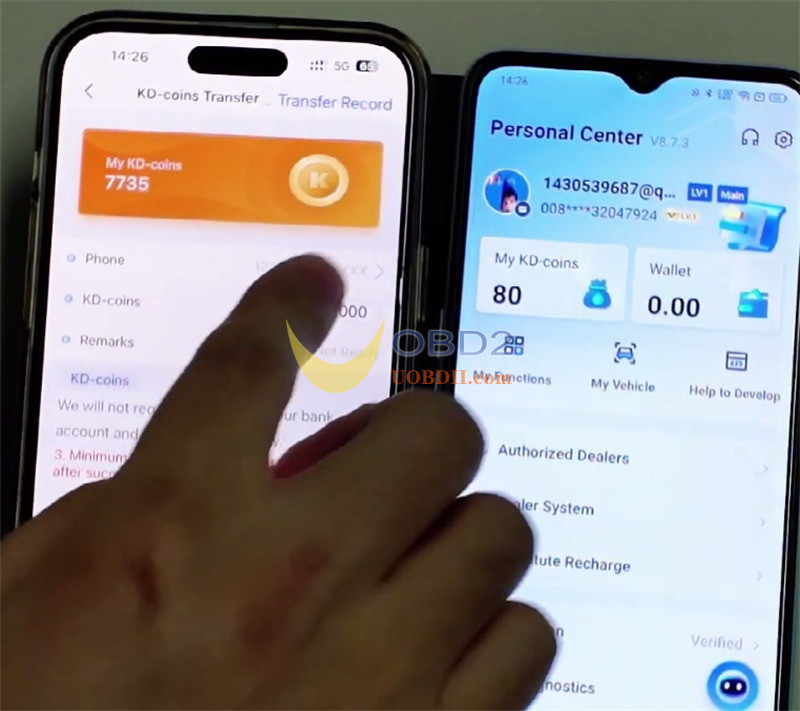
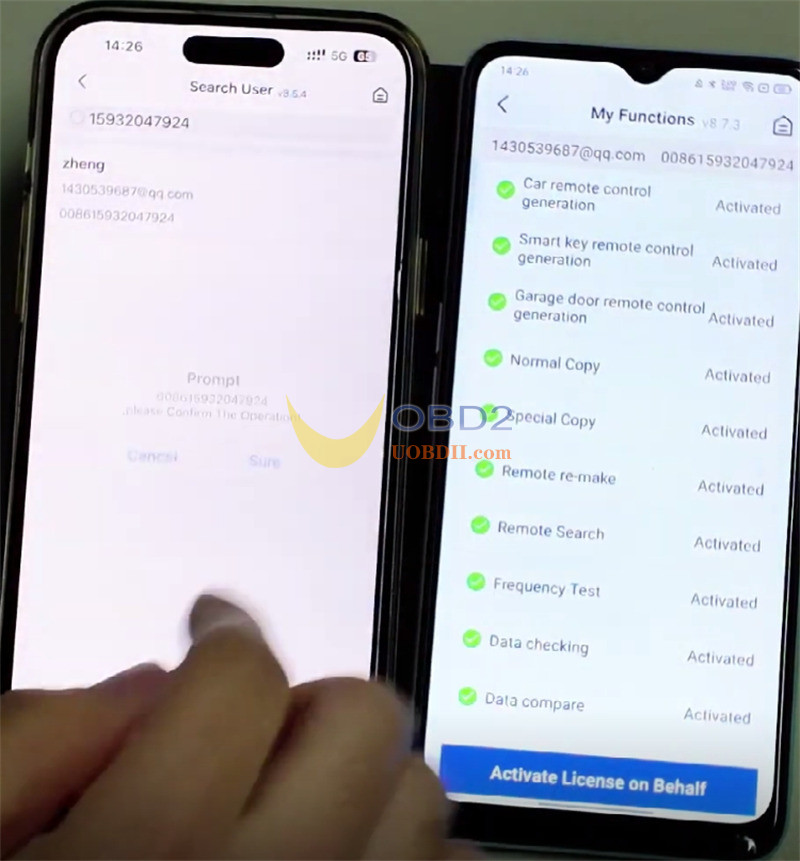
2.Enter the recipient’s registered phone number.
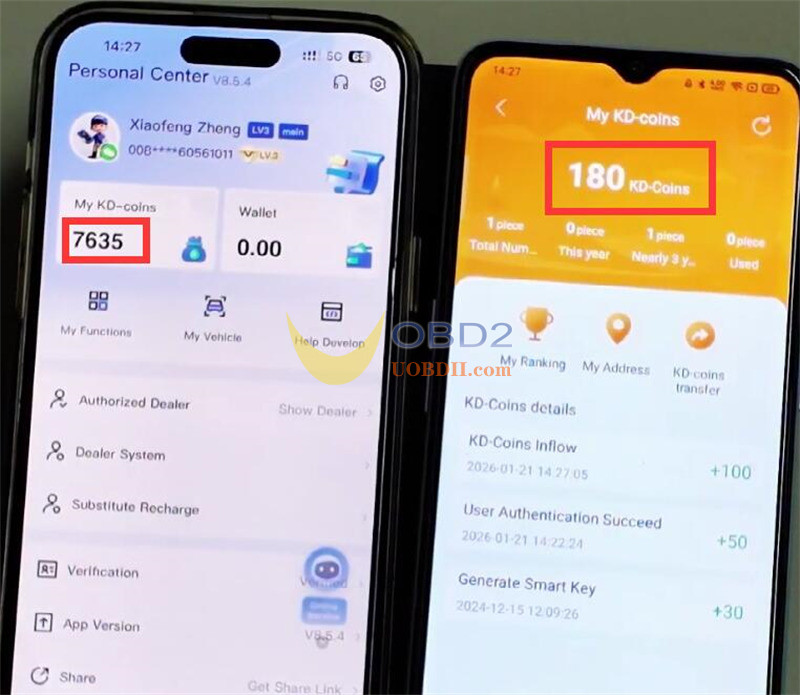
3.Specify the transfer amount (e.g., 100 KD coins) and tap “Transfer”.
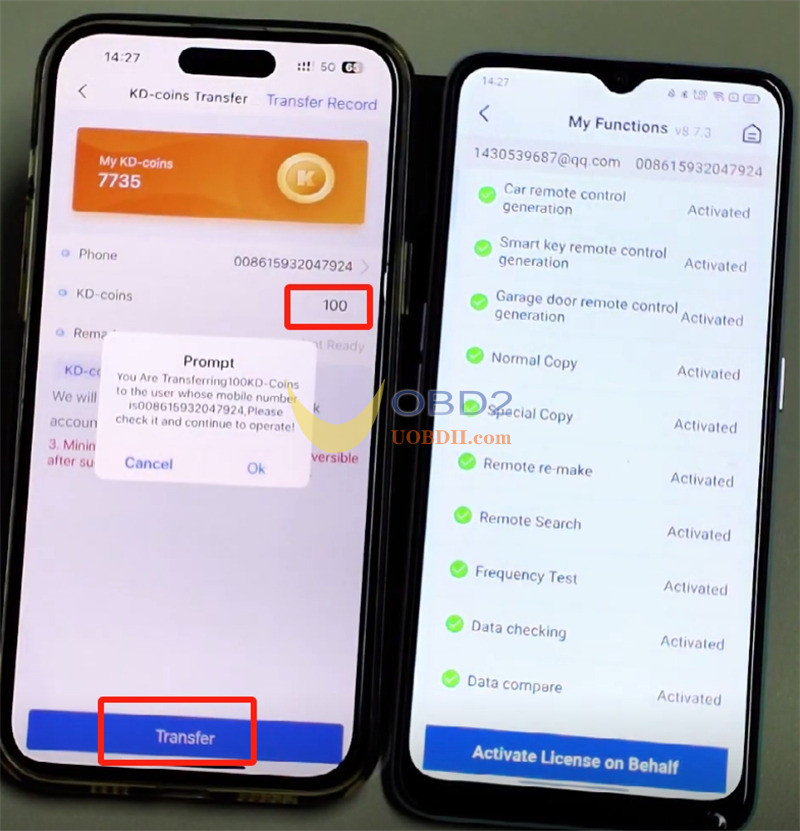
4.The coins will be instantly deducted from your balance and added to the recipient’s account.