

When it comes to automotive key programming and cloning, precision and compatibility are everything. Xhorse—one of the most trusted names in the locksmithing industry—has once again raised the bar with the release of Xhorse BMW Dedicated Adapter , supporting BDC2, BDC3, BCP, and U-type systems.
Designed for professional key programmers, these adapters streamline the key cloning process for BMW models and provide enhanced support for both encrypted and non-encrypted keys. Whether you’re using Key Tool Plus, VVDI Prog, Multi-Prog, or handheld key tools, these adapters bring unmatched convenience and reliability.
As the follow is the tutorials Xhorse Key tool plus cloning original car keys for BMW BDC2, BDC3, BCP, and U chassis with Xhorse BMW Dedicated Adapters. Cloned keys are ready for vehicle use without additional programming.
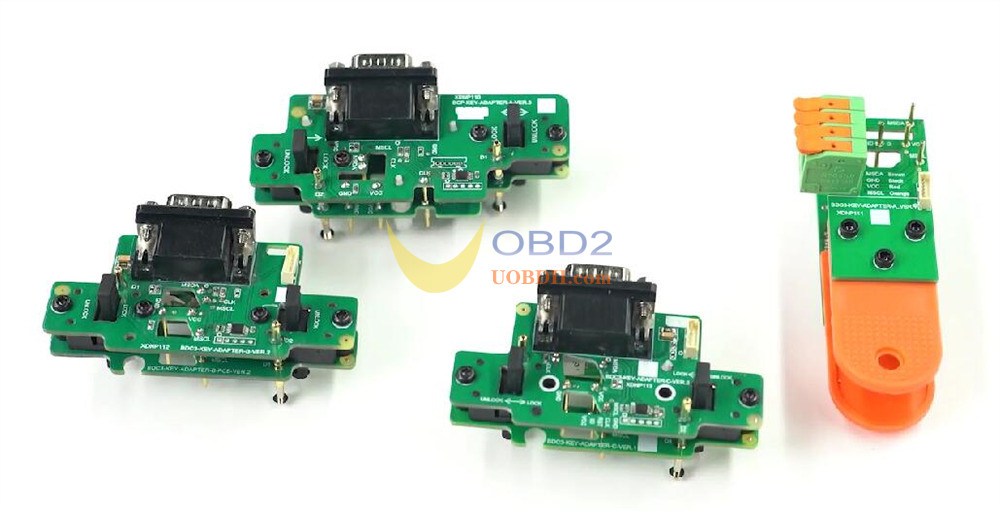
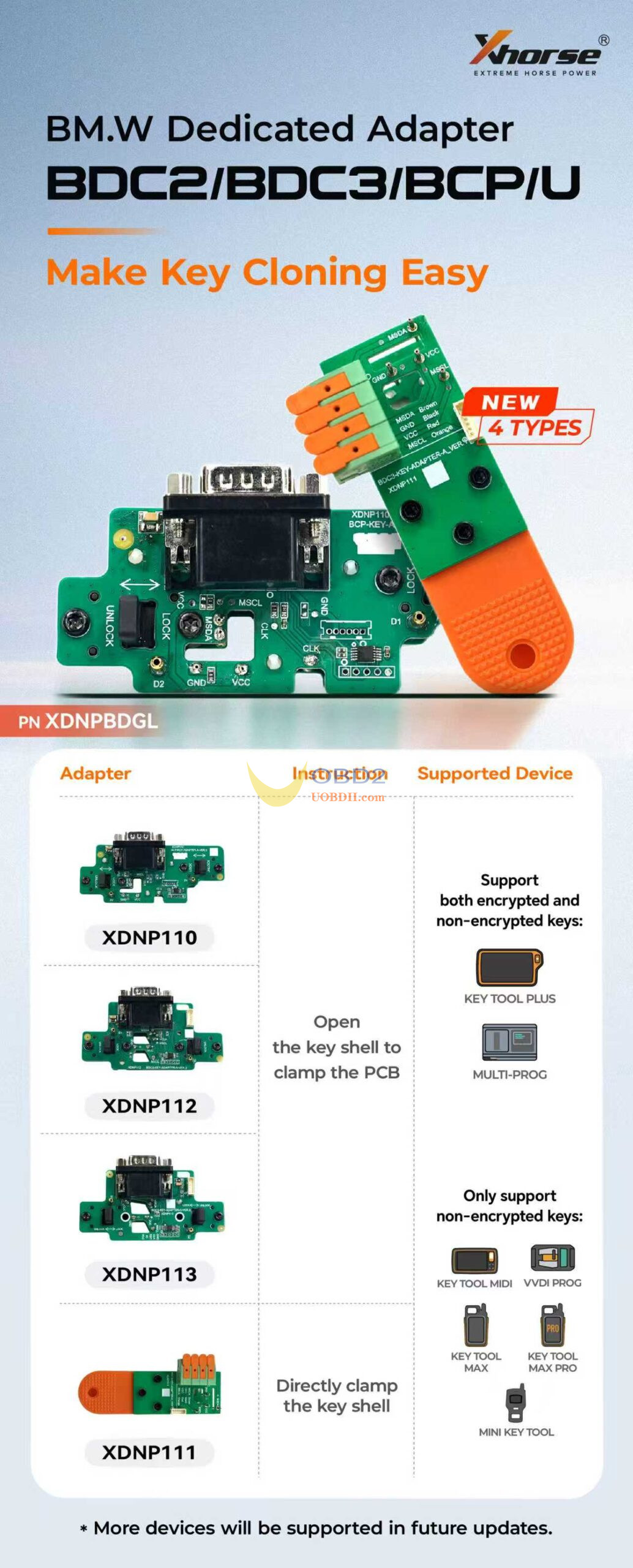
Adapter Types:
3 adapters: Require opening the key shell and clamping onto the PCB.
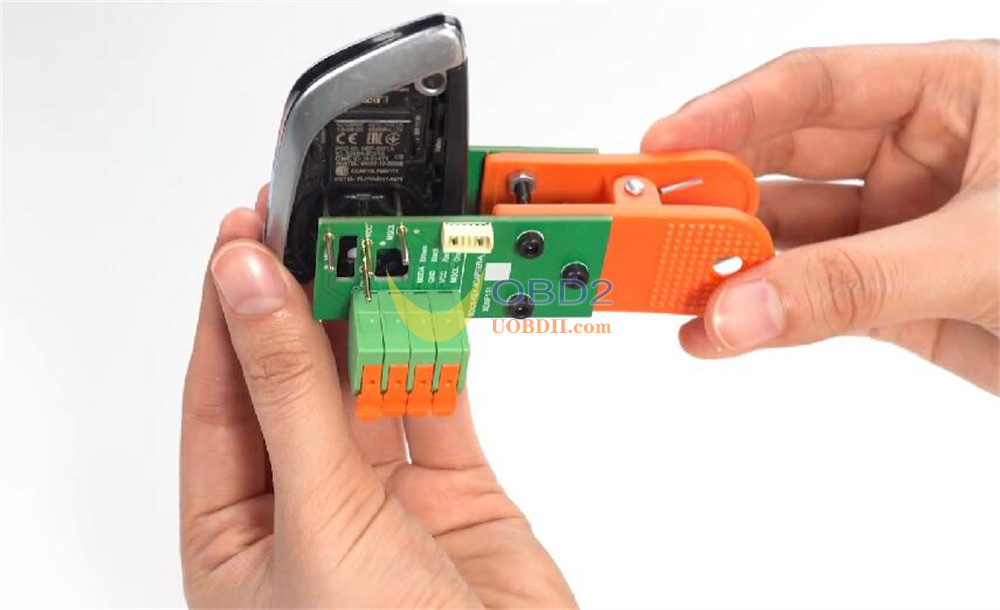
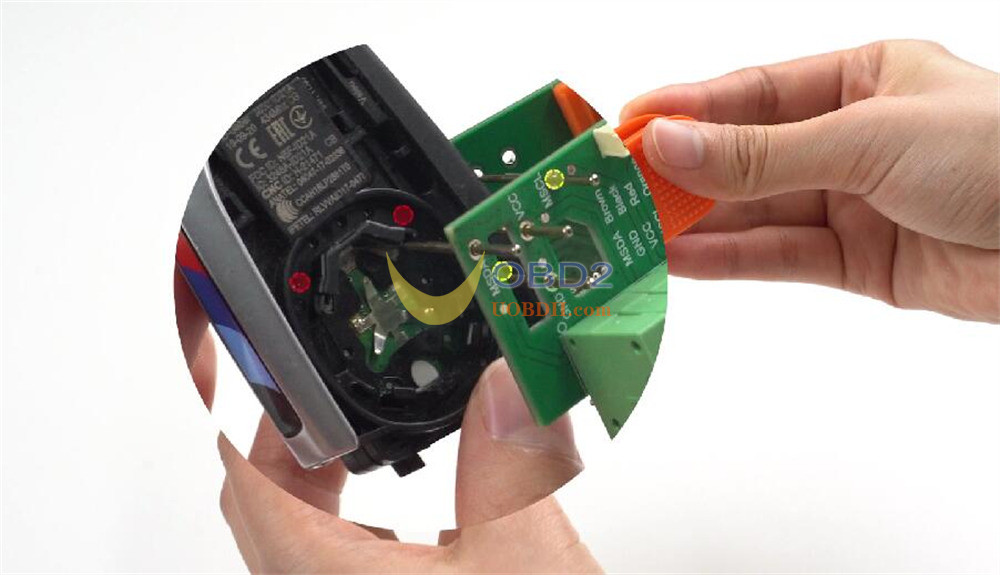
1 adapter: Clamps onto the key shell directly—no disassembly needed.
- For both encrypted and non-encrypted keys: Key Tool Plus and Multi-Prog
- For non-encrypted keys only: Xhorse KEY TOOL MIDI, VVDI PROG, KEY TOOL MAX, KEY TOOL MAX PRO, and MINI KEY TOOL
Detail Steps:
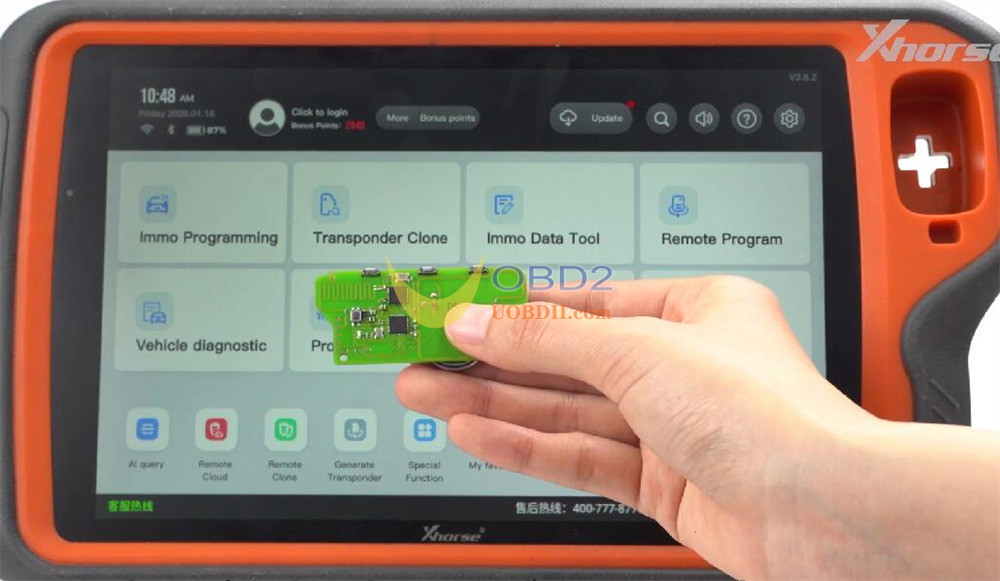
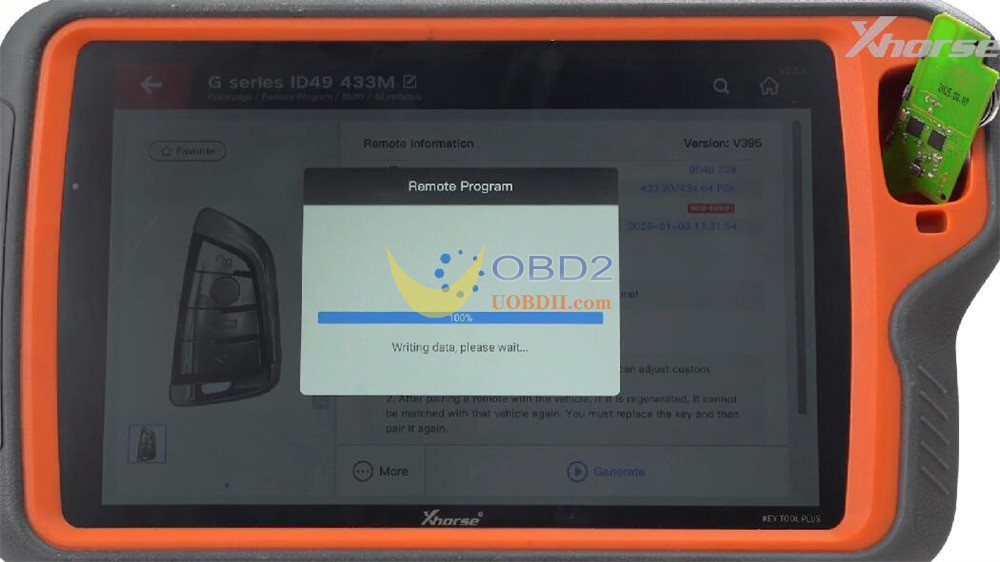
1.Generate Remote:
Open software → Remote Program → select option → Generate → return to main interface
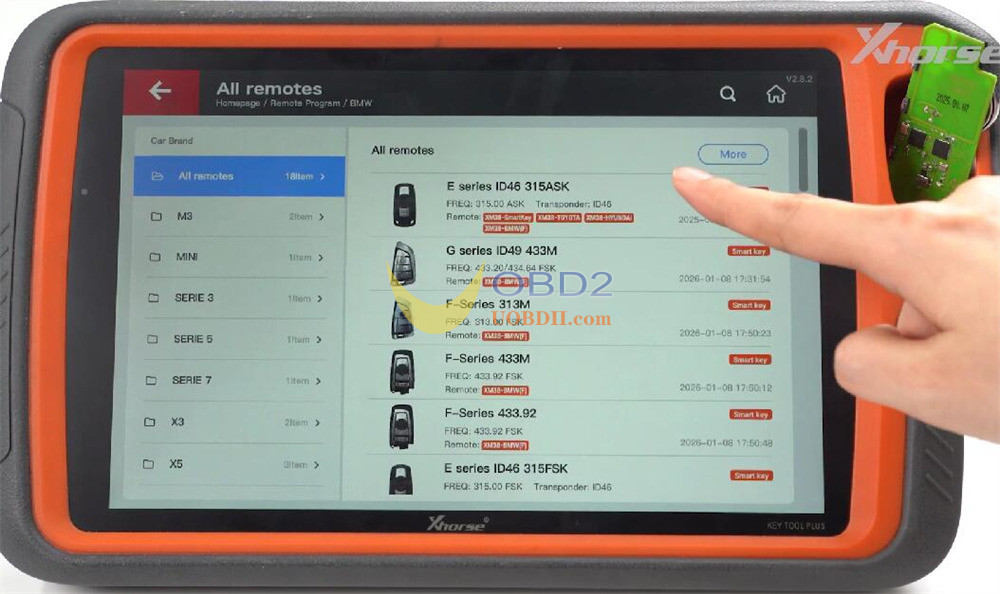
2.Start Programming:
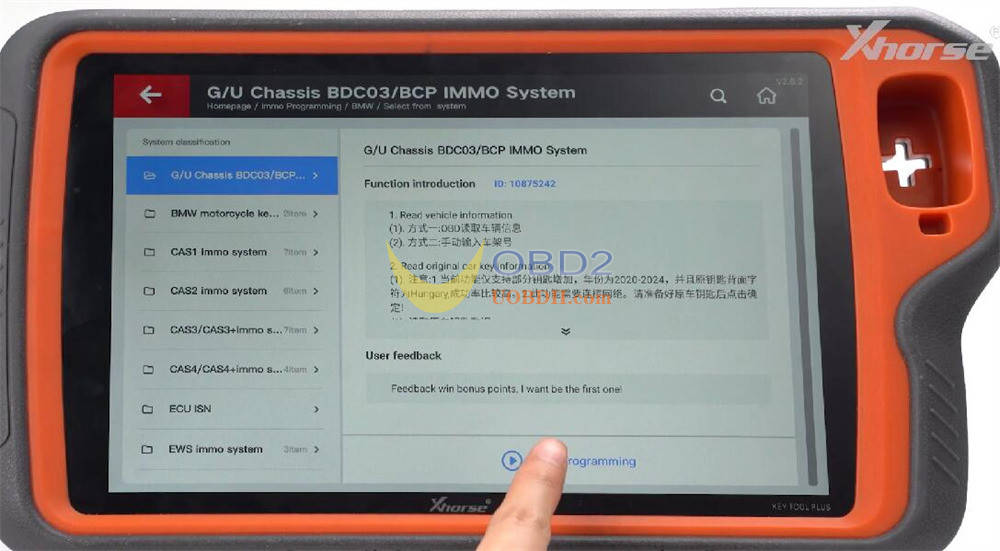
Programming → BMW → Select from System → choose G/U Chassis BDC3/BCP IMMO System → Start Programming.
3.Read Original Key:
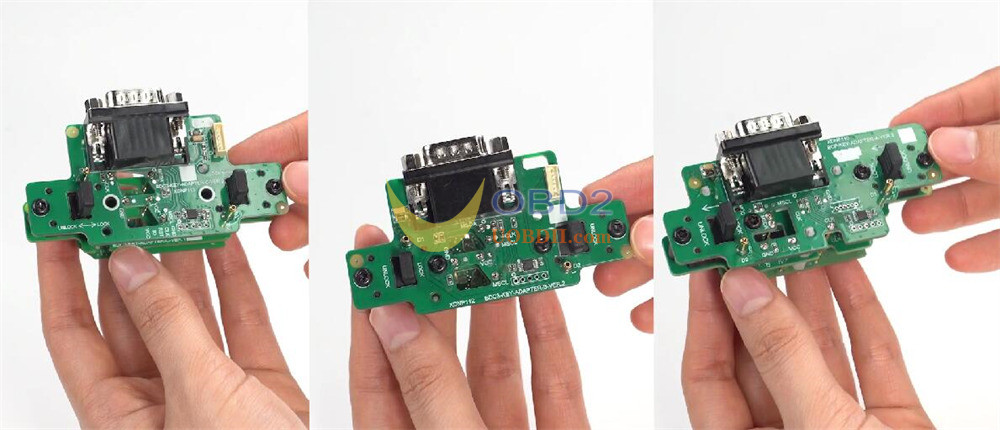
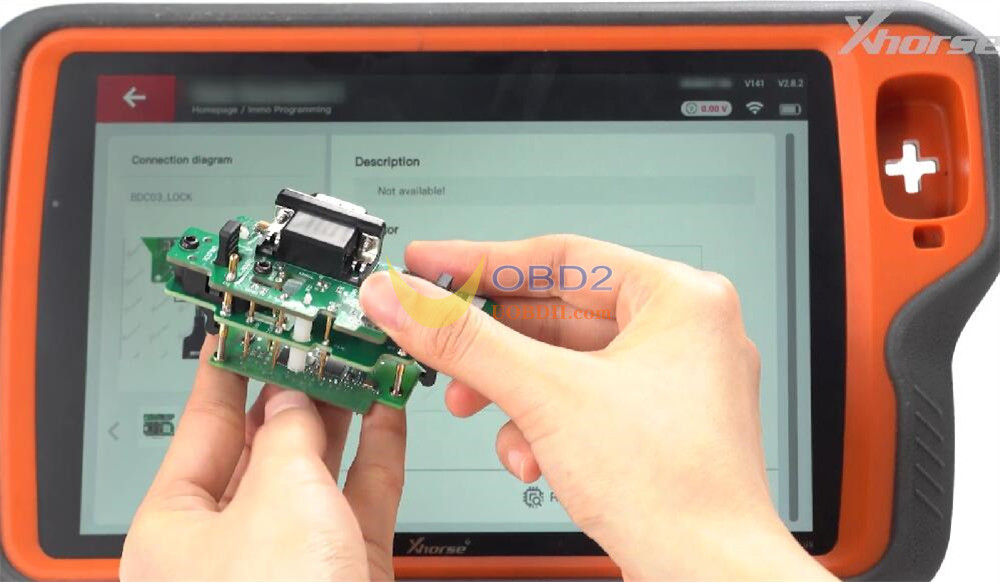
Attach the BMW U-type PCB adapter.
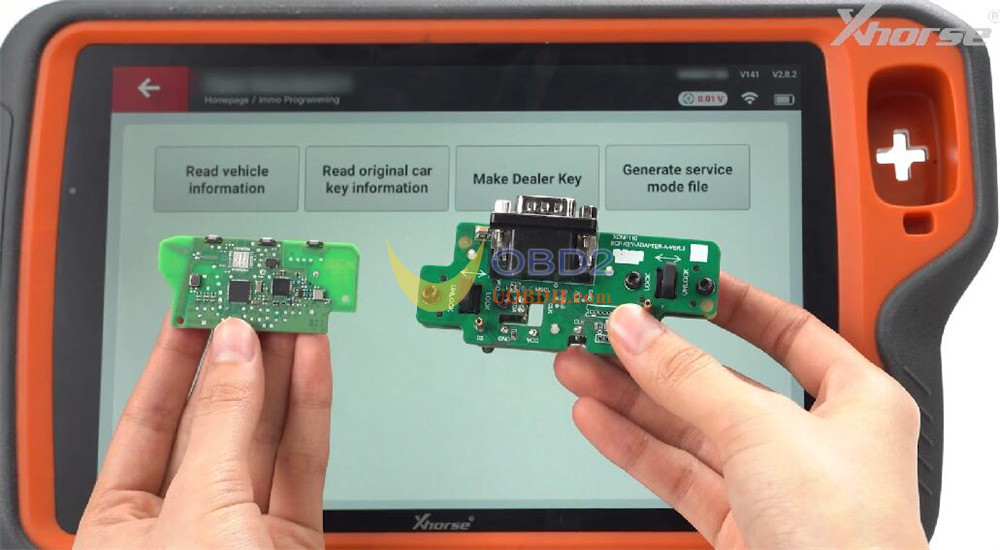
Tap Read Original Car Key Information and follow prompts.
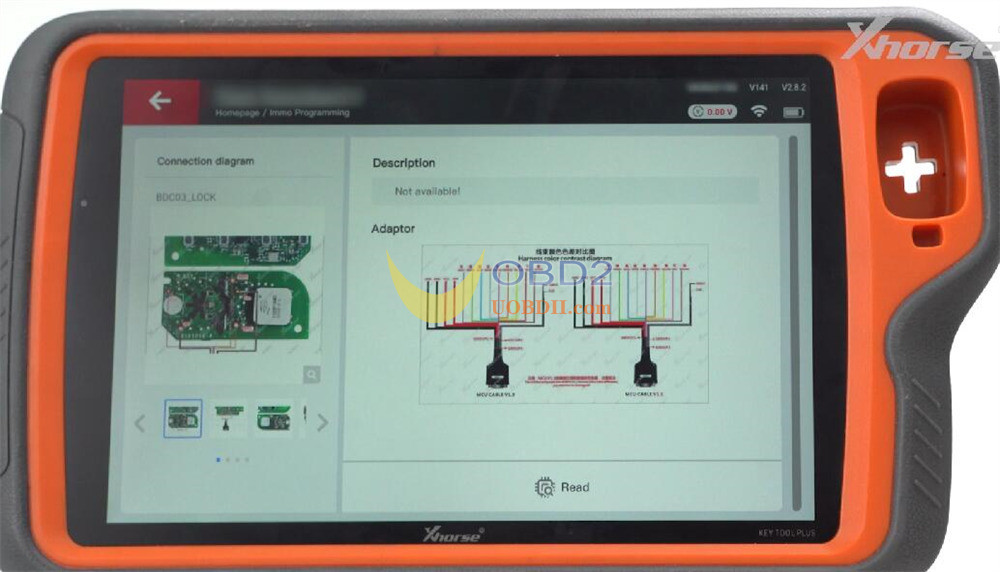
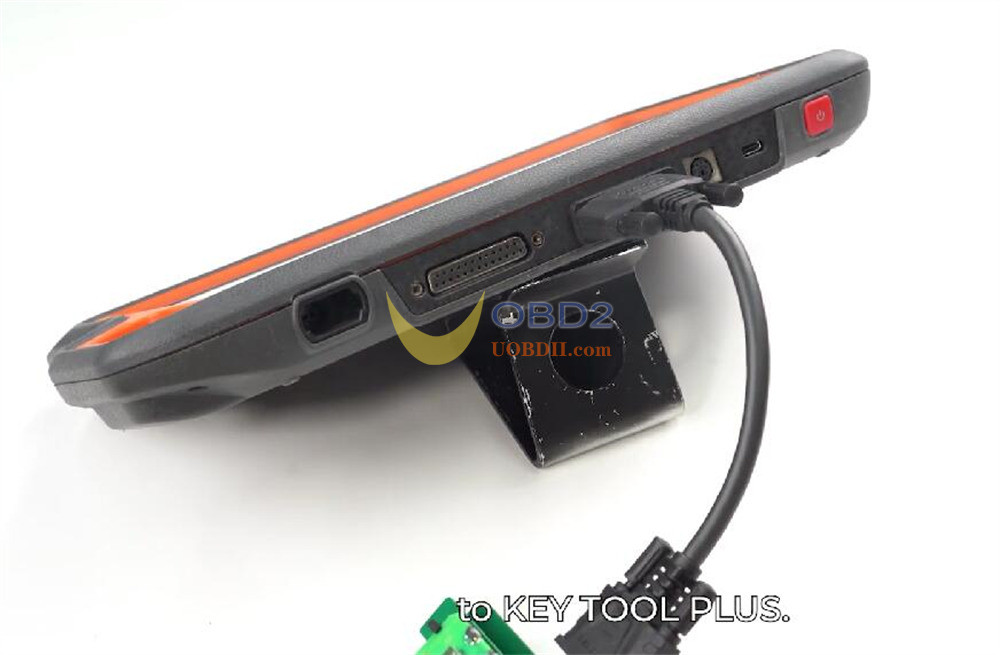
Align PCB holes with BMW Dedicated Adapter pins, lock in place, connect via DB15 cable to Xhorse Key Tool Plus.
 \
\
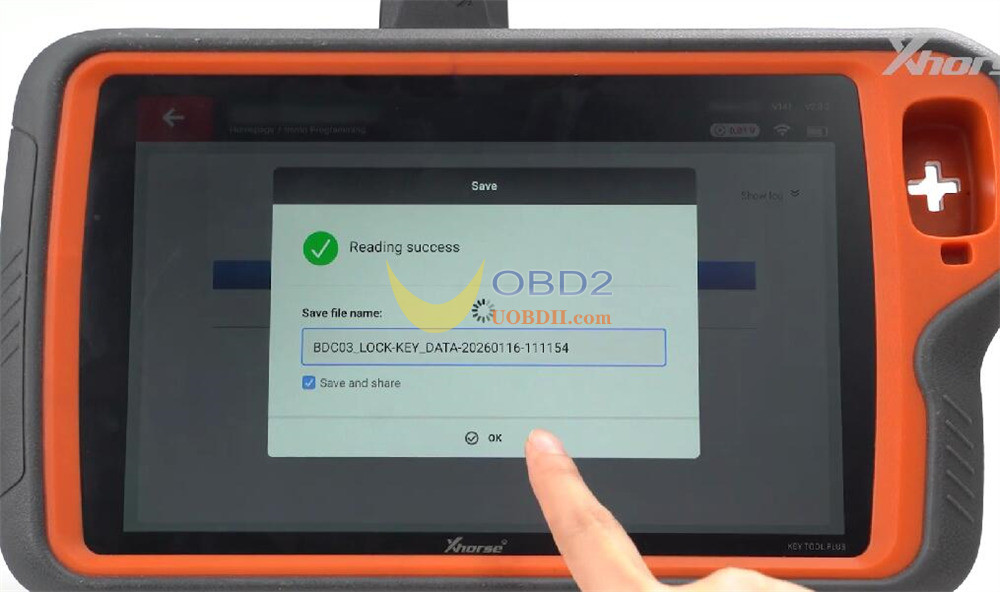
Click Read and save the file.
4.Generate Dealer Key:
Remove adapter → Make Dealer Key → select No → place new BMW remote in coil → OK.
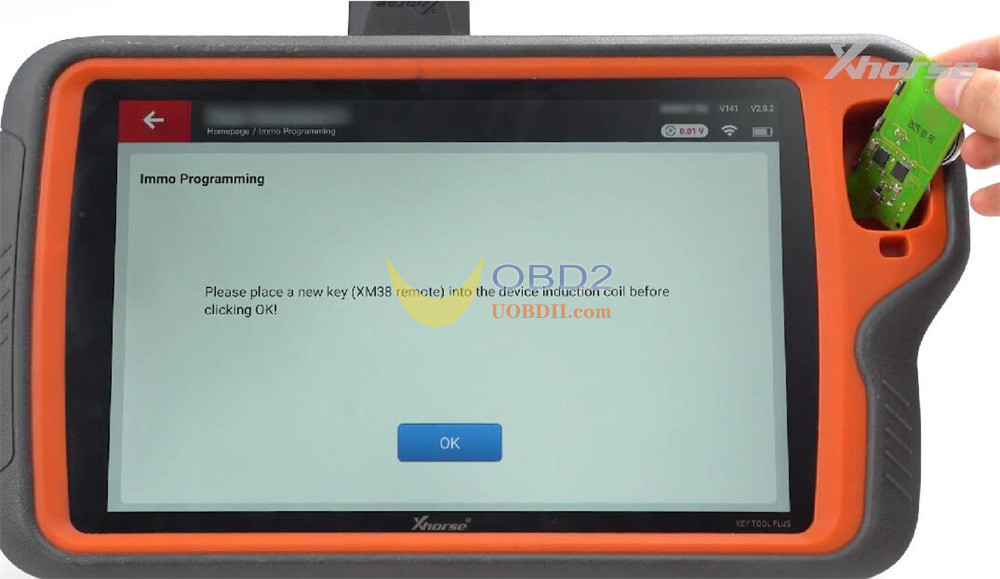
Key is now cloned and ready for use.
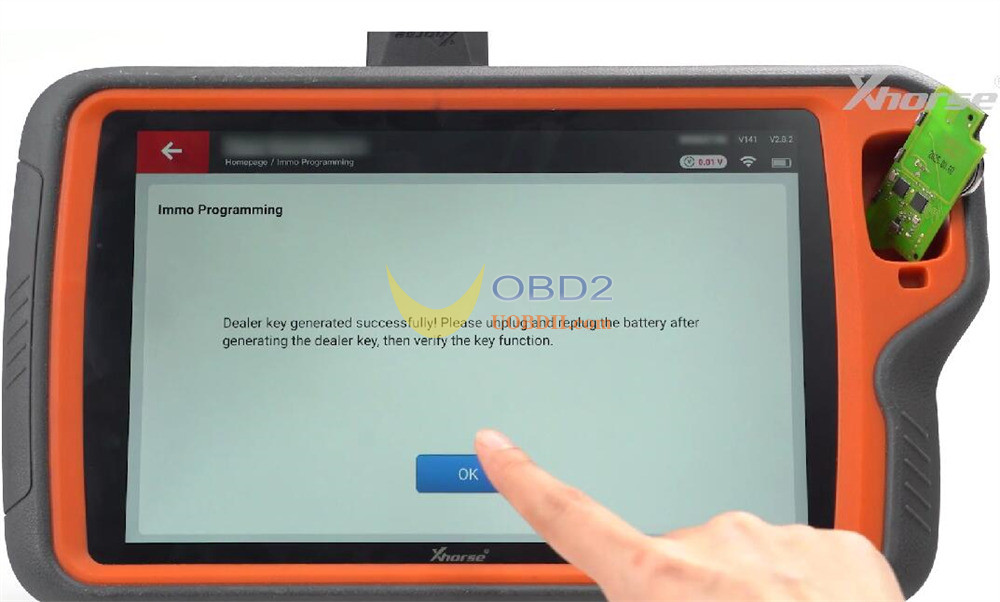
Other Adapters
The process is similar for the remaining three adapters:
Square-type remote PCB adapter
Long-shaped remote PCB adapter
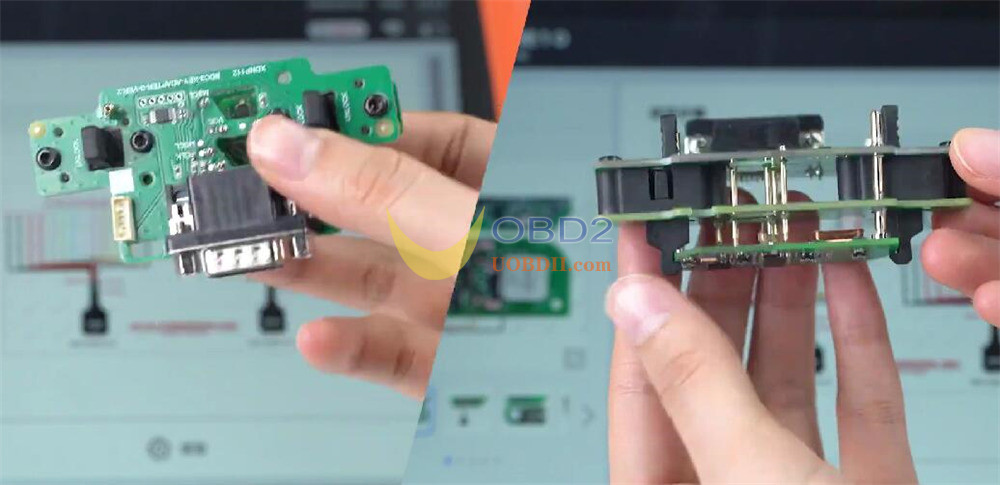
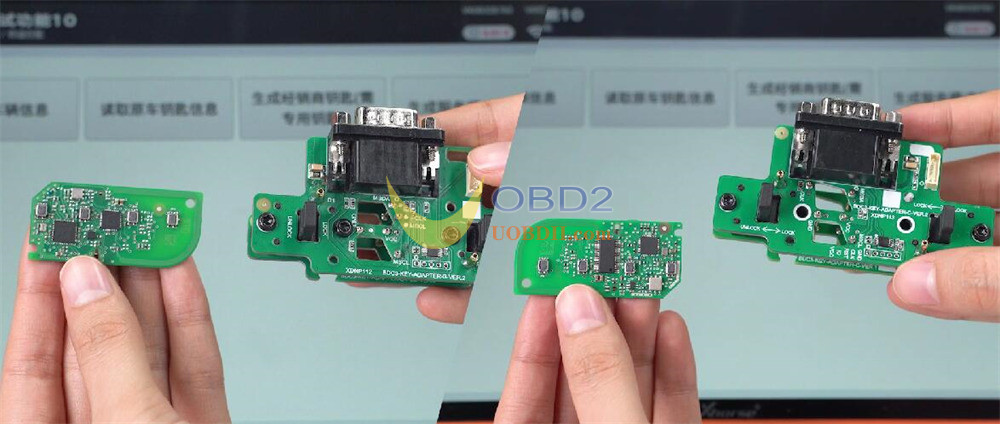
Shell-clamp adapter: align MSDA/MSCL pins with PCB contact points and clamp
Video Guide:
