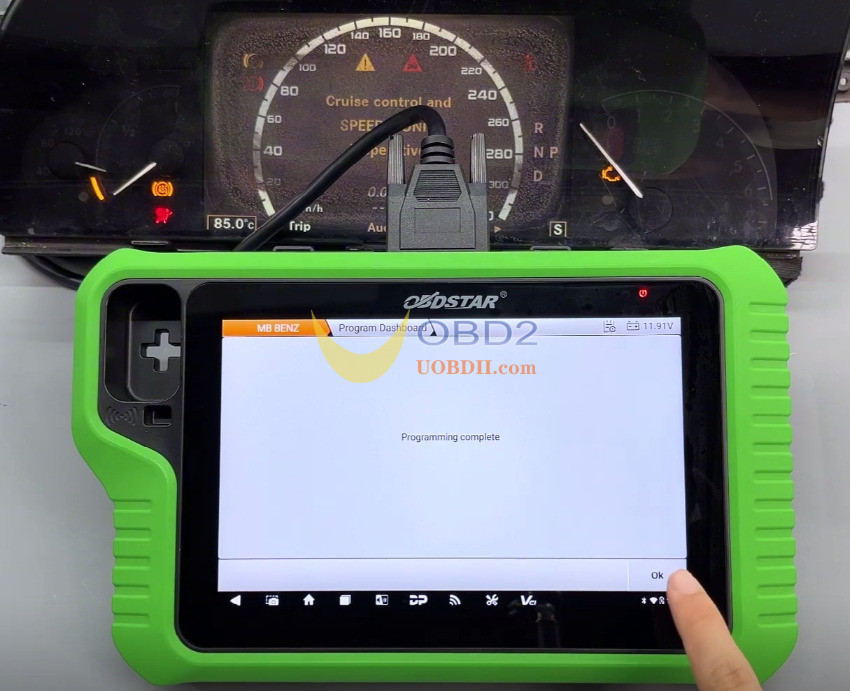
This guide demonstrates the advanced ECU functionality of OBDSTAR X300 Classic G3, explaining the procedure for quick programming of a used Mercedes-Benz instrument cluster.
Important: Before beginning, verify that the main diagnostic cable is properly connected to the vehicle.
Navigation Path:
Access [ECU Advanced] → [MB BENZ] → [MB BENZ V30.05] → [DASHBOARD] → [S-CLASS] → [W221 (2005-2013)].
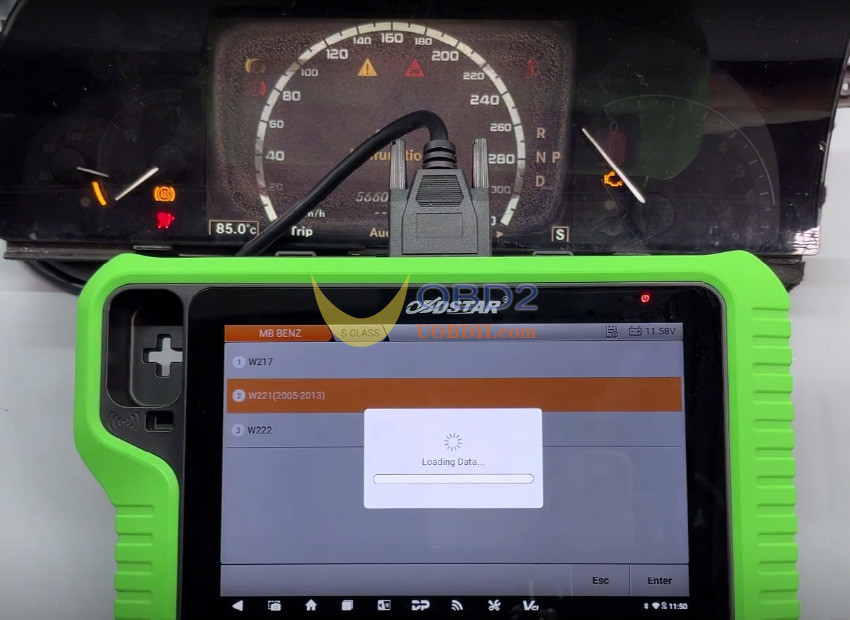
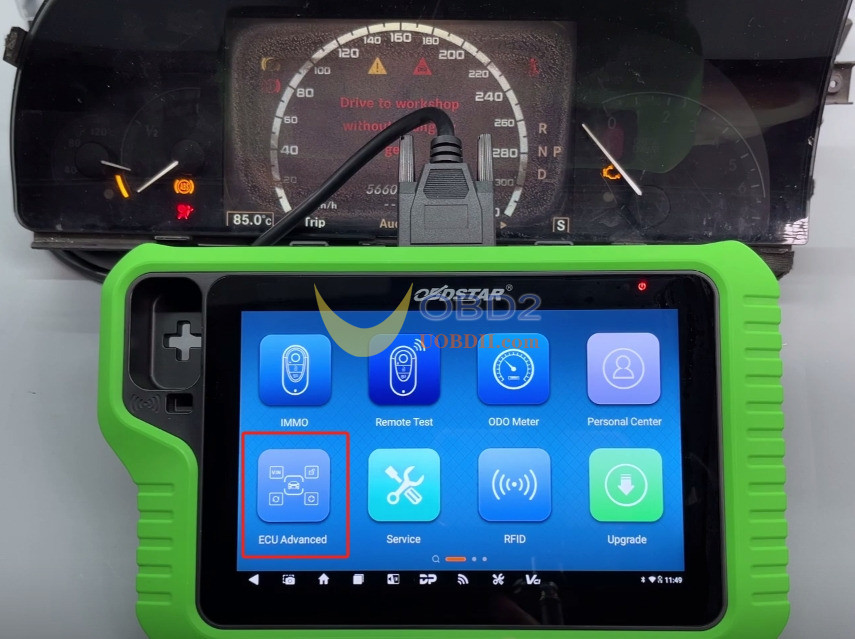
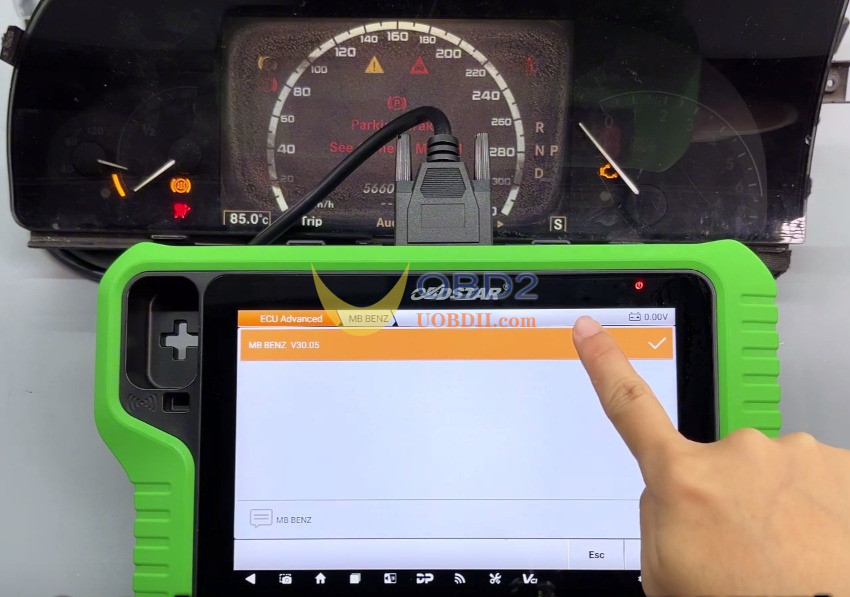
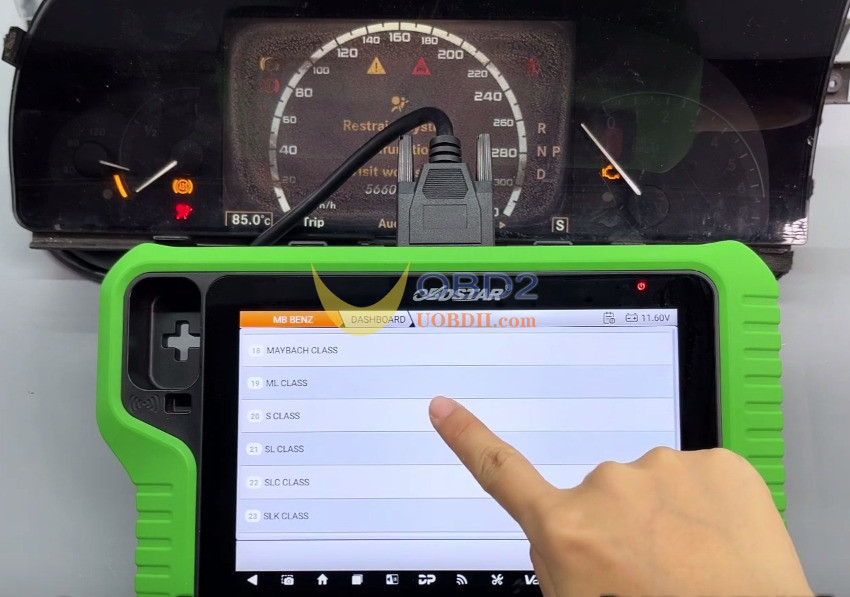
Select the [Guide] option and thoroughly review the feature overview and menu instructions.
Function supported:
- ECU Info.
- Read eeprom (Backup)
- Write eeprom (Restore)
- Virgin Dashboard
- Program Dashboard
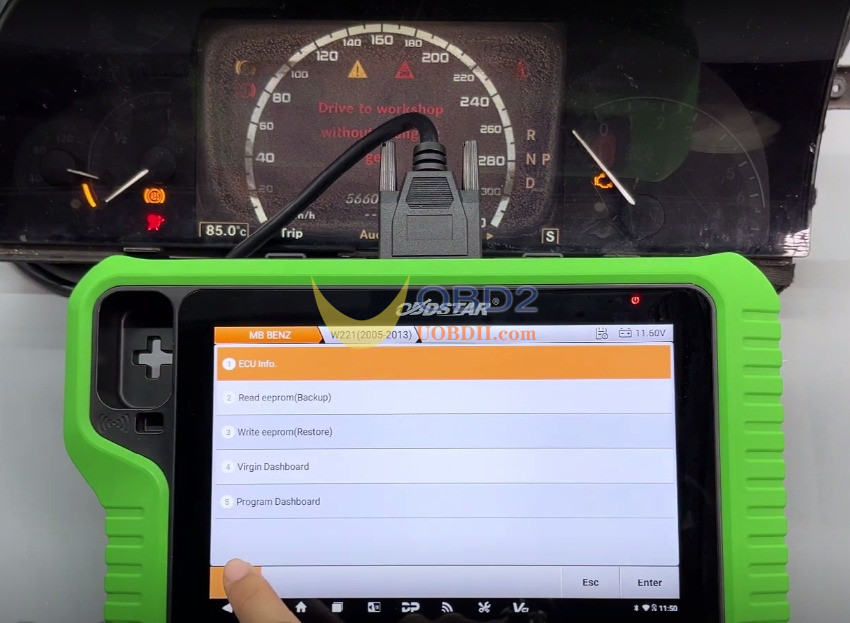
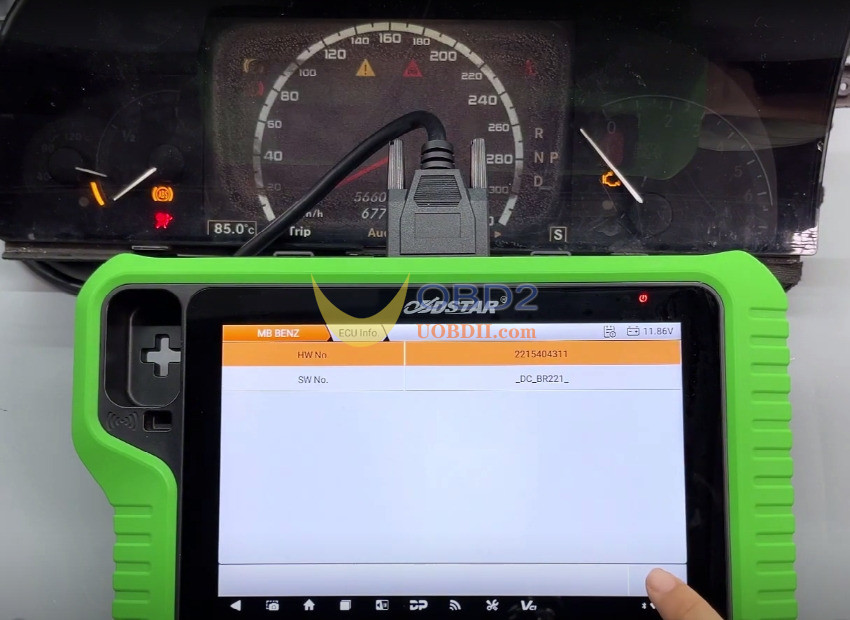
Use [ECU Info.] function to retrieve and validate the hardware and software part numbers.
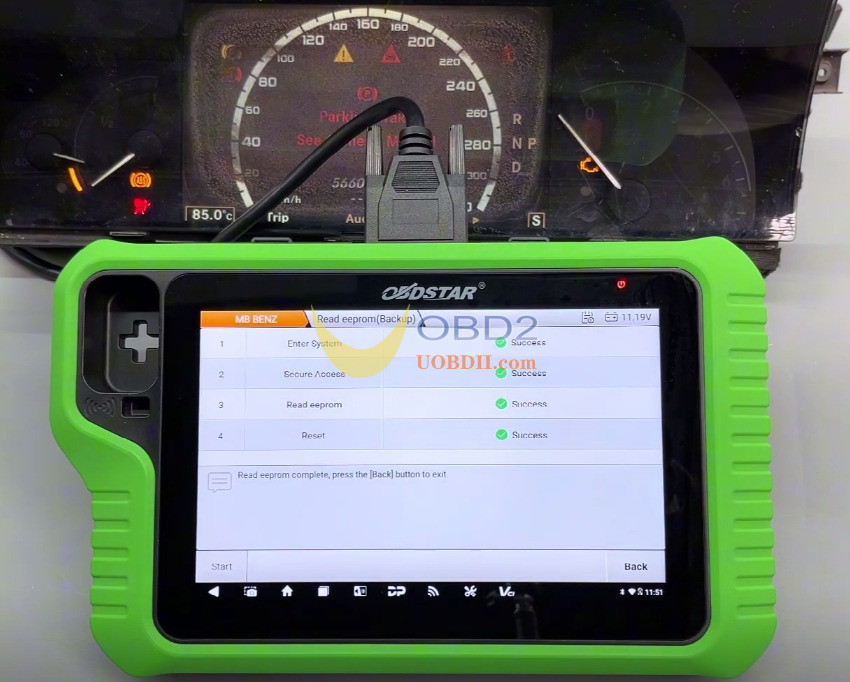
Select [Read eeprom (Backup)] to create a backup of the EEPROM data. You may assign a custom filename to the saved backup.
Run [Virgin Dashboard] function.
Important: Carefully verify and choose the appropriate backup file.
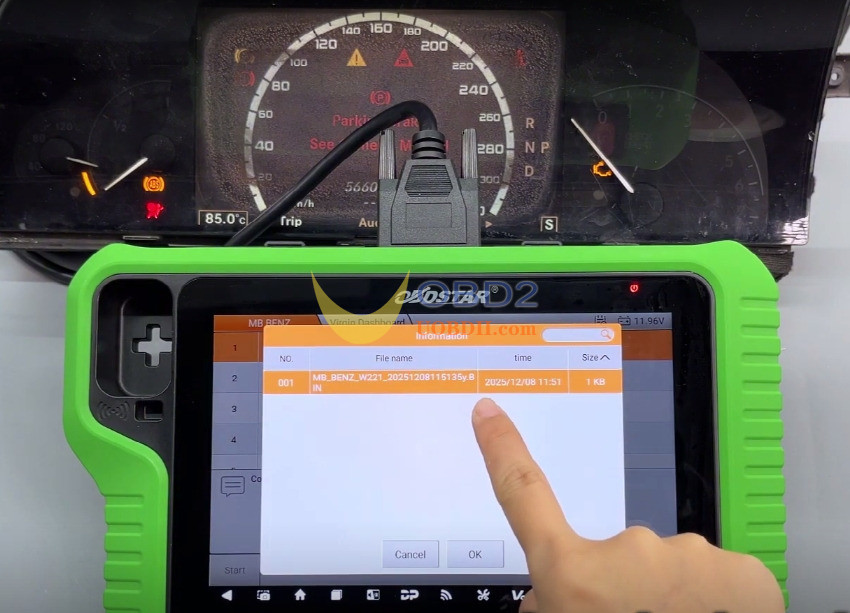
Upon completion, the used dashboard will be reset to its original factory condition. The odometer is initialized to a default display state, and the SSID synchronization code is erased.

Select [Program Dashboard] to execute the dashboard programming routine.
A “Programming complete” message on the device confirms that the instrument cluster has been programmed by X300 Classic G3 key programmer correctly.