
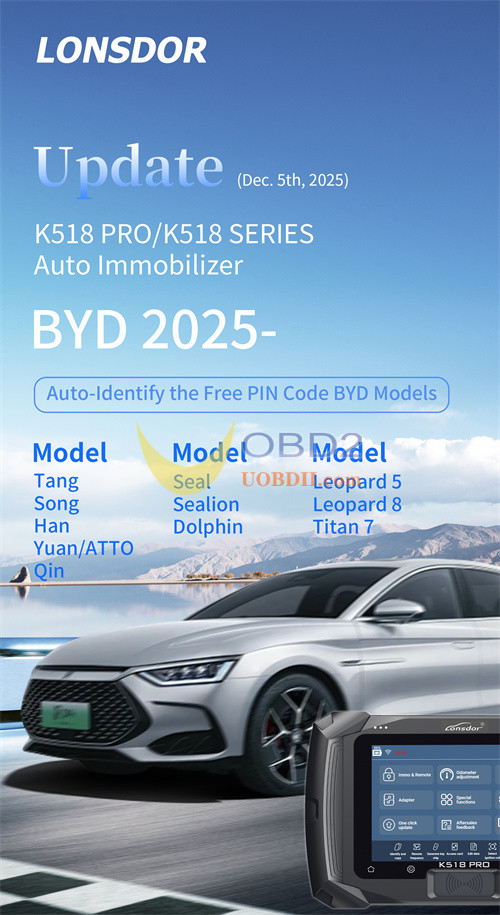
Lonsdor Tech released a super auto immobilizer update for K518 PRO/K518 series key programmers on Dec.5, 2025. Check the upgrade details below and update your K518 device soon.
BYD 2025- Auto- ldentify the Free PIN Code to Add Key
Models supported:
- Tang
- Song
- Han
- Yuan/ATTO
- Qin
- Seal
- Sealion
- Dolphin
- Leopard 5
- Leopard 8
- Titan 7
Here take 2024 BYD Destroyer 05 as an example to show how to program a smart key using Lonsdor K518 Pro.
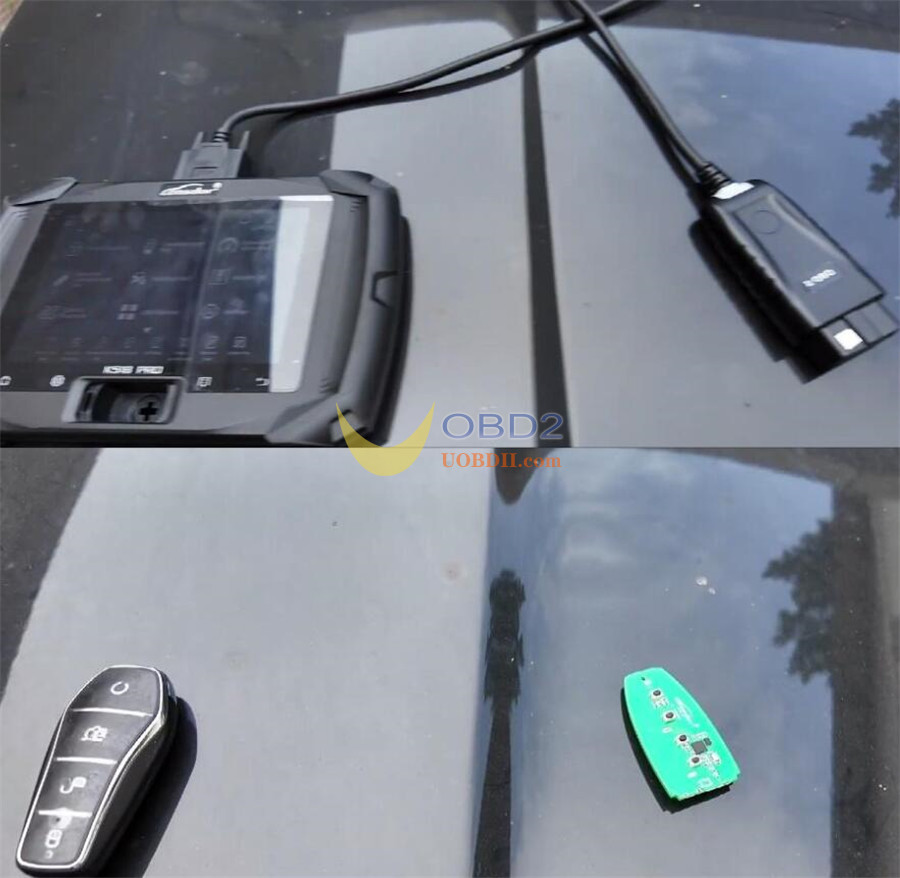
Equipment needed:
- K518 Pro key programmer
- OBD communication cable
- Original vehicle key
- A new smart key from Lonsdor
Procedure:
Step 1: Generate Smart Key
Plug in the OBD communication cable.
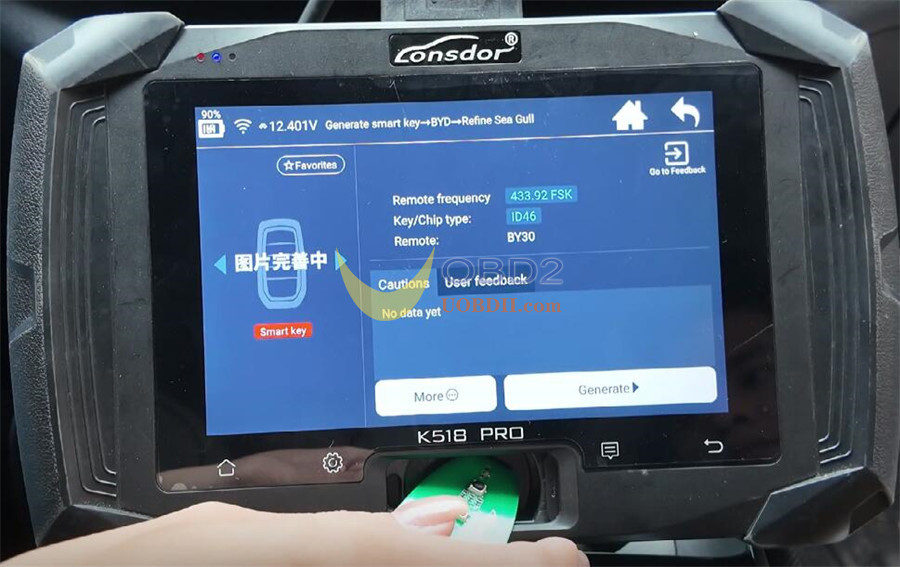
Select “Generate Smart Key”-> BYD-> Destroyer-> choose the first menu option.
Place the new Lonsdor smart key into the card slot.
Click “Generate”-> generation completed successfully.
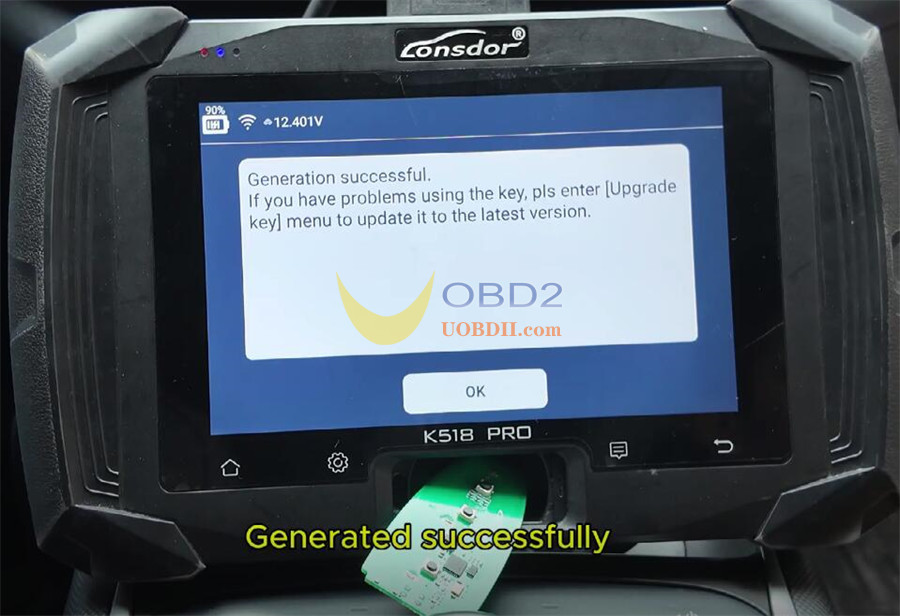
Return to the main menu.
Step 2: Program Key & Remote
Select “Immobilizer & Remote”-> BYD Smart Key-> Destroyer 05.
Choose “Read Key Data” and follow the on‑screen prompts.
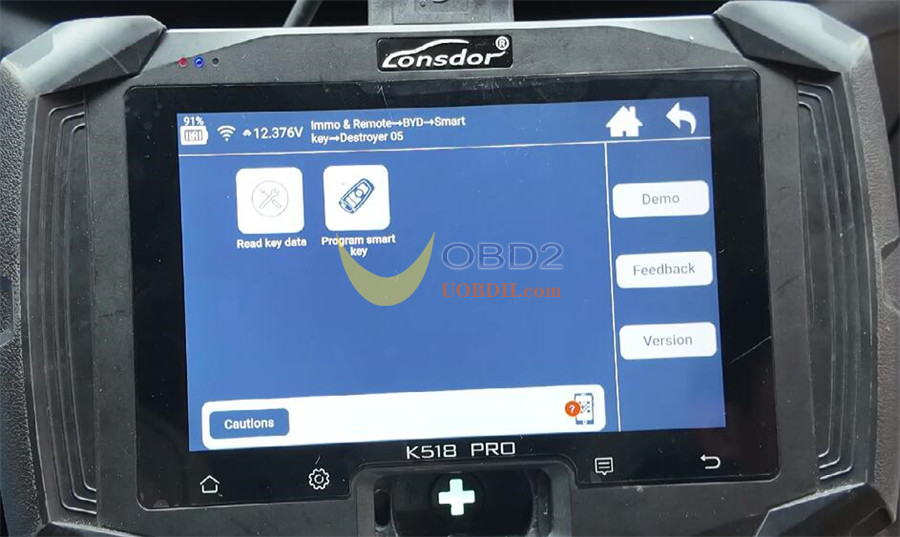
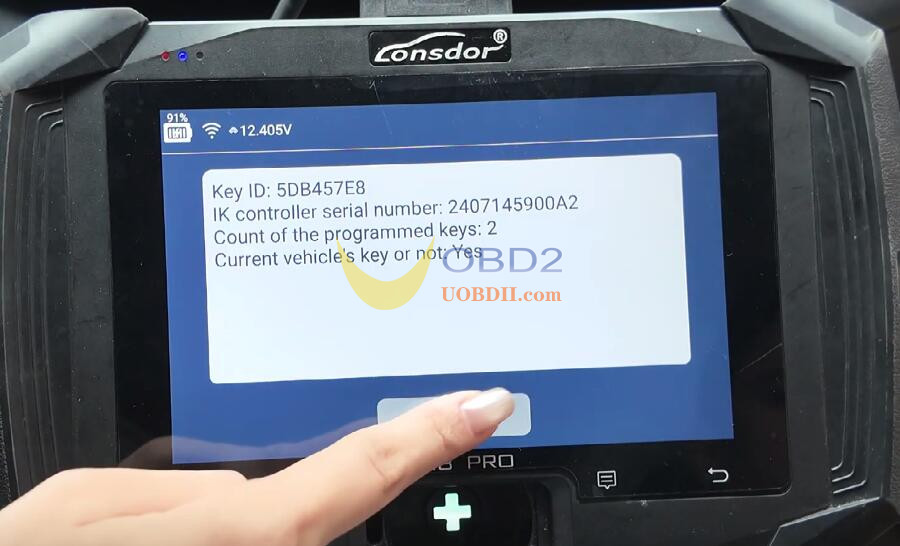
Place the original car key in the key sensing area as indicated-> click OK.
Select “Program Smart Key”.
The current key count is 2
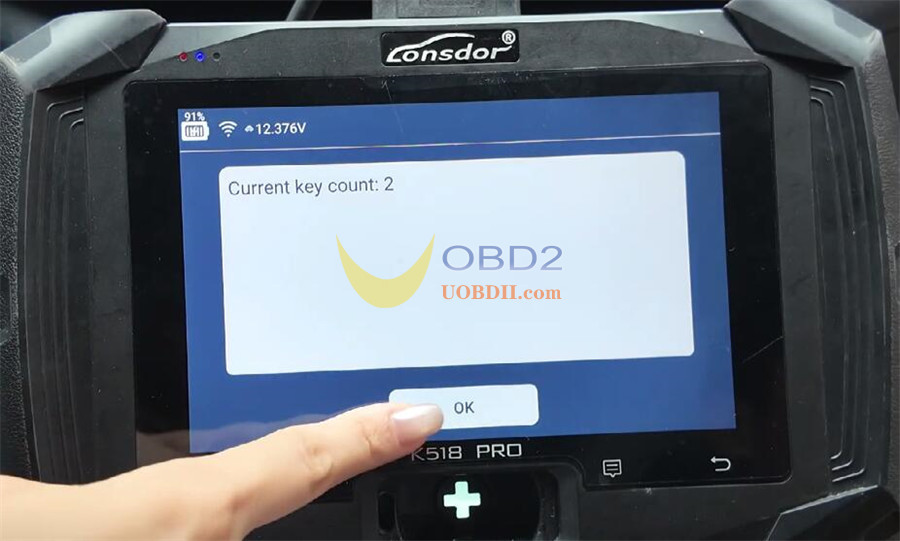
Place the first key to be programmed in the sensing area-> click OK-> programming successful.
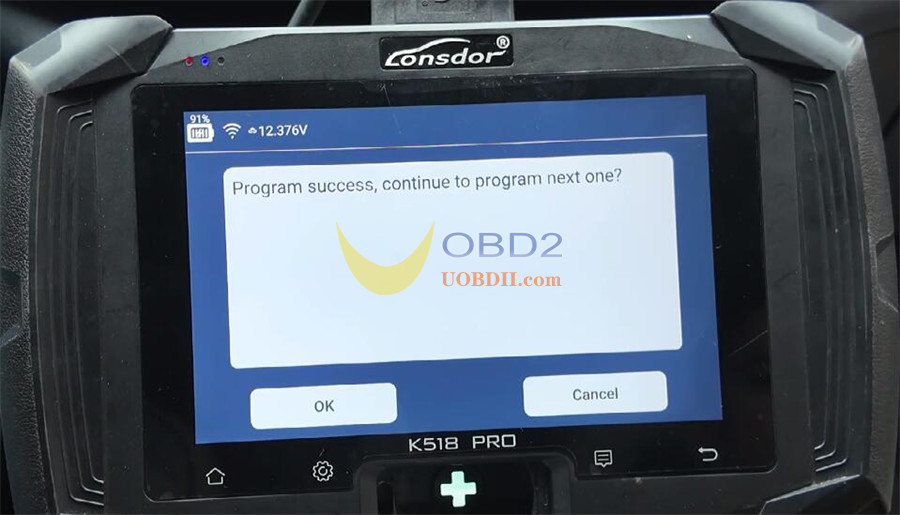
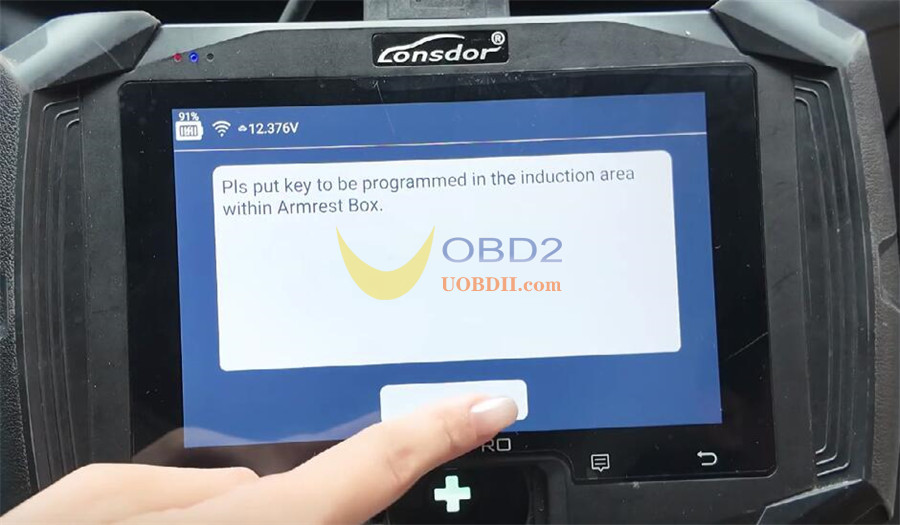
When prompted to program the next key, select OK.
Place the second smart key in the sensing area-> click OK-> programming successful.
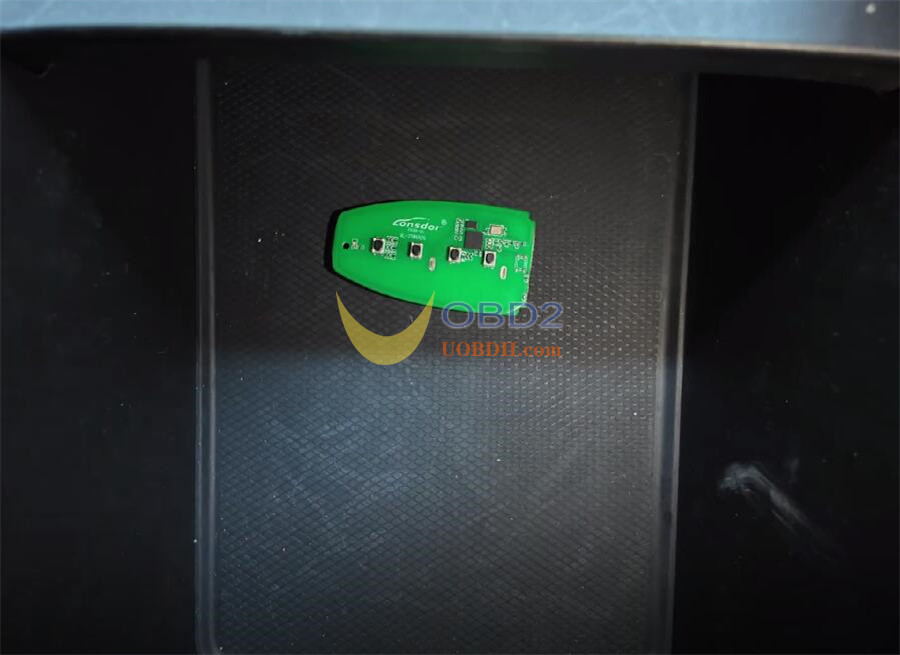
Choose “Cancel” when asked about additional keys.
Completion:
The system confirms:
✅ Programming complete – 2 keys programmed.
✅ Key programming successful.
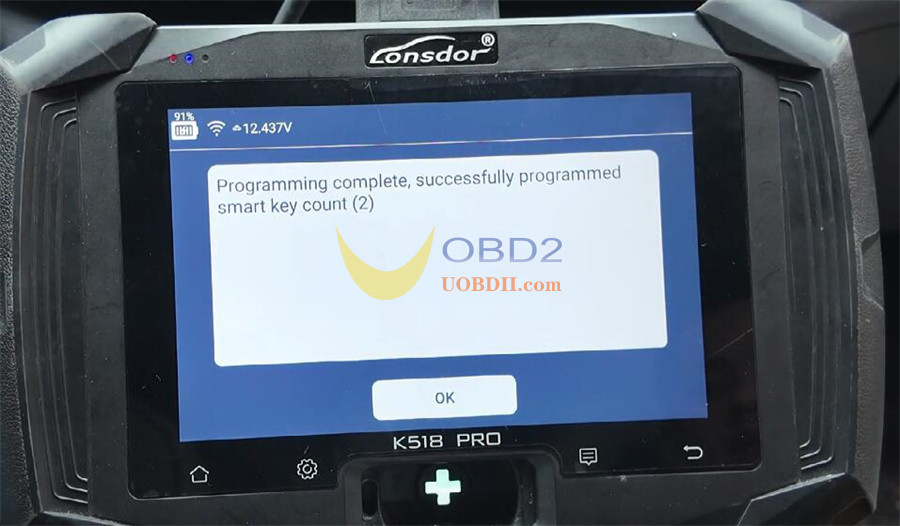
Function Test:
Original key: Press brake & start button-> vehicle starts successfully.
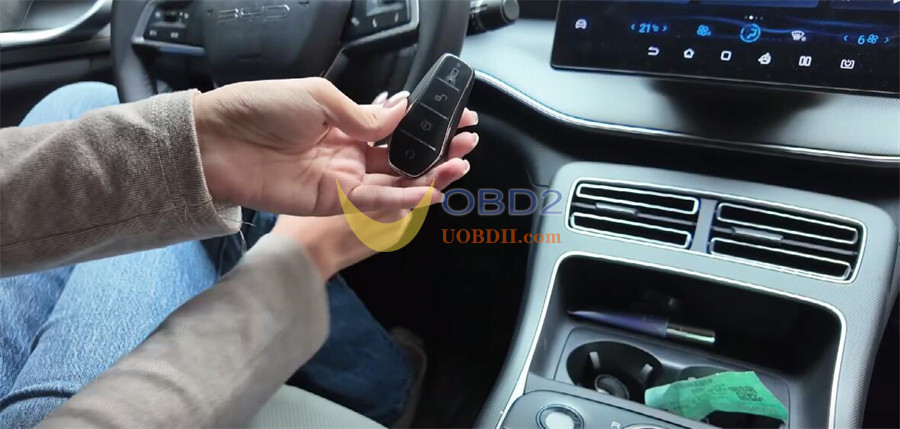
New key: Press brake & start button-> vehicle starts successfully.
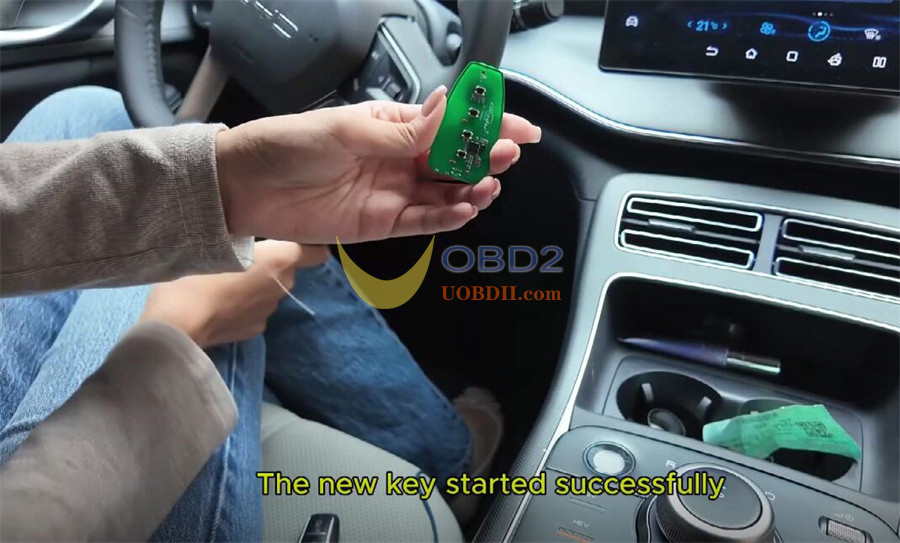
Remote test: Both keys lock/unlock the vehicle normally.
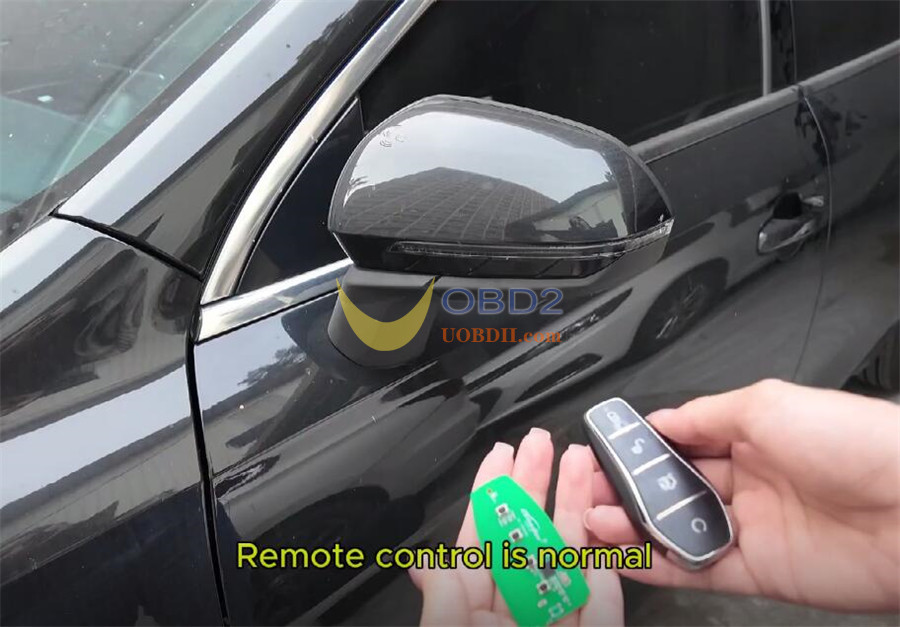
We have now successfully programmed a smart key for the 2024 BYD Destroyer 05 by Lonsdor K518 PRO key programmer.
