

This post demonstrates how to add an OEM key to a BMW BDC3 module using KEYDIY KD-X4 key programmer and BDC03 specific dismantling-free clip. This OEM key has already been pre-soldered according to the wiring diagram.
Preparation:
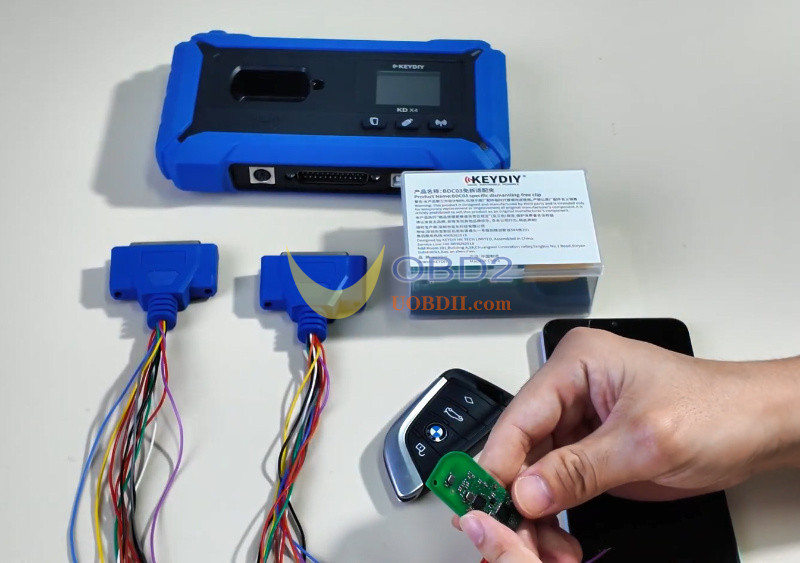
- Soldered OEM key
- Mobile phones with KD APP installed
- KD-X4 5-in-1 key programmer
- KEYDIY BDC03Specific Dismantling-free Clip
Procedures:
For the convenience of shooting, use two programming harnesses.
First, open the packaging of Keydiy BDC3 Dismantling-free Clip and take out the product.
Here are the four wire color definitions: orange, black, red, and brown.
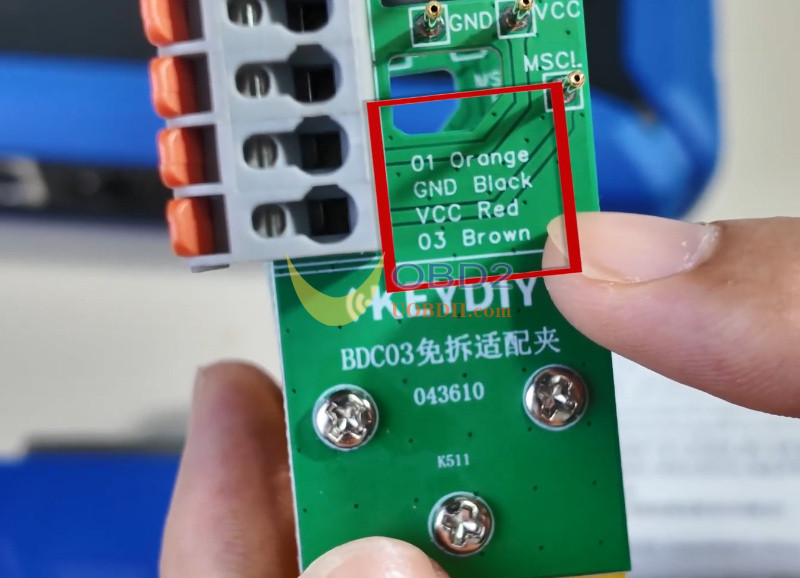
Connect the programming cable wires to the corresponding colored holes.
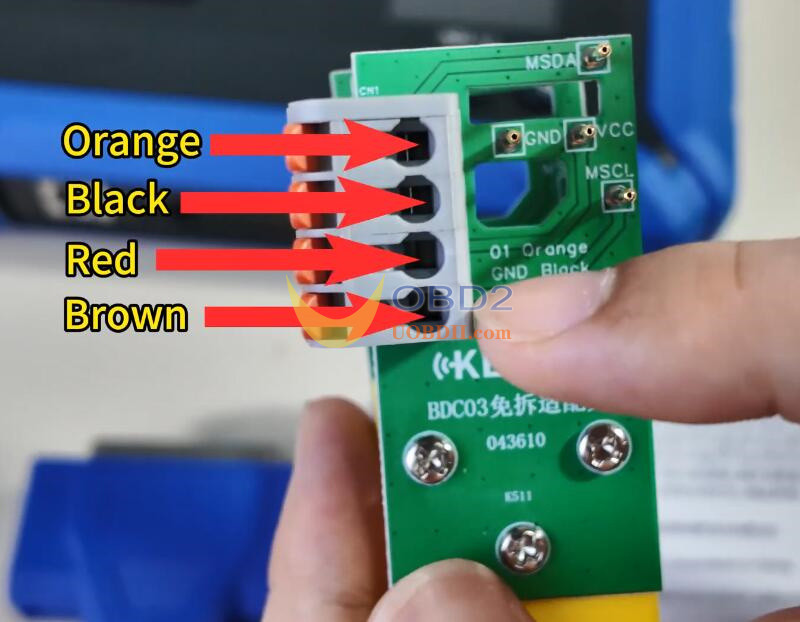
Now, let me show you how to connect the wires.
Start by turning on all four switches.
Then, connect the programming cable wires—orange, black, red, and brown—in order.
To ensure good contact, slightly extend the wire ends before inserting. Poor contact may lead to reading failure.
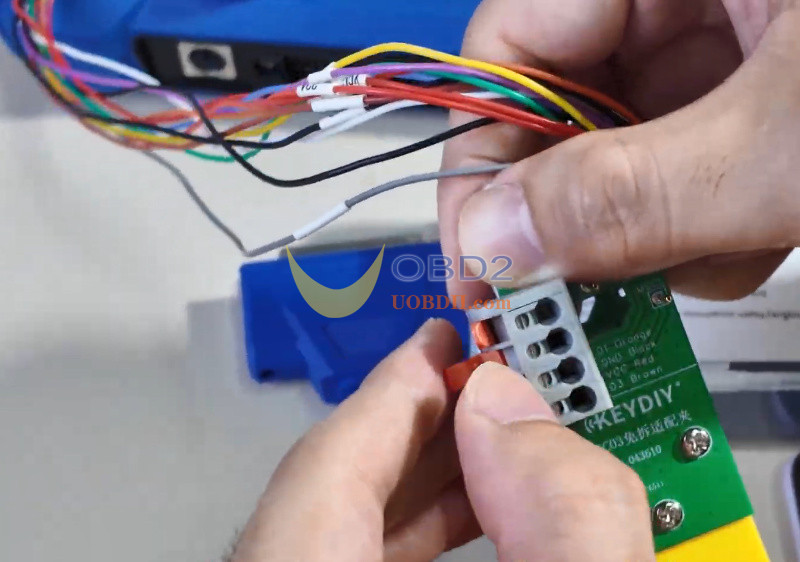
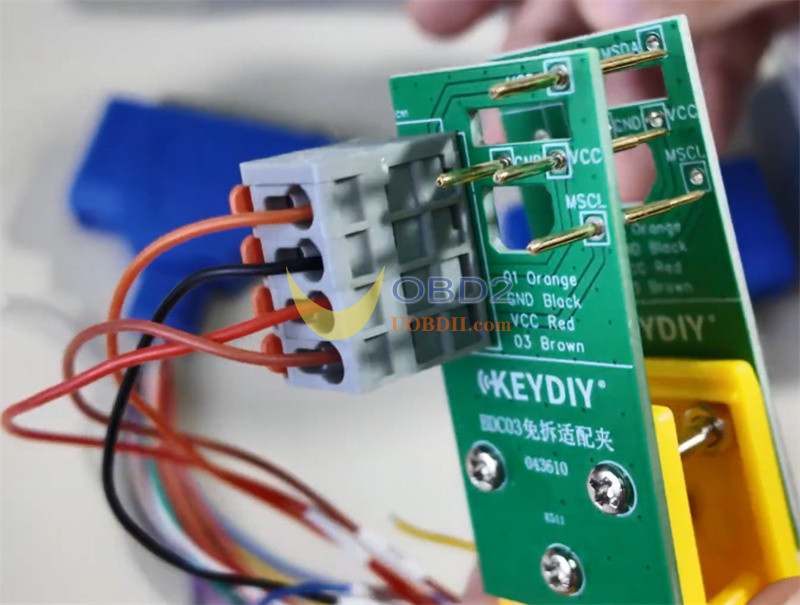
Next, open the back cover of the original car key.
Now, attach BMW BDC3 Specific Dismantling-free Clip securely onto the key.
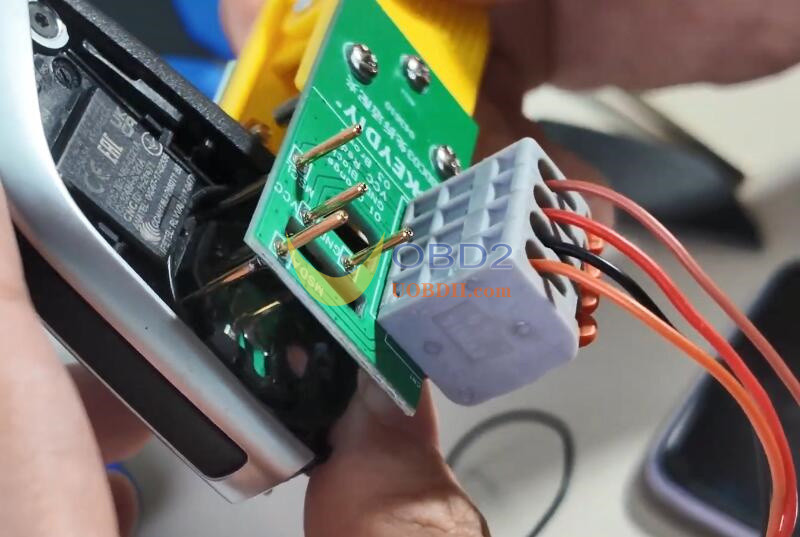
Power on KD–X4 device.
Open the KD app on your mobile device.
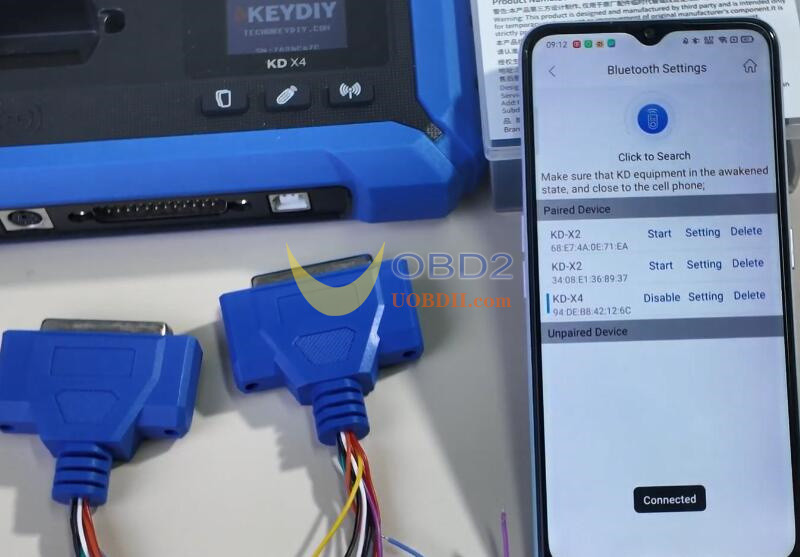
Go to “Bluetooth settings” and “KD Remote control device” to connect to KDX4.
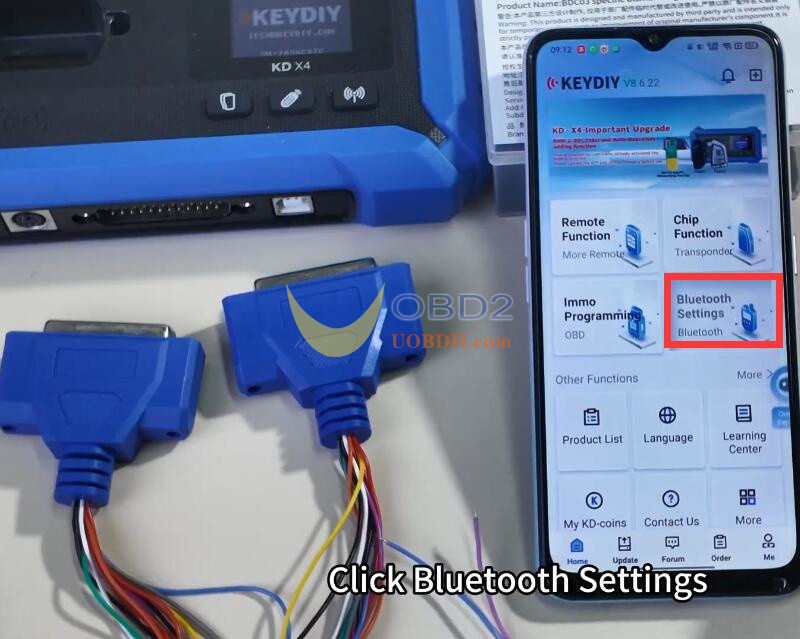
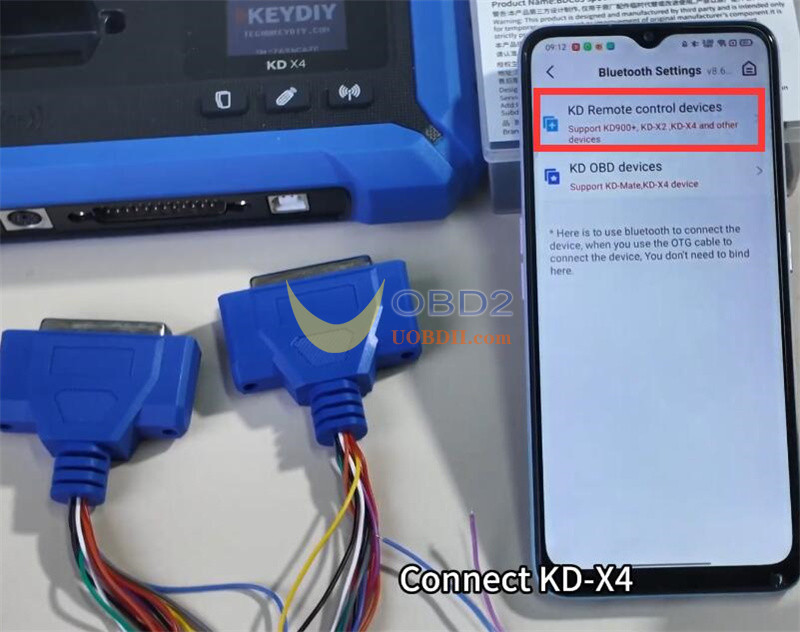
Once connected successfully, return to the homepage.
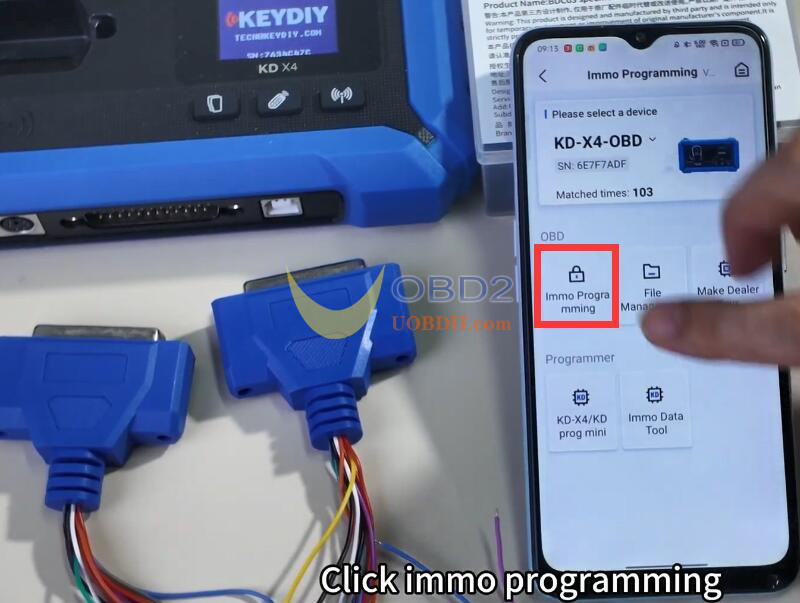
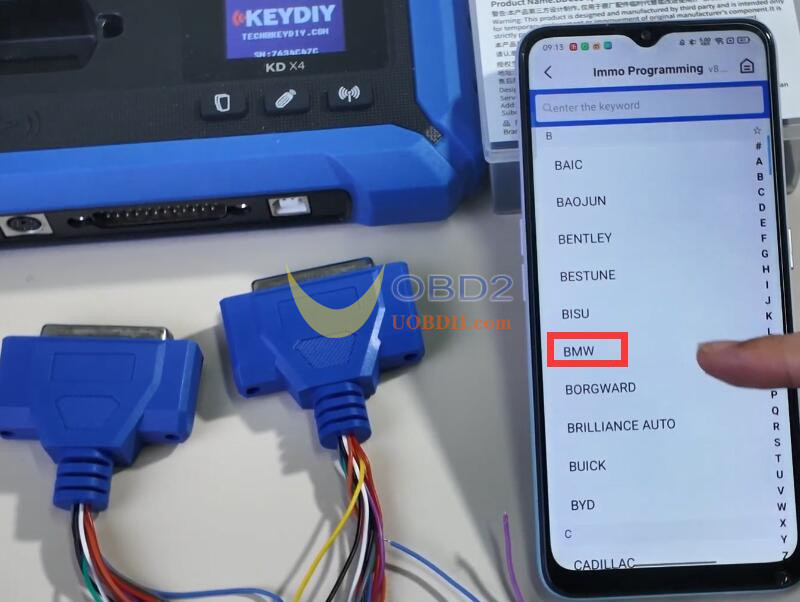
Tap on “IMMO Programming,” select BMW, then choose “Select by Type.”
Pick “G/U Chassis BDC3 BCP anti-theft system,” and click “Start execution.”
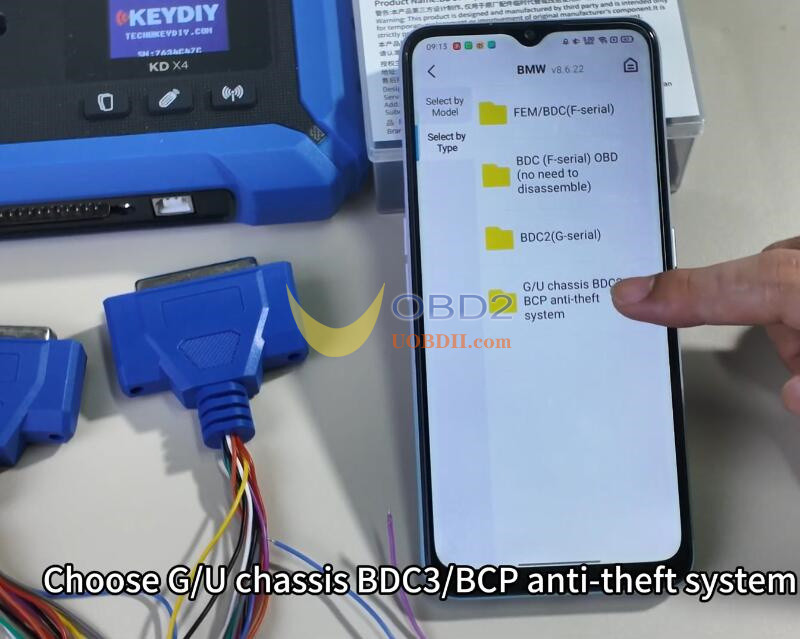
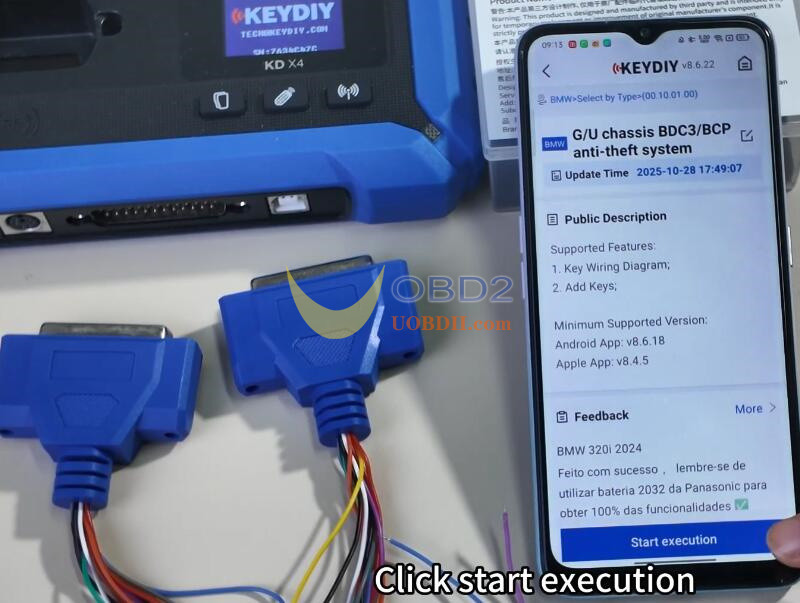
Here, you can review the key wiring diagram if needed.
Make sure Keydiy BDC3 Clip is properly attached and the OEM key is correctly connected according to the diagram.
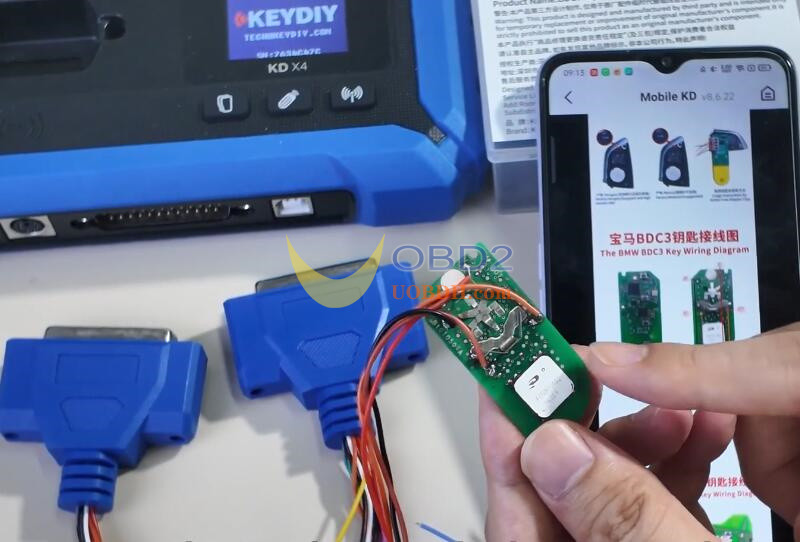
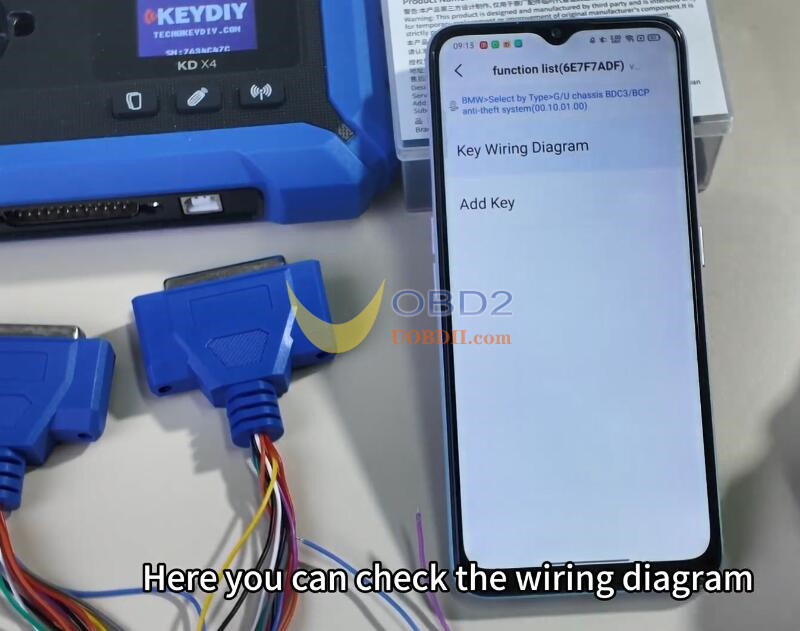
Remember: the OEM key must be soldered—direct reading won’t work.
Go back and select “Add Key,” then click “OK”
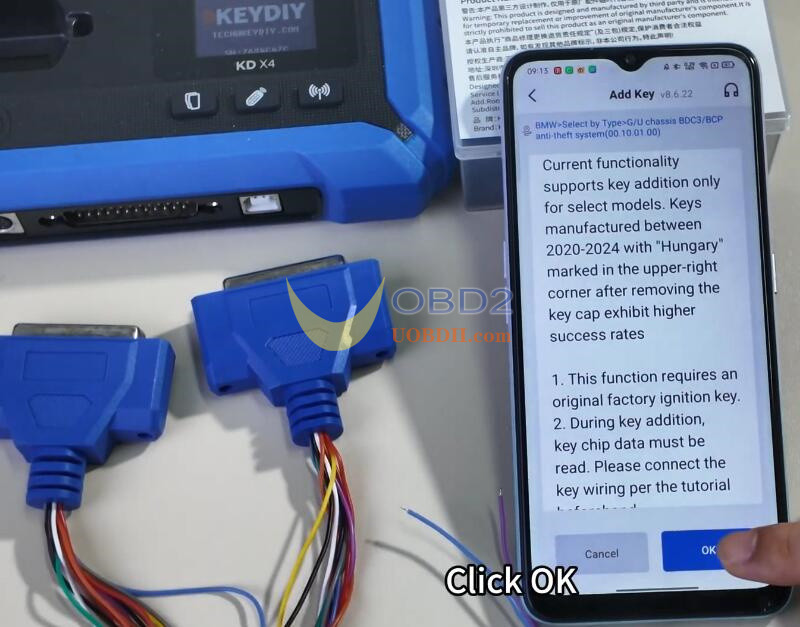
Choose “G Chassis/BDC3 Clone” and proceed.

Now, connect the programming harness linked to the original car key into KD–X4 key programmer.
Tap “Read Chip Data” and confirm.
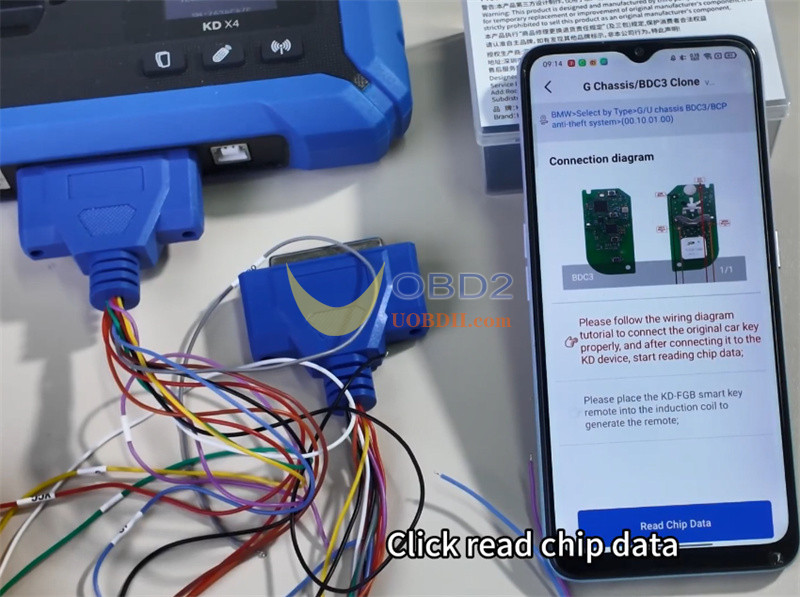
Reading successful.
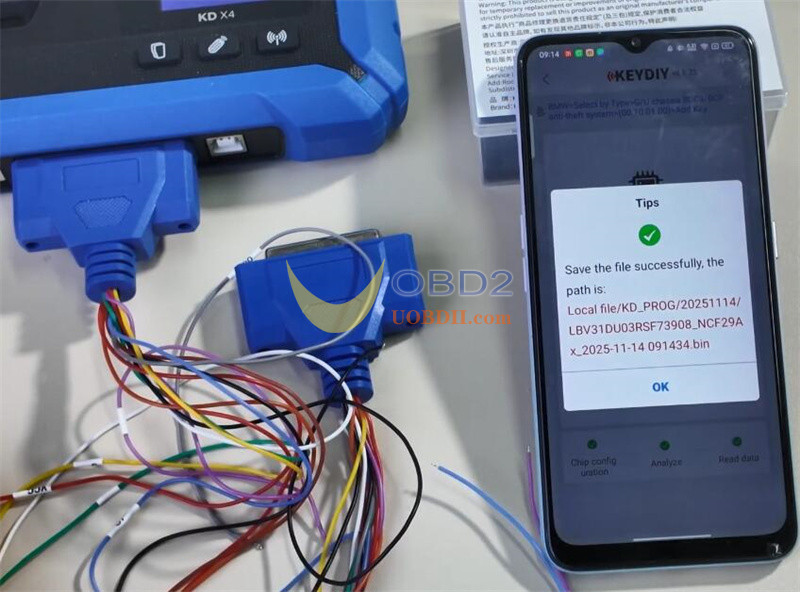
Now, connect the original key that will be used to write the data.
Select “Original Key (Non-Vehicle)” and confirm.
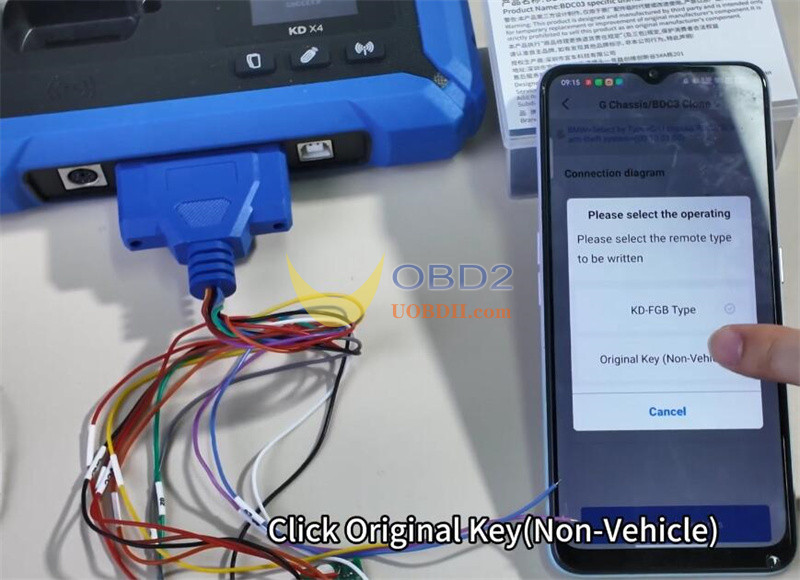
Data generation is successful.
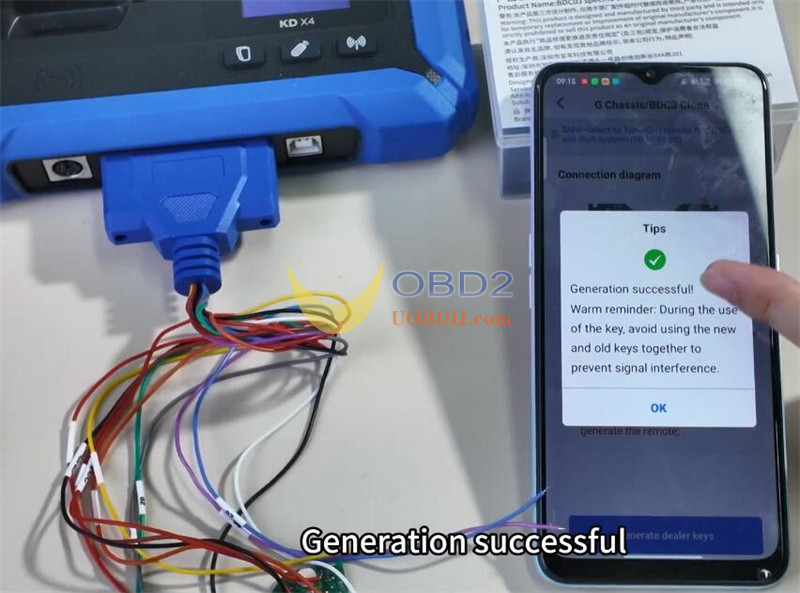
After generation with KEYDIY KD-X4 and BDC03 dismantling-free clip, this BMW BDC3 PCB is now ready to be installed into the key case for use.
