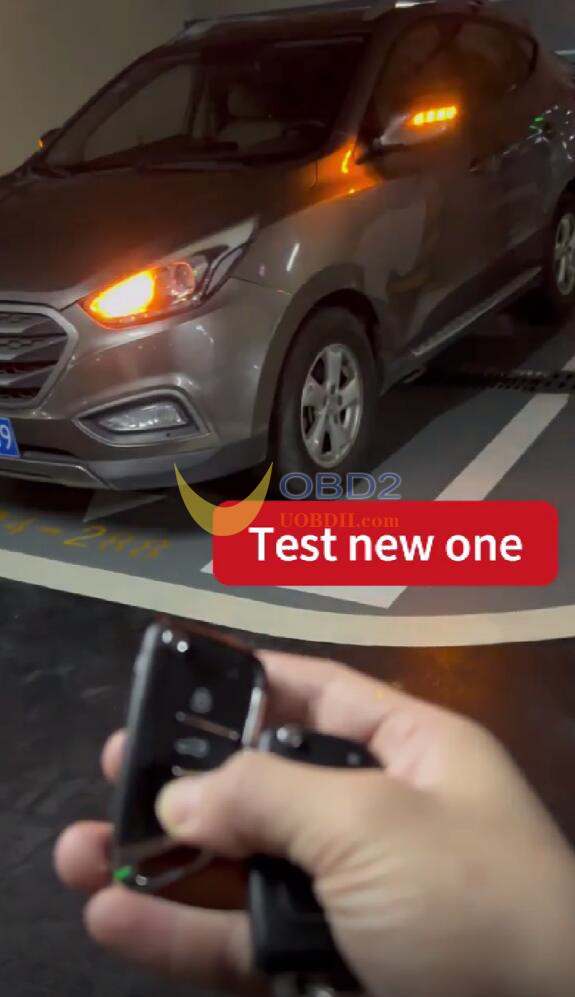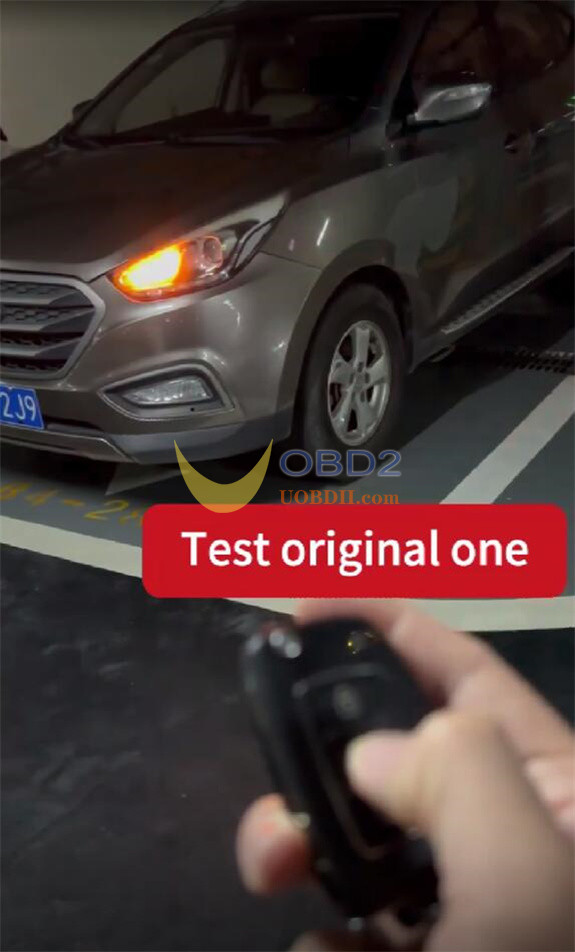

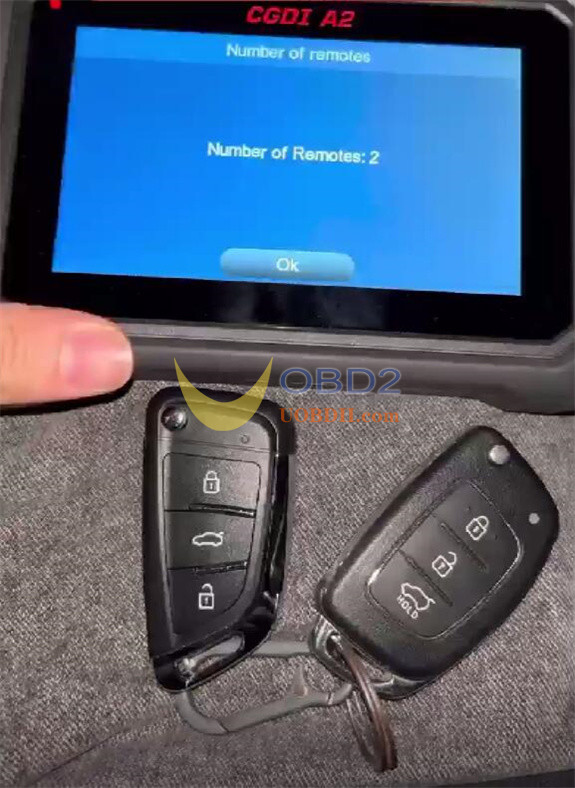
A Hyundai IX35 remote was successfully programmed. The process involved generating the remote with CGDI K2 Smart Key Tool, with programming carried out by CGDI A2 Key Programmer via OBD.
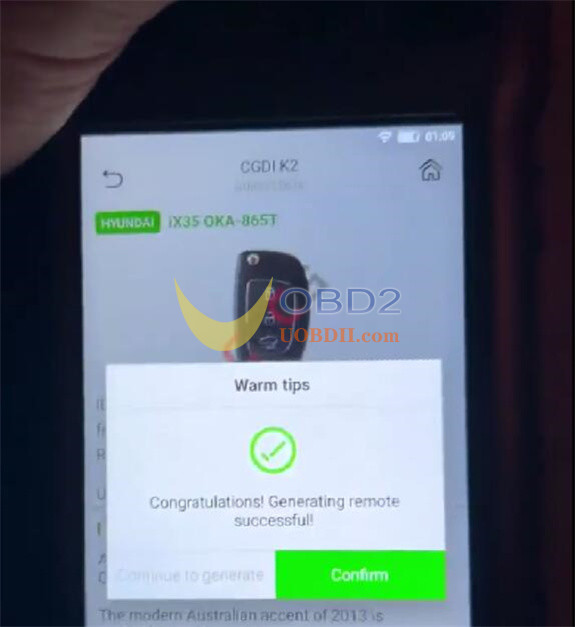
1.Generate remote by CGDI K2
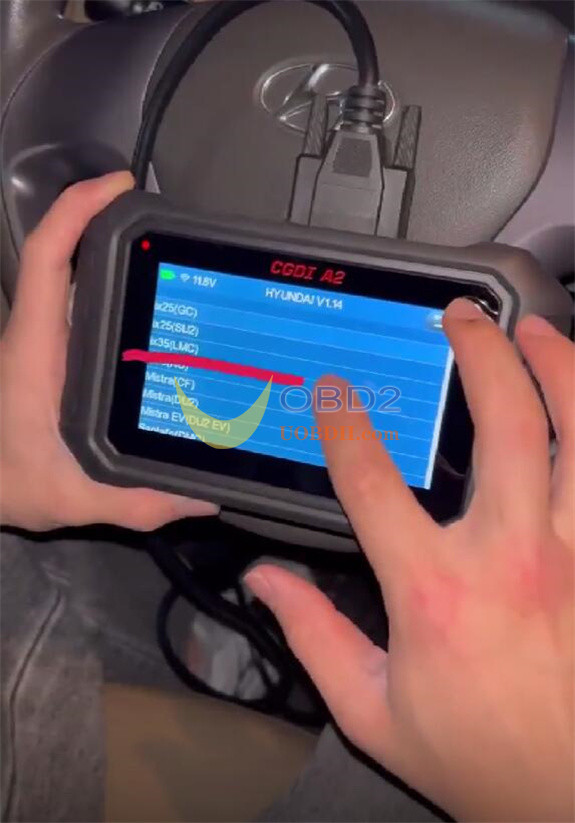
2.Program remote by CGDI A2
Connect CGDI A2 programmer and Hyundai vehicle via OBD cable
Select Hyundai-> ix35 (LMC)-> 2010-2013-> Program remotes
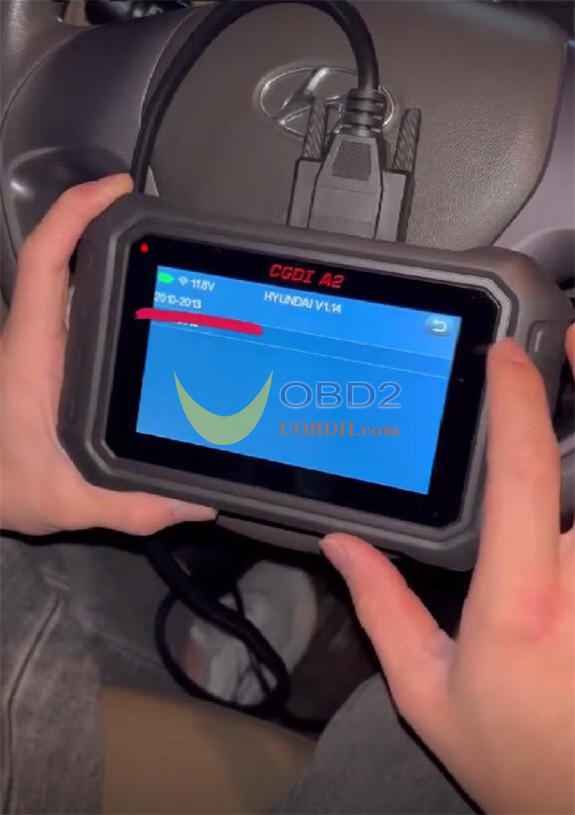
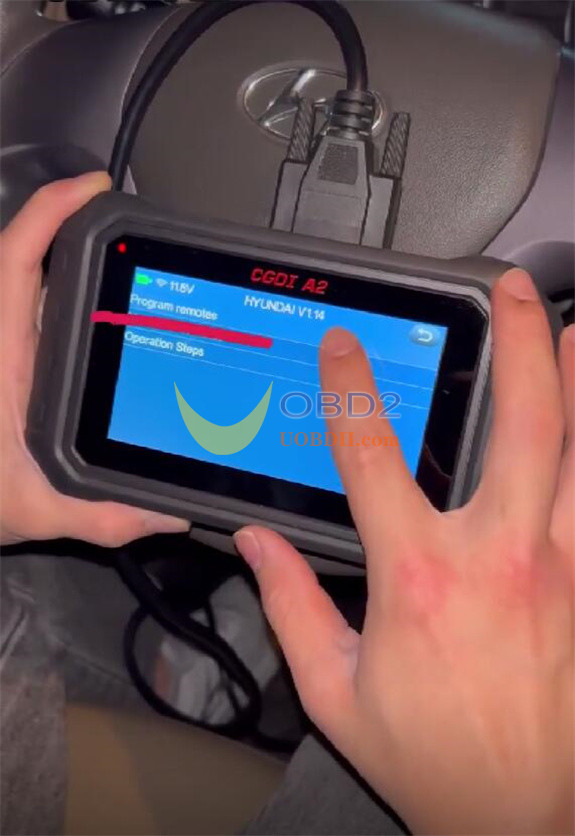
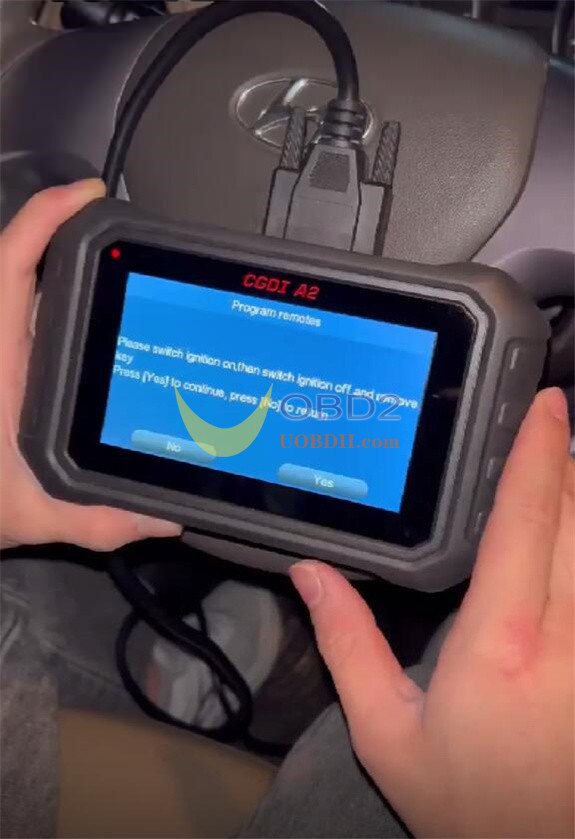
Switch ignition on then off and remove key
Press “Yes” to continue
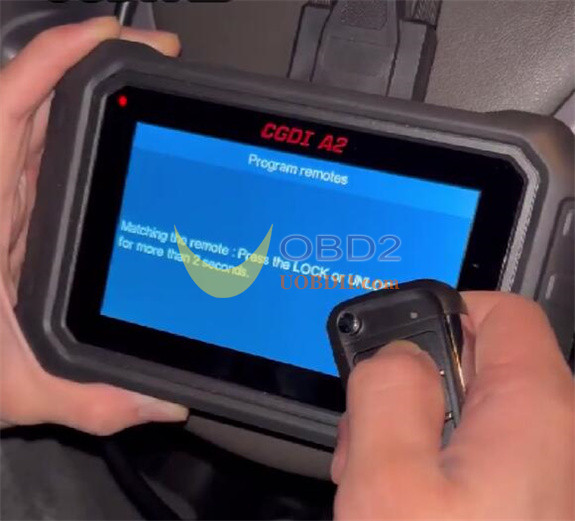
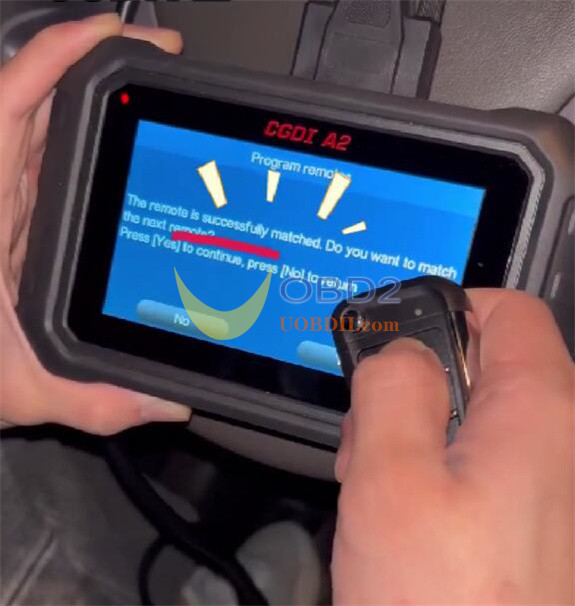
Matching the remote: Press the LOCK and UNLOCK buttons for more than 2 seconds
Program remote successfully
Test the new remote and original remote, both work fine!