
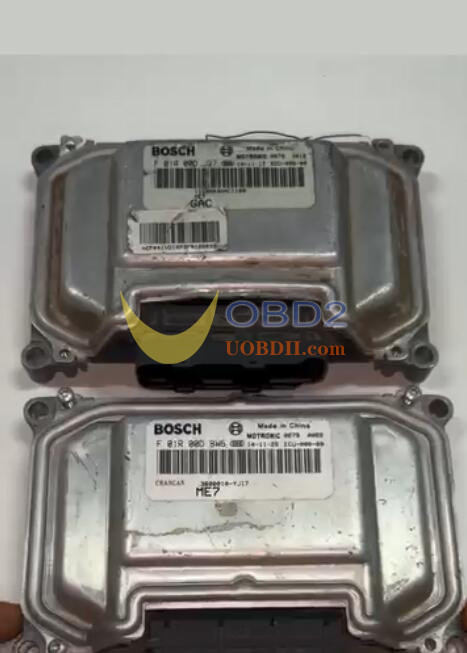
To successfully can unlock ME7.8.8 ECU using CG FC200 ECU Programmer, make sure the software is updated to V1.3.2.6, then follow the operation guide below.
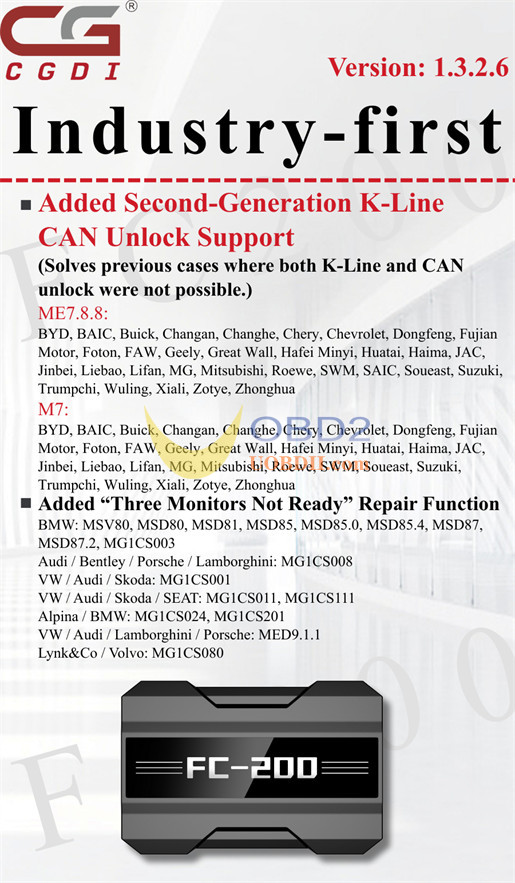
CG FC200 V1.3.2.6 Update Info:
1.Added K-Line CAN Unlock for ME7.8.8 & M7 ECUs
(Solves previous cases where both K-Line and CAN unlock were not possible.)
- ME7.8.8:
BYD, BAIC, Buick, Changan, Changhe, Chery, Chevrolet, Dongfeng, Fujian Motor, Foton, FAW, Geely, Great Wall, Hafei Minyi, Huatai, Haima, JAC, Jinbei, Liebao, Lifan, MG, Mitsubishi, Roewe, SWM, SAIC, Soucast, Suzuki, Trumpchi, Wuling, Xiali, Zotye, Zhonghua
- M7:
BYD, BAIC, Buick, Changan, Changhe, Chery, Chevrolet, Dongfeng, Fujian Motor, Foton, FAW, Geely, Great Wall, Hafei Minyi, Huatai, Haima, JAC, Jinbei, Liebao, Lifan, MG, Mitsubishi, Roewe, SWM, Soucast, Suzuki, Trumpchi, Wuling, Xiali, Zotye, Zhonghua
2.Added “Three Monitors Not Ready” Repair Function
BMW: MSV80, MSD80, MSD81, MSD85, MSD85.0, MSD85.4, MSD87, MSD87.2, MG1CS003
Audi / Bentley / Porsche / Lamborghini: MG1CS008
VW / Audi / Skoda: MG1CS001
VW / Audi / Skoda / SEAT: MG1CS011, MG1CS111
Alpina / BMW: MG1CS024, MG1CS201
VW / Audi / Lamborghini / Porsche: MED9.1.1
Lynk&Co / Volvo: MG1CS080
CG FC200 CAN Unlock ME7.8.8 Guide:
For example: FOTON BOSCH ME7.8.8 ST10F275
Connect CG FC200 programmer to a computer via USB cable
Run FC200 software and select the corresponding ECU model to check the wiring diagram
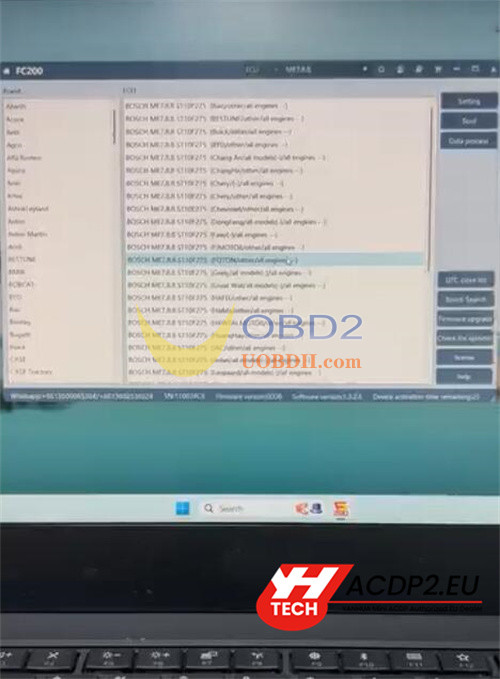
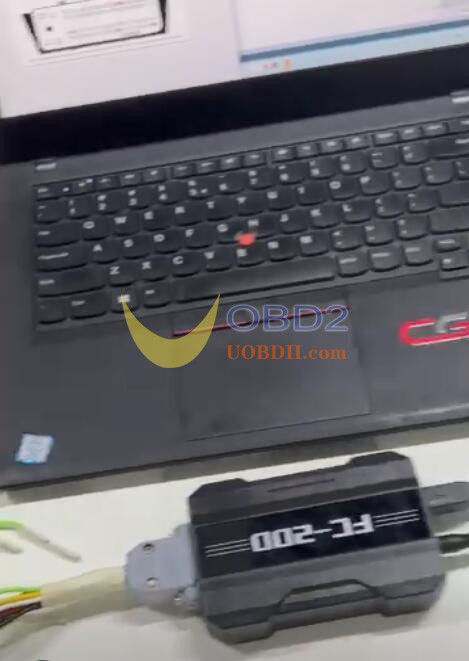
Connect CG FC200 and ME7.8.8 ECU via the specific adapter correctly, and supply the power
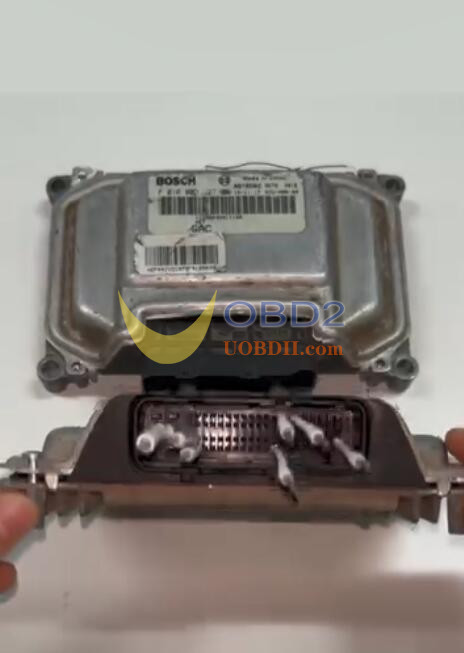
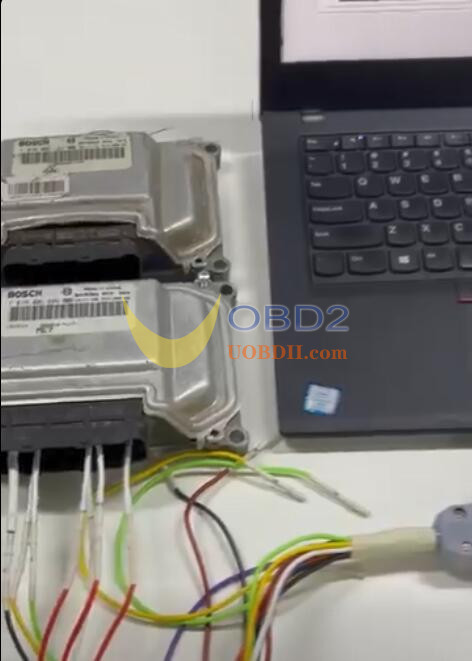
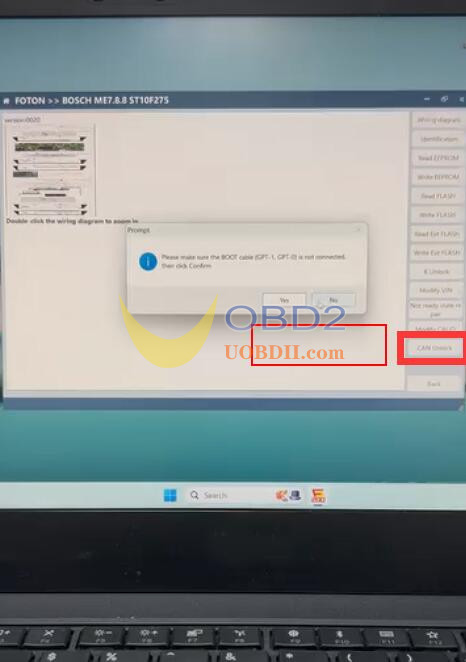
After connection, enter the operation interface to select “CAN Unlock” function
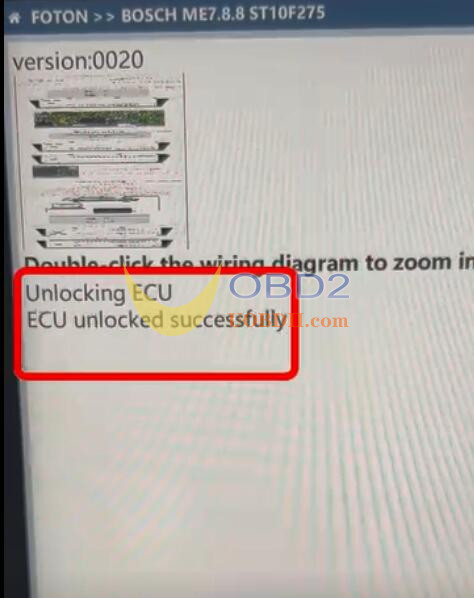
Pay attention to the prompt and wait the ECU is unlocked successfully
Done!
