
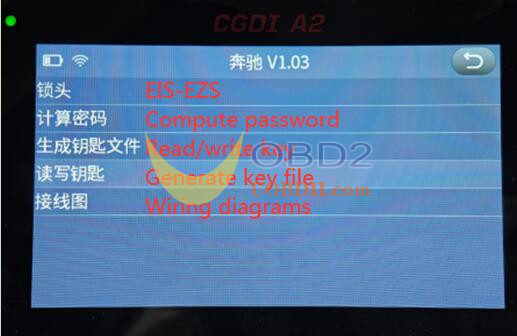
CGDI A2 with Mercedes Benz License can support EIS, calculate password, read and write key, generate key file, and wiring diagram for Mercedes-Benz.
In this guide, you will learn the knowledge below:
- CGDI A2 VS CGDI MB
- Required accessories
- Read/Write EIS via OBD
- Read/Write a Key
- Calculate Passwords: Key Adding & All Keys Lost
- Which Benz models are supported?
In detail…
1.CGDI A2 VS CGDI MB
They support the similar functions, FBS3 is included, but CGDI A2 doesn’t support ECU and mileage correction.
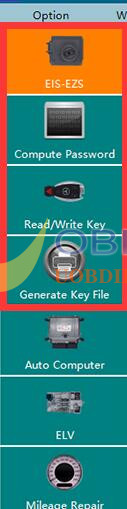
Currently, CGDI A2 programmer supports five main functions as follows:
- EIS/EZS (Electronic Ignition Switch / Electronic Steering Column Lock)
- Password computation
- Key read/write operations
- Key file generation
- Wiring diagram
Missing Features – Important Notes
The following features are not yet available:
(1) ELV synchronization within the EIS interface has not been added.
(2) Within the key read/write section, the following are still missing:
- Reading brand-new BGA keys
- Upgrading CGPKE keys
- Switching the frequency of CG keys
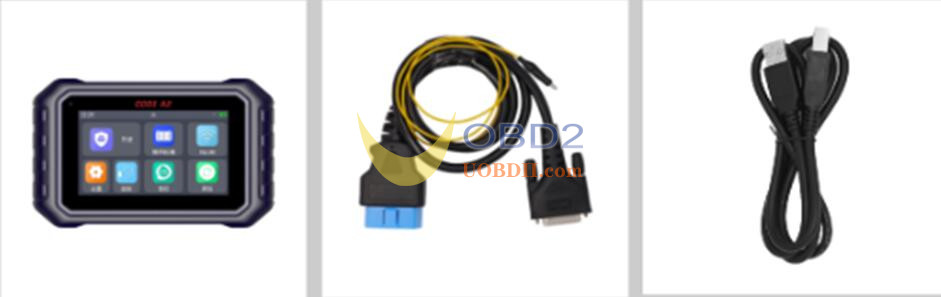
- Required Accessories
(1) CGDI A2 main unit + OBD cable (with yellow clip) + USB cable (mini-USB end)
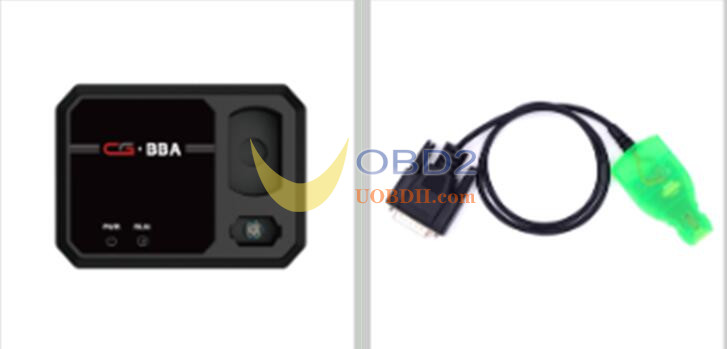
(2) BBA adapter + Mercedes-Benz simulation key
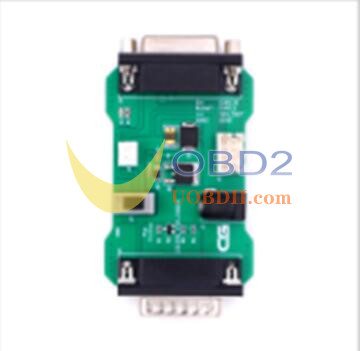
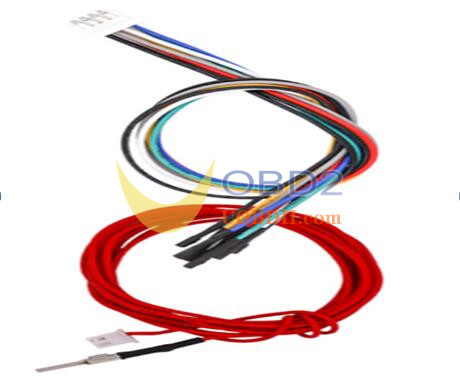
(3) AC fast acquisition adapter + wiring harness (shared with the CGMB; if you do not already own a CGMB, the harness must be purchased separately)
Harness Part Numbers
D47-000057 – Cable / Wire – CGMB \ Mercedes-Benz AC cable 2P \ CGZD020901 \ 1007-22 \ 2 meters, Red, Carbon steel terminal, GCK
D47-000058 – Cable / Wire – CGMB \ Mercedes-Benz AC cable 8P \ CGZD020901 \ 1007-22, 0.3 meters, Eight colors (Black, Red, Yellow, Green, Blue, White, Gray, Black), GCK
- Read/Write EIS via OBD
Connect CGDI A2 key programmer to vehicle’s OBD port using OBD cable. No need additional steps for basic EIS reading or writing.
- Read/Write Key
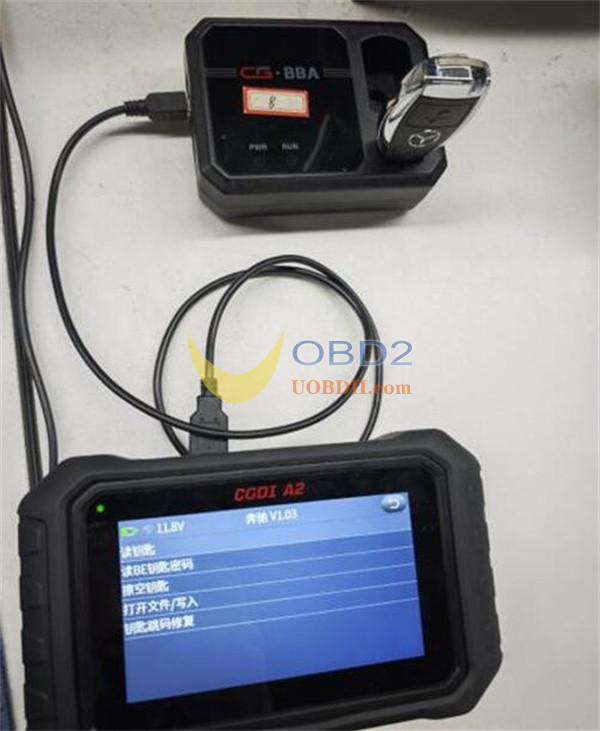
Use USB cable to connect CGDI A2 programmer and BBA adapter
Insert the key into BBA adapter’s key slot
Follow the software interface to perform the read/write operation
5.Calculate Passwords: Key Adding & All Keys Lost
(1) Key Adding (with working key)
Use OBD cable to connect CGDI A2 device to EIS
Use USB cable to connect CGDI A2 device to BBA adapter
Put the key to be programmed into the key slot of BBA adapter as directed by the software.
In the software interface,
Select Calculate Password → Collect Data → Key Addition (Working Key Available) → Generation 1 Key or Other Key
Follow the on-screen instructions to complete the process.
(2) All Keys Lost (No working key available)
Two modes are available: Standard and Fast.
① Standard All-Keys-Lost Mode
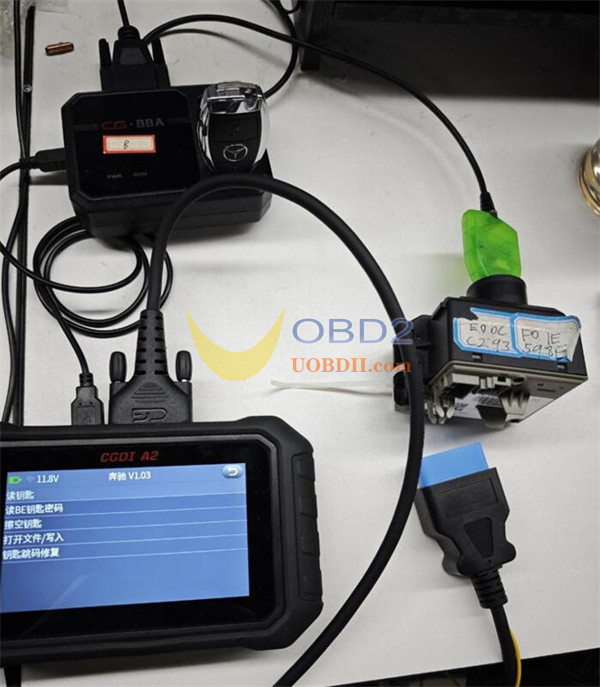
Connect CGDI A2 device to EIS via the OBD cable.
Connect CGDI A2 device to BBA adapter using the USB cable.
Connect Mercedes-Benz simulation key to the BBA adapter.
Go to:
Calculate Password → Collect Data → Key Adding (No Key Available) → Auto Detect → Standard Mode
Follow the on-screen prompts.
② Fast All-Keys-Lost Mode
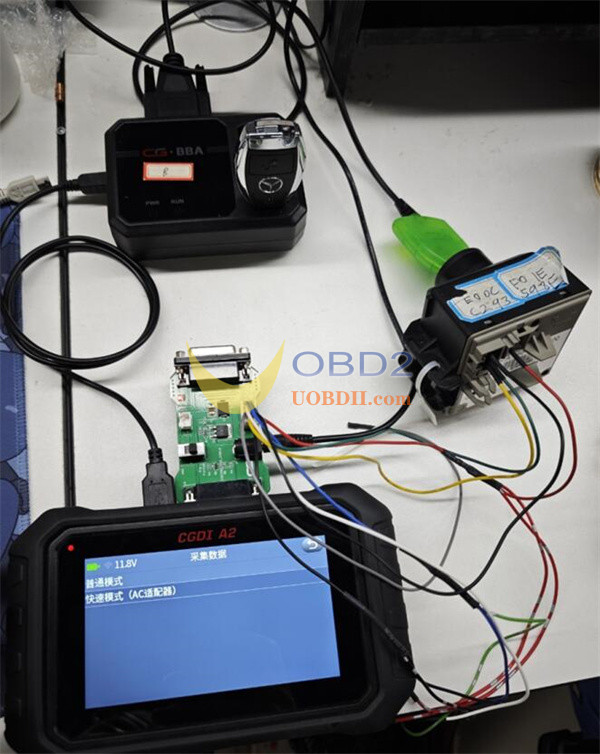
Use OBD cable to connect CGDI A2 device to EIS
Use USB cable to connect CGDI A2 device to BBA adapter
Connect the Mercedes-Benz simulation key to the BBA adapter.
Navigate to:
Calculate Password → Collect Data → Key Adding (No Key Available) → Auto Detect → Fast Mode
Follow the on-screen instructions.
6.CGDI A2 Support List for Mercedes-Benz
| Version | BENC_V1.06 | |||
| Brand | Module | Functions | ||
| BENZ | EIS | Load File Read EIS Data Read EIS (Input Password) Write EIS Data Wipe the EIS Clear TP Disable Key Enable Key Write VIN Check EIS Status Activate EIS |
W164,W251 -2009 W164,W251 2009- W166,197,212,218,246 W169,209,211 W171,204,207,212(with ELV) W202,208,210(K) W203,463,639(K) W215,220(K) W216 W221 W230(K) W639, 2009-(CAN) W906 |
|
| BENZ | Compute Password | Collect Data Upload Data, Compute Password |
||
| BENZ | Generate Key File | Generate Key File | ||
| BENZ | Read/Write Key | IR | Read Key Read BE Key Password Reset Key Open File/Write Hopping Code Repair |
|
| NEC Adapter | 00032638 | Reset Chip | ||
| 00040229 | Read Chip Reset Chip Open File/Write |
|||
| 00040582 | Reset Chip | |||
| 00043650 | Reset Chip | |||
| 567897041 | Read Chip Reset Chip Open File/Write |
|||
| 567897051 | Read Chip Reset Chip Open File/Write |
|||
| 567897061 | Read Chip Reset Chip Open File/Write |
|||
| 567897071 | Read Chip Reset Chip Open File/Write |
|||
| 567897081 | Read Chip Reset Chip Open File/Write |
|||
| BENZ | Steering lock | Read ELV data | ||
| load file | ||||
| Write ELV data | W169 W203 W204 W207 W209 W211 W212 W906 W639 NEC |
|||
| Wipe out ELV | ||||
| Check ELV for damage | ||||
| Activate ELV | ||||
| ELV simulator | Read emulator Load EIS data Write emulator Wiping simulator |
|||
| BENZ | Car Computer | Read | engine computer Transmission computer Shift computer |
|
| Load file | ||||
| Clean up | engine computer Transmission computer Shift computer |
|||
| BENZ | Gateway read and write | Read | EEPROM | C-Class (W204) E-Class (W211) E-Class (W212) M-Class (W164) R-Class (W251) S-Class (W221) CLK (X204) CLK (W207) CLS (W218) SLK (R171) GL (X164) CL (W216) SLS (W197) |
| FLASH | ||||
| Write | EEPROM | E-Class (W211) M-Class (W164) R-Class (W251) S-Class (W221) SLK (R171) GL (X164) |
||
| FLASH | ||||
