
OBDSTAR added PSA 4A proximity PIN code calculation to Key SIM emulator. If you are working on modern Peugeot or Citroen vehicles with an ID4A smart key during an all-keys-lost job, you can read the 4-digit security code directly via OBD using X300 Classic G3 and Key SIM without pulling the BSI.
Supported Vehicles List
This method works on almost all modern PSA platform vehicles, including:
- Peugeot:2008, 208, 301, 3008, 308, 4008, 408, 5008, 508, Partner, Rifter, Expert, Traveller (and all E-series EVs).
- Citroen:C3, C4, C5 Series (Aircross/Picasso/Cactus/X), Berlingo, Dispatch, Jumpy, SpaceTourer, Basalt.
- DS Automation:DS 3, DS 5, DS 6, DS 7, DS 8, DS 9.
Practical Example: 2019 Peugeot 4008 (All Keys Lost)
Here is the exact shop workflow to pull the PIN code:
1.Hook up the tool: Plug OBDSTAR G3 into the vehicle’s OBD port.
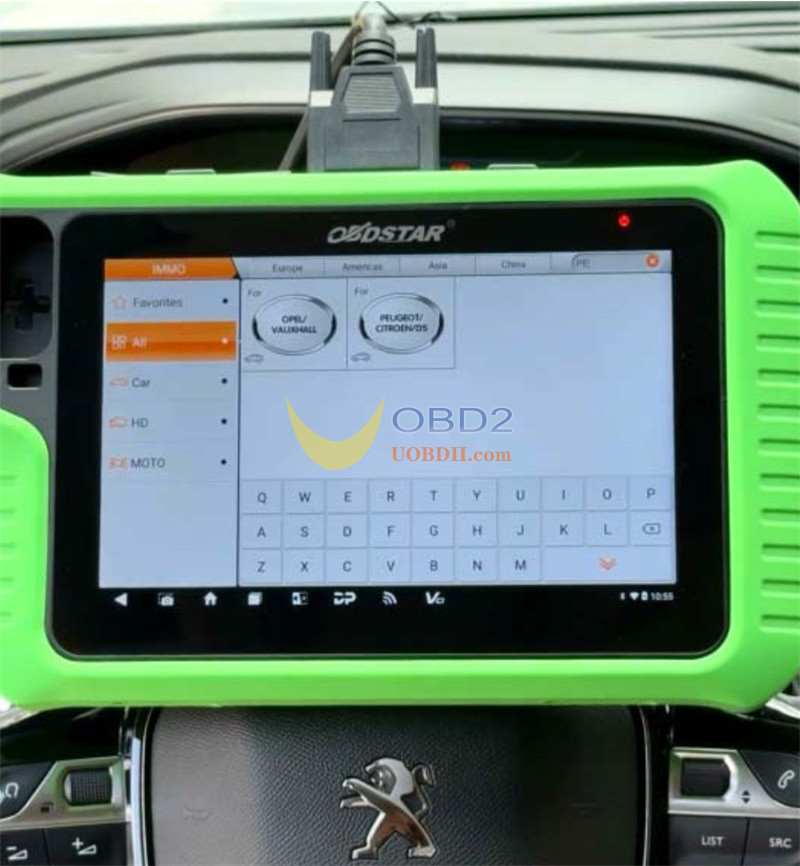
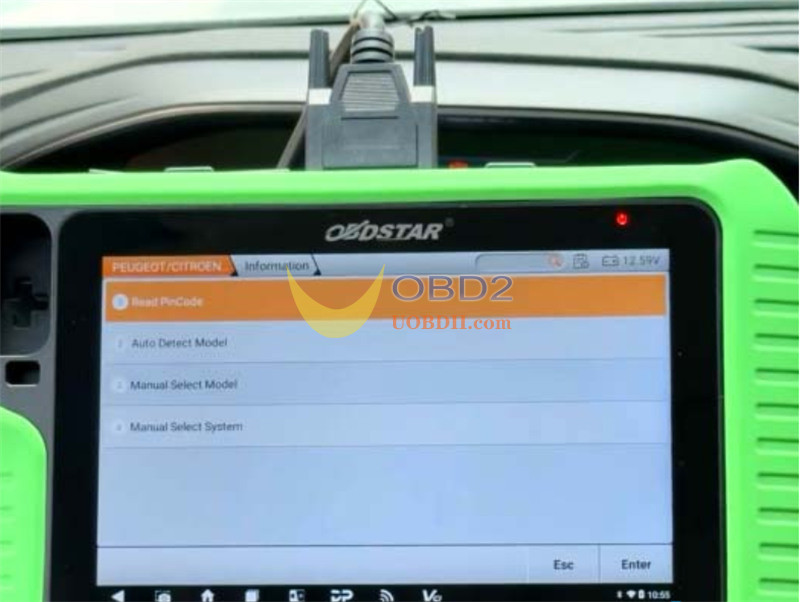
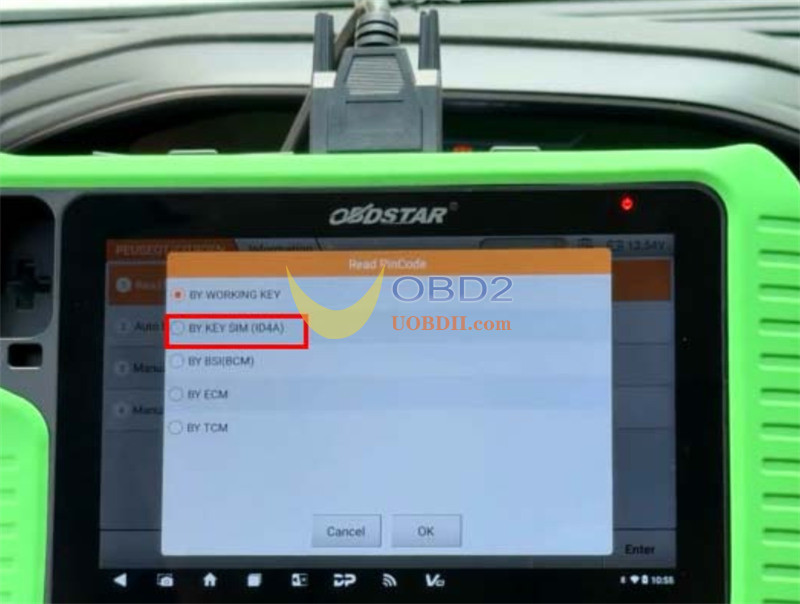
2.Select menu: Go to IMMO -> Peugeot/Citroen, choose the latest software, then select Read PIN Code -> By Key SIM (ID4A).
3.Prep the car: Turn on the hazard warning lights and press the Start button once.
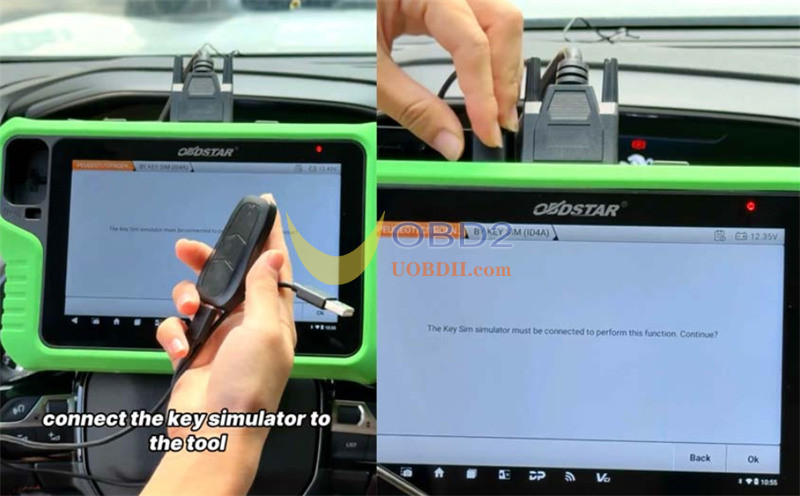
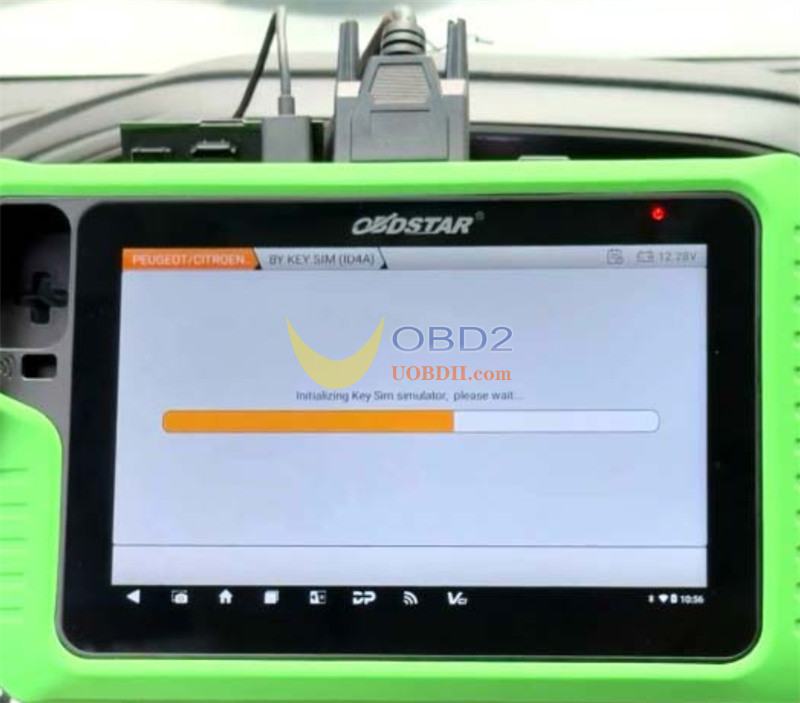
4.Initialize hardware: Plug your Key SIM adapter into G3 host when prompted.
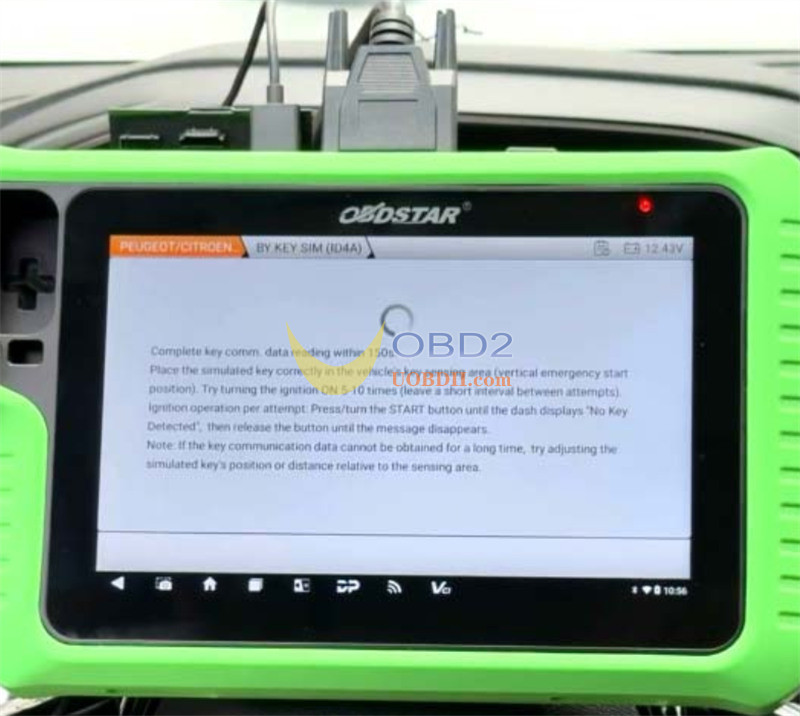
5.Data capture (150-second timer):
- Hold the Key SIM against the vehicle emergency key induction slot (usually on the steering column or center console).
- Switch the ignition on and off 5 to 10 times.
- Hold the Start button until the dashboard displays “No key detected”, then release it as soon as the message clears.
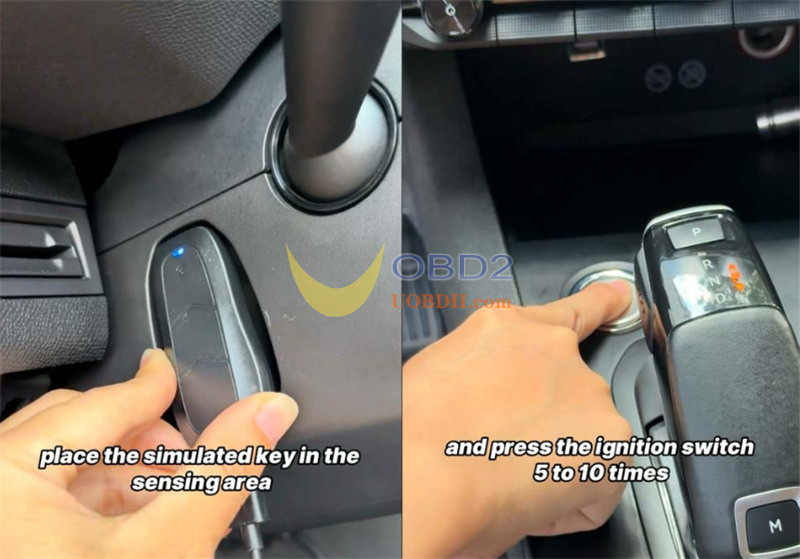
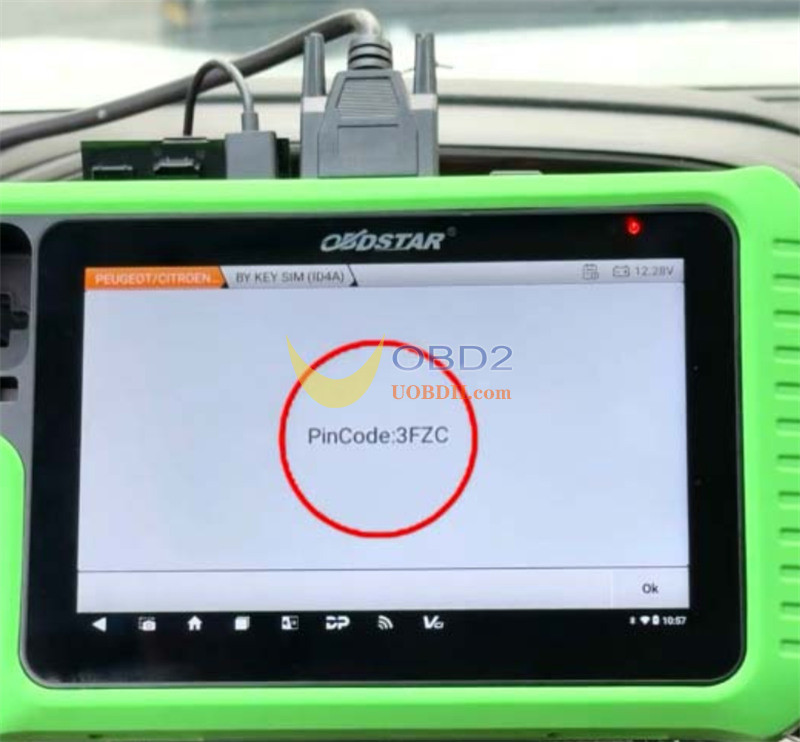
6.Read the code: X300 Classic G3 Key Programmer will calculate and display the 4-digit PIN code on screen. Save this code and proceed straight into key learning.
What Else Can OBDSTAR Key SIM Do?
Besides reading PSA 4A PIN codes, Key SIM acts as a multi-functional emulator board that handles:
- Toyota 4A & 8A smart key simulation (all-keys-lost scenarios across 8A-A8, 8A-A9, 8A-39, and 8A-AA chips).
- Toyota DST40 & DST80 smart/blade key simulation.
- Subaru 8A-H and DST80 key simulation.
- 46/4D data collection and 46 PIN calculation for Porsche (2005–2010) and Hyundai/Kia.
