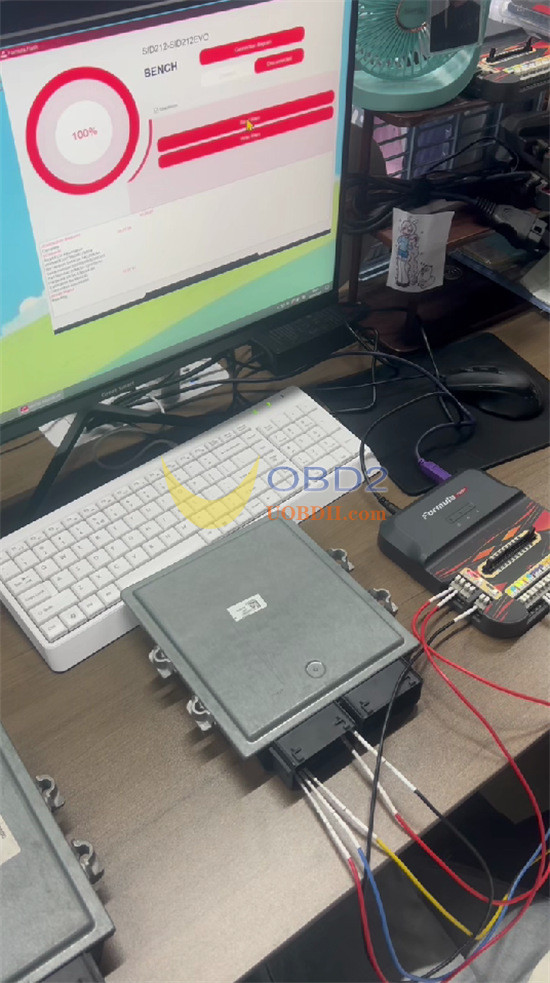

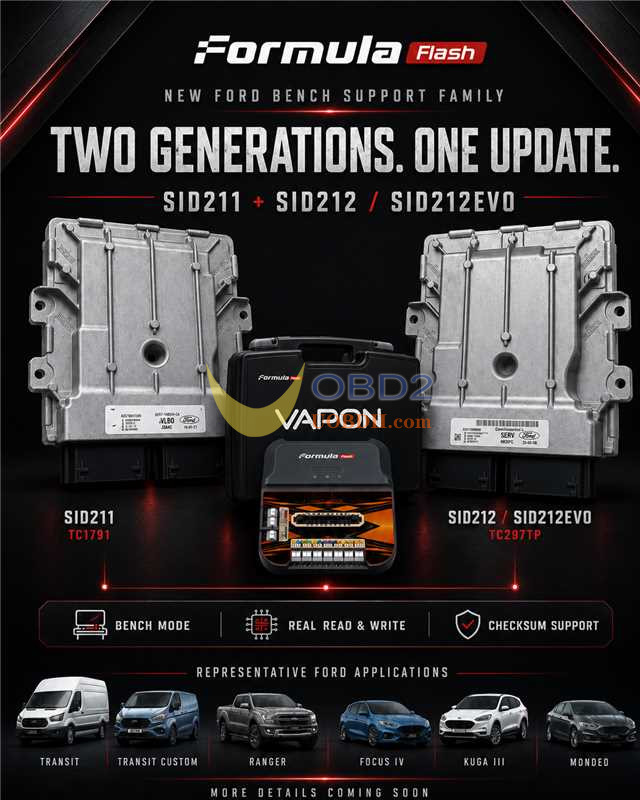
FormulaFlash software V1.1.9.0 will be released on July 31, 2026. This new upgrade adds full Bench Mode read, write, and automatic checksum calculation capabilities for Ford Continental SID211, SID212, and SID212EVO ECUs. Technicians can perform full memory access, ECU cloning, and chip tuning over bench wiring without opening the ECU casing.
System Requirements
- Software:FormulaFlash V1.1.9.0 or later
- Hardware:FormulaFlash ECU TCU Programmer, USB Cable, Dedicated Bench Harness, 12V Power Supply
- Target Protocols:
- Ford SID211 (Infineon TC1791)
- Ford SID212 / SID212EVO (Infineon TC297TP)
- Function: Bench Mode | Real Read & Write | Auto Checksum Support
Vehicle Support Models:
- Ford Transit
- Ford Transit Custom
- Ford Ranger
- Ford Focus IV
- Ford Kuga III
- Ford Mondeo
Step-by-Step Bench Workflow
1.Setup: Connect FormulaFlash to PC via USB cable, and power on the unit.
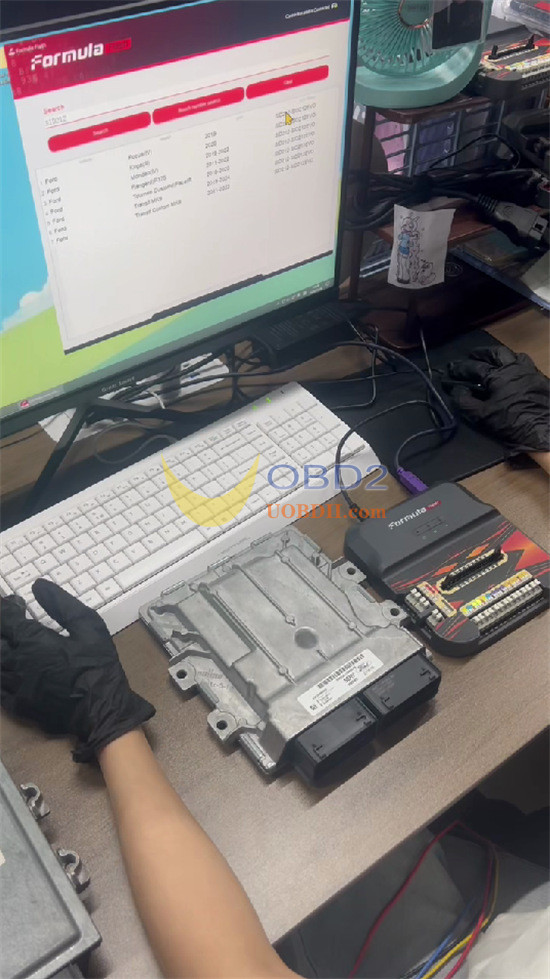
2.Model Selection: Open software V1.1.9.0. Enter sid212 or target type in the search bar
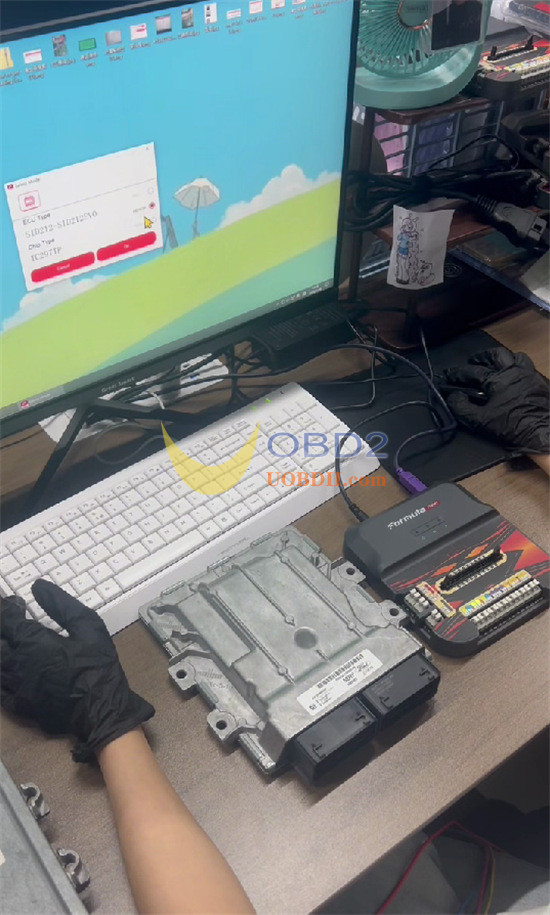
3.Protocol Setup: Choose SID212/SID212EVO and select Bench
4.Pinout Verification: Click to view the diagram, then establish wire connections between FormulaFlash ECU programmer and Ford ECU
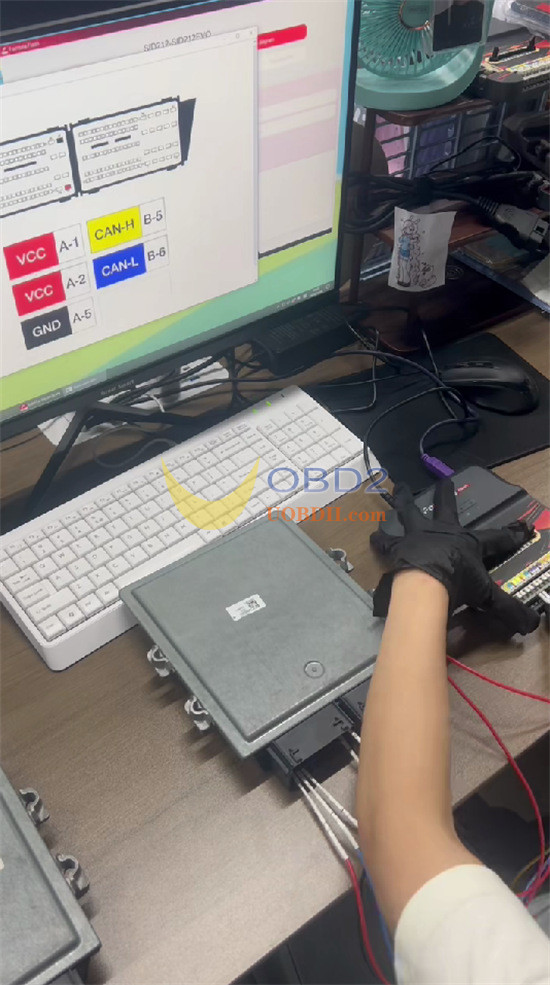
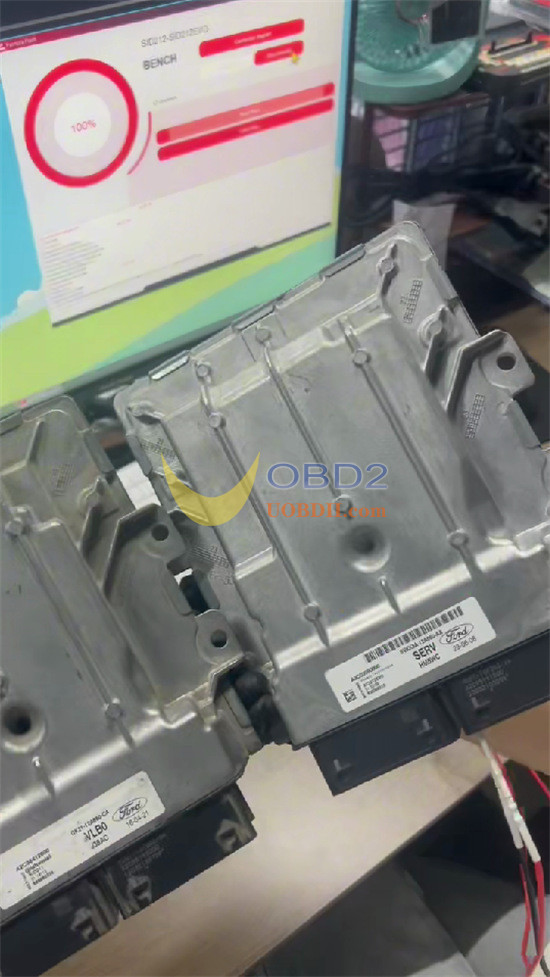
5.Execution: Proceed with Read or Write functions. Checksum calculation processes automatically